
Mermaid for Confluence (Stratus)
Capable recognises 2 macros from Mermaid Diagrams for Confluence (Stratus): both convert, with repository sync not kept.
#About the app
Mermaid Diagrams for Confluence, from Stratus, draws Mermaid flowcharts, sequence diagrams, Gantt charts and more from text.
Authors write the source in a full-screen editor and publish it as a named page attachment with revision history, optionally synced from GitHub, GitLab or Bitbucket.
#How Capable is different
The Mermaid source moves into a Capable Diagram macro, which also draws PlantUML, draw.io and other languages in one app.
Legacy Mermaid macros convert too, whether their source sits in an attachment or in the macro body.
The revision the macro shows is the one migrated; earlier revisions are not.
Zoom carries across (To fit becomes auto-fit, Original shows natural size); the Hide toolbar option does not.
Repository sync is not kept: a synced diagram arrives as its latest attachment and no longer updates.
#At a glance
Macro | In Capable | Support |
|---|---|---|
Mermaid Diagram | Capable Diagram (Mermaid) | Partly converted |
Legacy Mermaid Macro | Capable Diagram (Mermaid) | Converted |
#New in this release
Copied pages whose macro shows a later revision now migrate, using the version the copy kept.
Copy-pasted Mermaid macros become references to the one migrated diagram instead of being left behind.
A copy that shows a different diagram, revision or zoom migrates on its own.
Migrated diagrams inside classic Section and Column macros are moved out so they display live (an option, on by default).
Very large or damaged sources no longer stall the migration.
Word exports show migrated diagrams as a sized picture, with the source underneath for shorter diagrams.
#What each one does
#Mermaid Diagram
Becomes | Capable Diagram (Mermaid) |
|---|---|
Support | Partly converted |
The source is read from the diagram's page attachment, at the revision the macro shows.
Carried over
The Mermaid source, still editable as text
The diagram name, as the title
The revision the macro shows
To fit or Original zoom, as auto-fit or natural size
Not carried over
Earlier revisions
The Hide toolbar option
Repository sync: a synced diagram arrives as its latest attachment and no longer updates
Diagrams whose attachment is on a different page are reported as failed
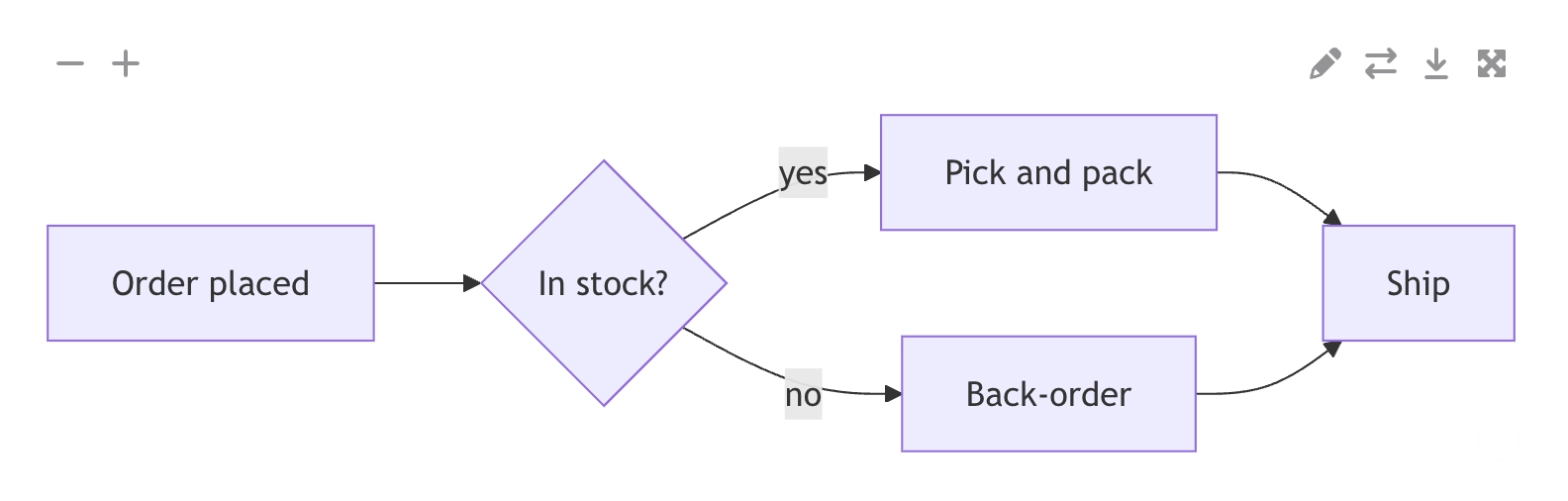
Before: Stratus
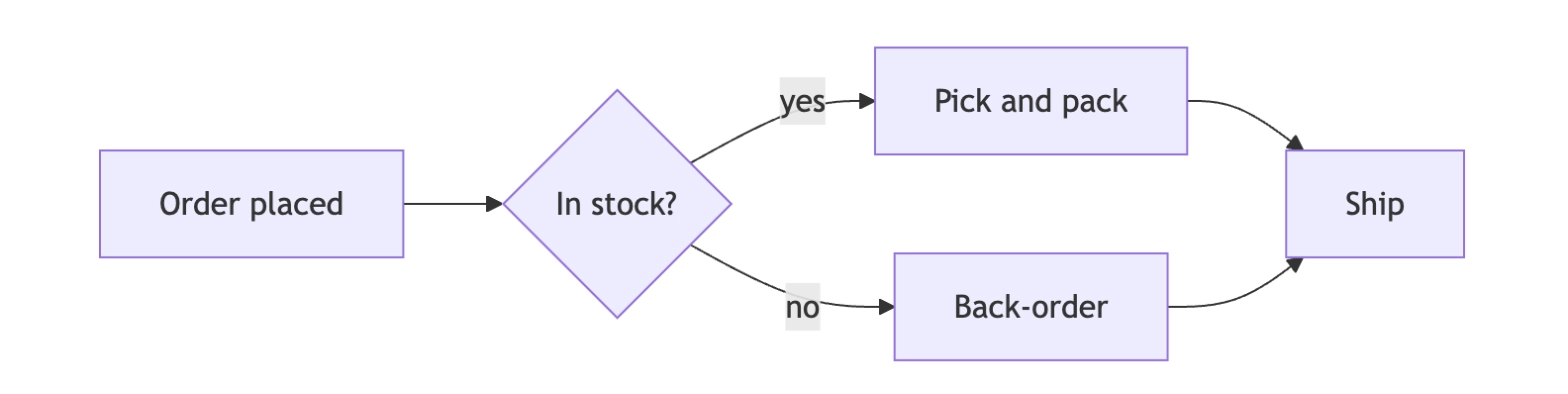
After: Capable
#Legacy Mermaid Macro
Becomes | Capable Diagram (Mermaid) |
|---|---|
Support | Converted |
Converts whether its source sits in a page attachment or, on older pages, in the macro body.
Carried over
The Mermaid source, from the attachment or the macro body
The diagram name, as the title (body-only macros arrive as Mermaid Diagram)
To fit or Original zoom, as auto-fit or natural size
Not carried over
Earlier revisions
The Hide toolbar option
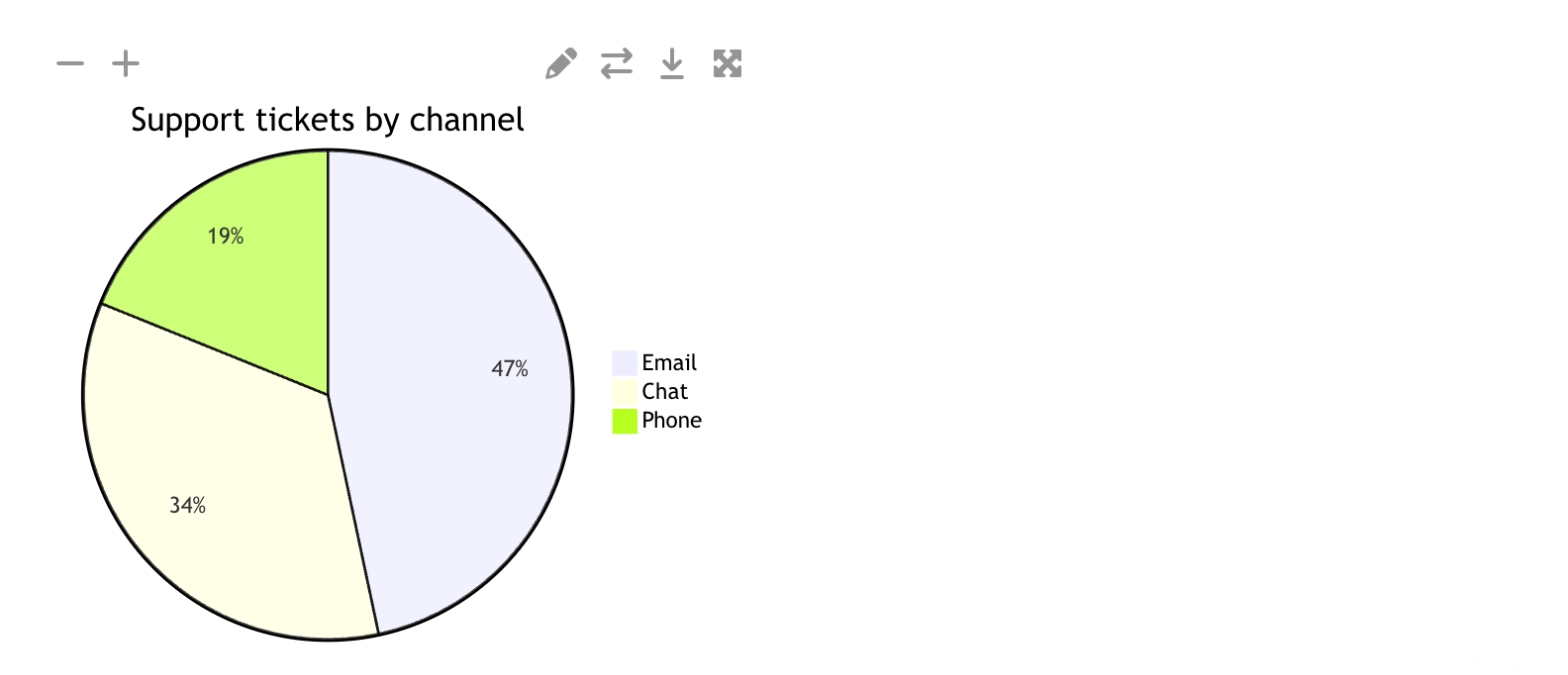
Before: Stratus
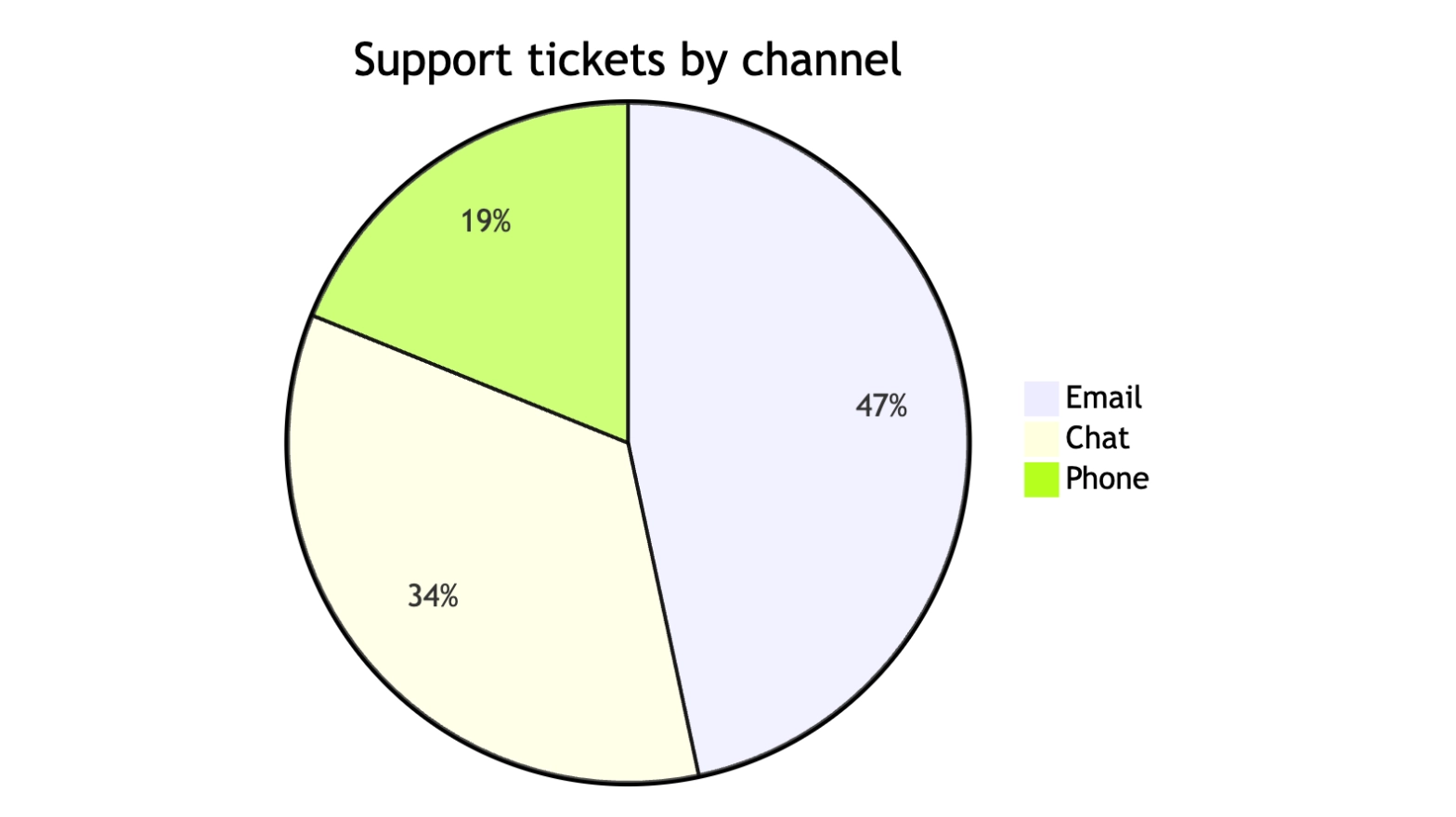
After: Capable
#Related
Find the drawing first. Everything else follows.