
draw.io for Confluence
Capable recognises 3 draw.io macros and converts all 3; embeds of files from outside Confluence are reported and left in place.
#About the app
draw.io Diagrams for Confluence is a canvas diagramming app for flowcharts, UML, BPMN and architecture drawings.
Authors draw in a full-screen editor and place a diagram, a freehand board, or an embed that shows a diagram from another page.
#How Capable is different
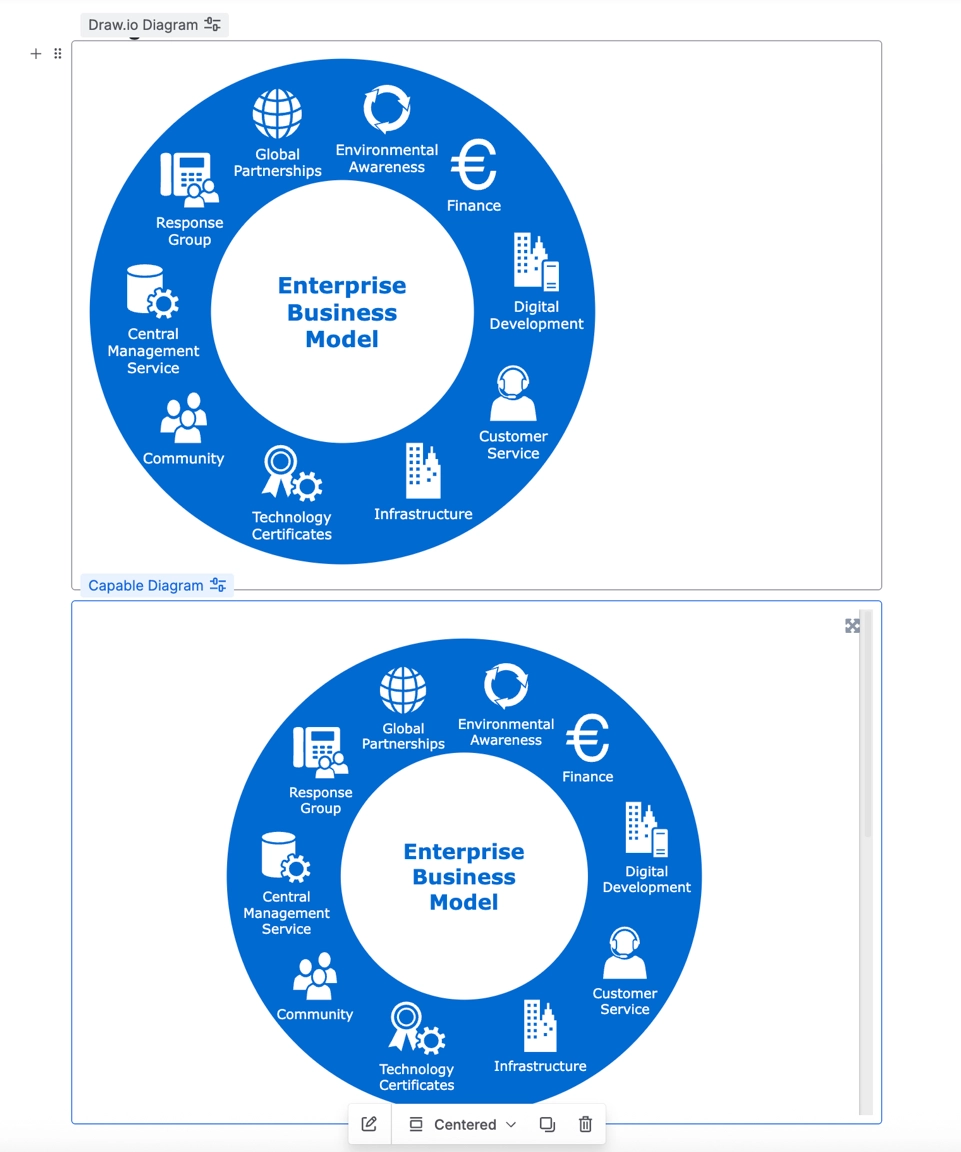
The drawing comes across as draw.io data, so shapes, layers, links and every tab stay editable in Capable's draw.io-compatible editor.
A diagram or board set to show a particular tab, or to be centred, keeps that tab and its centring.
Embeds become Capable diagram references that follow the latest version, or keep their pinned version when that history was migrated.
Turn on Keep diagram version history to bring every earlier version across with its original author and date.
Not carried over: the macro's width and Confluence wide or full-width layout (diagrams show at default width), zoom, lightbox, toolbar, link target, layer visibility, and centring on embeds.
#At a glance
Macro | In Capable | Support |
|---|---|---|
draw.io Diagram | Capable Diagram | Converted |
draw.io Board | Capable Diagram | Converted |
Embed draw.io Diagram | Capable Diagram Reference | Converted |
Embed draw.io Diagram from Google Drive, OneDrive, GitHub, a URL or CSV | Left in place | Reported only |
#New in this release
A diagram or board whose drawing is stored on another page is migrated on that page, and this page gets a reference that respects each reader's permissions.
Migrated diagrams inside classic Section and Column macros are moved out so they display live (an option, on by default).
Migrated draw.io diagrams now export to PDF on pages with hundreds of attachments.
Word exports now include migrated draw.io diagrams as a sized picture.
Pages with legacy content blocks are changed only when a diagram inside them actually migrated.
Very large or damaged drawings no longer stall the migration.
#What each one does
#draw.io Diagram
Becomes | Capable Diagram |
|---|---|
Support | Converted |
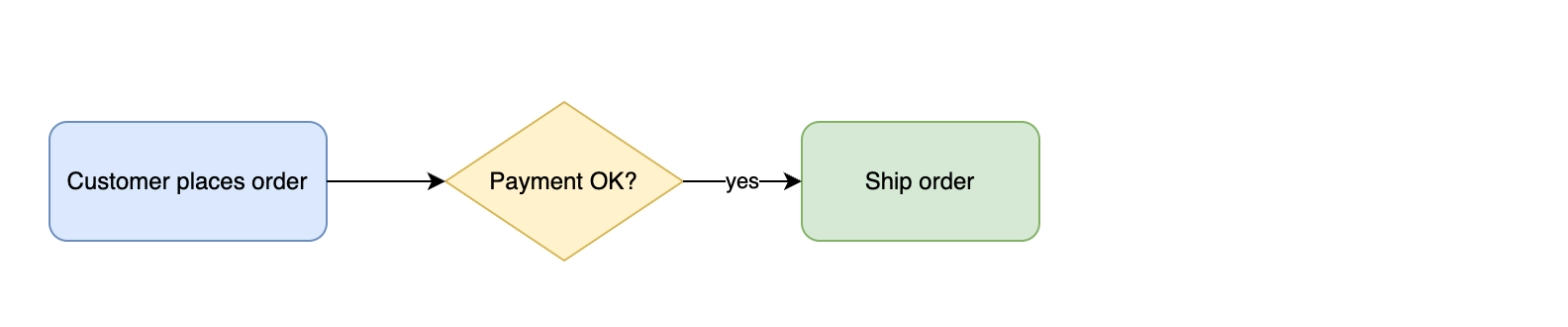
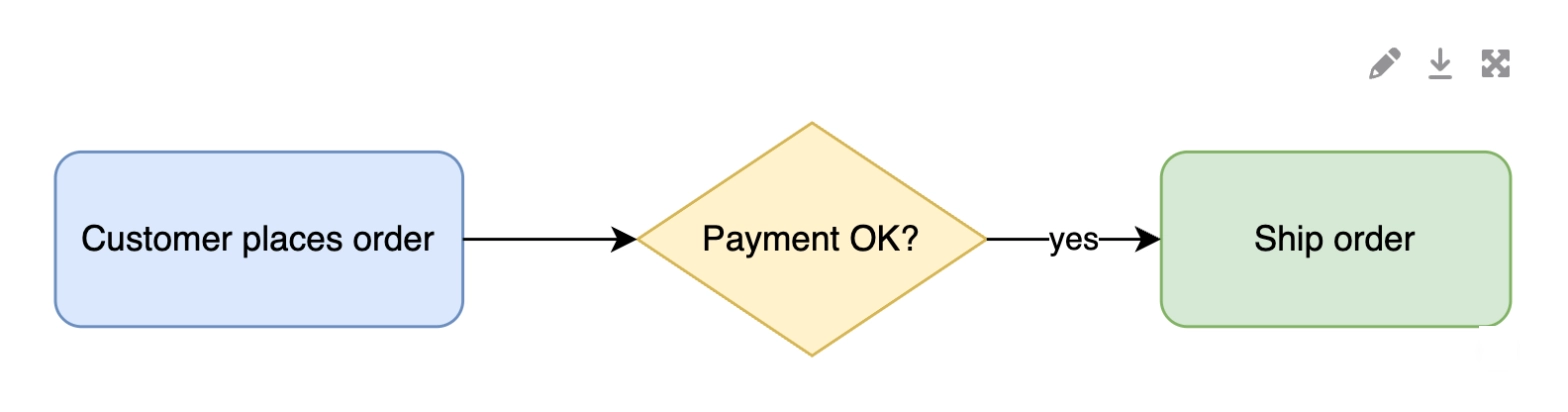
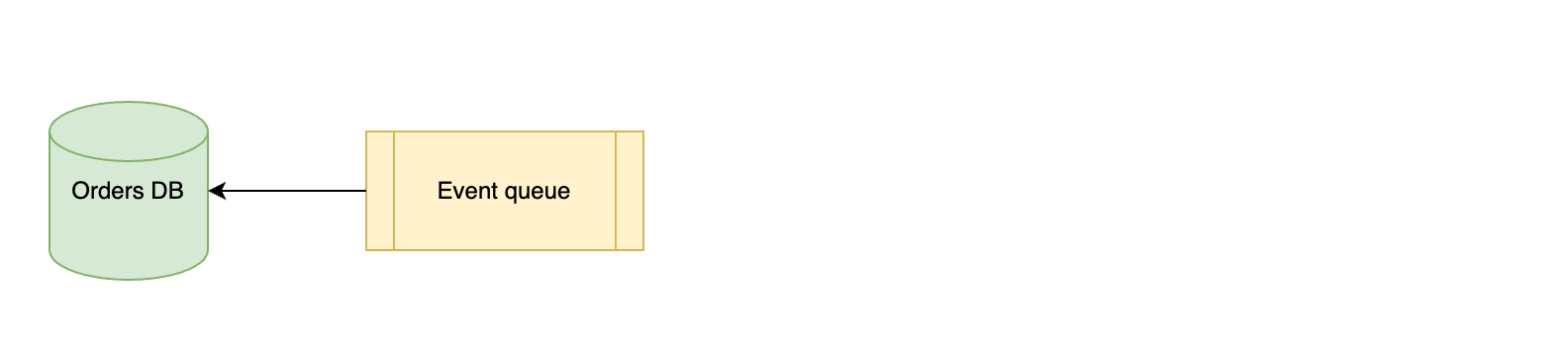
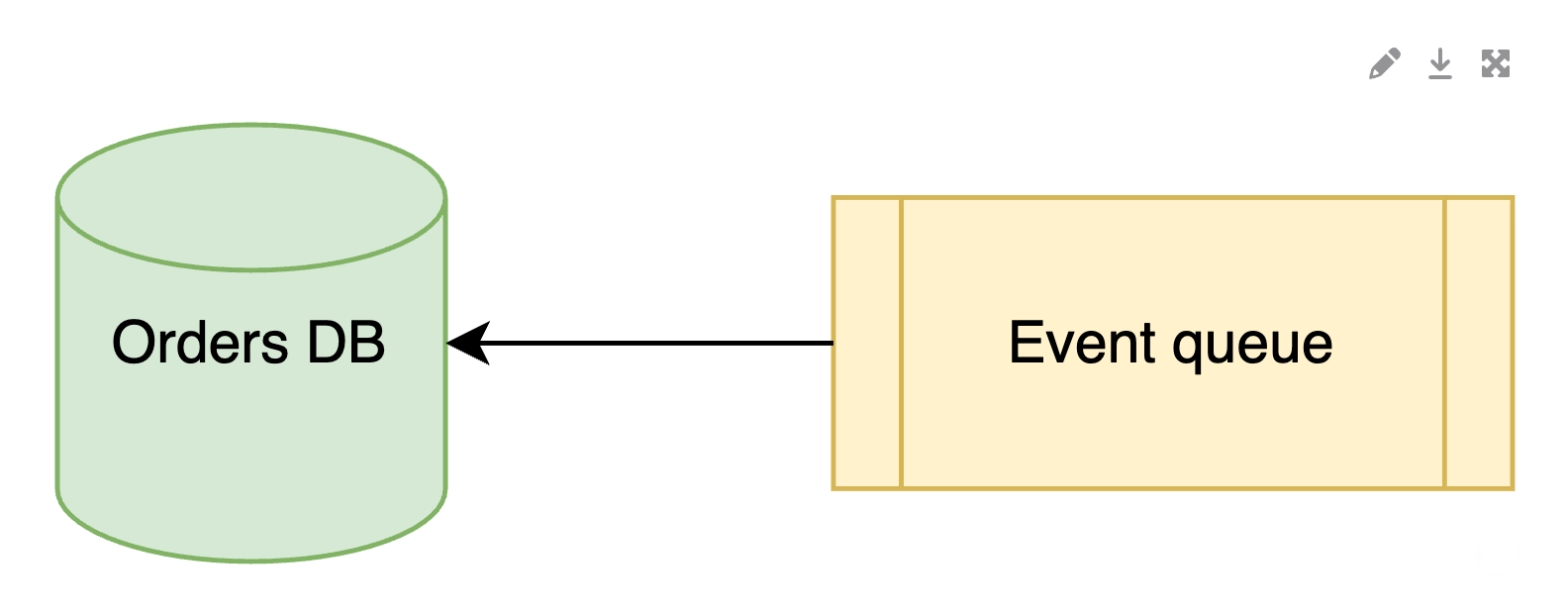
The drawing is copied into a new Capable diagram on the same page, and the macro is replaced.
Carried over
The complete drawing: shapes, layers, links and every tab, still editable
The diagram name, as the title
Height
The tab the macro shows, and centring
The version the macro shows
Every earlier version with its original author and date, with Keep diagram version history on
Not carried over
Width, and the wide or full-width page layout (shows at default width)
Zoom level
Lightbox turned off
Simple viewer and high-resolution preview
Toolbar style and link target
Which layers are visible
Before: draw.io
After: Capable
Before: draw.io
After: Capable
#draw.io Board
Becomes | Capable Diagram |
|---|---|
Support | Converted |
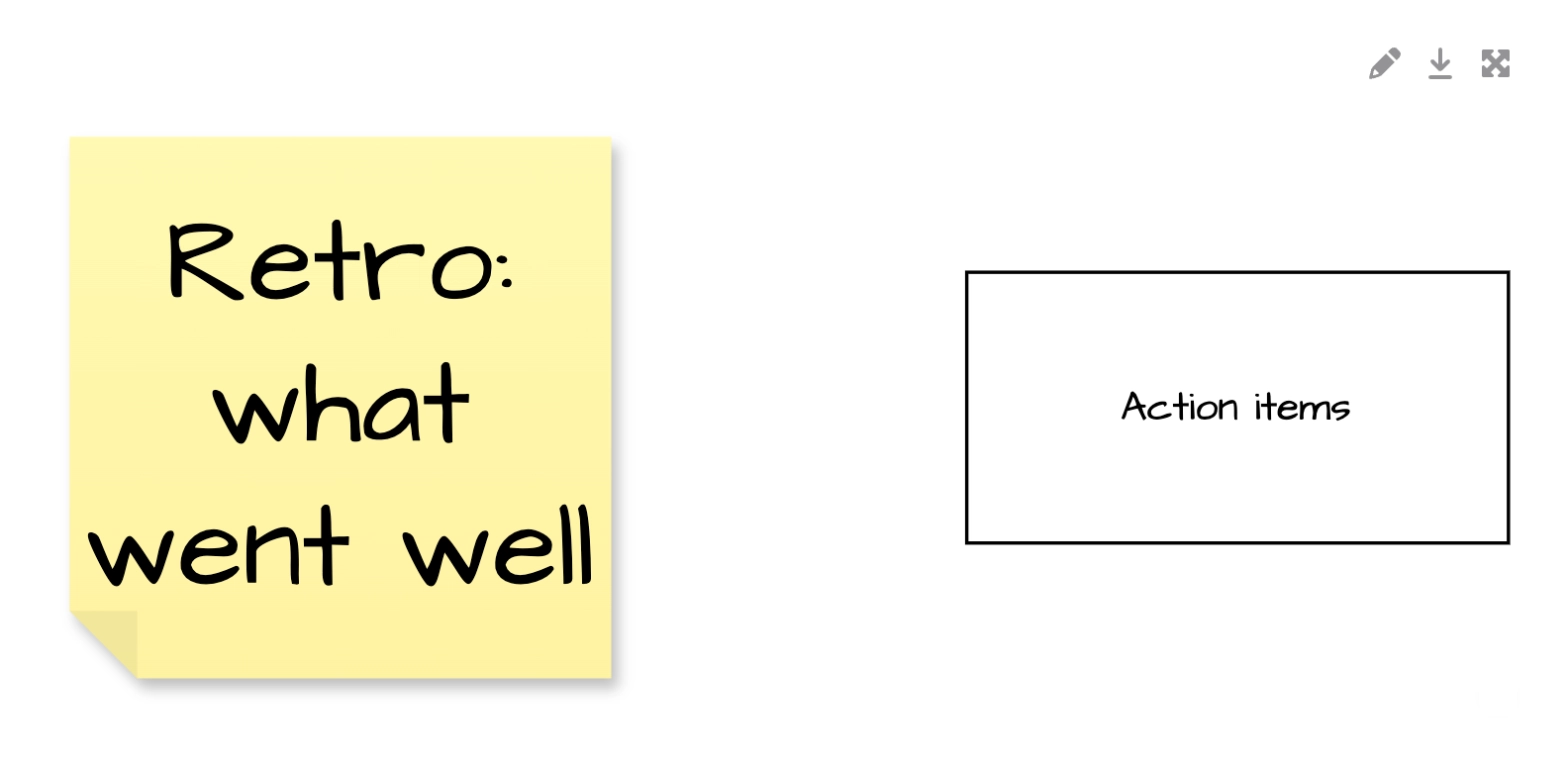
Converted the same way as a diagram, keeping the hand-drawn style.
Carried over
The complete board, hand-drawn style included
The board name, as the title
Height and centring
The version the macro shows
Every earlier version with its original author and date, with Keep diagram version history on
Not carried over
Width, and the wide or full-width page layout (shows at default width)
Zoom level
Lightbox turned off
Toolbar style and link target
Before: draw.io
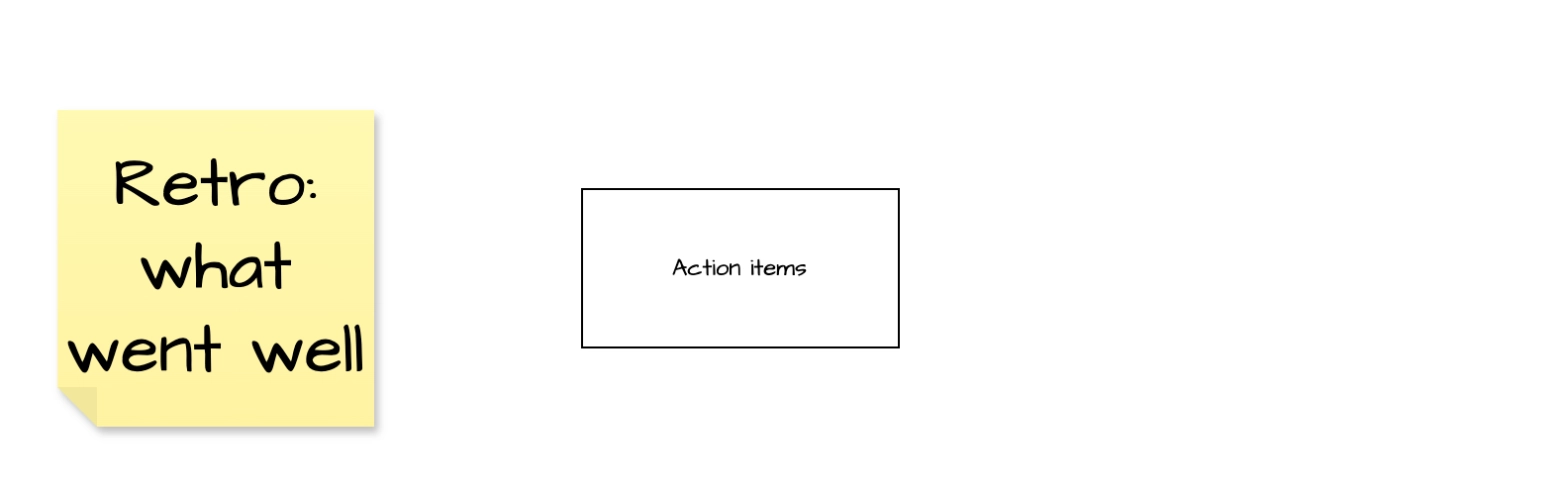
After: Capable
#Embed draw.io Diagram
Becomes | Capable Diagram Reference |
|---|---|
Support | Converted |
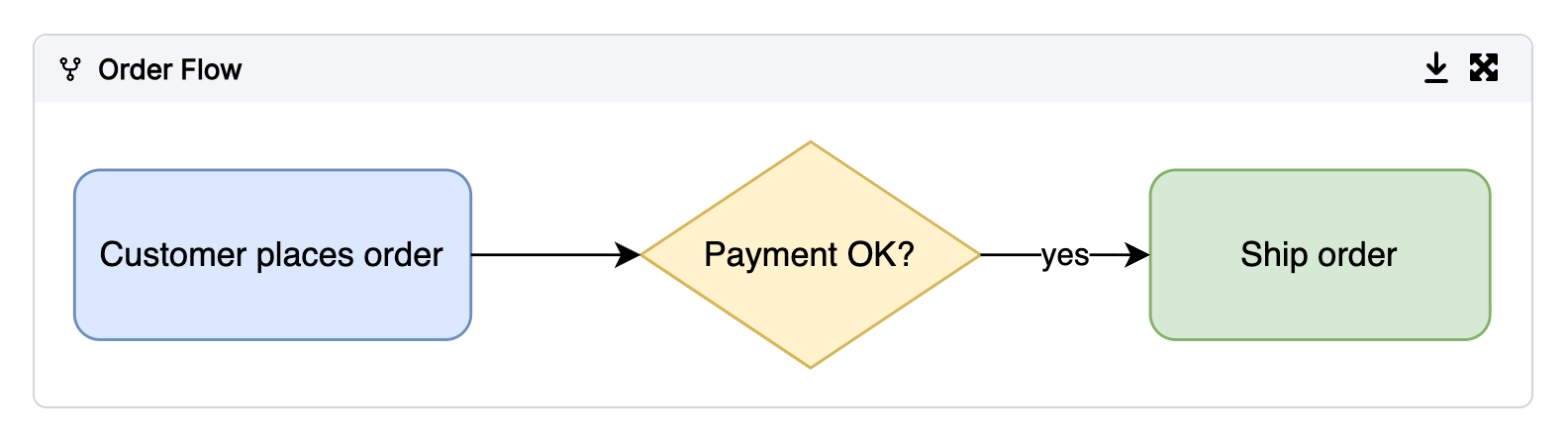
Becomes a reference to the migrated Capable diagram; if the source diagram has not been migrated yet, it is migrated on its own page first.
Carried over
Height
The tab the embed shows
A border when Lightbox is on
A pinned version, when that diagram's history was migrated; otherwise it follows the latest
Not carried over
Centring
Zoom level
Simple viewer
Toolbar style and link target
Before: draw.io

After: Capable
#Detected but not converted
These are counted so you can see how many you have. They stay on the page exactly as they are.
#Embeds from outside Confluence
Becomes | Left in place |
|---|---|
Support | Reported only |
Embeds of files from Google Drive, OneDrive, GitHub, a URL or a CSV import are listed in the run report and left unchanged.
#Related
Find the drawing first. Everything else follows.