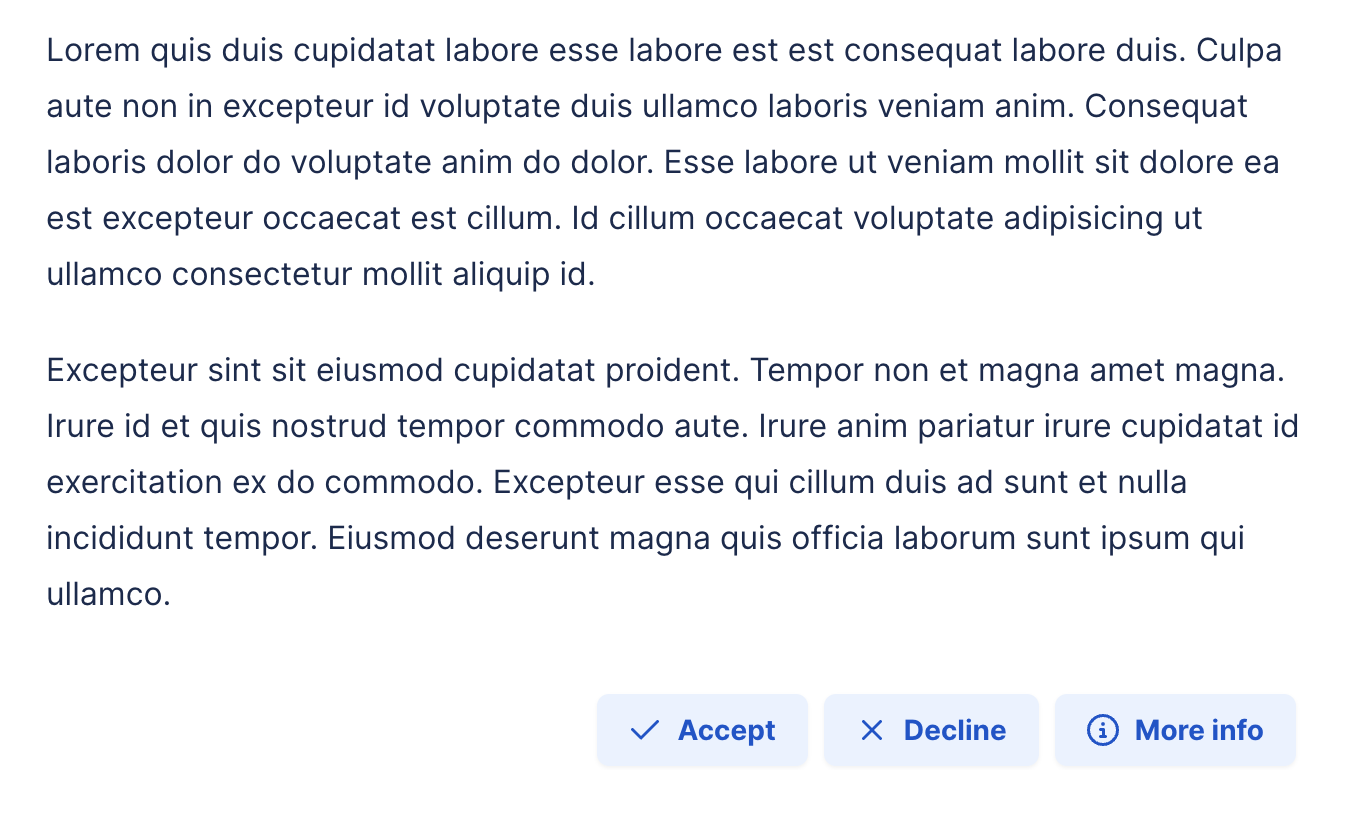
Buttons macro
Improve your pages and learn how to implement buttons with Capable.
Description | Add buttons to your Confluence pages and link them to websites or other Confluence pages. |
|---|---|
Type | Standard |
Guest | SUPPORTED |
Anonymous | SUPPORTED |
Capable Sites | SUPPORTED |
Whether you’re aiming to enhance navigation, streamline access to important resources, or simply add a touch of interactivity to your content, the Buttons Macro makes it straightforward and efficient:
Create journeys through pages with branching paths
Link to more information on external websites
Take users to a website after they have read a page
#1. Open the editor, type /buttons and press Enter
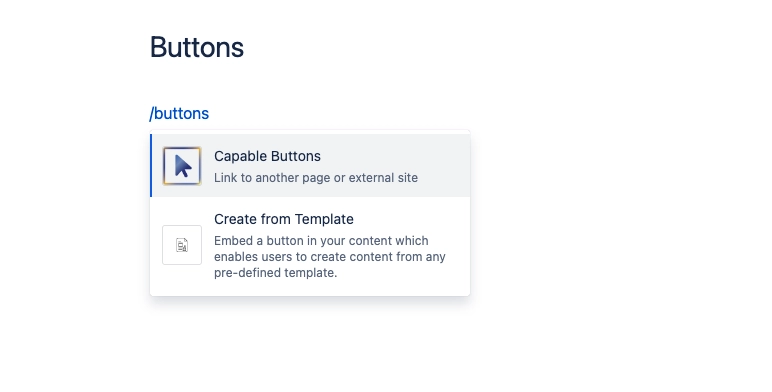
#2. Add buttons to the list
Enter a URL for your button to link to
Give your button a title
Choose from a range of icons for your button
Choose from a range of styles for your button
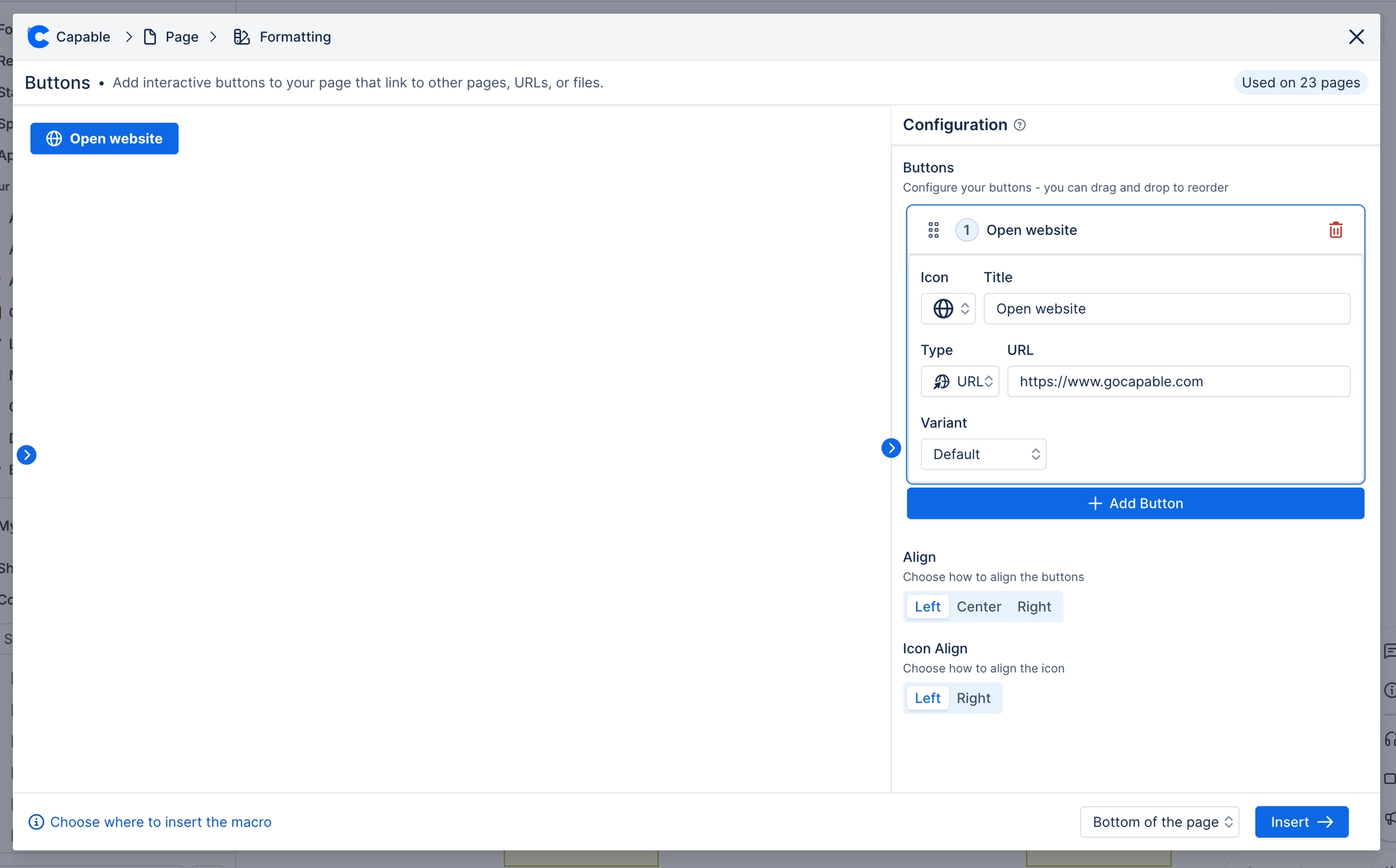
#3. Click Insert and you’re done!