How to number headings
Numbering your headings is easy with Capable:
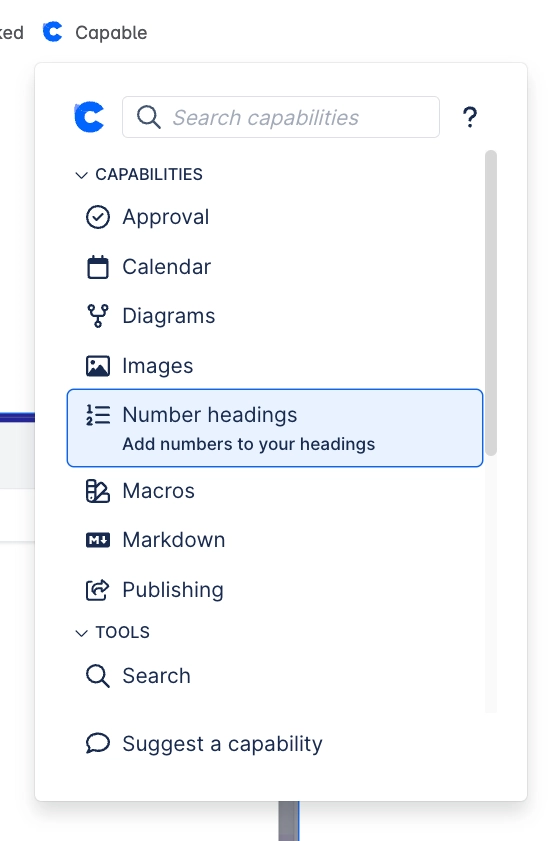
Click on the Capable item at the top of your Confluence page
Click on ‘Number headings’
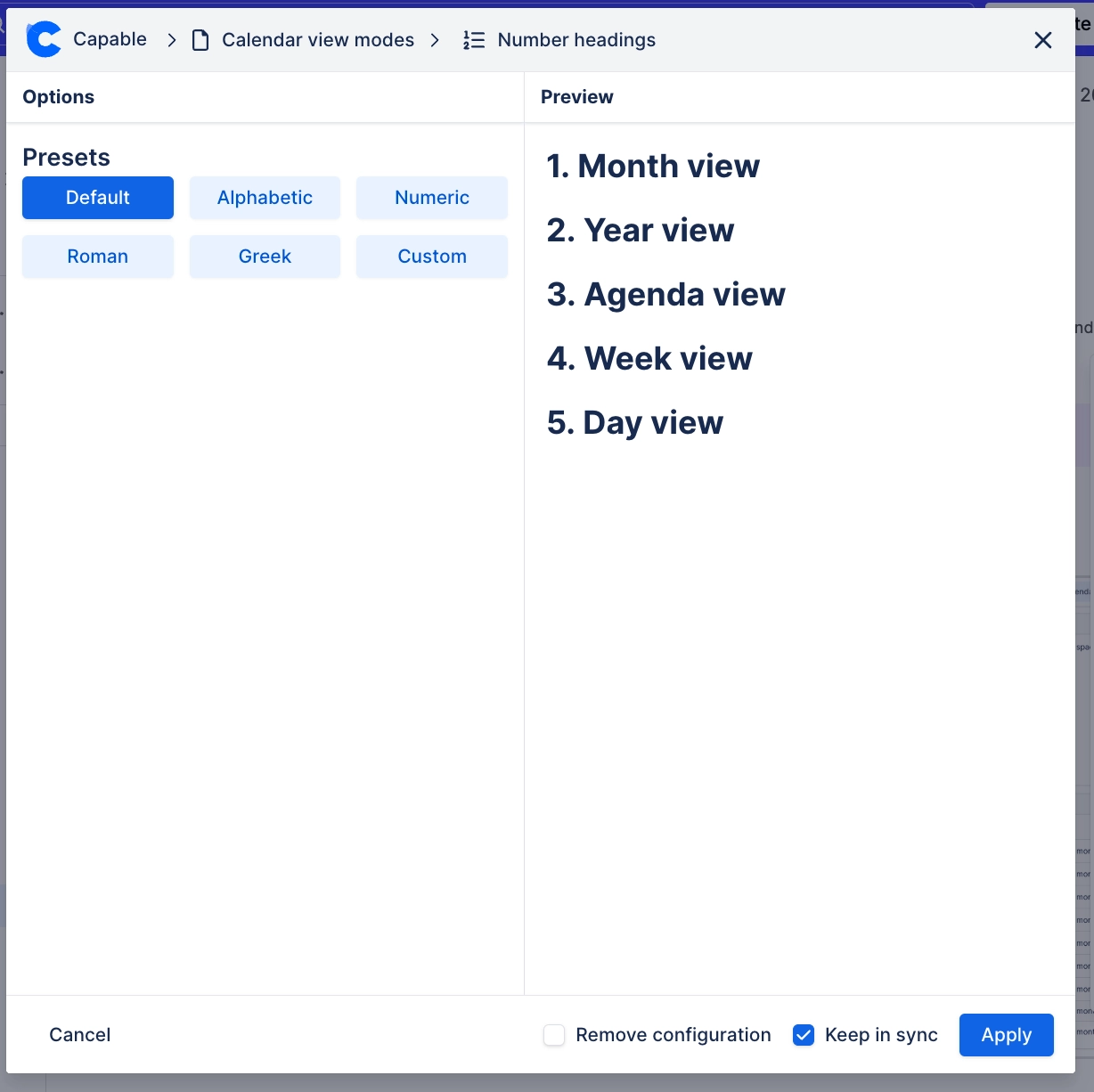
Choose the format you’d like from the presets, or make your own
Choose whether you’d like to automatically update headings on changes
Click ‘Save’