Switching themes
Capable supports dark and light modes to ease your life and please your eyes.
#Changing the color theme
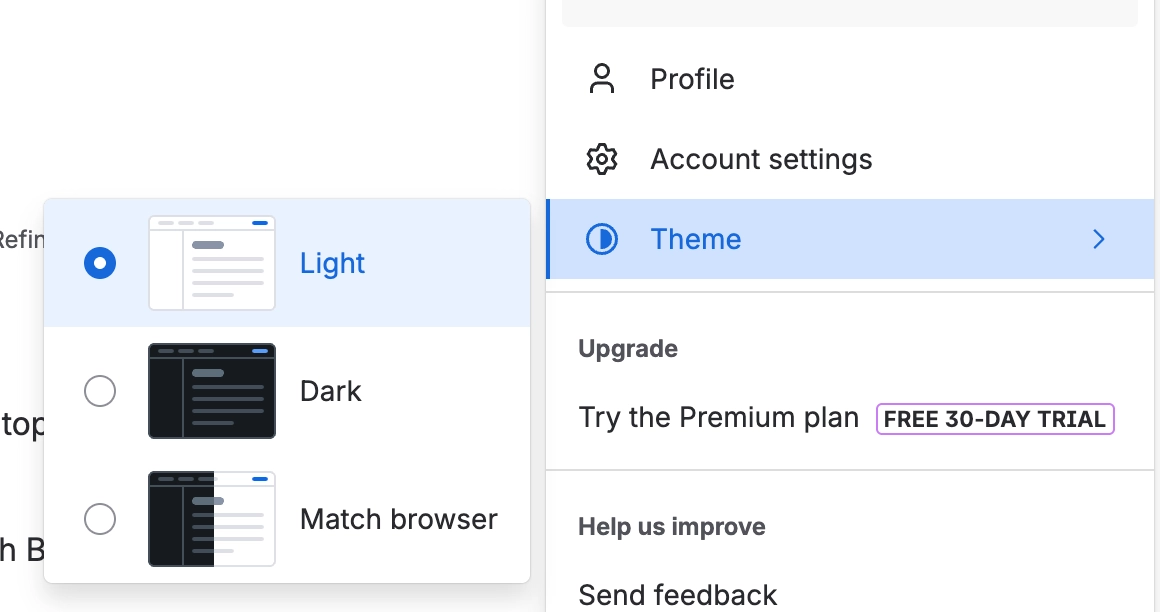
Click on your user profile avatar in the top-right
Click on ‘Theme’
Choose between Light, Dark and Match Browser modes
#Demonstration
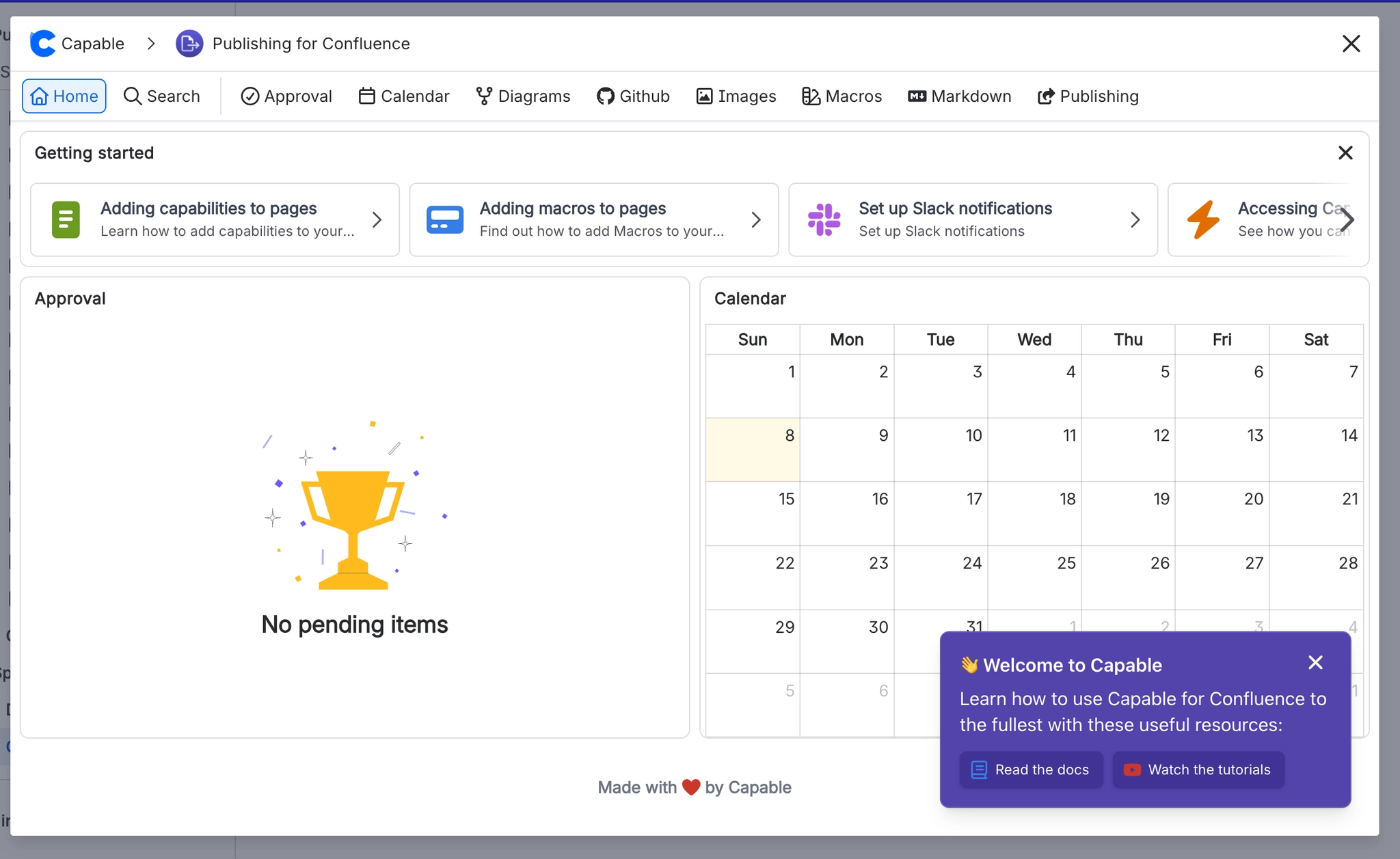
#Dark Mode
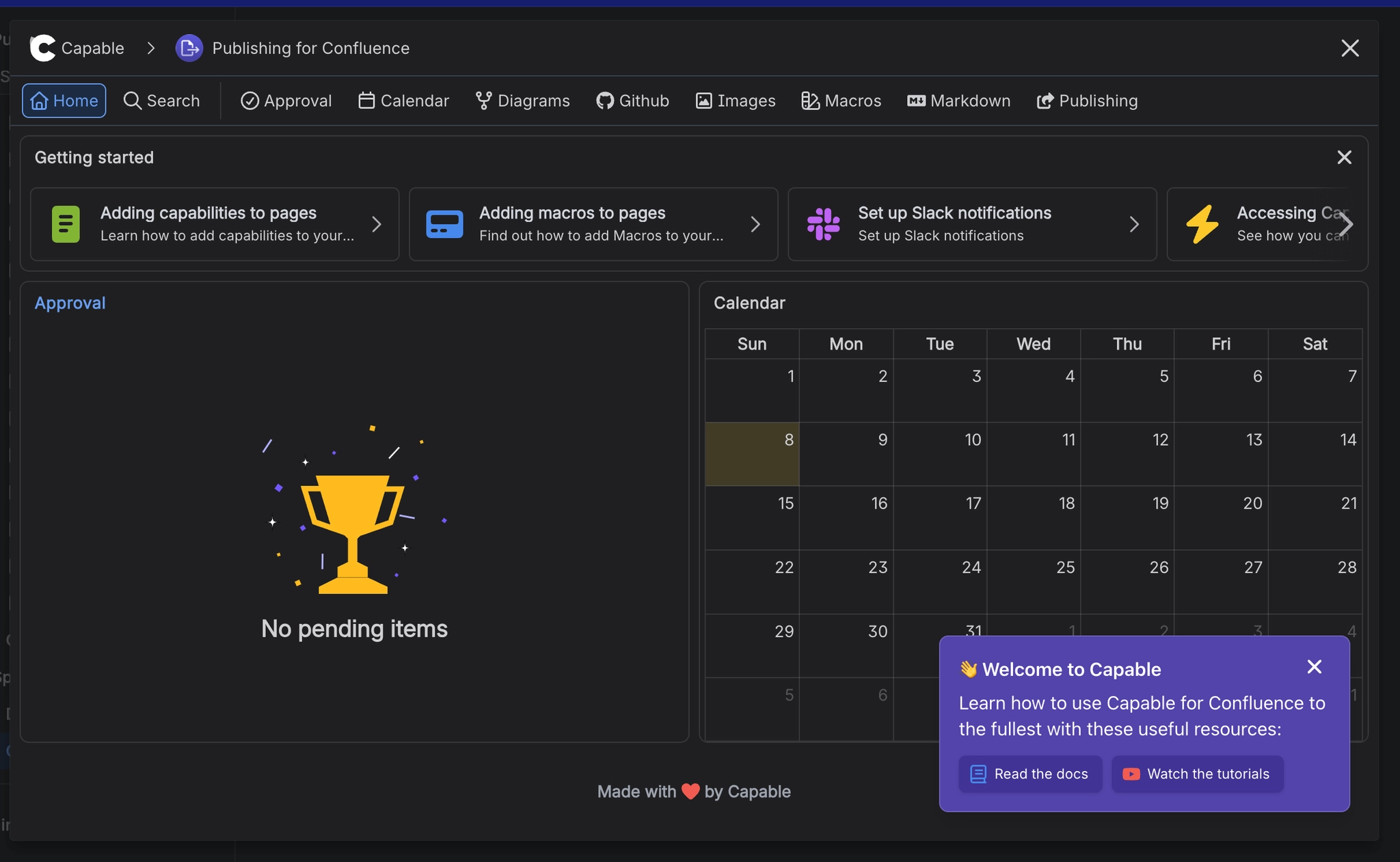
#Light Mode