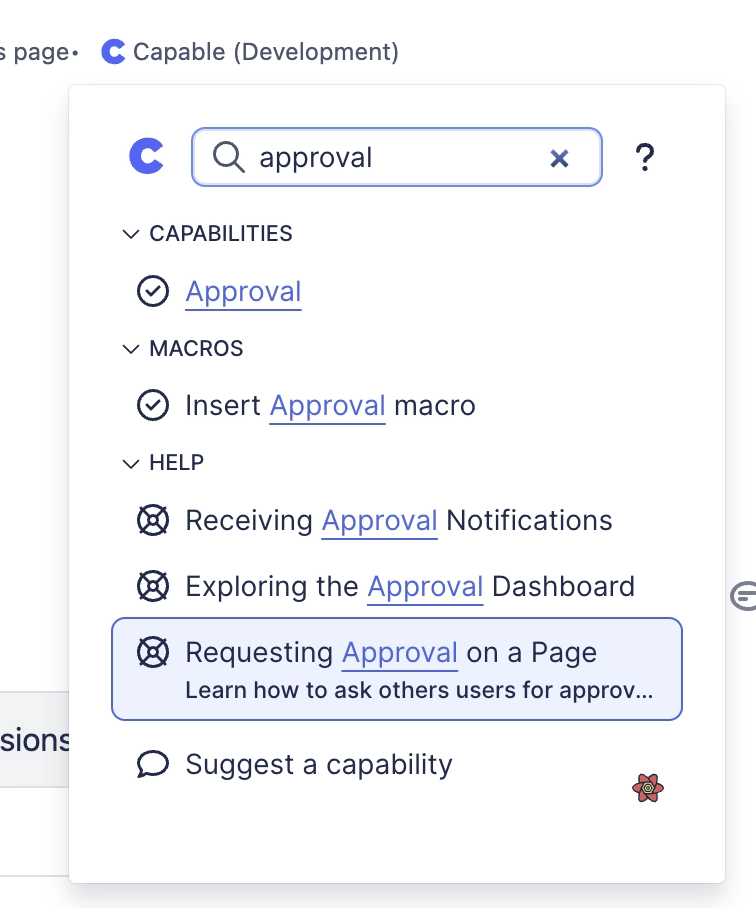
Accessing help from the app
Capable contains built-in help facilities to help you be efficient in your usage of the App, find out how we make it easy.
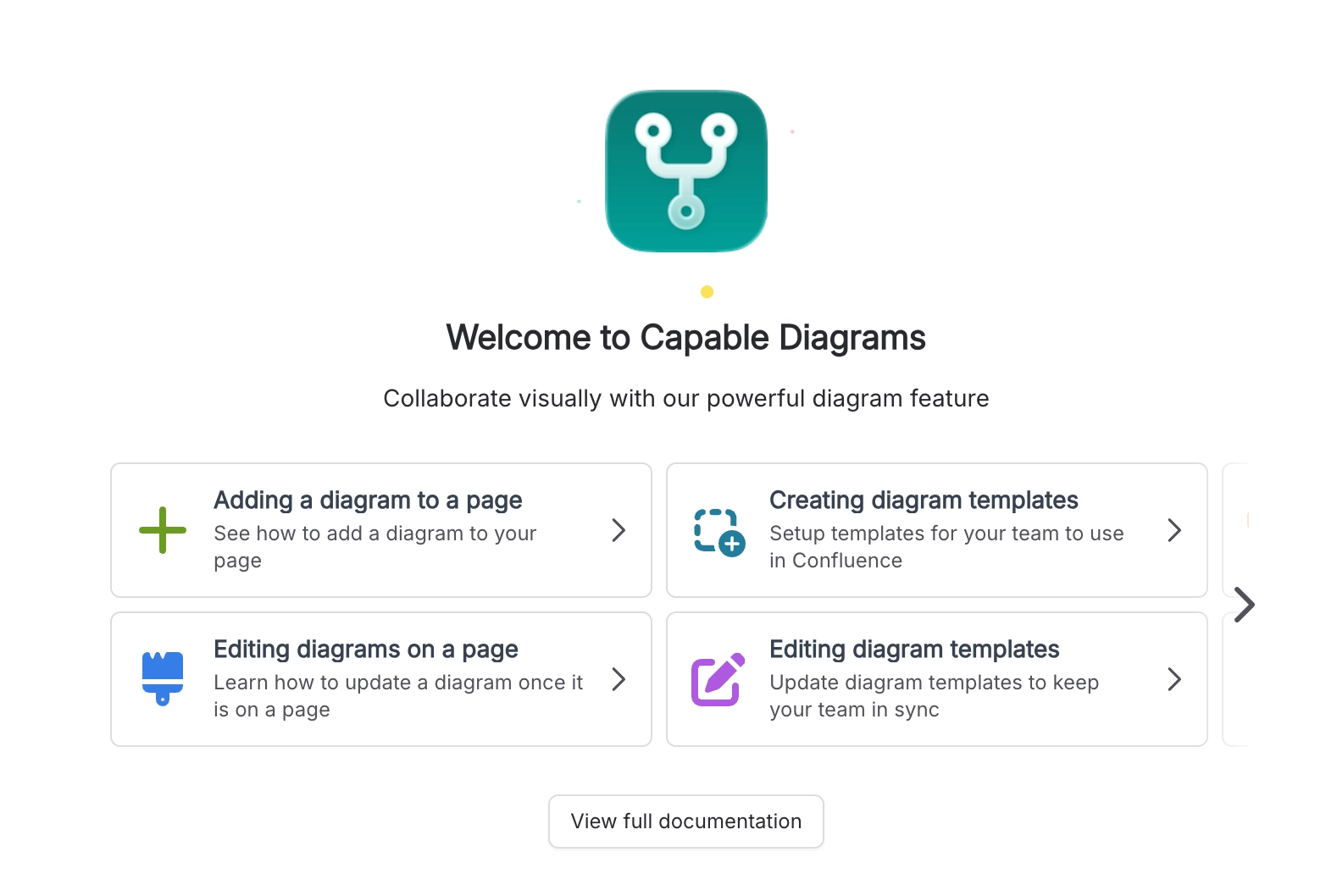
#1. Getting Started Panels
Throughout the app, you will find Getting Started panels which provide:
A brief overview of the current feature
Links to the interactive tutorials and detailed documentation
A scrollable list of the most useful help articles (click to view the docs)
#2. Contextual help tooltips and links to the docs
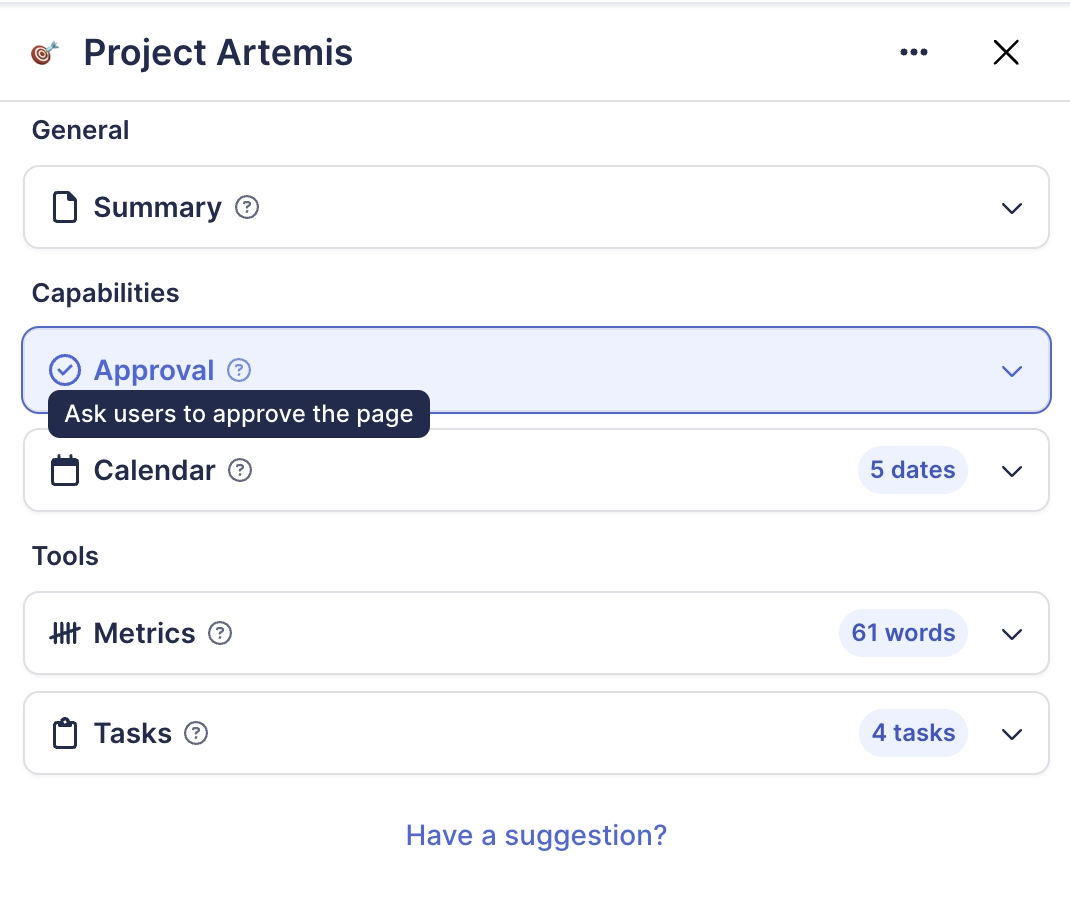
Throughout the interface, you will find (?) symbols, which you can interact with in the following ways:
Hover over the icon to get a brief explanation of the user interface element
Click on the icon to open the full documentation page for the feature
#3. Help search in the page menu
You can search for help articles alongside capabilities and tools in the page menu.