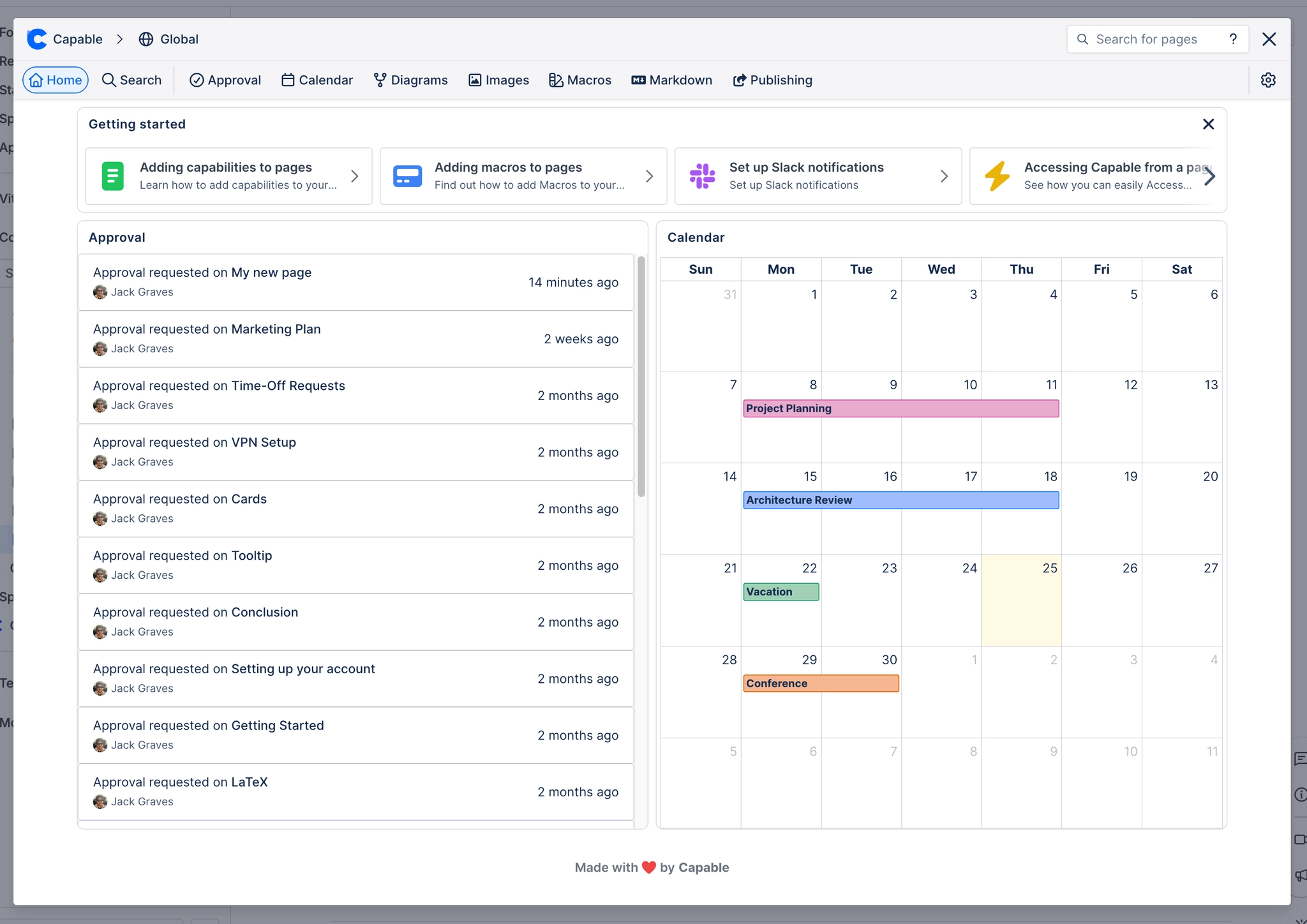
Access the dashboard
Learn how to use the home page of the Capable suite, which provides an overview for your user and provides easy access to features and help.
The Capable Dashboard serves as the home page for your user experience, offering a comprehensive overview and easy access to all the features and support you need.
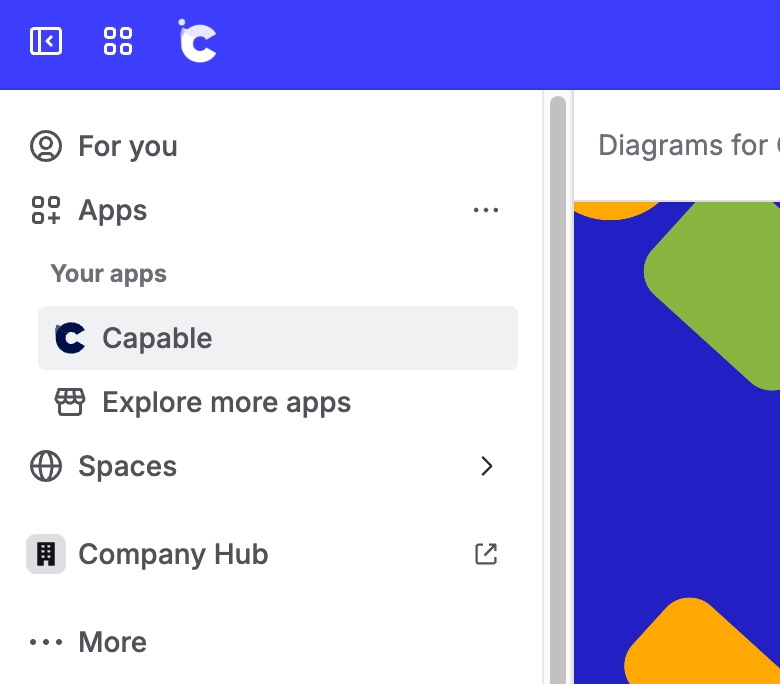
#How do I open Capable?
Click on Apps and then on the Capable - this will open the Capable dashboard.
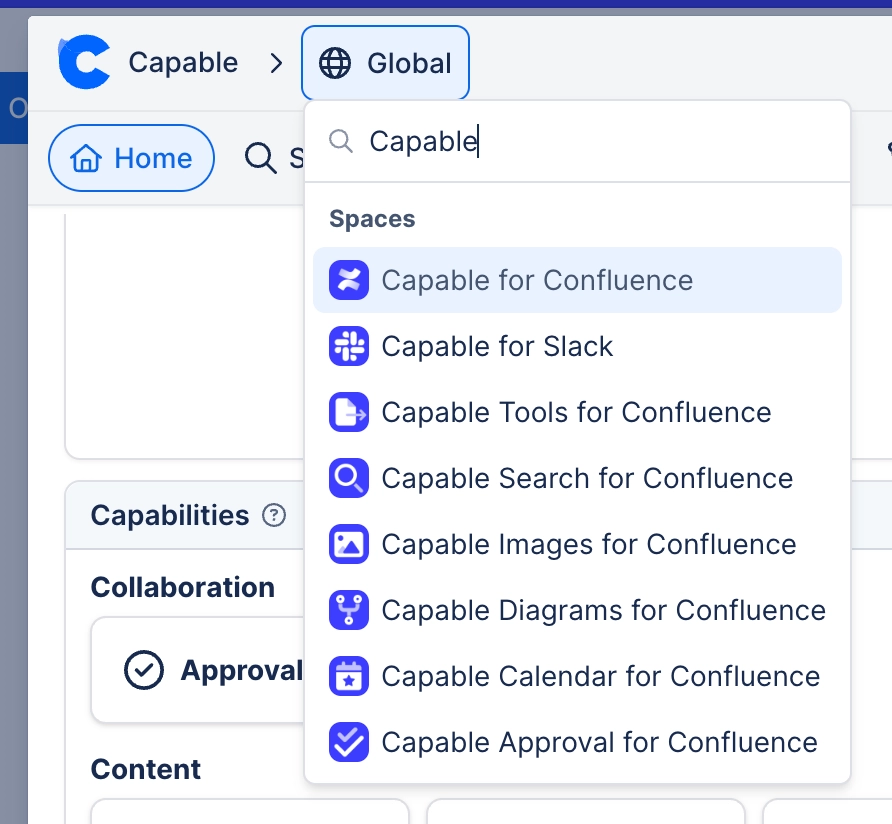
#How do I change scope?
You can change the information displayed by clicking on the Scope menu and changing the current context.