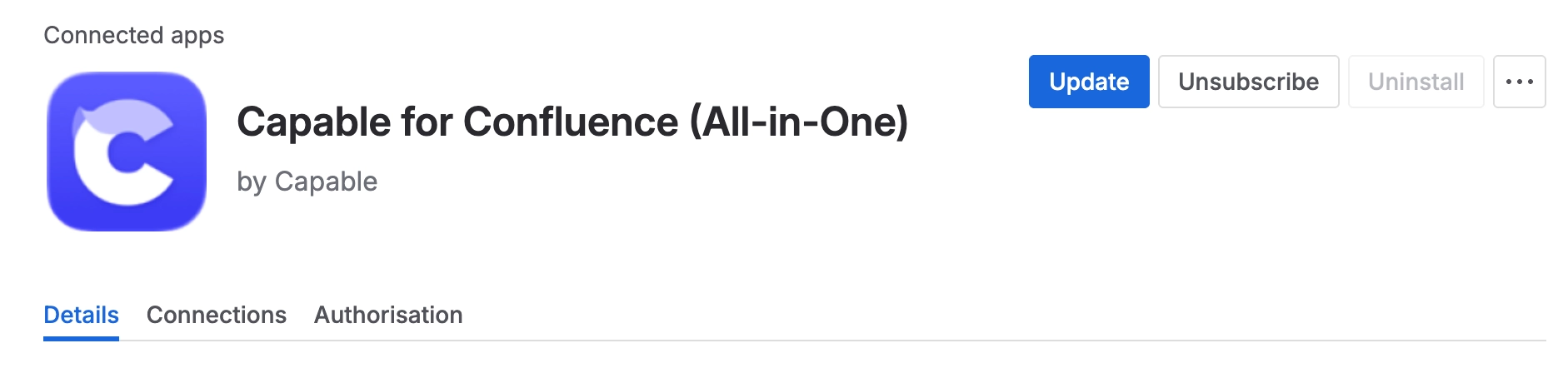
Update Capable
Easily update marketplace apps in your Atlassian Confluence Cloud instance.
To update marketplace apps in Atlassian Confluence Cloud, follow the steps outlined below:
#Step by Step
#1. Log In with Admin Privileges
Start by logging into your Confluence Cloud instance with an account that has admin privileges.
#2. Access App Administration
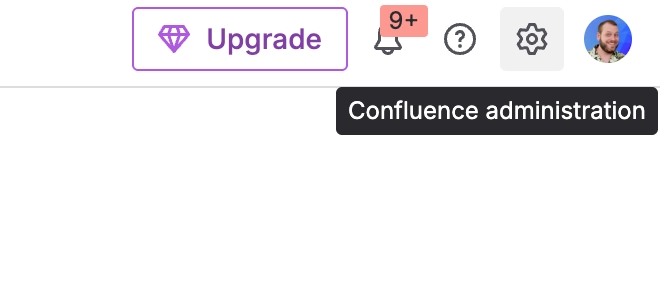
Click on the settings icon (gear icon) in the top bar.
#3. Navigate to Manage Apps
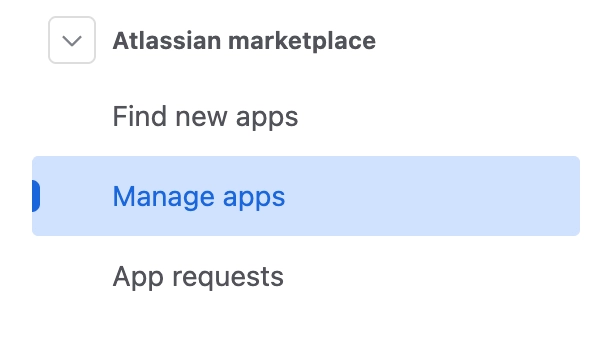
In the Apps administration page, click on ‘Manage apps’.
This will display a list of all installed apps from the Atlassian Marketplace.
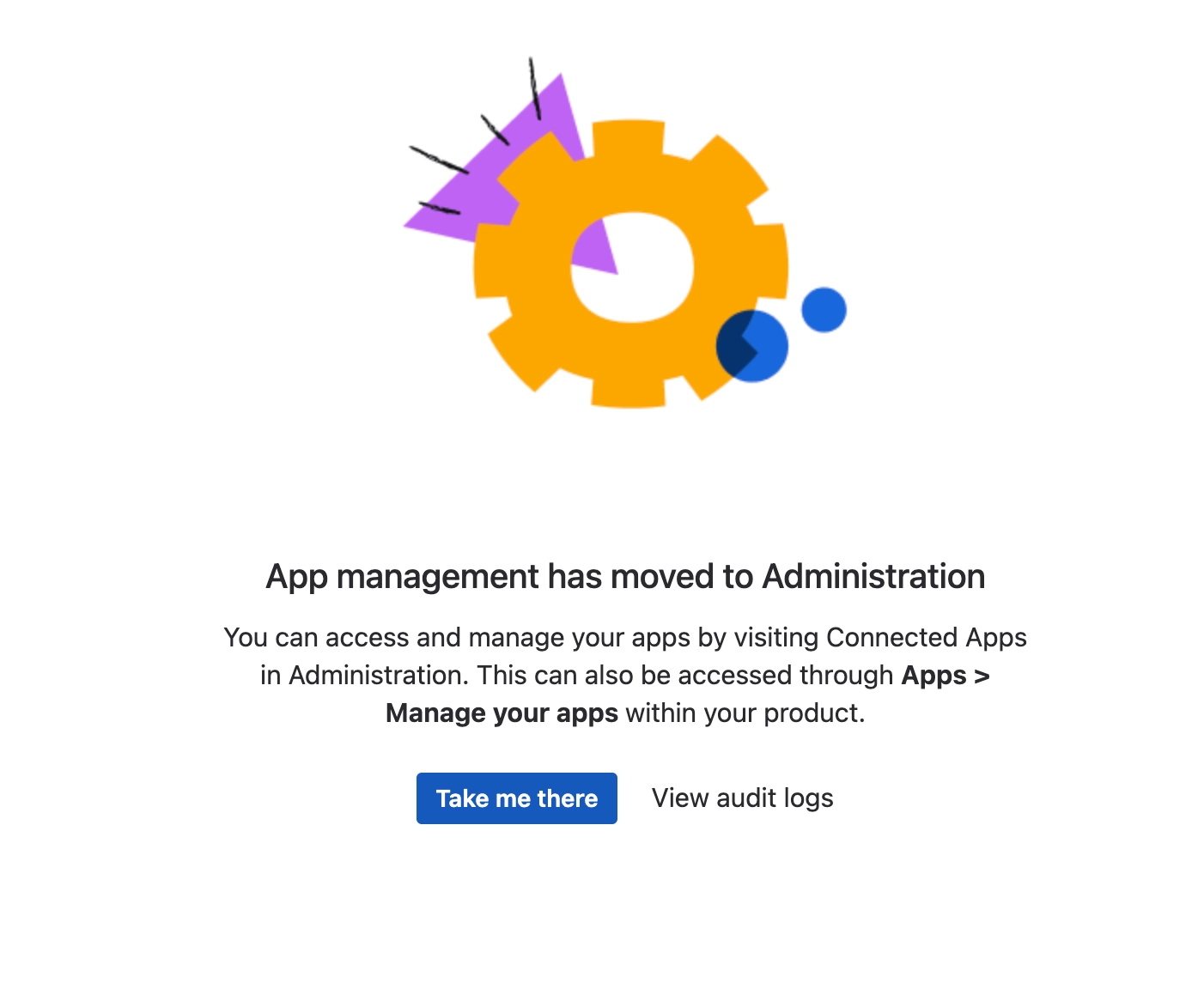
#4. Click on ‘Take me there’
Atlassian have moved this screen.
#4. Identify Available Updates
Here, you will see a list of apps that have available updates.
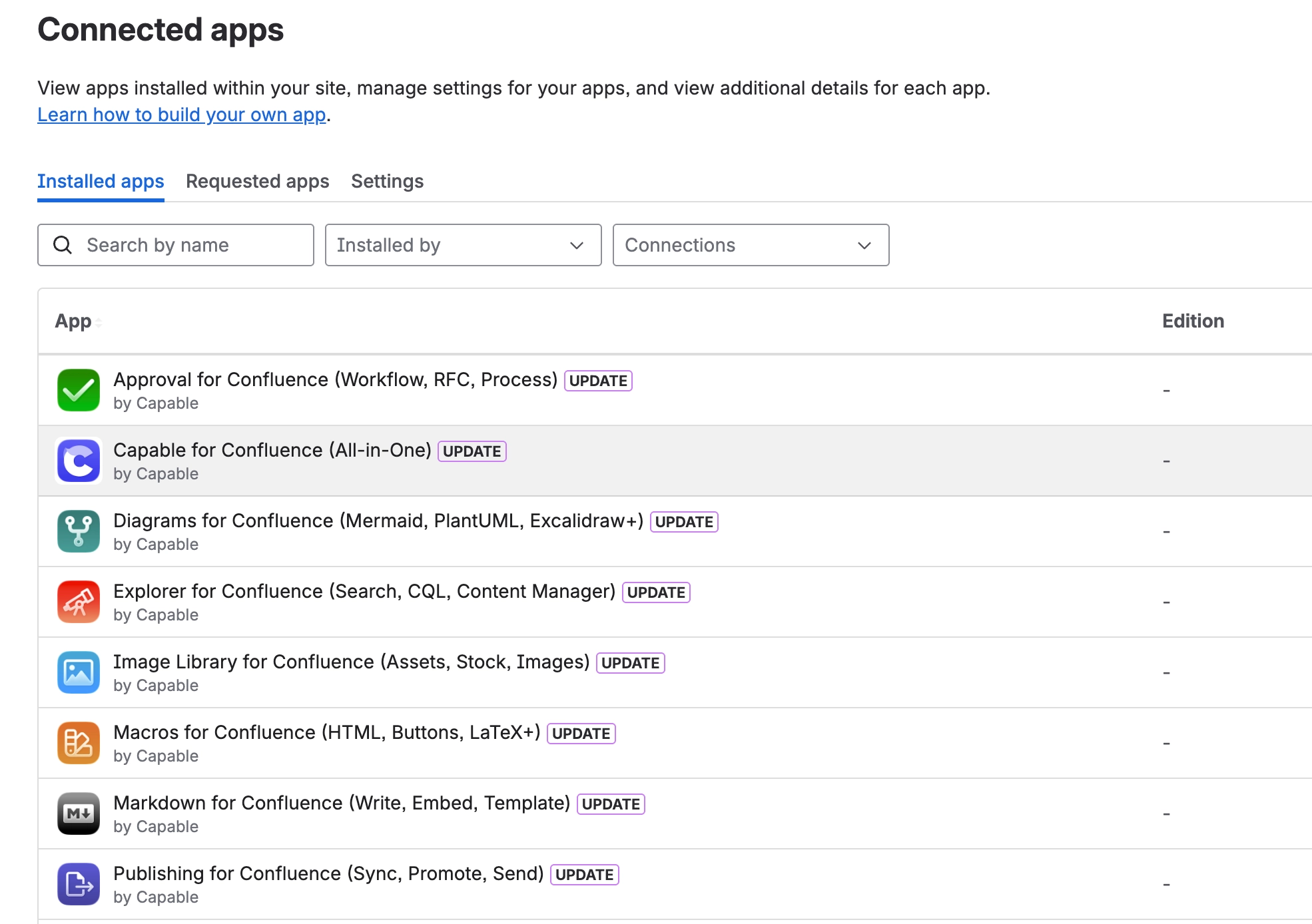
#5. Perform the Update
Click on ‘View app details’ and then ‘update’ in the top right corner.