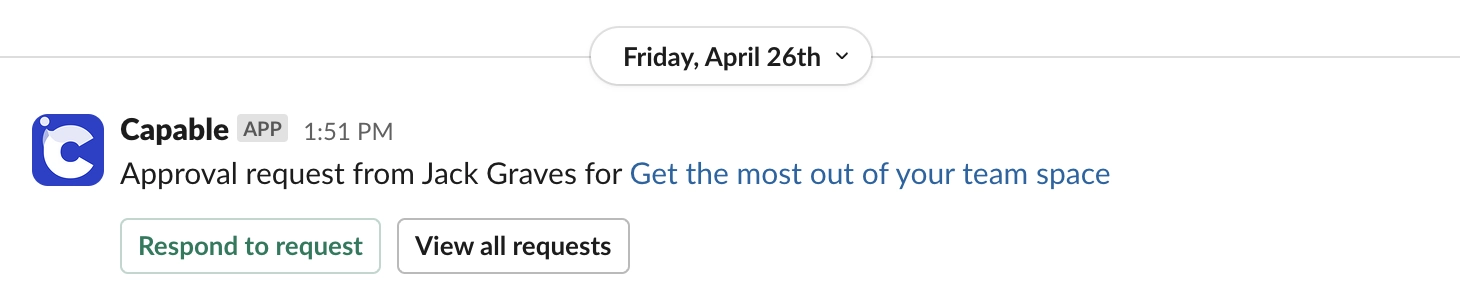
Connect to Slack
Find out how to connect your Confluence site to Slack for real-time notifications.
Integrating Confluence Capable with Slack can supercharge your team's workflow by connecting the power of Confluence with real-time communication in Slack. This integration allows you to receive important notifications, manage approvals directly from Slack, and keep everyone on the same page without having to switch between platforms.
In this guide, we'll walk you through the simple steps to connect Confluence Capable to Slack, so you can streamline collaboration and improve your team's efficiency. Let's get started!

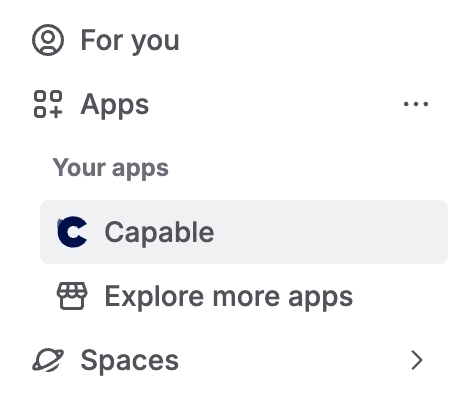
#1. Open Capable from the Apps menu
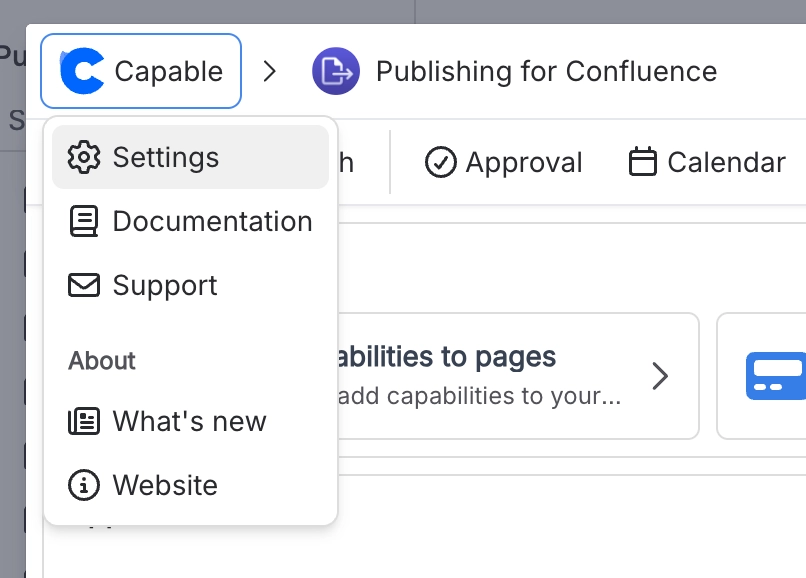
#2. Click on Settings and Connect
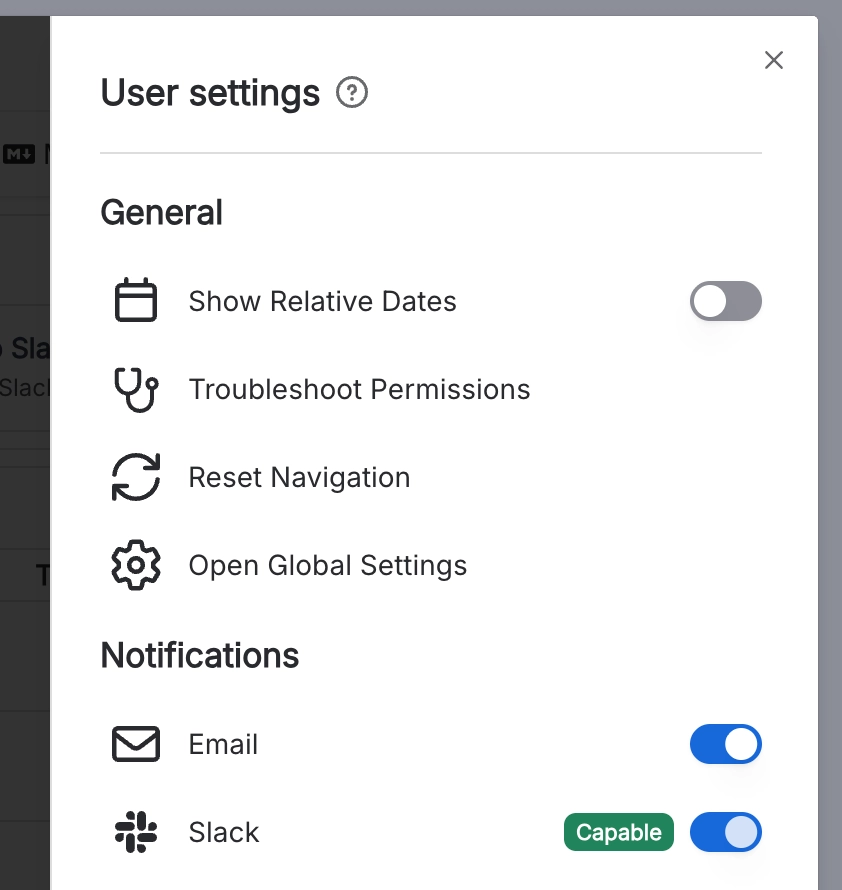
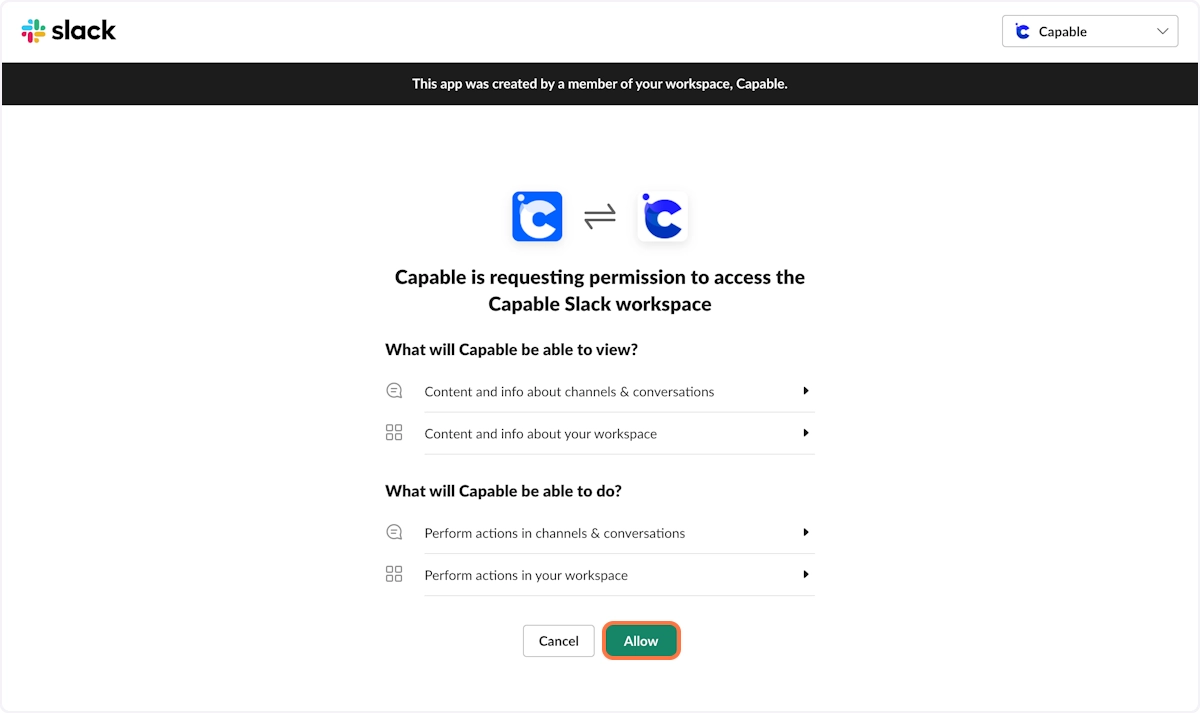
#3. Authorize the Slack App
#4. You’re done! You’ll now receive notifications