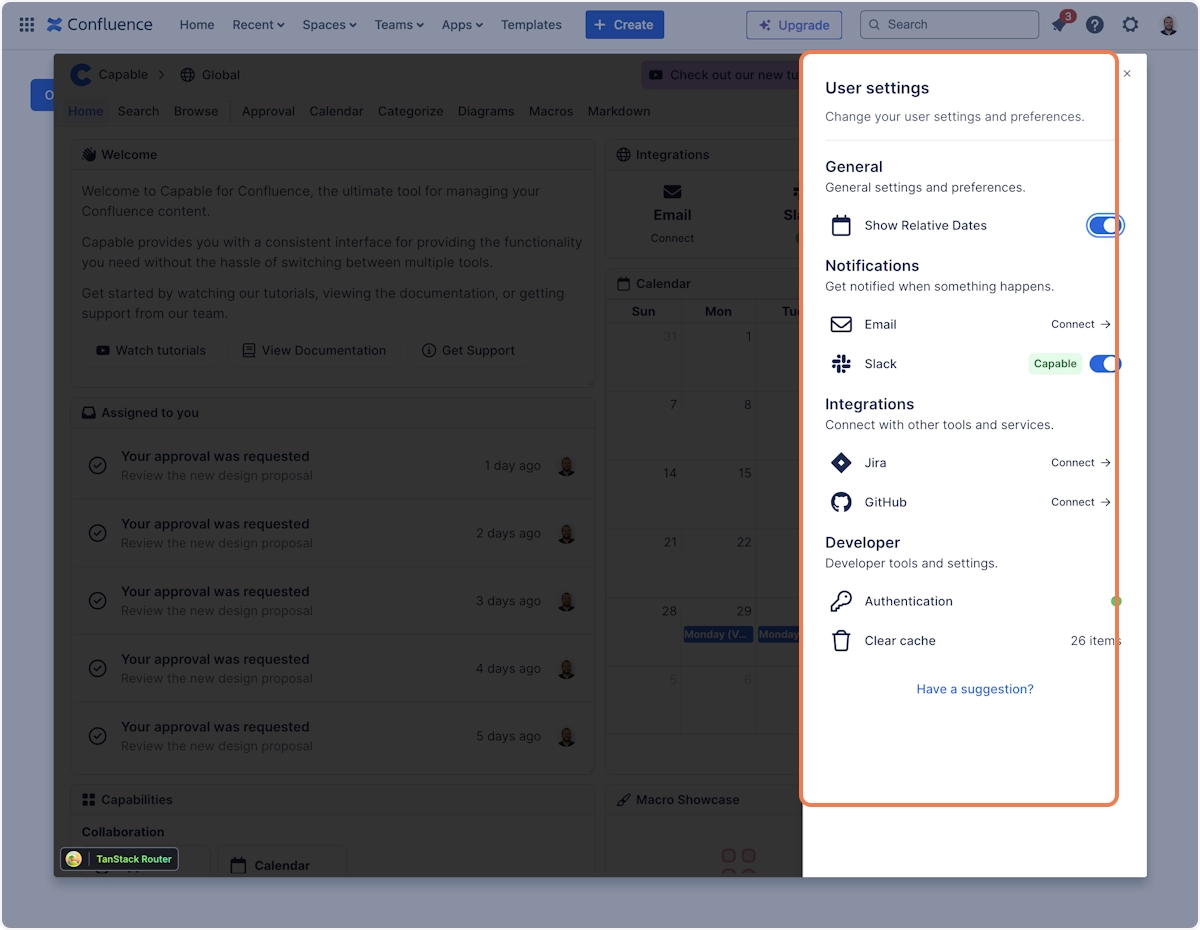
Set up Slack notifications
Stay in the loop with activity in Confluence by connecting Capable to your Slack workspace.
Staying informed about updates and activity in Confluence is crucial for team collaboration and efficiency. In this article, we'll walk you through the simple steps to connect Capable to your Slack workspace, ensuring you never miss out on important updates such as approval requests.
Whether you're looking to streamline communication or enhance your project management tools, this setup will keep you connected and informed.
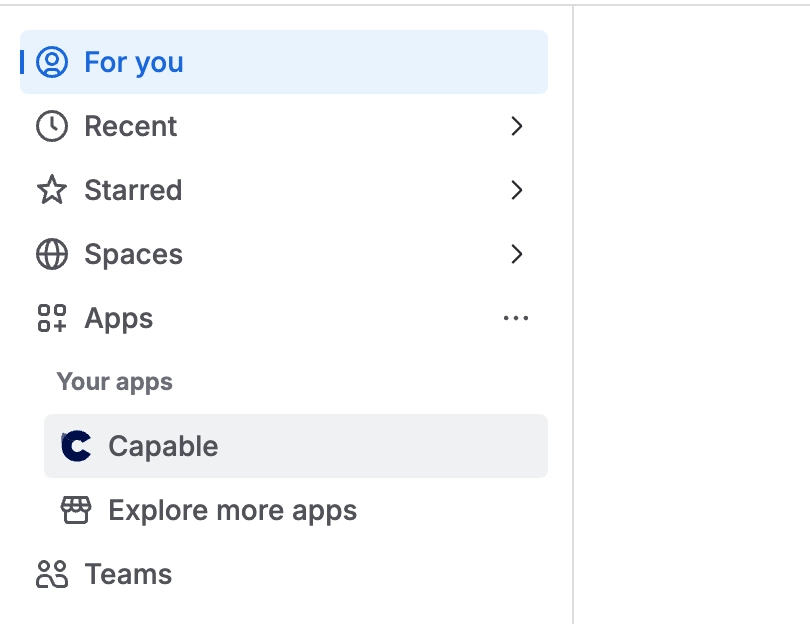
#1. Click on Apps → Capable
#2. Go to the Integrations panel in the Settings Sheet
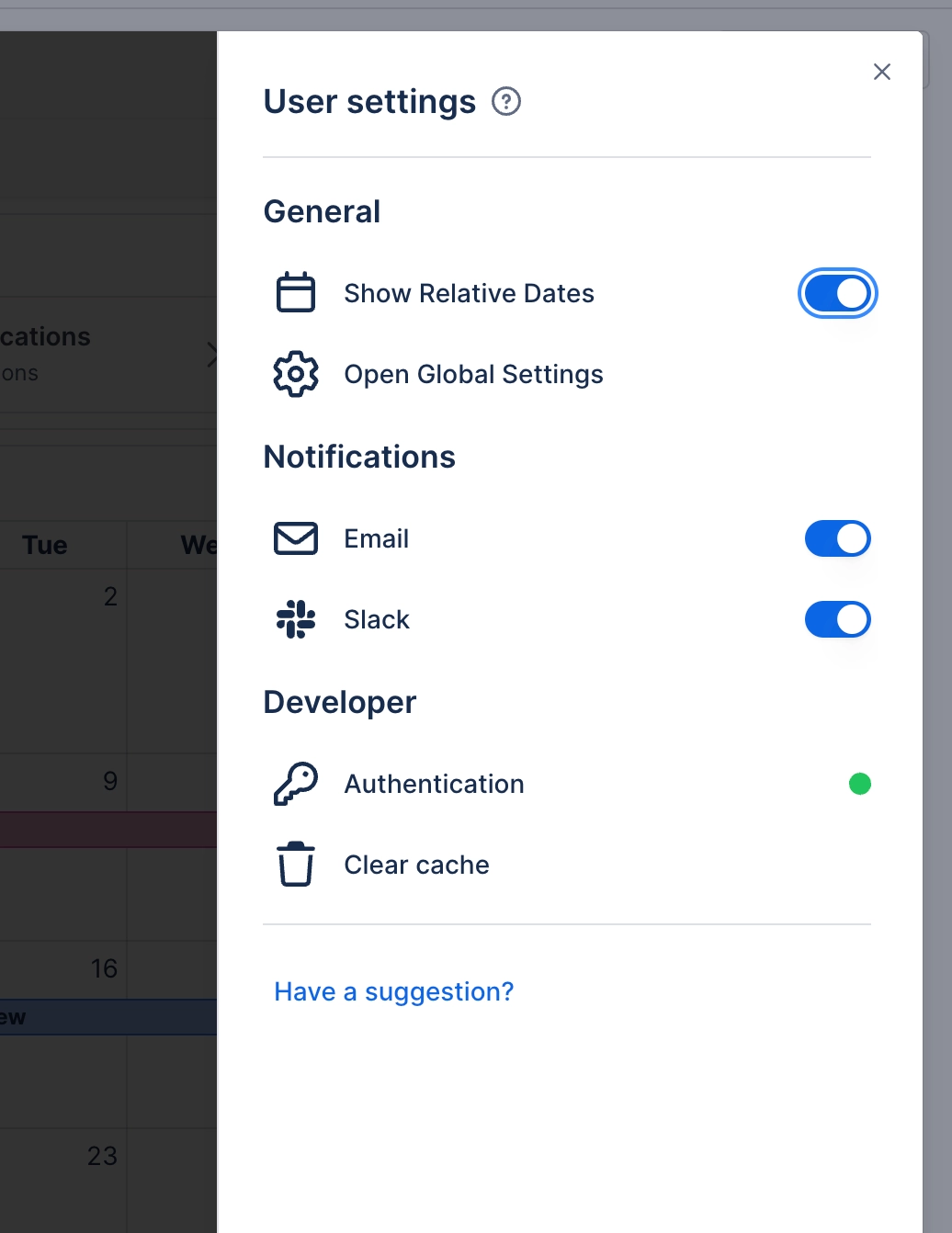
#3. Click on Connect next to Slack
#4. Authorize the Capable App with your Slack workspace
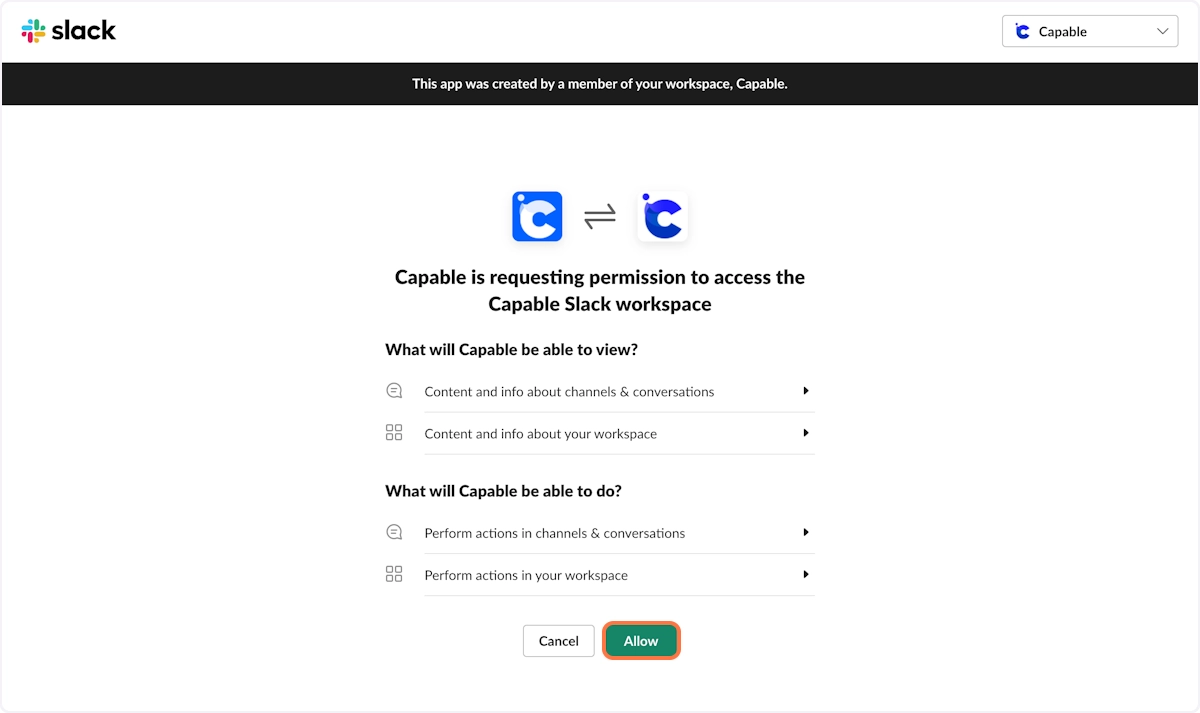
#5. Slack Notifications are now enabled!
#6. You will receive a notification in Slack
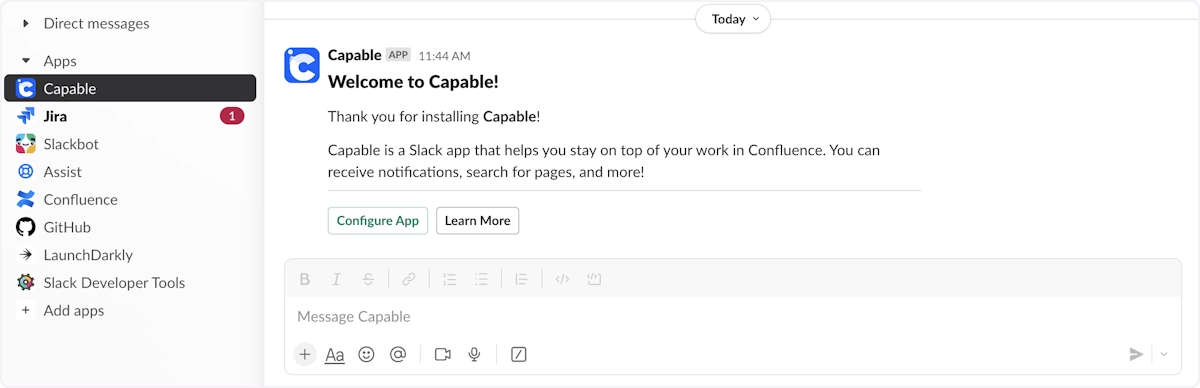
#7. You will now receive notifications
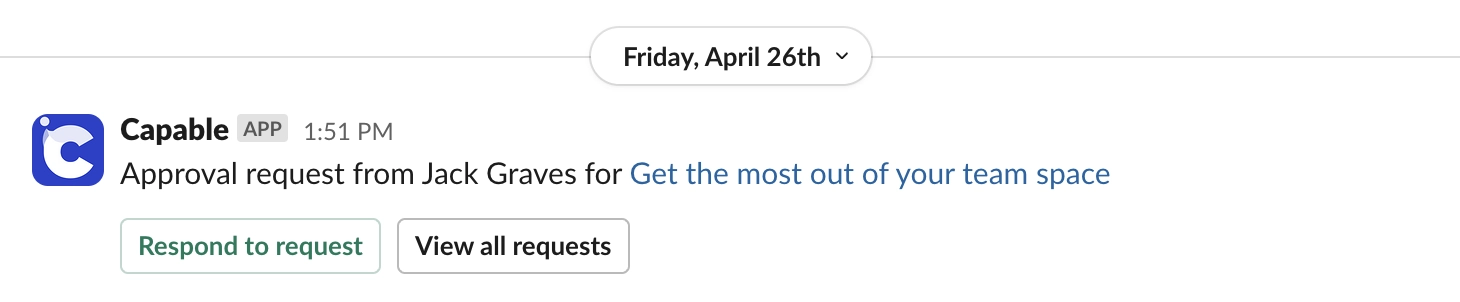
#8. You can find more details on your integrations in Settings