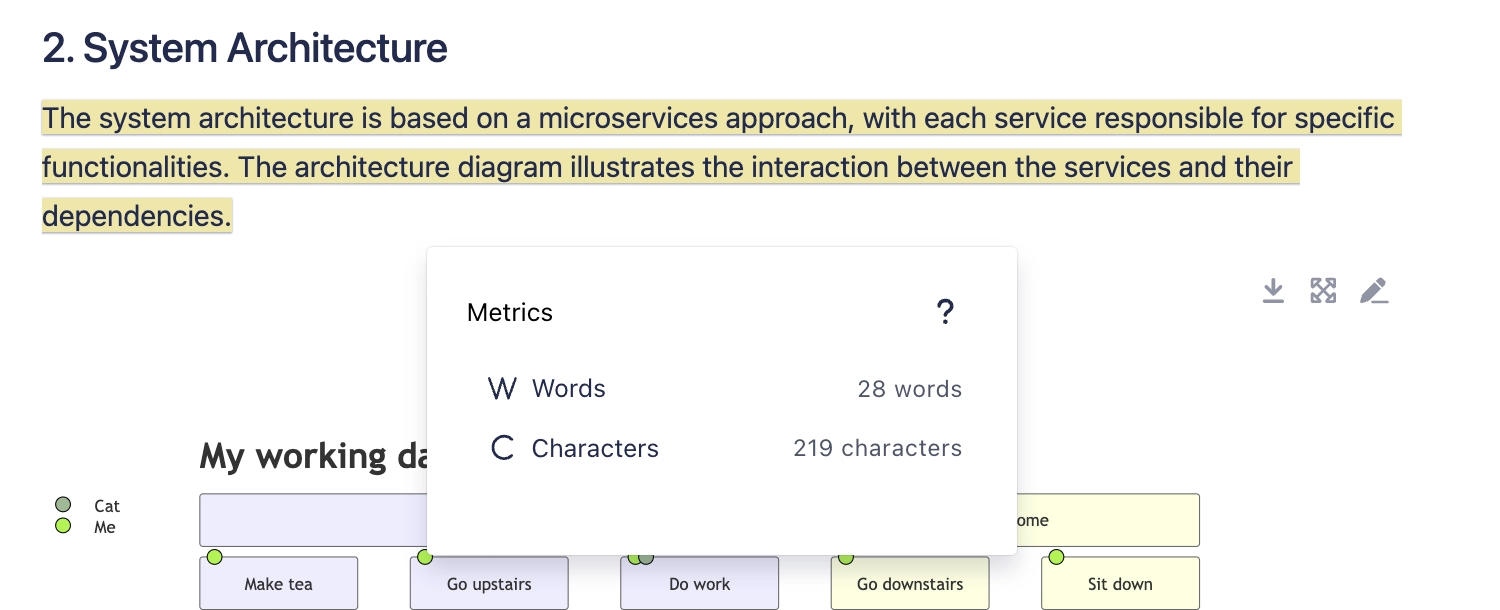
Get character count from selection
Learn how to easily obtain word and character counts from the currently selected text.
Whether you're drafting detailed reports, creating concise summaries, or just aiming to meet specific text requirements, knowing the exact word and character count of your selections can be incredibly useful.
This article will guide you through using Capable's feature that allows you to select any portion of text and instantly see both the word and character count. Ideal for editors, writers, and anyone needing precise control over their document's content, this tool is designed to enhance your productivity and ensure your text meets any necessary criteria.
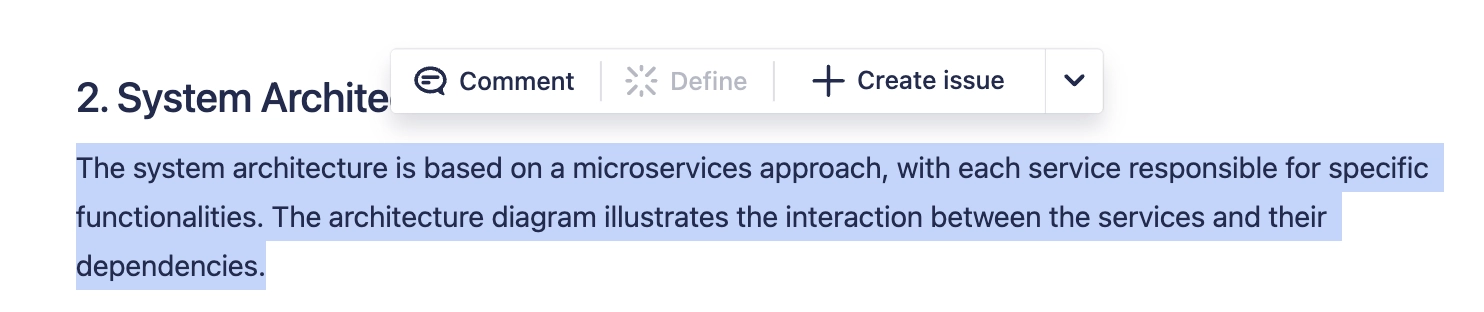
#1. Select text on a Confluence page
#2. Click on the down arrow in the toolbar
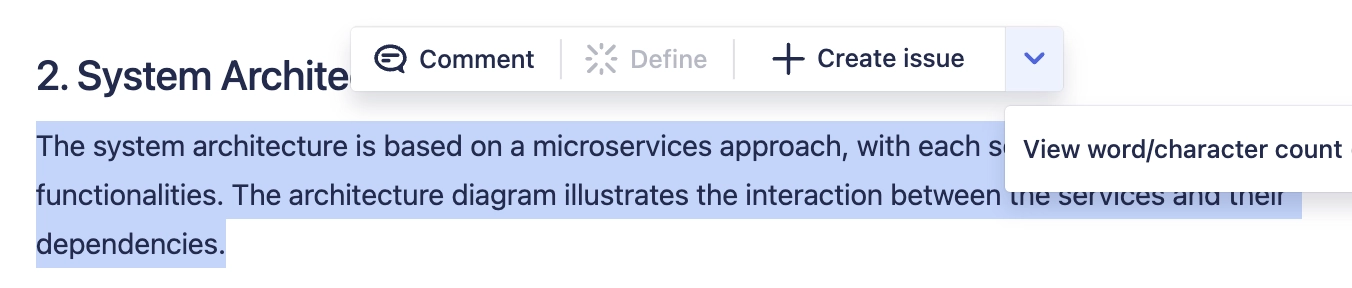
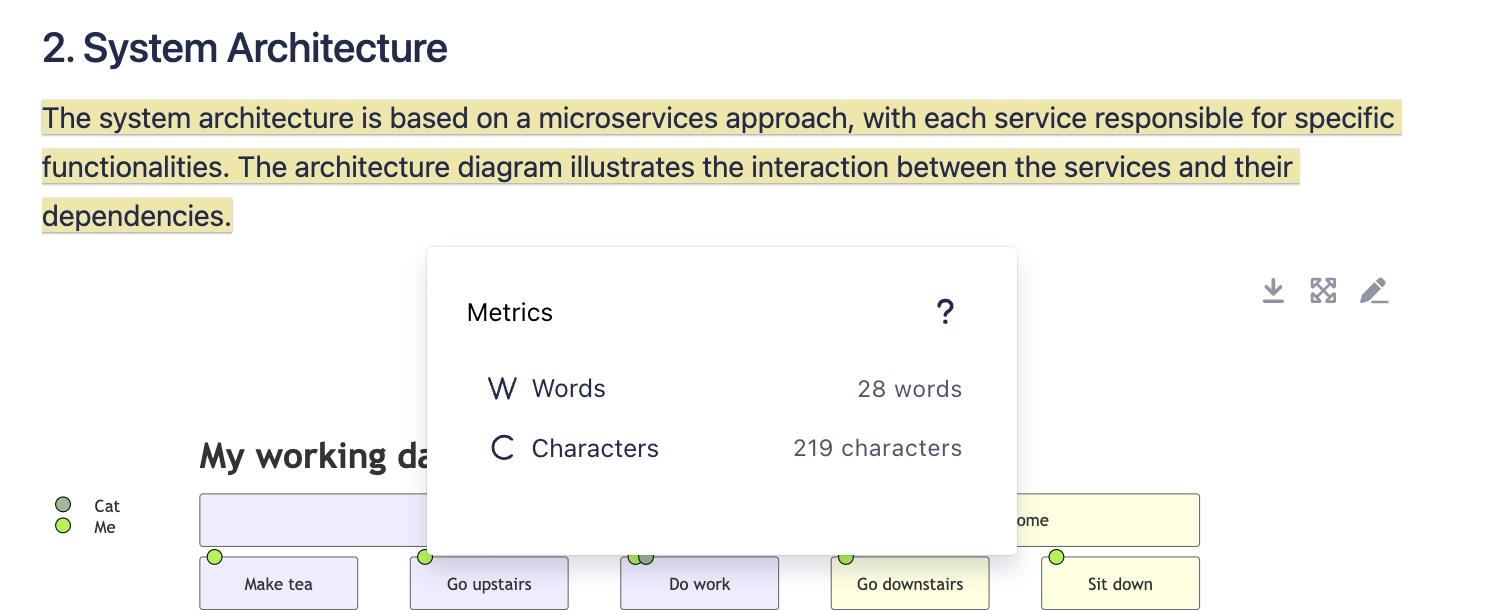
#3. Click on 'View word/character count'