
User field
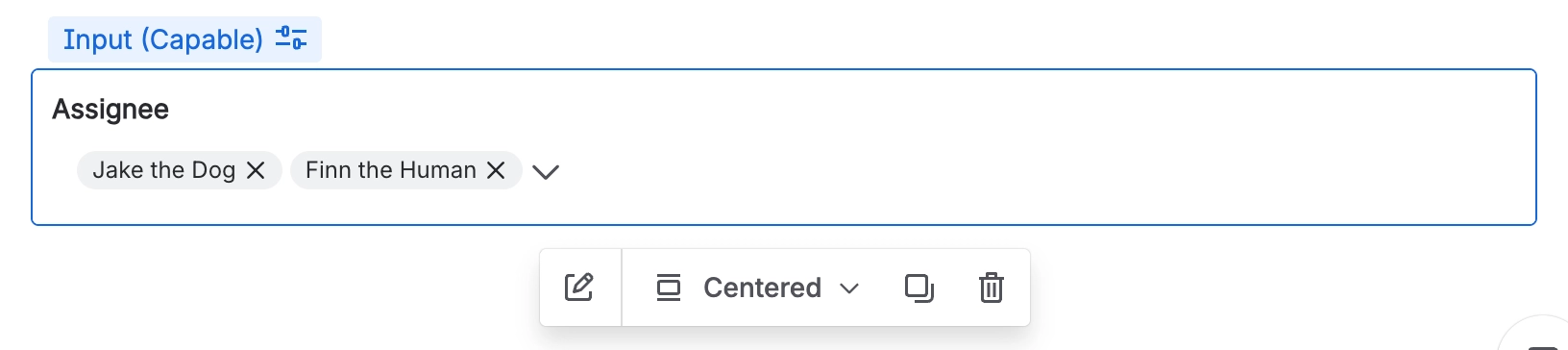
A User field is specifically designed to collect a reference to one or more Confluence users.
#Overview
User fields let people search for and pick users from the site, making them ideal for assigning responsibility, identifying stakeholders, or routing approvals to specific individuals.
#Use cases
Typical use cases include:
Assigning an owner, approver, or reviewer
Identifying stakeholders or contributors
Capturing the requester or recipient of an action
Routing notifications or approvals to specific people
Recording who is accountable for a decision or task
#Configuration
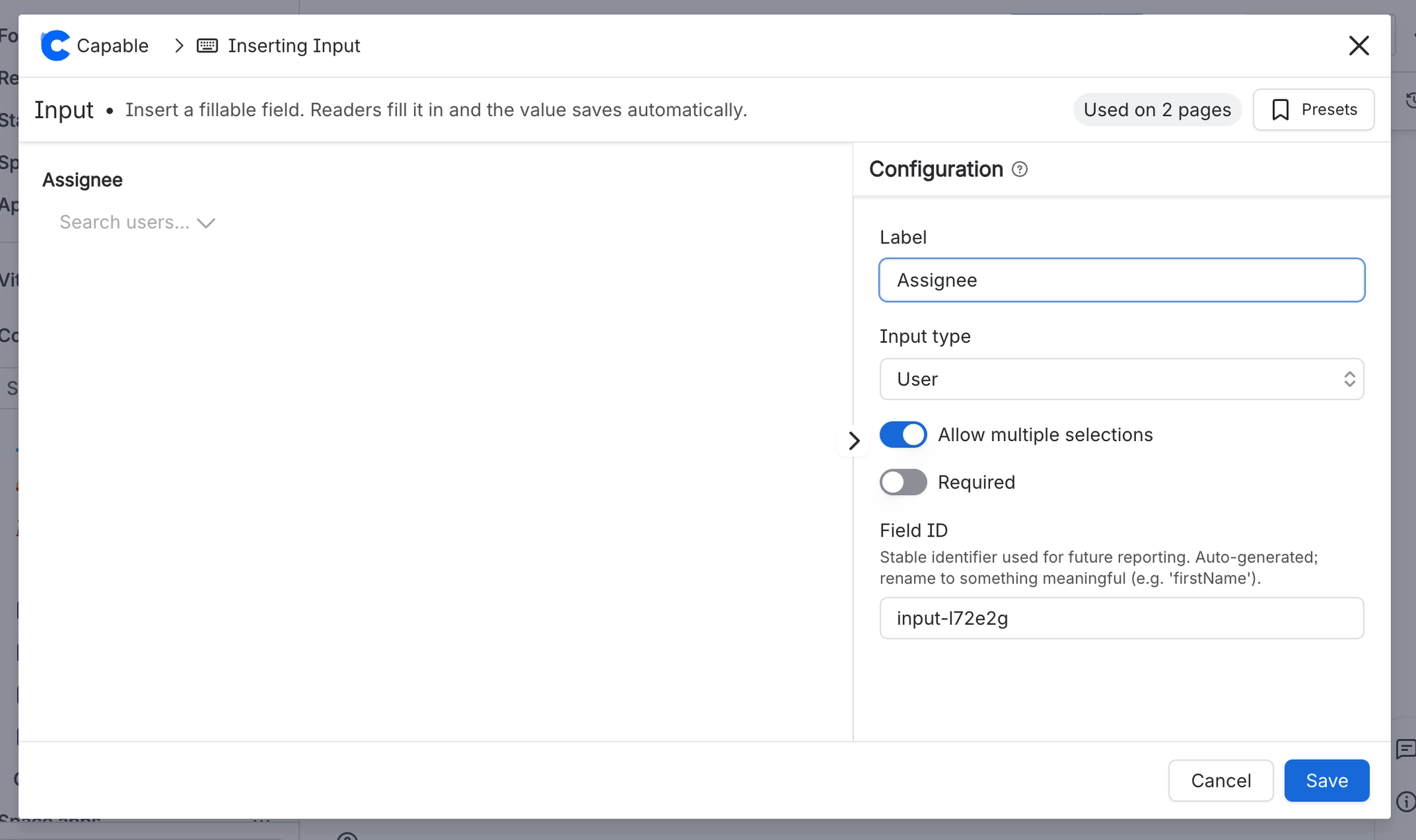
You have the following options available when using the user input macro:
Setting | Recommendation | Notes |
|---|---|---|
ID | Use a stable, meaningful internal identifier. | Avoid renaming once the field is used in filters, reports, or templates. |
Label | Use clear user-facing wording. | For example: Owner, Approver, or Reviewer. |
Required | Enable only when a user must be selected. | If enabled, the form cannot be submitted without at least one user selected. |
Multiple selection | Enable when more than one user can be chosen. | Use for shared ownership or group approvals. Leave disabled for a single owner or approver. |





















