Templates
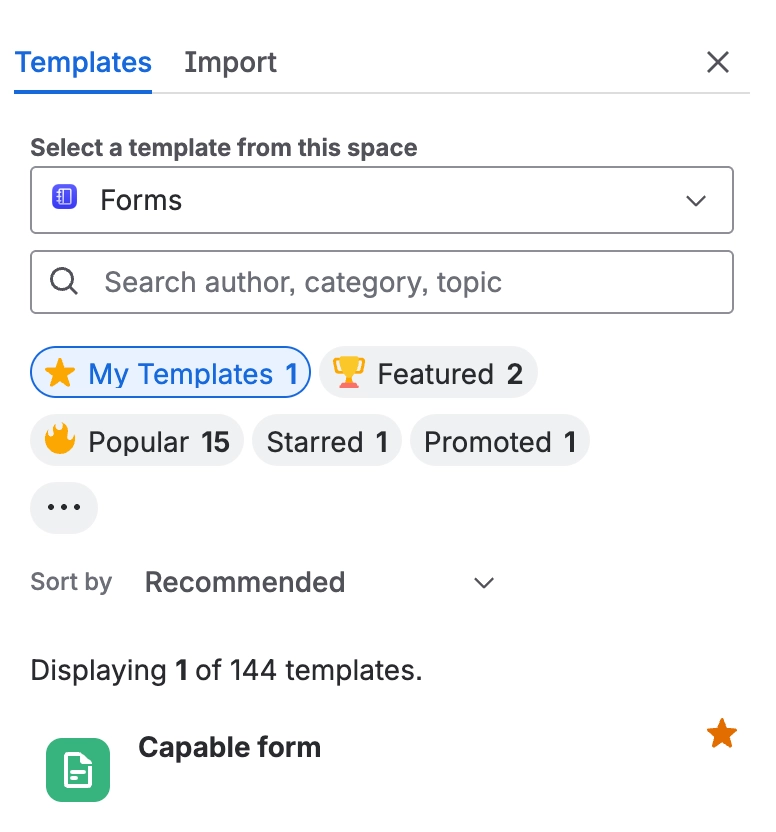
You can create templates in Confluence, which are essentially pages designed to serve as blueprints for creating other pages. These templates work very well with Capable forms, providing you with re-usable pages that store information in forms.
This setup makes it easy to collect data efficiently and then use other Capable features, such as Capable Approval, to put these form responses through a structured approval process.
Additionally, you can publish the collected information using Capable publishing, streamlining your workflow significantly.
#How to create templates
#Global templates
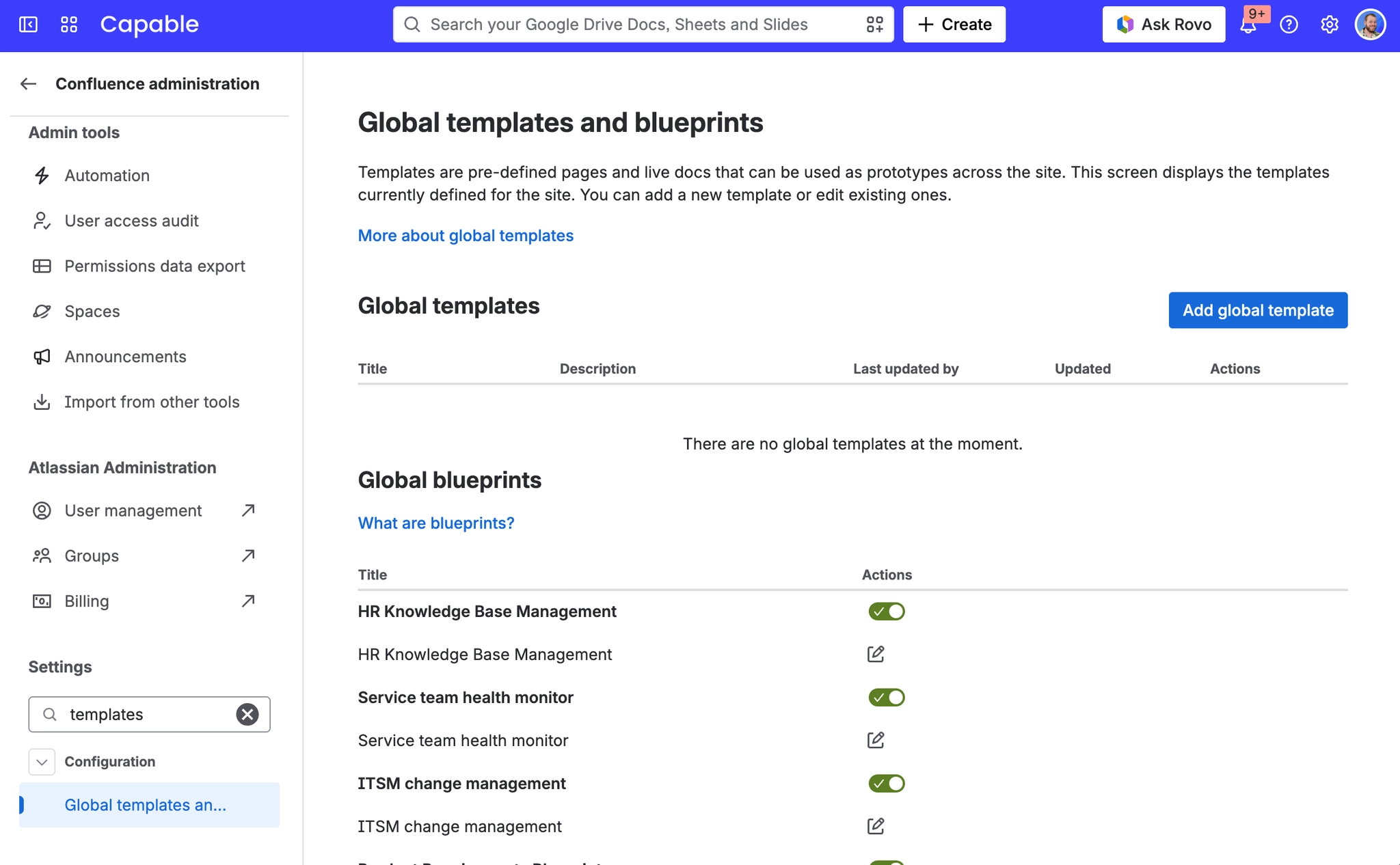
You can create templates globally if you are a Confluence administrator, which allows you to manage templates that are accessible across the entire Confluence instance.
1. Click on the Settings cog in the tip right
2. Click on ‘Global templates and blueprints’ in the ‘Configuration’ section
#Space templates
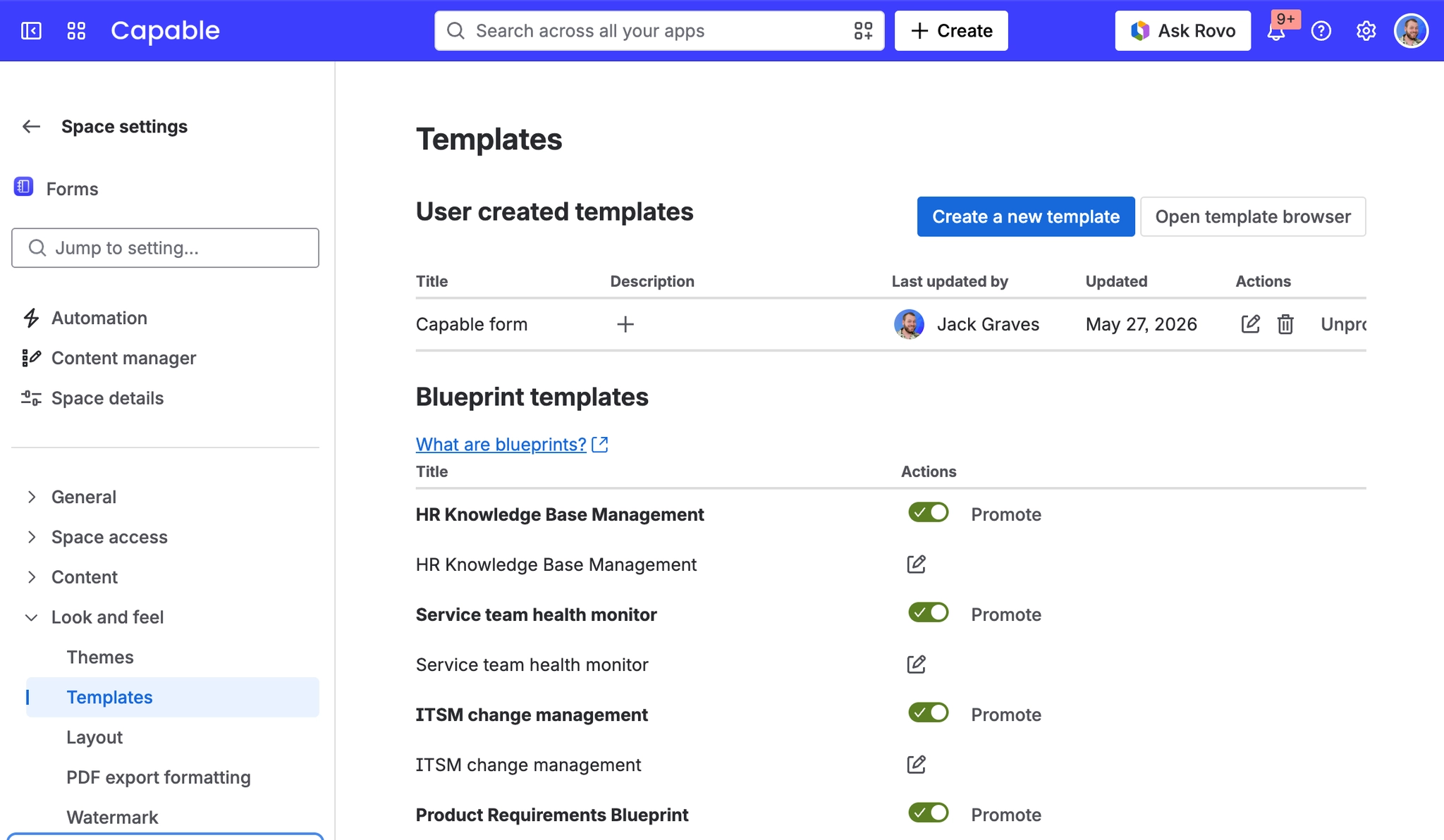
Additionally, if you are a Space administrator, you have the ability to create templates specifically within that space, enabling customization and template management at the space level.
1. Click on the '…' button next to the space name
2. Click on ‘Look and feel’ → ‘Templates’
#Adding fields to templates
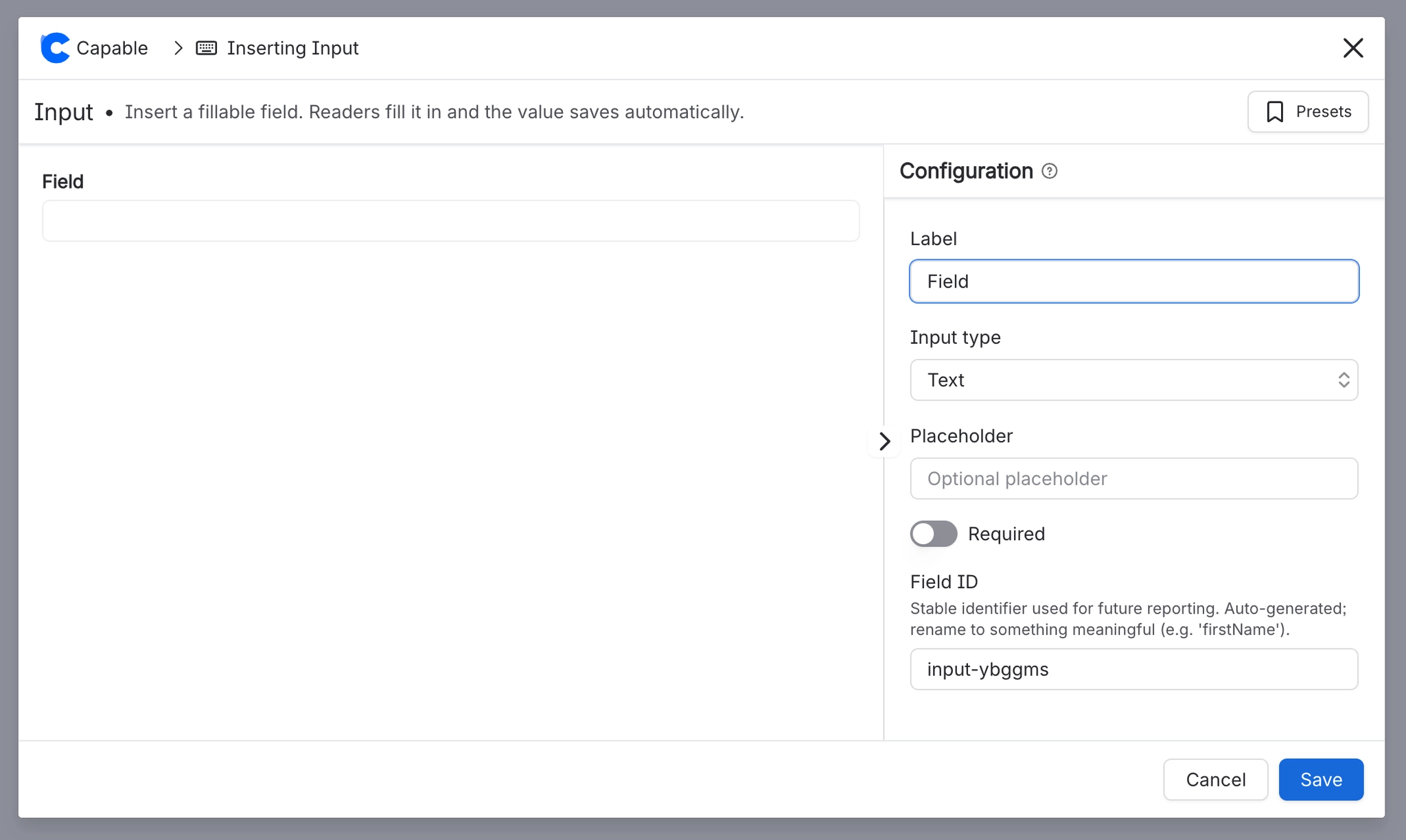
You can insert fields to the template by typing /input in the editor and configuring the fields you want in the template:
#How to use templates
#Create from template button
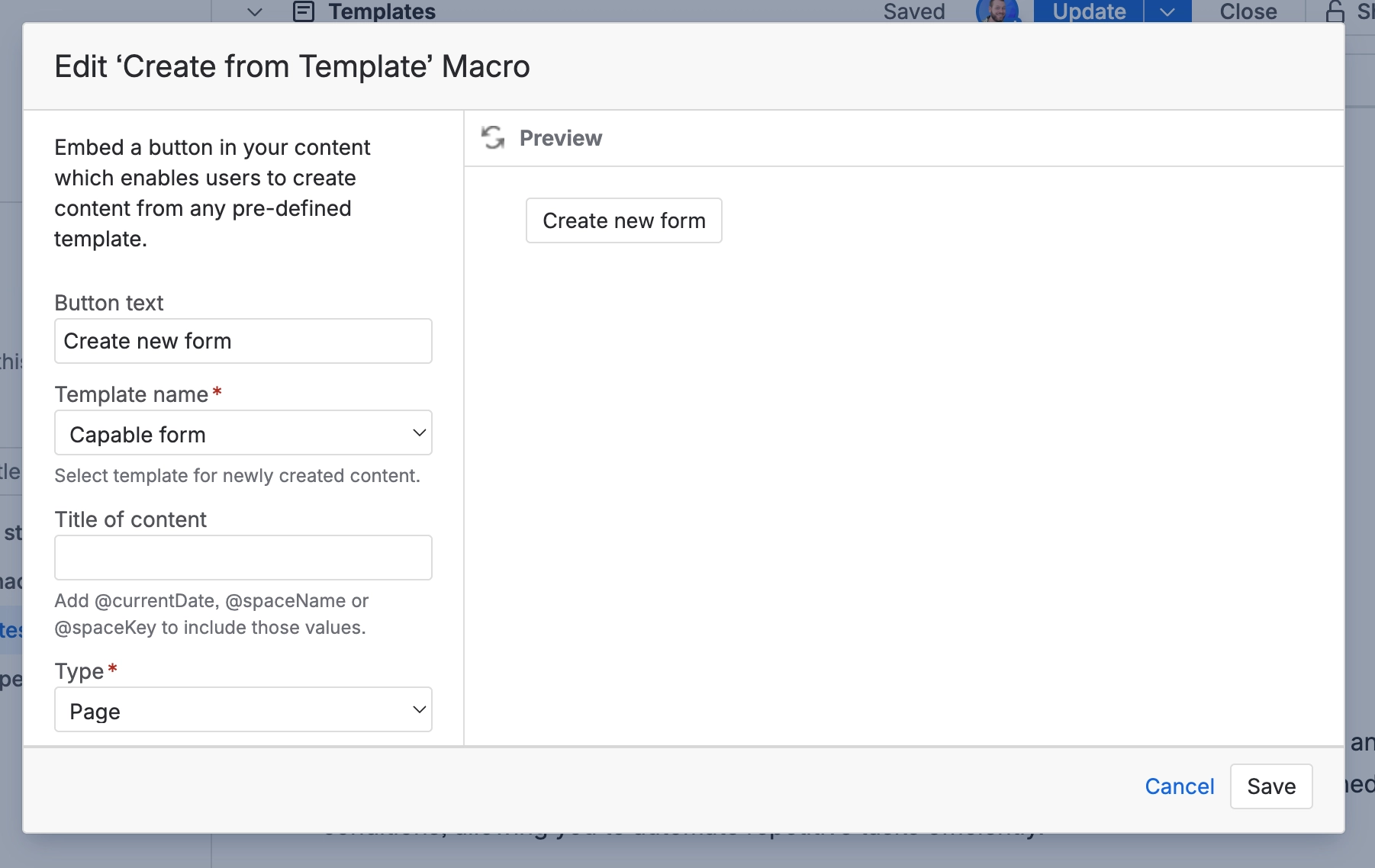
You can add the ‘Create from template’ macro to any Confluence page, which can create new pages when it’s clicked on, from your reusable templates.
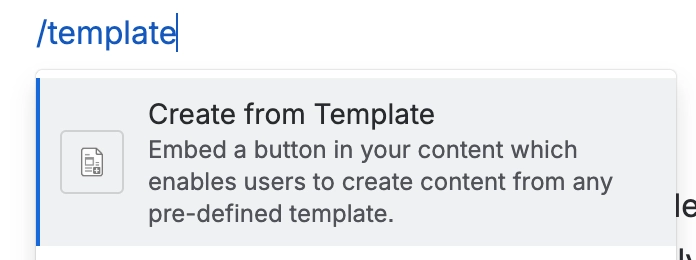
This macro allows users to quickly generate new pages based on predefined templates, streamlining the content creation process and ensuring consistency across your Confluence space.
#Automation rules
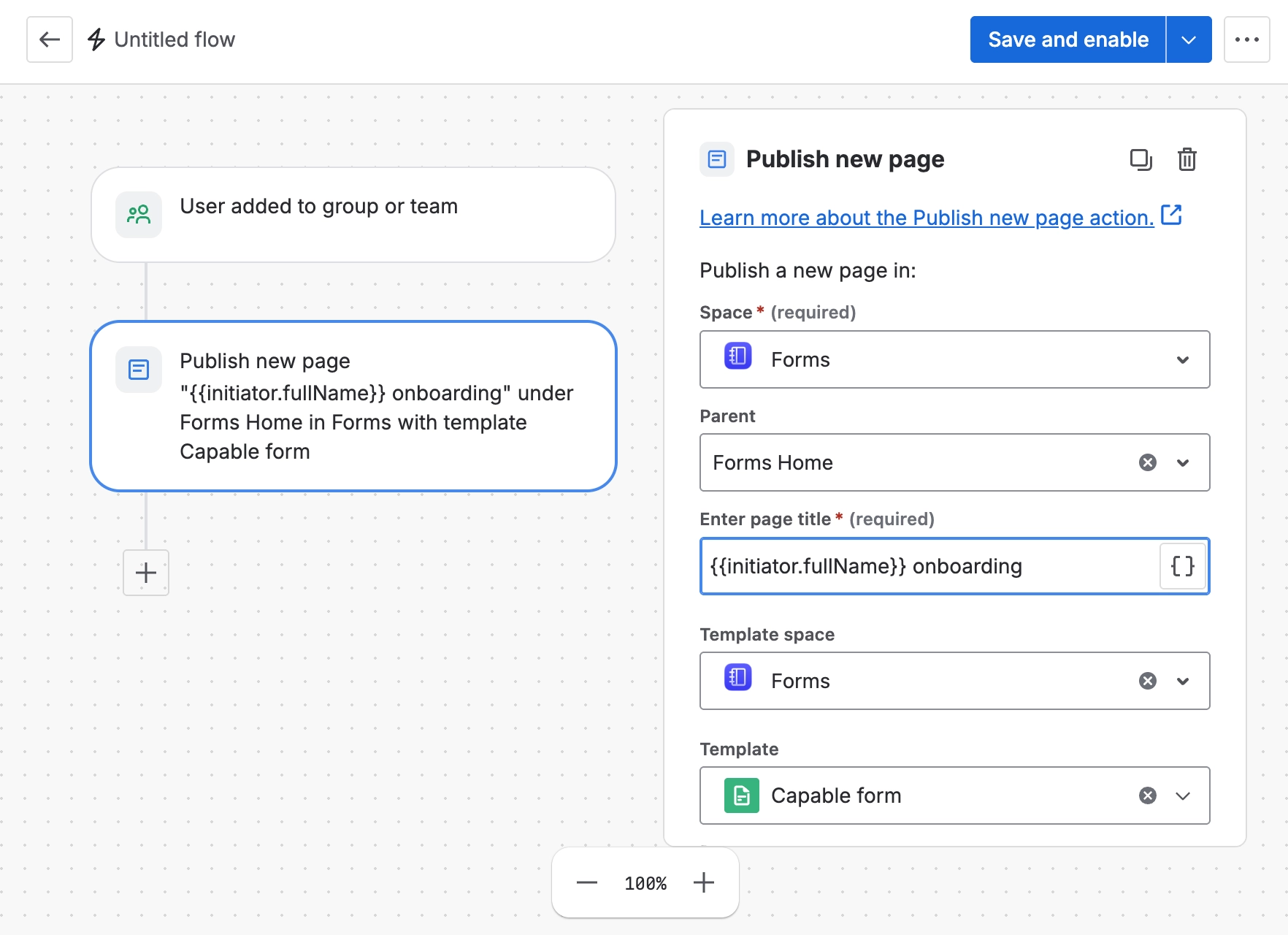
You can use templates from Automation rules in Confluence to streamline your workflows and save time. These templates work by automatically triggering specific actions based on predefined conditions, allowing you to automate repetitive tasks efficiently.
When a new user is added to a team, the system can automatically create an onboarding form for them within a designated space, or even in their personal space. This enables the new team member to fill out the necessary information immediately, facilitating a smoother and faster onboarding process.
When an incident is created - such as a page under a particular parent page or a page tagged with a specific label - the automation can generate a survey form or questionnaire related to that incident. This helps in gathering relevant information quickly and systematically.
By using label-based team assignment for Capable Approval, you can also set up the system to automatically route these forms to the appropriate individuals who need to review and approve them. This ensures that approvals are handled promptly and by the right people without manual intervention.
#Confluence editor
Templates can be set to appear automatically in the editor whenever you start creating a new page, making it much easier to generate new pages that include Capable forms for collecting responses. Additionally, they allow you to create pages that consistently follow a particular style, ensuring that all necessary information is gathered efficiently and uniformly.