
Text field
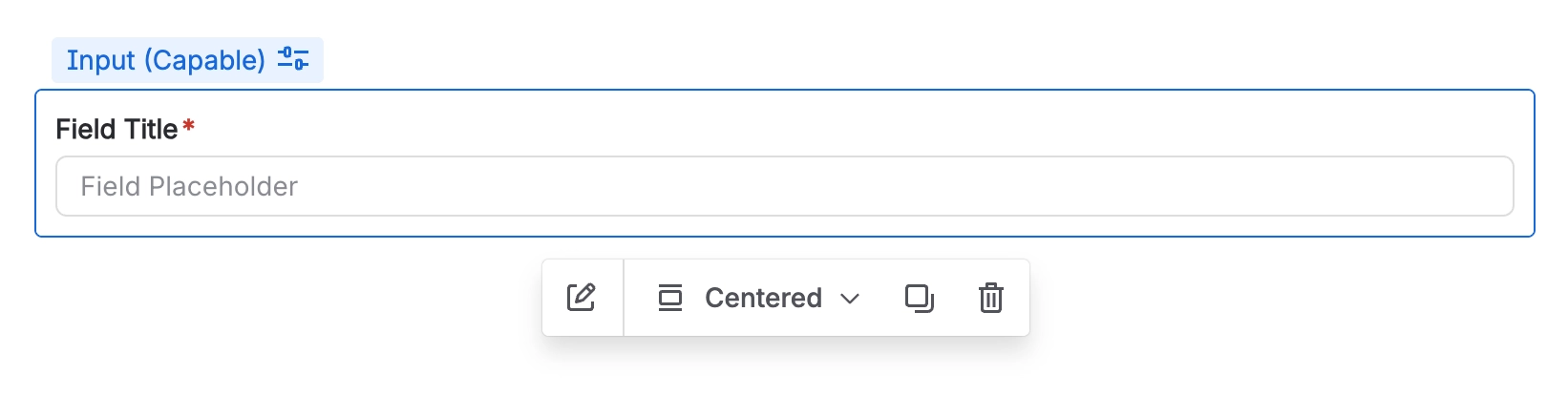
The text field input allows you to collect one-line responses of text.
#Overview
This input type is designed specifically for short, concise answers, making it ideal for gathering brief information from users. It allows for quick and straightforward responses, which helps streamline the data collection process and ensures that users can provide the necessary information without unnecessary complexity or length.
#Use cases
Typical use cases include:
Collect short answers such as names, titles, reference numbers, or single-line descriptions.
Capture brief comments or notes when a longer text area is not required.
Gather quick details in forms, requests, and intake workflows.
#Configuration
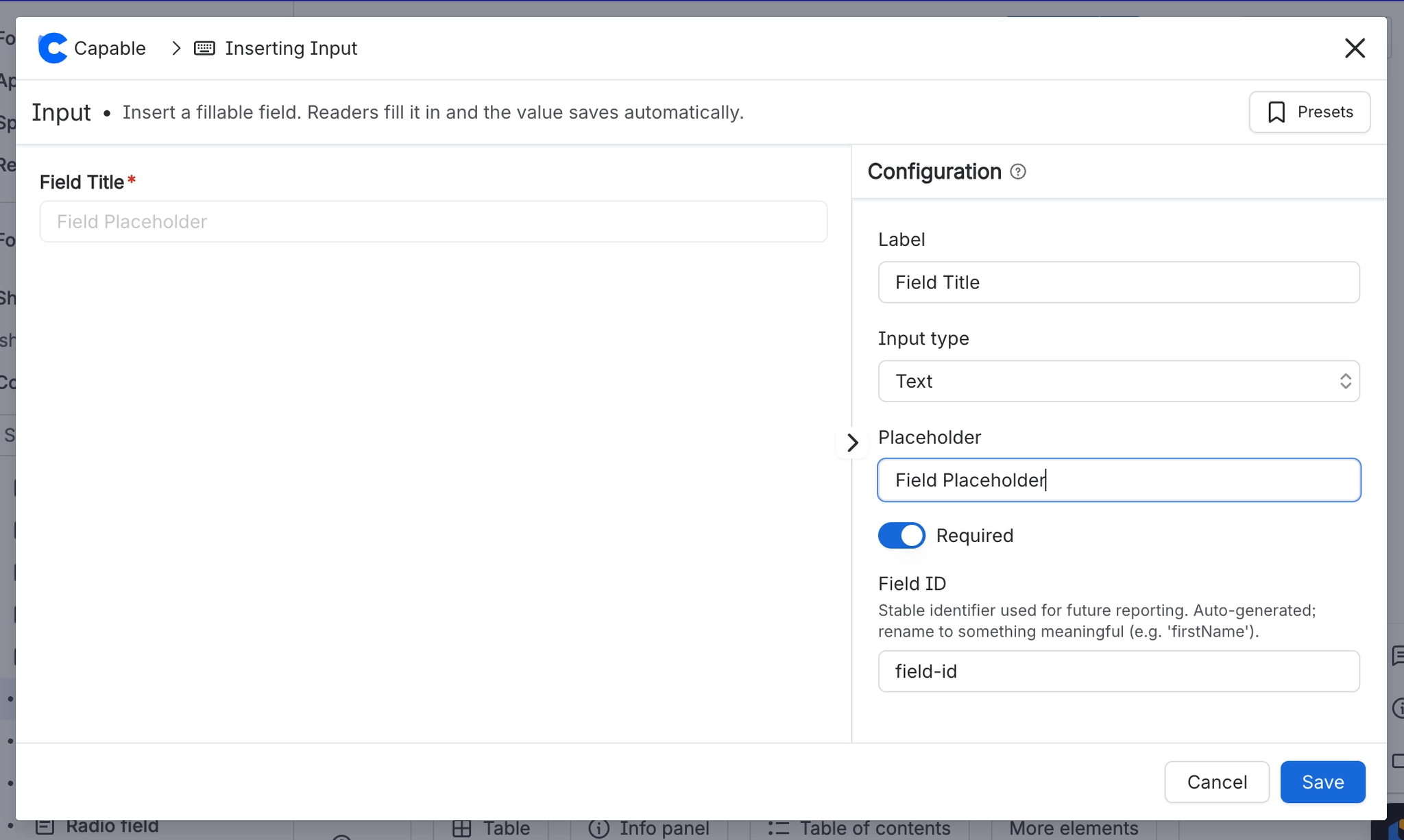
You have the following options available when using the text input macro:
Setting | Recommendation | Notes |
|---|---|---|
ID | Use a stable, meaningful internal identifier. | Avoid renaming once the field is used in filters, reports, or templates. |
Label | Use clear user-facing wording. | For example: Description, Additional comments, or Notes. |
Required | Enable only when the value is essential. | If enabled, provide a clear label and help text so users know what to enter. |
Placeholder | Add an example or prompt to guide the user. | For example: |





















