
Radio field
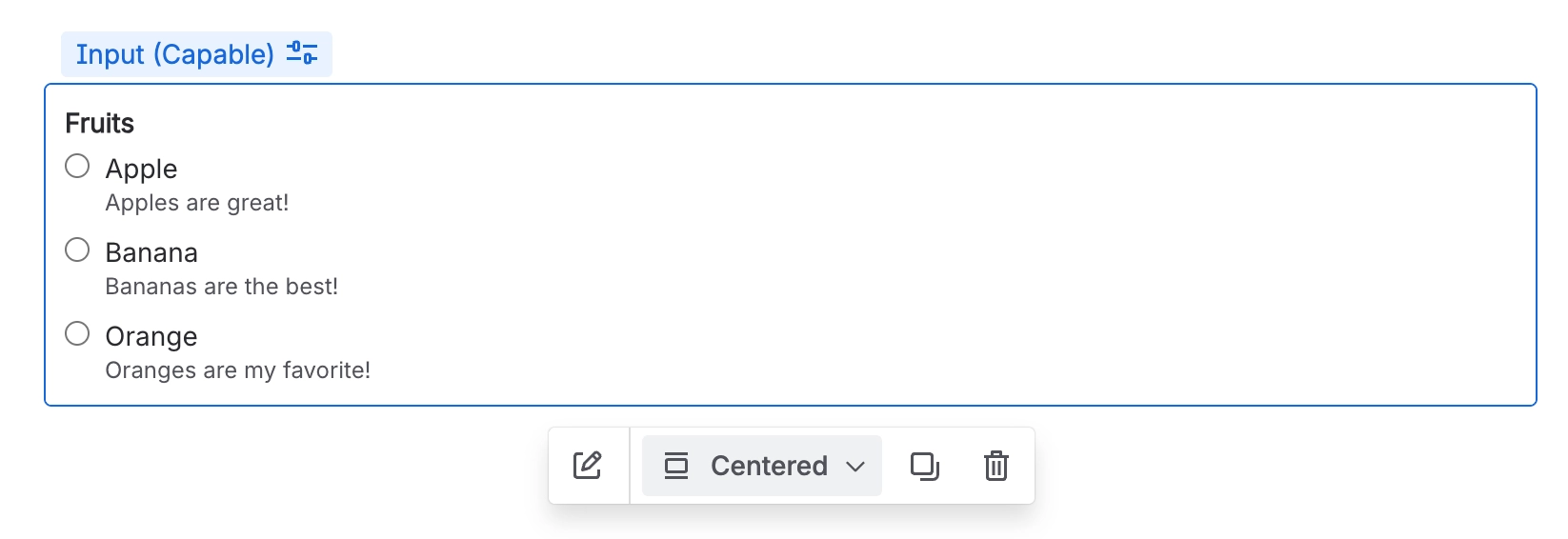
A Radio field is specifically designed to collect a single choice from a predefined list of options.
#Overview
Radio fields display all available options at once and allow the user to pick exactly one, making them ideal when the list of choices is short and visibility of every option matters.
#Use cases
Typical use cases include:
Selecting a status, category, or type
Choosing a priority level (e.g. Low, Medium, High)
Picking a response from a short, fixed list (e.g. Yes / No / Maybe)
Approval decisions or routing choices
Any single-answer question where users benefit from seeing all options up front
#Configuration
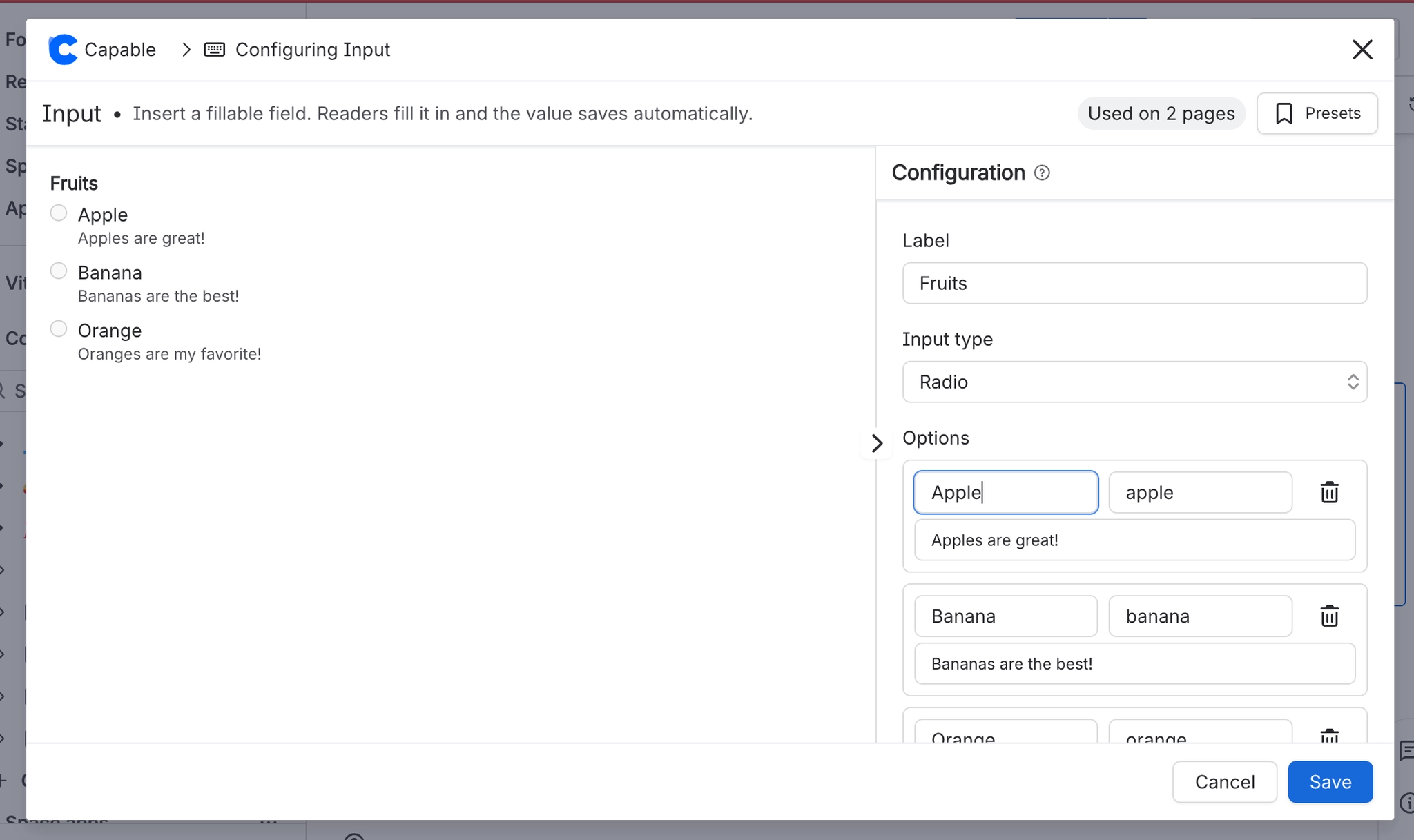
You have the following options available when using the radio input macro:
Setting | Recommendation | Notes |
|---|---|---|
ID | Use a stable, meaningful internal identifier. | Avoid renaming once the field is used in filters, reports, or templates. |
Label | Use clear user-facing wording. | For example: Priority, Document type, or Approval decision. |
Required | Enable only when the value is essential. | If enabled, provide a clear label and help text so users know what to select. |
Options | Keep the list short and mutually exclusive. | Best for 2–5 options. For longer lists, consider a Select field instead. |
Placeholder | Add an example or prompt to guide the user. | For example: |





















