
Textarea field
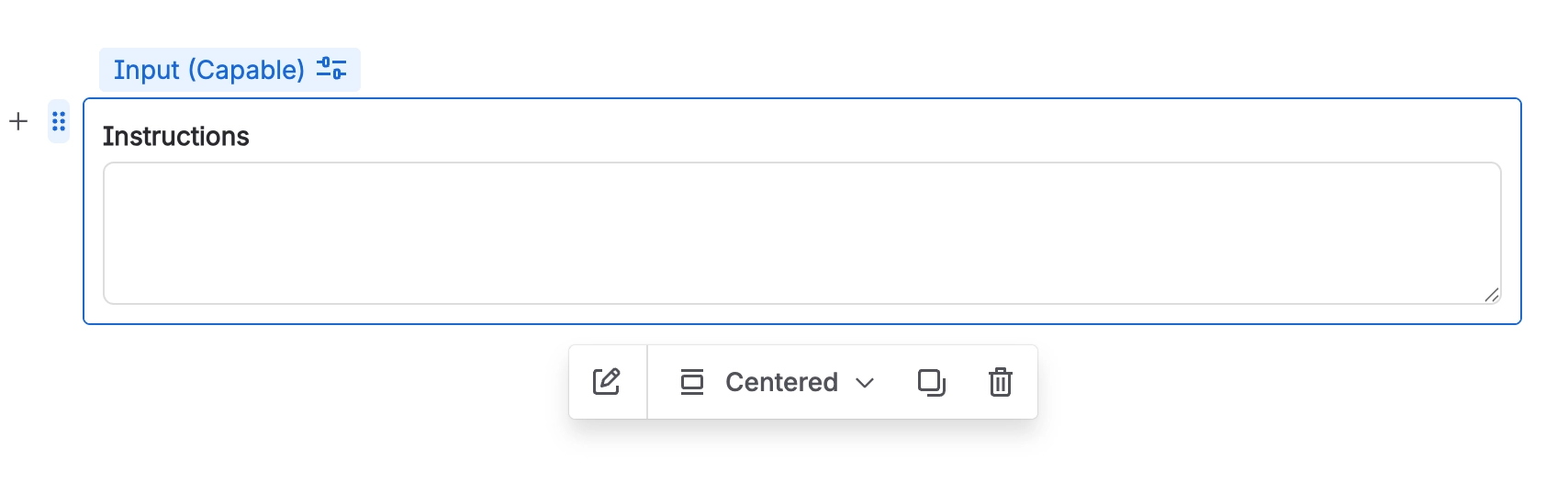
A Textarea field is specifically designed to collect longer text responses from users.
#Overview
Textarea fields allows for multi-line input, making it ideal for detailed feedback, comments, or any information that requires more space than a standard single-line input field.
#Use cases
Typical use cases include:
Detailed feedback, comments, or suggestions
Description or summary fields requiring multiple sentences
Notes, instructions, or additional context
Bug reproduction steps or error messages
Free-form explanations, justifications, or open-ended responses
#Configuration
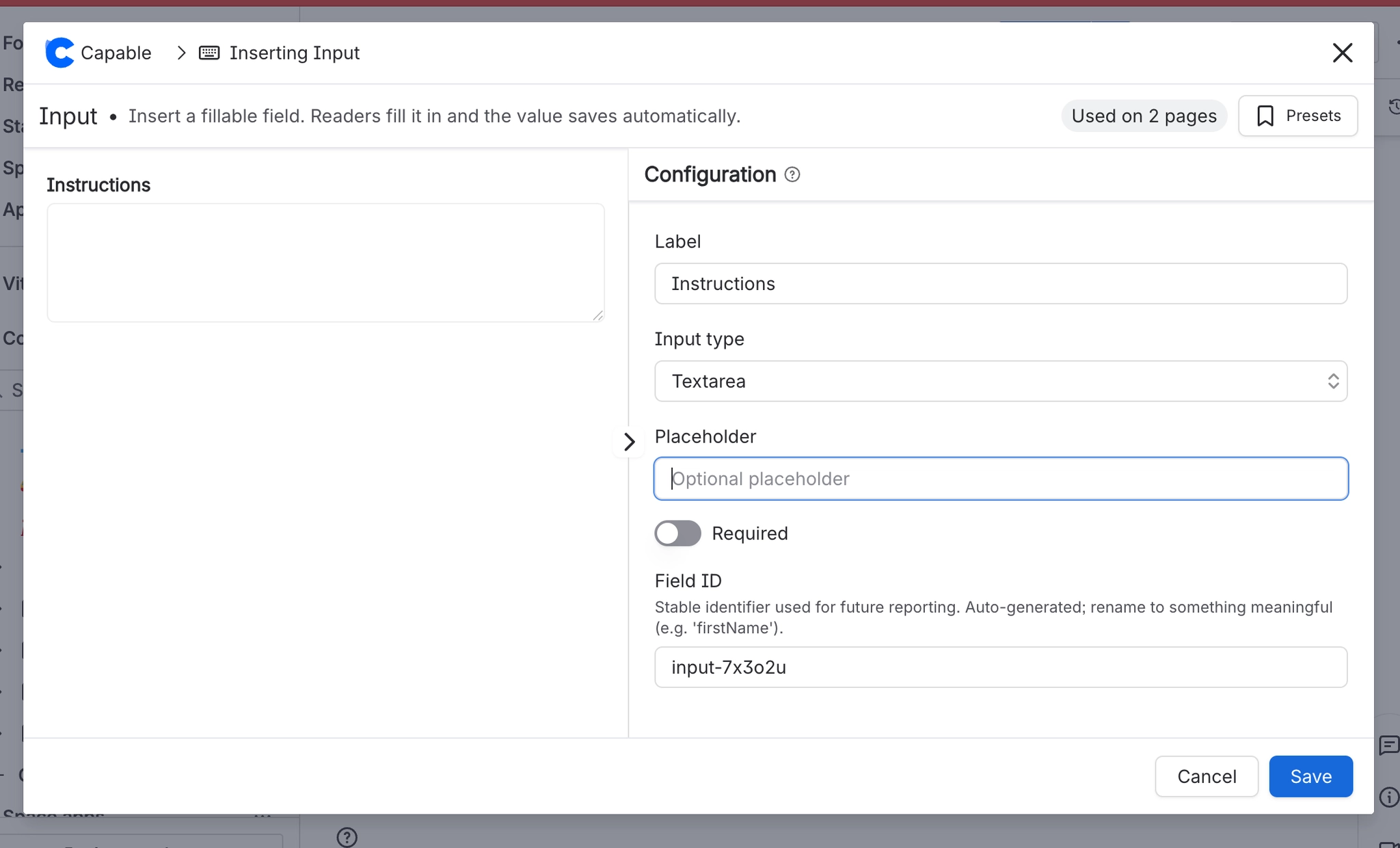
You have the following options available when using the text input macro:
Setting | Recommendation | Notes |
|---|---|---|
ID | Use a stable, meaningful internal identifier. | Avoid renaming once the field is used in filters, reports, or templates. |
Label | Use clear user-facing wording. | For example: Description, Additional comments, or Notes. |
Required | Enable only when the value is essential. | If enabled, provide a clear label and help text so users know what to enter. |
Placeholder | Add an example or prompt to guide the user. | For example: |





















