
Number field
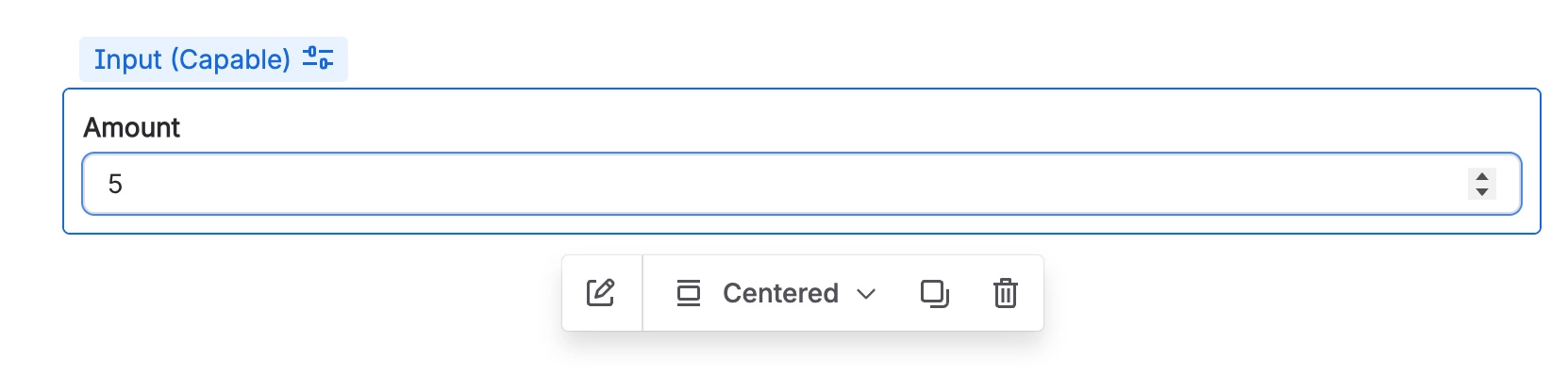
A Number field is specifically designed to collect numeric values from users.
#Overview
Number fields accept only numerical input, making them ideal for quantities, scores, costs, measurements, or any value that needs to be validated, compared, or calculated.
#Use cases
Typical use cases include:
Quantities, counts, or totals
Budgets, prices, or cost estimates
Ratings or scores
Ages, durations, or time estimates
Percentages or thresholds
Measurements such as weight, distance, or dimensions
#Configuration
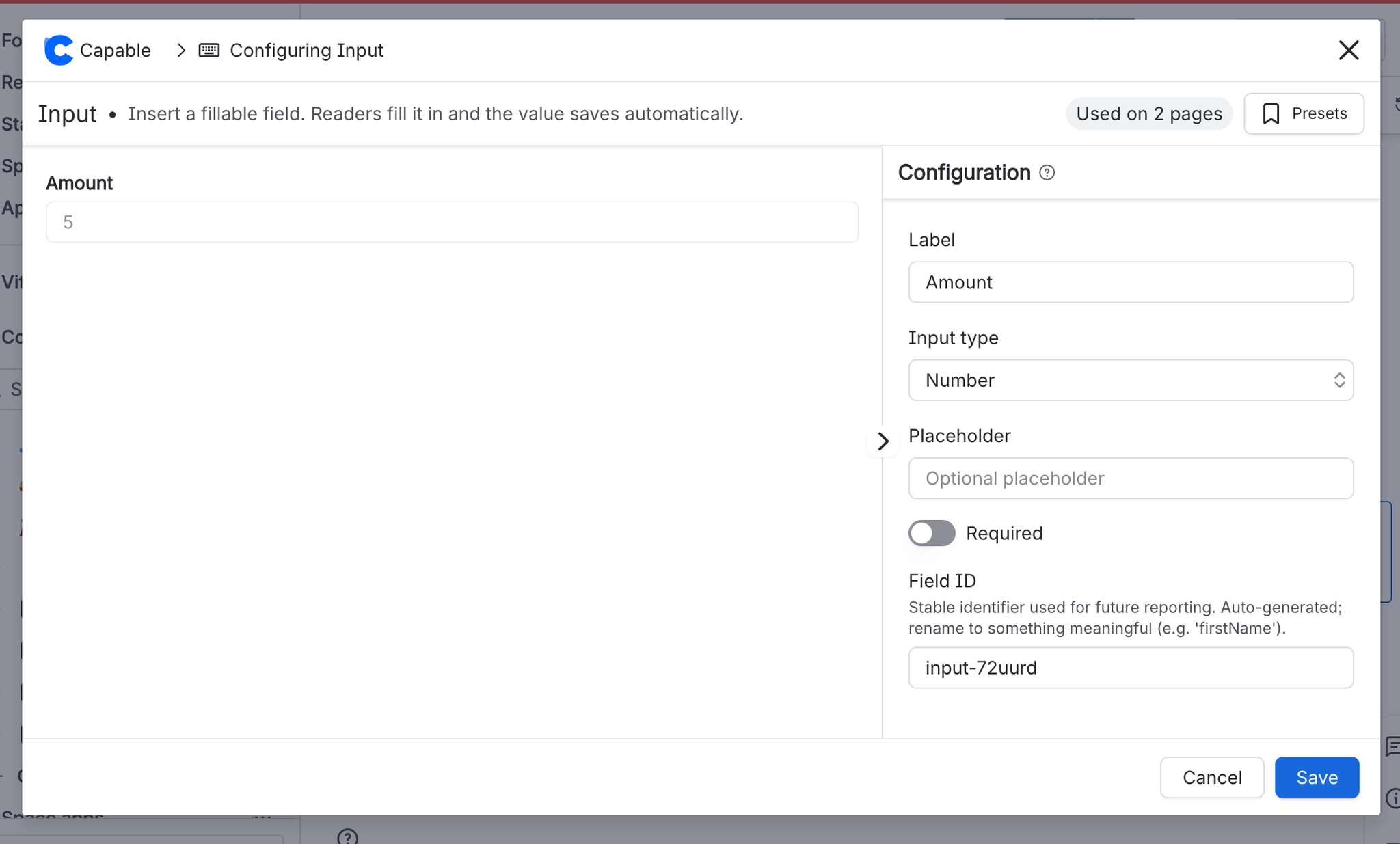
You have the following options available when using the number input macro:
Setting | Recommendation | Notes |
|---|---|---|
ID | Use a stable, meaningful internal identifier. | Avoid renaming once the field is used in filters, reports, or templates. |
Label | Use a short, specific label describing the value expected. | For example: Quantity, Budget (GBP), or Score. |
Required | Enable only when the value is essential. | If enabled, provide a clear label and help text so users know what to enter. |
Placeholder | Add an example or prompt to guide the user. | For example: |





















