Browse responses
You can browse forms and any responses through a central interface.
This feature makes it easy to track forms. This centralized system allows you to efficiently manage and monitor all your forms in one place, ensuring that you have quick access to the data and can keep track of submissions without any hassle.
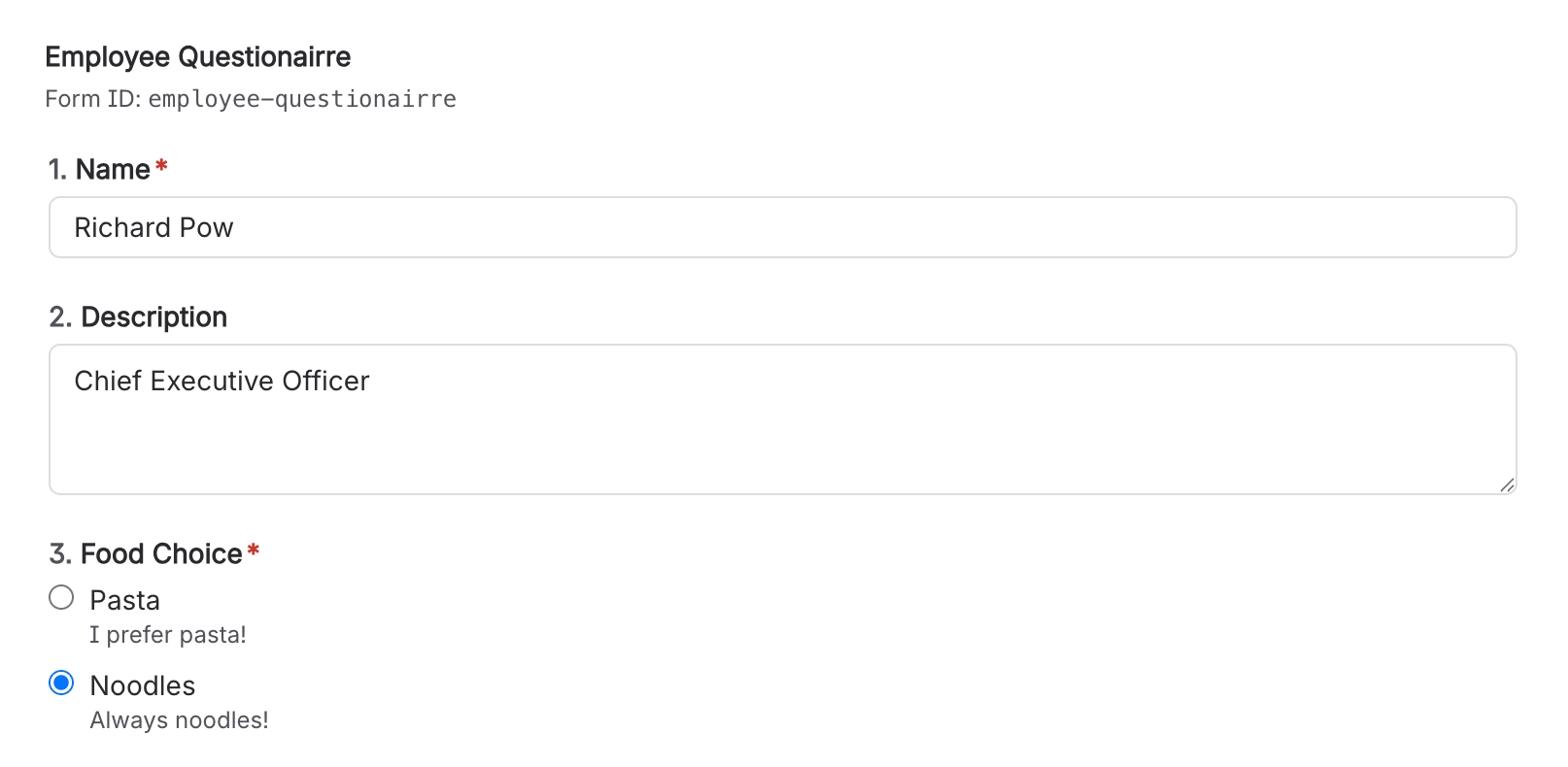
First create the form you want to collate on a page:
Then navigate to the ‘Forms’ tab in the main Capable interface, accessible from the ‘Apps’ menu:
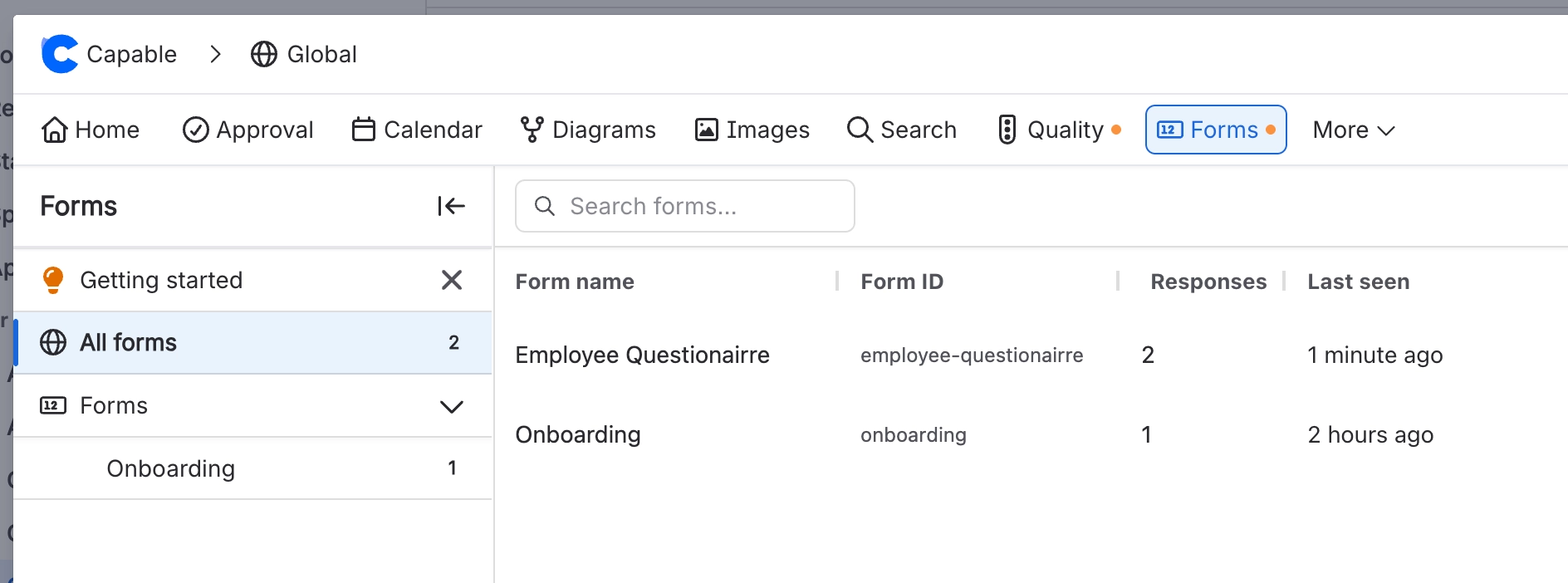
Clicking on a form will add it to the quick access sidebar and let you see the responses:
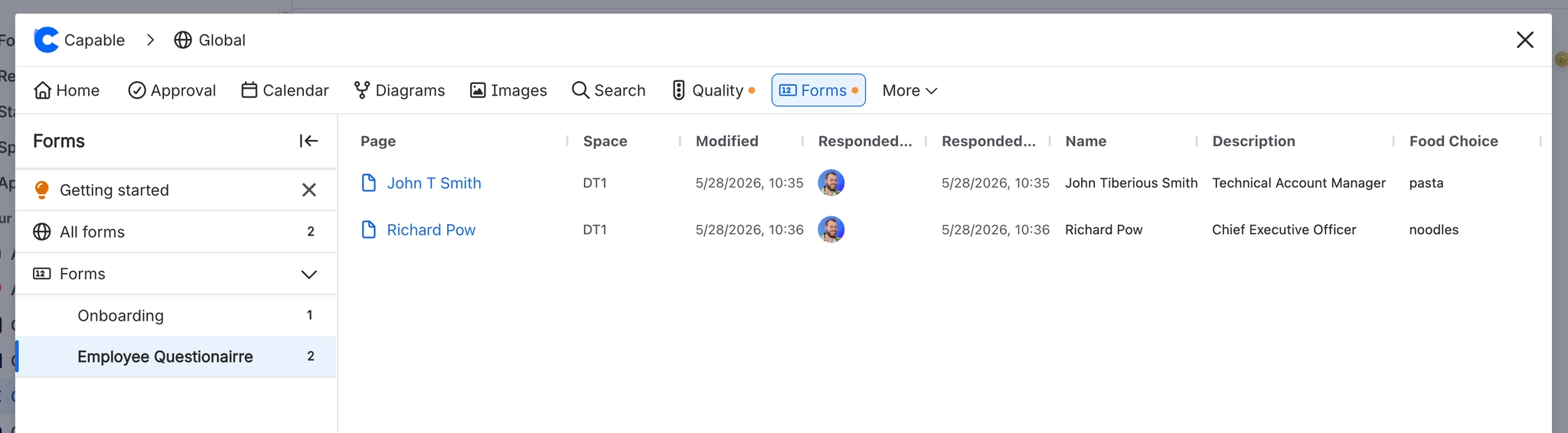
You can export all responses into a CSV file from the export button: