
Select field
A Select field is specifically designed to collect a single choice from a dropdown list of options.
#Overview
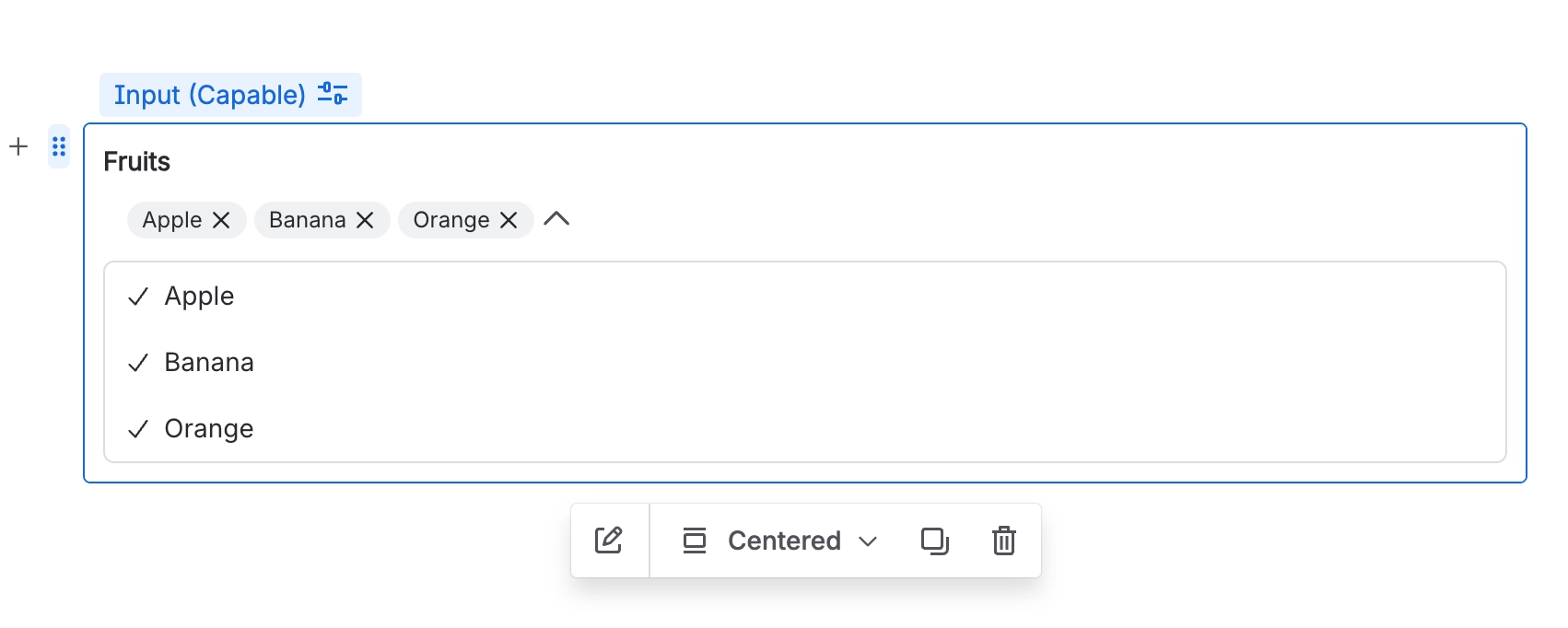
Select fields present options in a collapsed dropdown, making them ideal when the list of choices is long and showing all options at once would clutter the form.
#Use cases
Typical use cases include:
Selecting from a long list of categories or departments
Picking a country, region, or office location
Choosing from a catalogue of products, services, or projects
Assigning a status from many possible values
Any single-answer question where space on the form is limited
#Configuration
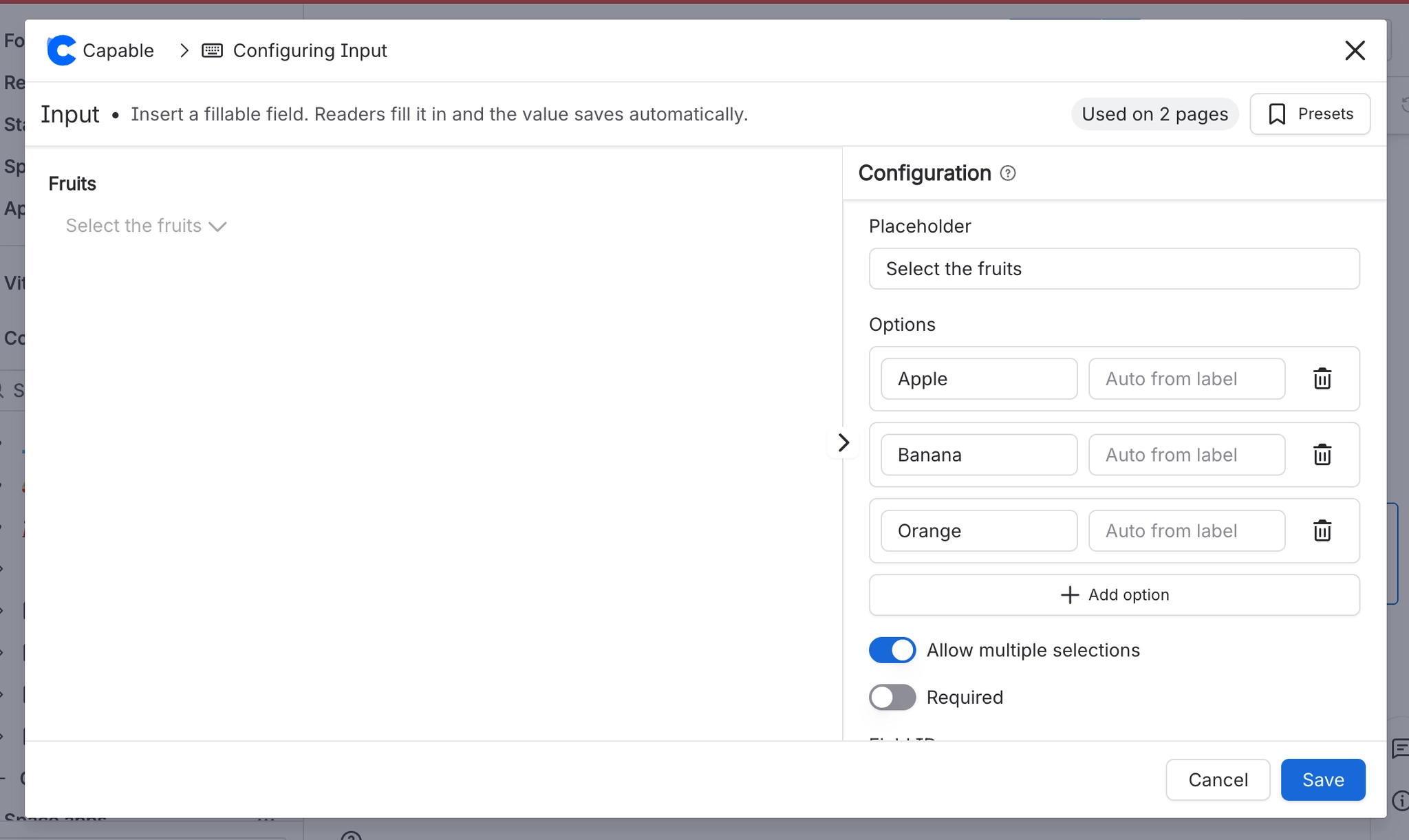
You have the following options available when using the select input macro:
Setting | Recommendation | Notes |
|---|---|---|
ID | Use a stable, meaningful internal identifier. | Avoid renaming once the field is used in filters, reports, or templates. |
Label | Use clear user-facing wording. | For example: Department, Country, or Project. |
Required | Enable only when the value is essential. | If enabled, provide a clear label and help text so users know what to select. |
Options | List the full set of choices users can pick from. | Best for 5 or more options. For shorter lists, consider a Radio field instead. |
Multiple | Can you select more than one item? | |
Placeholder | Add an example or prompt to guide the user. | For example: |





















