
How Attio for Jira works
Anything that puts CRM data on a support ticket deserves a plain account of what it reads, where the reading happens and what crosses the boundary. This page is that account, in the order the app does it.
The short version: the reporter's email address is the mechanism. Everything else follows from the fact that Jira knows who reported a request and Attio knows who that address belongs to.

#Step by step
An agent opens a request in a service management project whose setup is finished and which has at least one placement switched on.
The app reads the issue as that agent. Somebody who cannot open the issue never reaches the next step, and that floor cannot be configured away.
The reporter is taken from Jira's answer, never from anything the browser sends, and Jira is then asked for that person's email address. This happens on the server.
Depending on the project's choice, either the whole address or only the part after the @ is sent to Attio as the value to search on. The address is trimmed and lower-cased first, because an address handed back with a stray space would otherwise come back as no match for a customer plainly in the CRM.
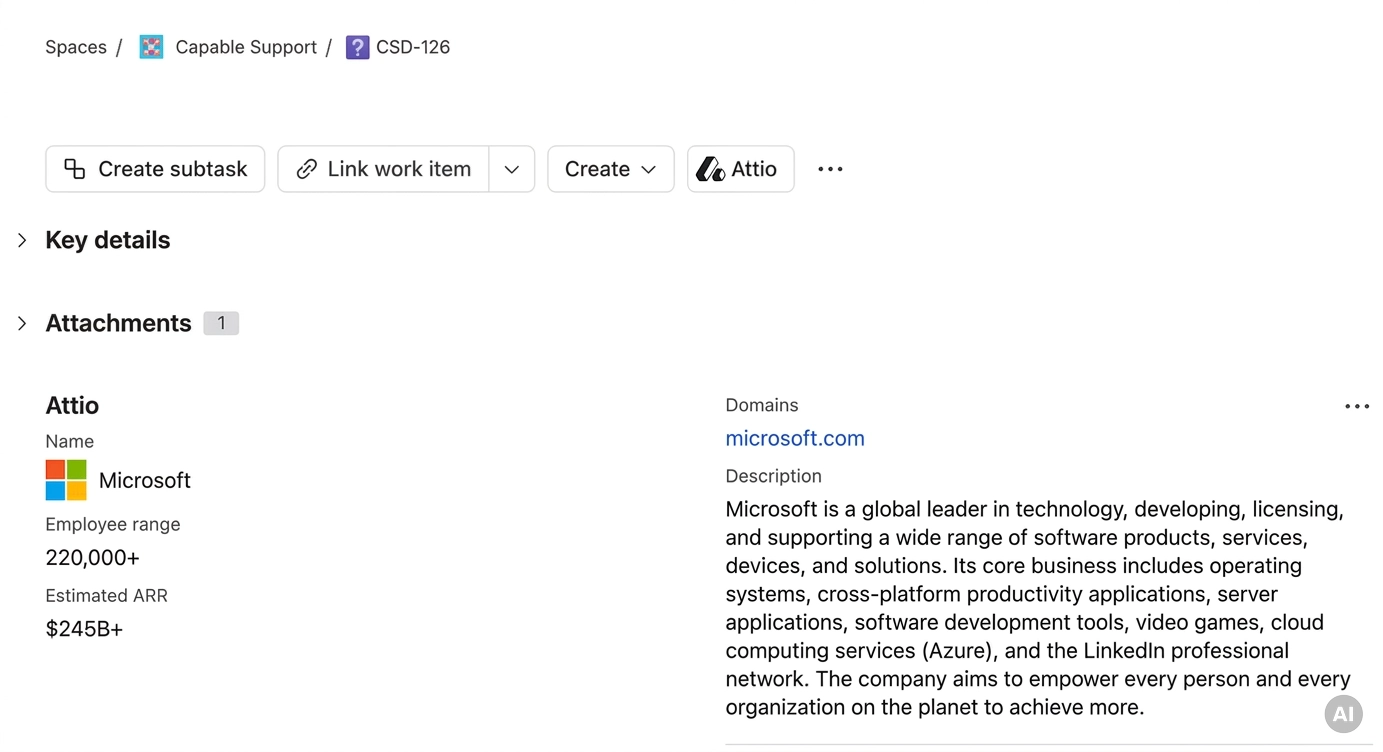
Attio answers. One matching record becomes the card; two or three become a list of candidates for the agent to choose between in Attio; none becomes "No Attio record matches this reporter."
The server takes only the attributes the administrator chose, in their order, formats them, and sends those to the card. Attributes nobody selected never leave the server.
#Person or company, and only one of them
A project matches a reporter in one of two ways, chosen on the Matching step. Matching the person looks up the reporter's own address and finds the individual. Matching their company uses only the domain, so every reporter at the same customer resolves to the same record and one lookup answers for the whole company.
Exactly one of them runs. A project that matches companies and finds nothing does not quietly show the person instead, and the reverse is also true, so the answer on the card is always about the thing the project was configured to look for.
Company matching refuses a domain that is too popular. One matching record is shown outright. Two or three are offered as candidates. Four or more shows nothing at all, on the grounds that a domain shared by that many records is almost always free mail, a shared host or a mail-sending domain, so every candidate would probably be the wrong customer. Matching the person is not capped that way: four or more still lists three candidates under "4 or more records match this reporter."
#What leaves Atlassian
One outside destination receives personal data: Attio's API, which is given the reporter's email address, or only its domain when the project matches companies, together with the record type and attribute the administrator chose. The app declares that as a transfer of end-user data rather than treating it as ordinary infrastructure traffic. The browser never calls Attio directly.
The address itself goes no further. It is never returned to the browser, never printed on the card, never written to a log and never stored: where the app needs to remember which reporter an answer belongs to it keeps a one-way fingerprint instead. Every message on the card says "this reporter" rather than naming them. Attio's own error text is never shown or logged either, because an upstream validation message is entitled to quote the value that failed, and on the lookup that matters that value is the address.
#How fresh the card is
Nothing is copied out of Attio on a schedule. There is no background job and no overnight sync: every value is fetched when somebody opens a request, and then reused for a while so the second agent to open a ticket for the same customer costs nothing.
What is reused | For how long | What that means in practice |
|---|---|---|
A matched record and the rows built from it | Fifteen minutes, shared by everyone in the project looking at that customer | An edit made in Attio can take up to fifteen minutes to reach a card that has already been viewed. |
The attribute list of the chosen record type | One hour per project | Renaming an attribute in Attio, or adding one, can take up to an hour to show on the card and in the settings pickers. |
Whether a viewer may see the card, and their Jira group membership | Fifteen minutes per person | Somebody who loses a permission or leaves a restricted group can keep seeing the card for up to fifteen minutes. |
A record's picture in the viewer's browser | One hour | Re-opening the same customer's ticket costs nothing. |
Settings changes bypass all of it. Changing the record type, the match method, the attribute matched on, the fields, the linked-record settings, the picture or either domain list shows through on the next view rather than after the window. Nothing degraded is ever kept: a failure, a rate limit or a permission Jira would not confirm is used for that one view and then discarded, so one bad minute upstream never turns into fifteen minutes of an empty card.
There is no refresh control on a working card. "Try again" appears in two states only: an error, and a rate limit with nothing on screen to read. A card that is showing rows, a no-match or a list of candidates has no manual refresh, which is worth knowing if you are watching a colleague edit a record in Attio and waiting for it to change.
#When Attio is slow or unhappy
A card waits twelve seconds for Attio and then says so: "Attio did not answer within 12 seconds." The connection test on the settings page uses a shorter eight seconds, because somebody is watching a spinner while it runs.
Being slow and being unreachable are reported differently, because the fix is different.
A request Attio asks to slow down is retried exactly once, after the delay Attio asks for, capped at ten seconds. A second refusal is reported rather than retried.
No failure takes the card down. A revoked key, an outage, a rate limit or Jira not answering are all answered with a sentence inside the card, so a failure never hides the parts that did work.
#A few things worth knowing
The fifteen-minute window and the absence of a refresh control compound each other. An agent watching a value change in Attio may keep seeing the old one on every issue for that customer until the window passes.
Renaming an attribute in Attio is on the slower hour-long clock, so a label can stay stale long after the values beside it have refreshed.
Removing somebody's access in Jira is not instant on the card. Changing the audience in project settings applies at once, but moving a person out of a group can take up to fifteen minutes to hide the card from them.
#Related
One address out, a handful of chosen attributes back.






















