
Three ways to point at a report
Full report URL, pasted iframe embed code, or a bare report ID.
#Where you do it
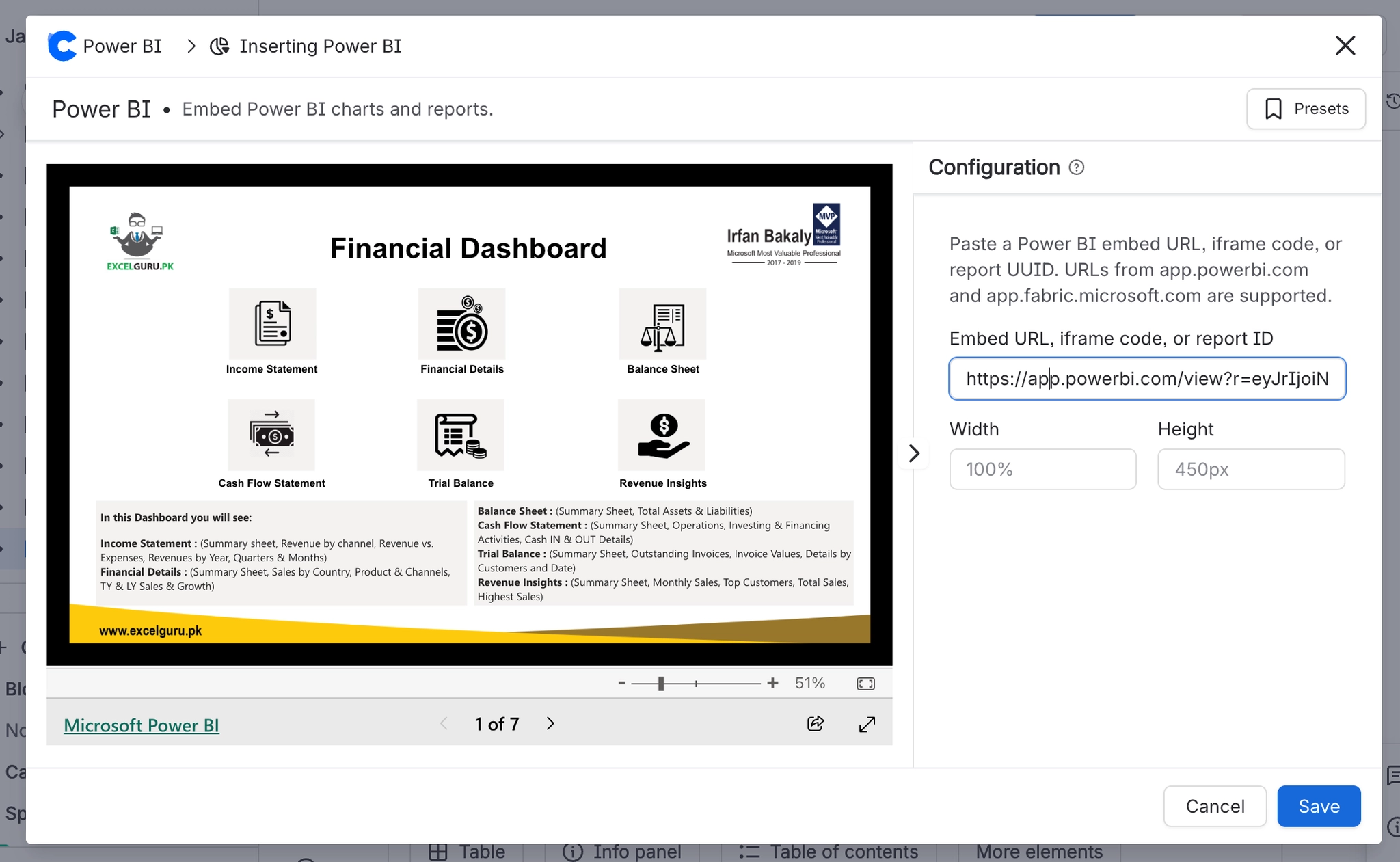
Task | Where |
|---|---|
Add a Power BI report to a page | - |
Add a report by pasting a link | - |
Get the right link out of Power BI | - |
#Worth knowing

Power BI Embed is a viewer, not a connector. It never authenticates to Power BI, never fetches report data, and never stores a token. Everything the reader sees comes from Microsoft directly, subject to Microsoft's own access rules.
The macro accepts only two hosts (app.powerbi.com and app.fabric.microsoft.com) and only two URL shapes (/view with an r parameter, /reportEmbed with a reportId parameter). A link copied from the browser address bar while browsing a workspace will usually be rejected.
A bare report ID is always turned into an app.powerbi.com link with automatic authentication. It never targets Fabric.
The frame never scrolls itself (scrolling is off); Power BI handles its own scrolling. A report taller than the configured height is clipped.
A click-to-interact overlay swallows the first click on the report. This is intentional so that page scrolling is not captured by the embed.
The macro is declared as available to unlicensed and anonymous Confluence readers. The frame will render for them, but the report only appears if Power BI itself lets them see it.
#Related
How it actually behaves.






















