
Secure and public reports
Secure links (the /view form) and public embed links (the /reportEmbed form) are both accepted.
#Where you do it
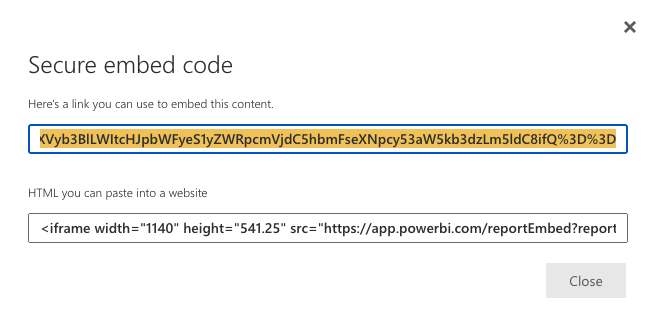
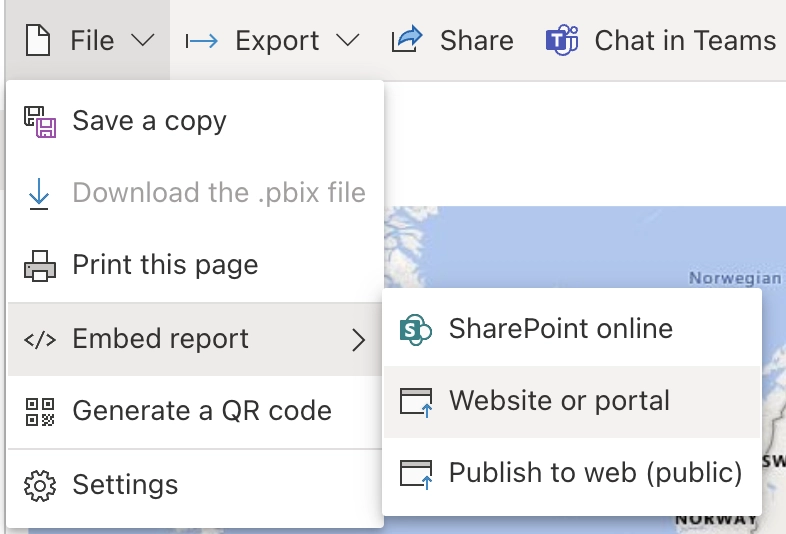
Task | Where |
|---|---|
Get the right link out of Power BI | - |
#Related
How it actually behaves.
Secure links (the /view form) and public embed links (the /reportEmbed form) are both accepted.
Task | Where |
|---|---|
Get the right link out of Power BI | - |
How it actually behaves.






















