
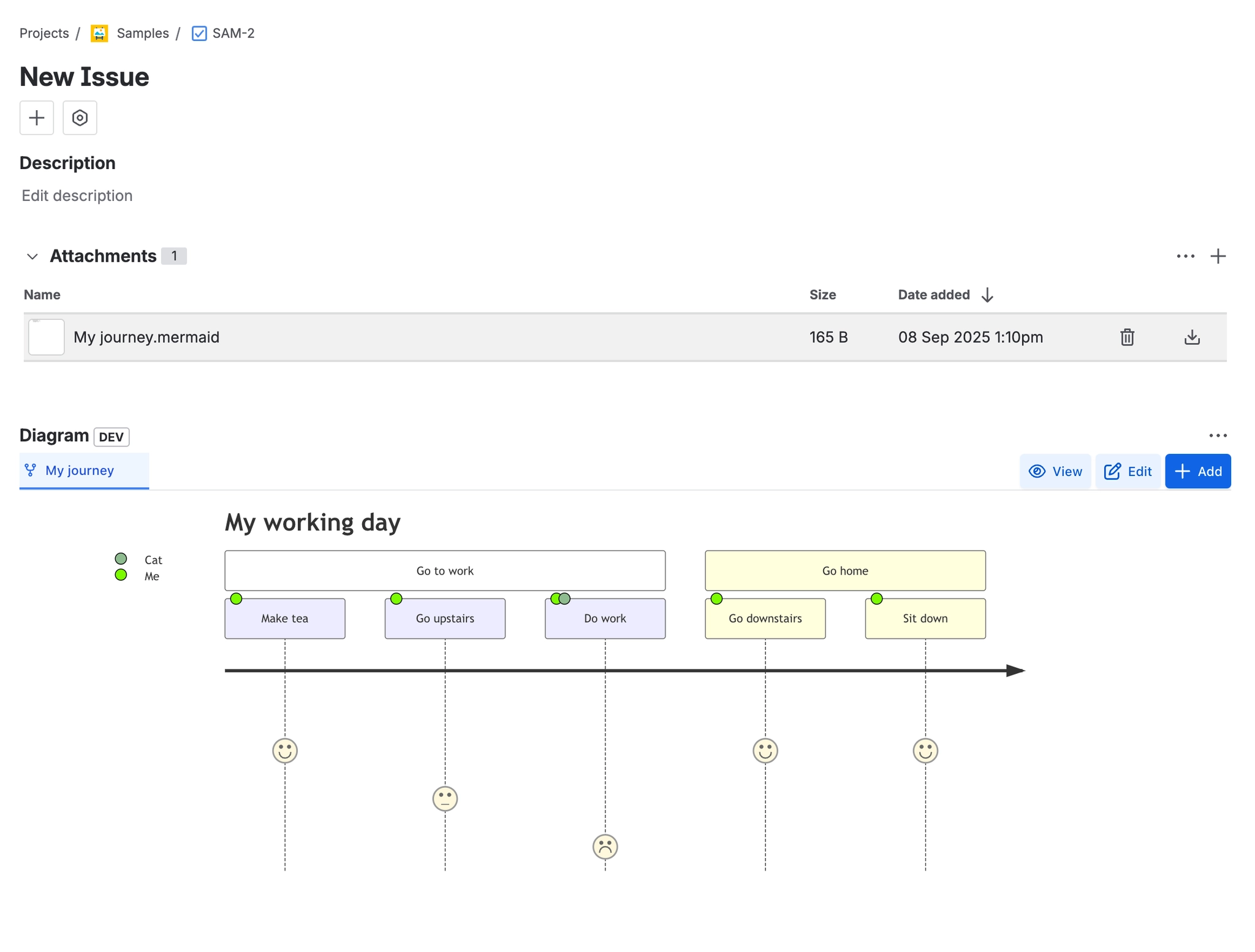
Diagrams stored as ordinary Jira attachments
Every diagram is a real file on the issue (.mermaid, .drawio, .excalidraw, .bpmn …), so it appears in the Attachments field, respects your own Jira permissions, and travels with normal Jira attachment handling and export.
#Where you do it
Task | Where |
|---|---|
Install Diagrams for Jira and approve its permissions | Atlassian Marketplace → Jira → Apps → Manage apps |
Add a diagram to a Jira issue | Issue view → Diagram panel (or the Diagrams section in the issue details column) → Add |
View a diagram full screen | Issue → Diagram panel → select a tab → View |
#Settings that affect this
Setting | Where | What it does |
|---|---|---|
Admin / project / site settings | - | - |
Diagram (gadget configuration). Diagram | - | - |
Diagram (gadget configuration). Language | - | - |
#Worth knowing
Diagrams for Jira is a separate purchase from the Confluence diagrams app and is not part of the Capable Suite.
The global Diagrams page depends entirely on a search index that is only written on attachment add/delete events while the site is licensed. Pre-existing diagrams and diagrams changed during an unlicensed period never appear until the issue is touched again.
#Related
How it actually behaves.






















