Capable Docs Capable Docs
Website ↗Trust ↗
  • Diagrams for Jira
    • Overview
      • Suite or standalone
      • What Capable Diagrams for Jira is
    • Get started
      • Common tasks
    • Guide
      • Capable Diagrams (global page)
      • Diagram (issue panel)
      • Diagrams (issue context panel)
      • Capable Diagram (dashboard gadget)
      • Create / edit diagram editor (shared by all surfaces)
      • Diagram viewer controls
    • How it works
      • Create and edit 30+ diagram types on a Jira issue
      • Diagrams stored as ordinary Jira attachments
      • Site-wide diagram browser
      • JQL search for issues with diagrams
      • Diagram count badge on the issue
      • Diagrams on Jira dashboards
      • Visio import
      • Browser-only rendering for visual editors
      • Dark mode aware rendering
      • Per-issue tab ordering
    • Administration
      • Diagrams for Jira settings
    • Integrations
      • Working with other capabilities
      • External services to connect
      • Outbound domains an admin approves at install
      • Jira permissions requested
      • Content security policy relaxations
      • How you are authenticated to Capable's service
      • Where diagrams are stored
      • What leaves your Jira site
      • Licensing
      • Site registration
    • Reference
      • Limits
      • What is not available
    • Troubleshooting
      • Something is missing or looks wrong
        • Diagrams page under Apps is empty, or is missing diagrams that definitely exist on issues
        • Diagrams page is empty and every surface shows a "License Not Found" or "License expired" banner
        • After fixing an expired licence, the Diagrams page still shows old or missing entries
        • TikZ is missing from the diagram type picker and there is no way to turn it on
        • Save appeared to succeed but the diagram is now missing from the issue entirely
        • Very large diagrams do not render at all
      • Export and published sites
        • There is no admin, project or site settings screen anywhere for the app
        • There is no way to download or export a diagram from the app, and diagrams do not appear in issue ex
      • Permissions and access
        • Dashboard gadget on a shared or anonymous dashboard shows nothing where a Mermaid, PlantUML or Graph
        • Gadget's title or description cannot be set, or a description I expect is never shown
        • "Manage Apps" or "View on Marketplace" link on the licence banner leads nowhere useful
        • Install permission screen asks for more than the app seems to need
        • Brand-new install does not seem to be registered with Capable, or support cannot see the site
      • Everything else
        • Newly added Capable Diagram gadget already shows a flowchart I did not create
        • Gadget diagram is out of date after someone changed it
        • After editing a diagram, the attachment shows me as the author and today's date, and the old version
        • Add, Edit or Delete buttons are visible but clicking them does nothing
        • Issue shows on the Diagrams browse page but the issue panel and the count badge show nothing (or the
        • JQL filter using the diagram fields does not resolve, or a filter copied from documentation returns
        • Diagram thumbnails on the Apps → Capable Diagrams page appear slowly, one after another
        • Choosing "Add" skips a "Choose a diagram type" step and drops me straight into an editor with a pick
        • Visio file will not import
        • Two diagrams on an issue have the same name and are hard to tell apart
        • "Ask AI about this diagram" button is described somewhere but never appears

Diagrams on Jira dashboards

Updated a week ago
View as text
Open in Confluence
Open in ChatGPT Open in Claude

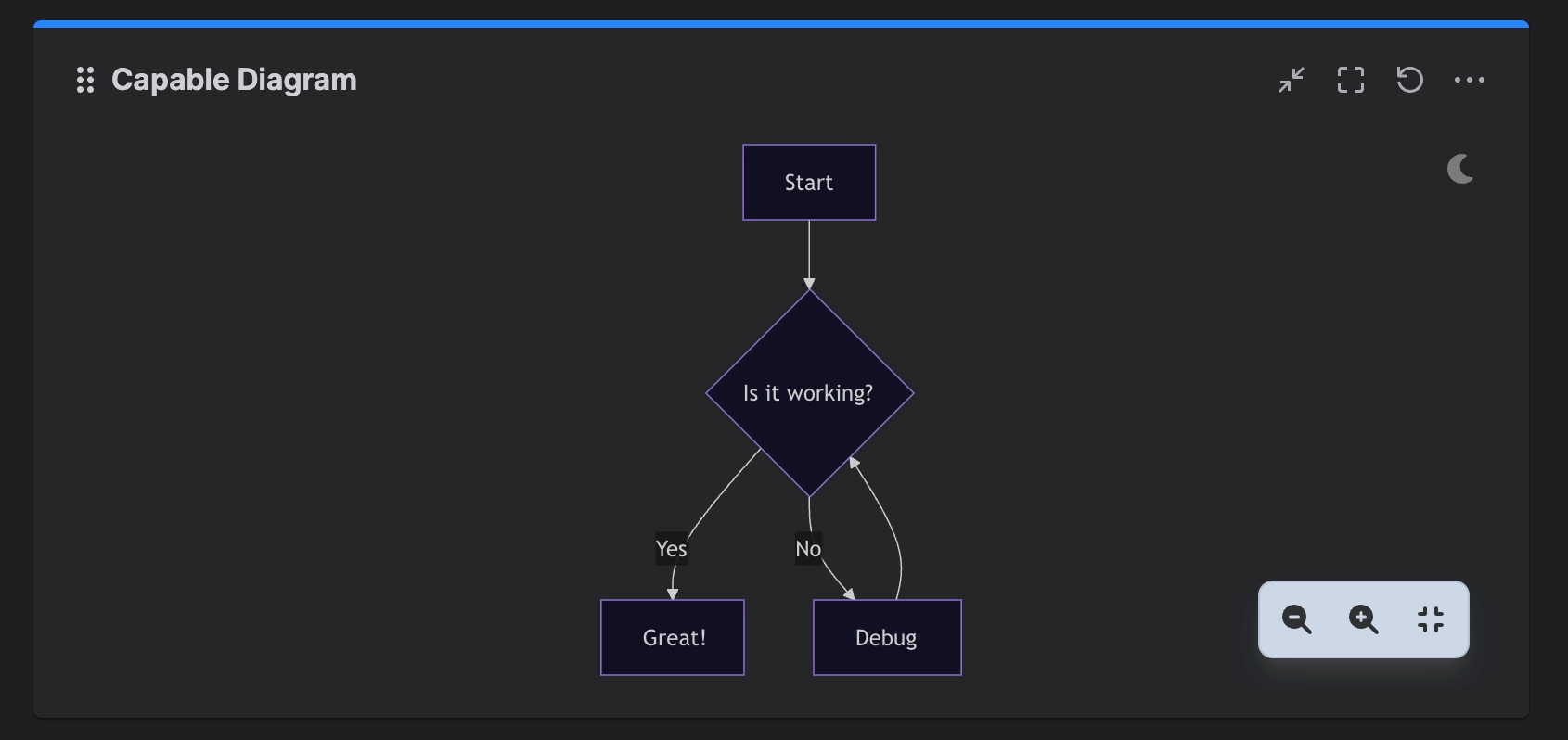
A Capable Diagram gadget renders a single stored diagram on any dashboard, edited in a split source/preview editor.


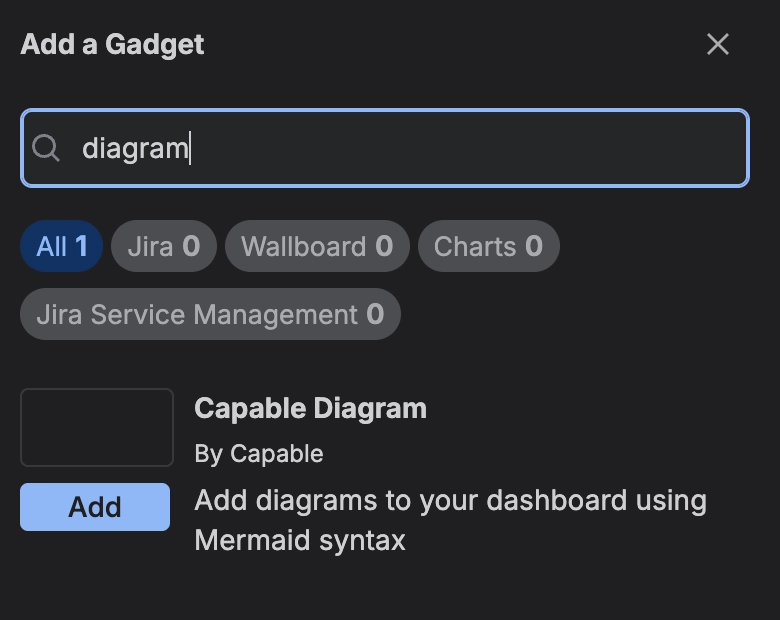
#How to add to a dashboard

image-20260907-222204.png

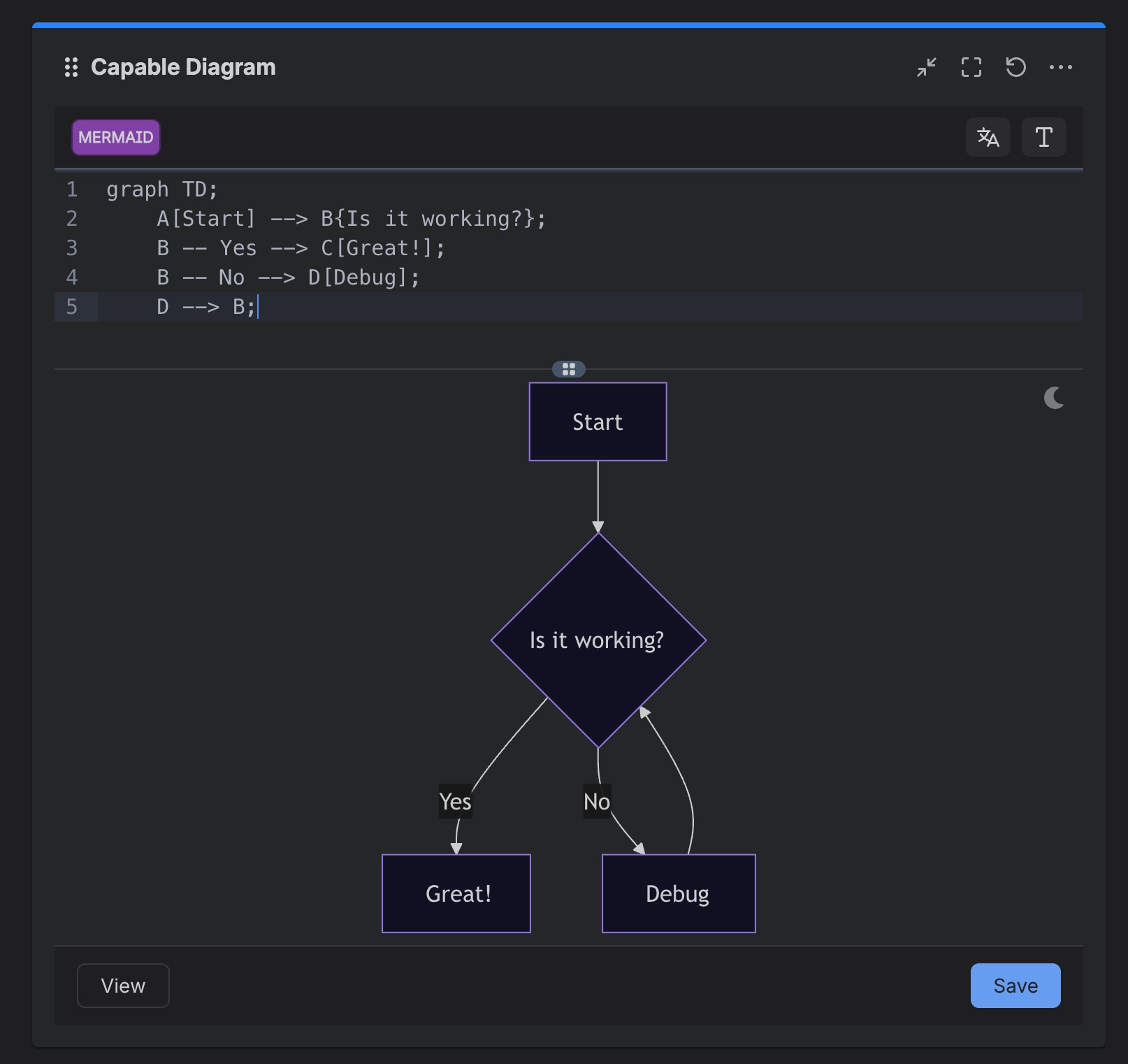
#Configuration

image-20260907-220930.png

#Gadget

image-20260907-222300.png

#Related

Visio import

Another part of how this works.

Browser-only rendering for visual editors

Another part of how this works.

How it works

The rest.


How it actually behaves.

← Previous Diagram count badge on the issue Next Visio import →

Copyright 2026 • Capable Works Limited • All rights reserved

Created with Capable Sites + Atlassian Confluence

On this page
How to add to a dashboardConfigurationGadgetRelated
Capable
CFCapable for ConfluenceEverything you need in Confluence.MTMigrate to CapableMove data seamlessly to Capable.
Confluence apps
AFApproval for ConfluenceStreamline approvals in Confluence.CFCalendar for ConfluenceVisual calendars across Confluence.DFDiagrams for ConfluenceCreate and embed diagrams easily.FFFormatting for ConfluenceMacros to enhance Confluence pages.FFForms for ConfluenceBuild forms directly in Confluence.GFGithub for ConfluenceEmbed Git files and code in pages.IFImages for ConfluenceCentralized image management.MFMarkdown for ConfluenceInsert Markdown from URLs or templates.QFQuality for ConfluenceImprove content quality in Confluence.SFSearch for ConfluencePowerful search with filters and columns.SFSites for ConfluenceBuild websites on top of Confluence.PFPublishing for ConfluenceSafe drafting and reliable publishing.
Confluence integrations
GAGoogle Analytics for ConfluenceTrack Confluence usage with Analytics.PBPower BI for ConfluenceEmbed Power BI reports in Confluence.MFMiro for ConfluenceEmbed Miro boards in Confluence.PFPDF for ConfluenceEmbed PDFs directly in pages.SFSmartsheet for ConfluenceEmbed Smartsheet views in Confluence.
Jira apps
AFAttio for JiraShow the matching customer record from Attio in Jira.DFDiagrams for JiraDiagrams inside Jira issues.MFMarkdown for JiraMarkdown support in Jira issues.
Other
TATrust and NoticesService incidents, security and privacy info.WHWorkflow Hub for monday.comVisual workflows for monday.com.
No spaces match

This site uses cookies for analytics and to improve your experience. You can choose to accept or decline.