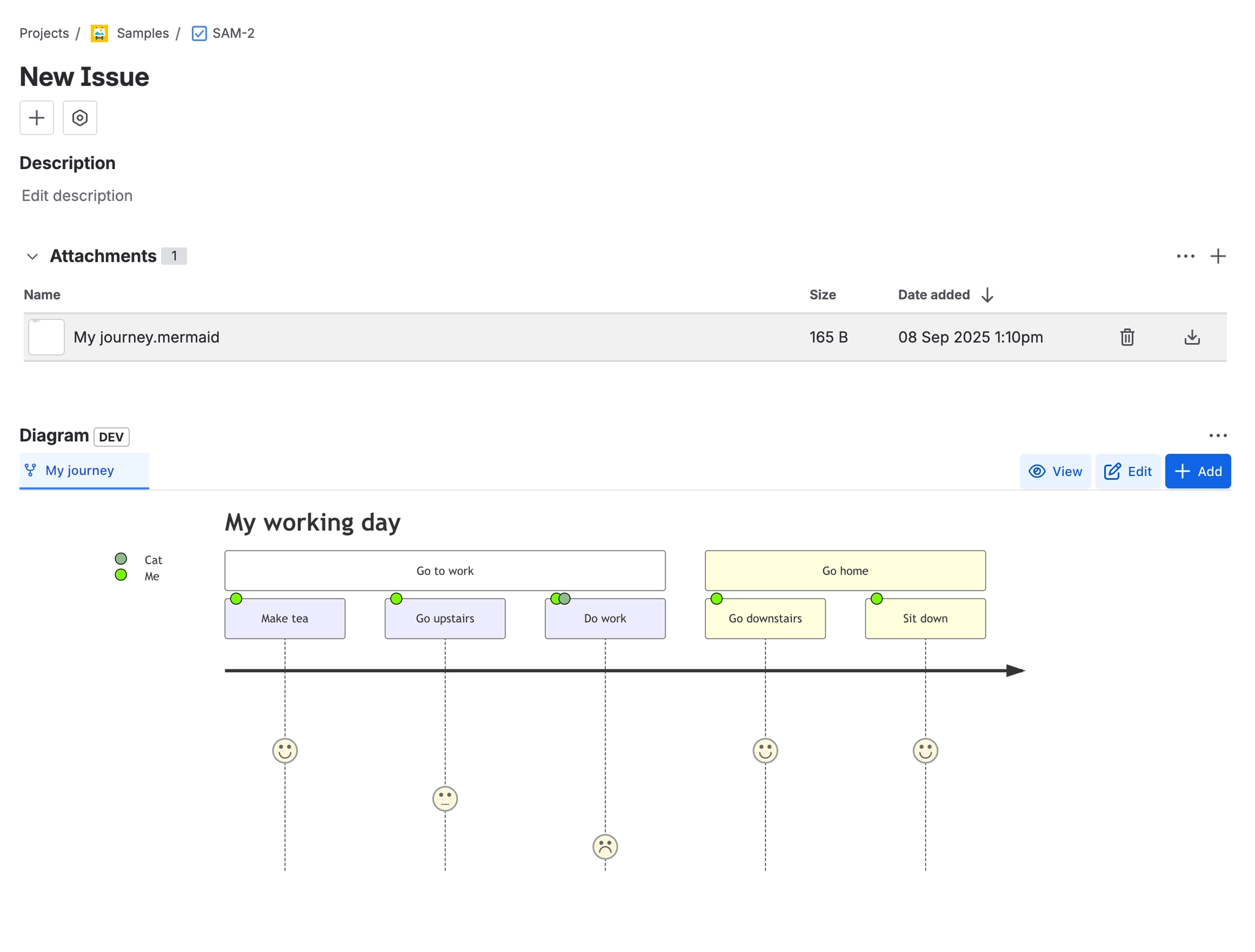
Diagram (issue panel)

Shows one tab per diagram attached to the issue, with a 400px-tall preview beneath. Toolbar offers a sort-tabs toggle, View (read-only full screen), Edit and Add. Each tab has a delete affordance. When the issue has no diagrams, a single "Add Diagram" button is shown. The panel refreshes itself when
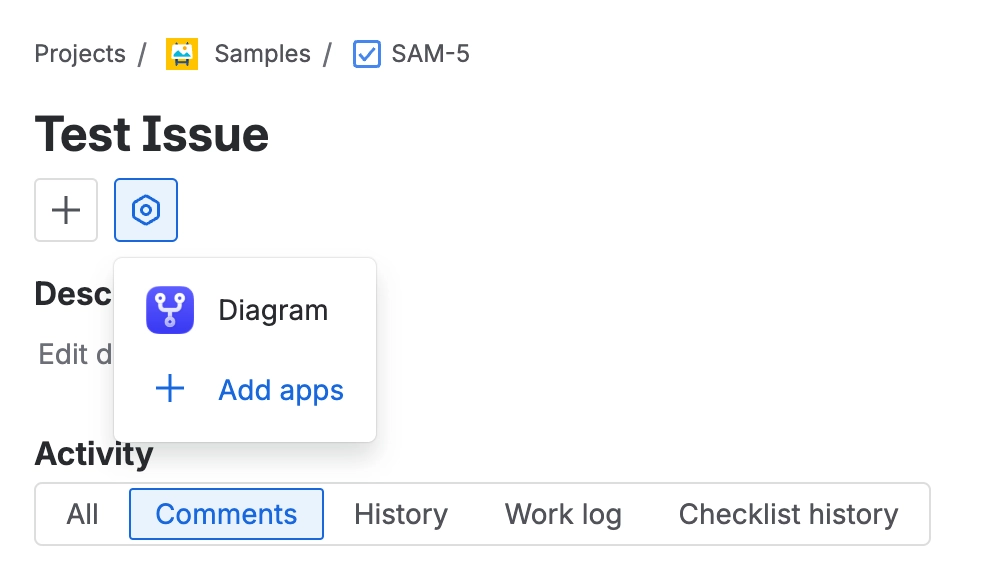
A Jira issue with the apps button open under the issue summary, showing a Diagram entry and an Add apps link.
The panel is added to an issue from the apps button under the summary, where the app appears simply as Diagram.

#Add a diagram

A Jira issue showing the Attachments section with a file named My journey.mermaid of 165 bytes, with delete and download buttons, and the Diagram panel below rendering that file as a Mermaid user jour

#Always show panel

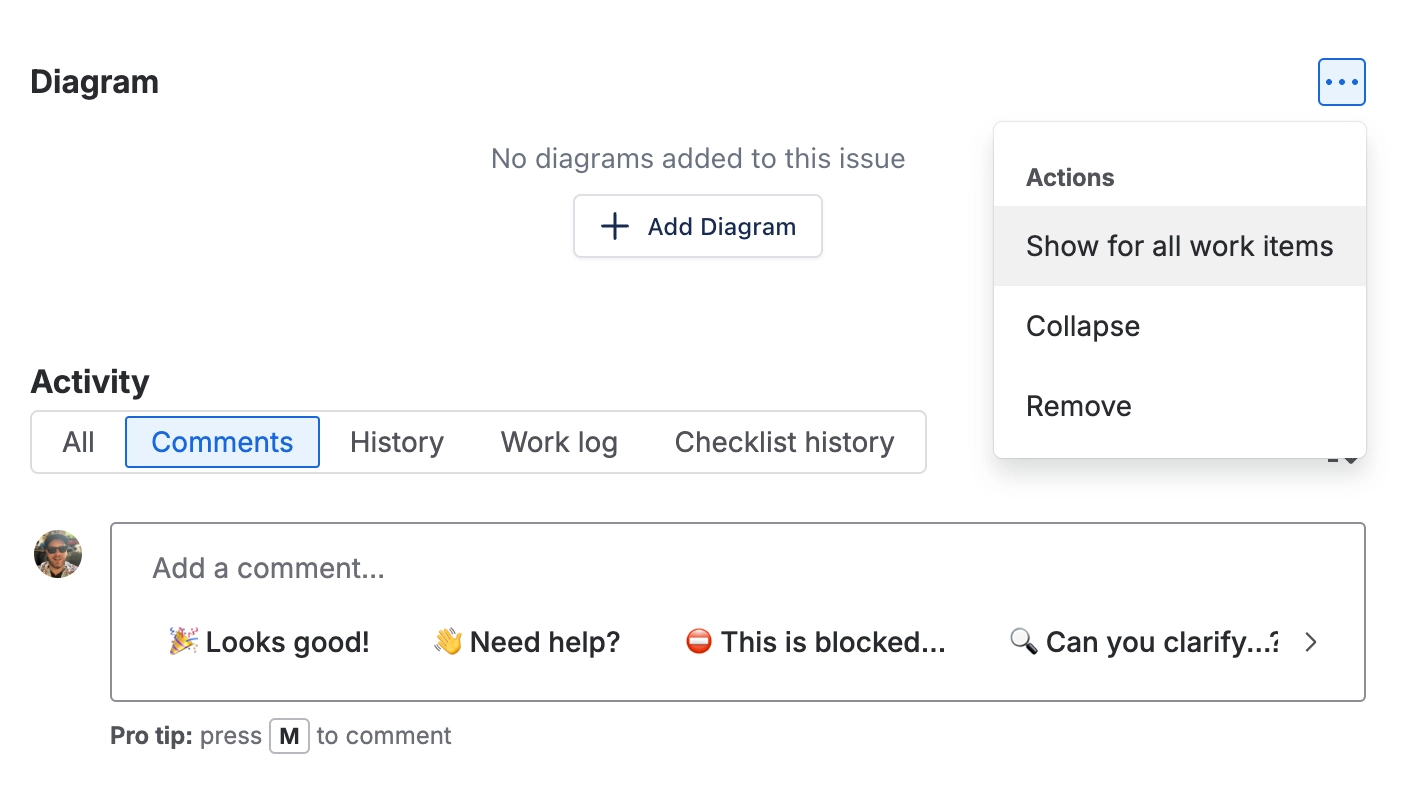
The Diagram panel on a Jira issue with no diagrams, showing an Add Diagram button, and the panel's three dot menu open with Show for all work items, Collapse and Remove.
The three dot menu on the panel header is where you pin the panel to every work item, collapse it, or take it off the issue view.


One macro, documented properly.