
Diagrams for Jira
Diagrams for Jira lets you create, view and edit 30+ kinds of diagram (Mermaid, draw.io, Excalidraw, PlantUML, BPMN, Graphviz and more) directly on Jira issues and Jira dashboards.
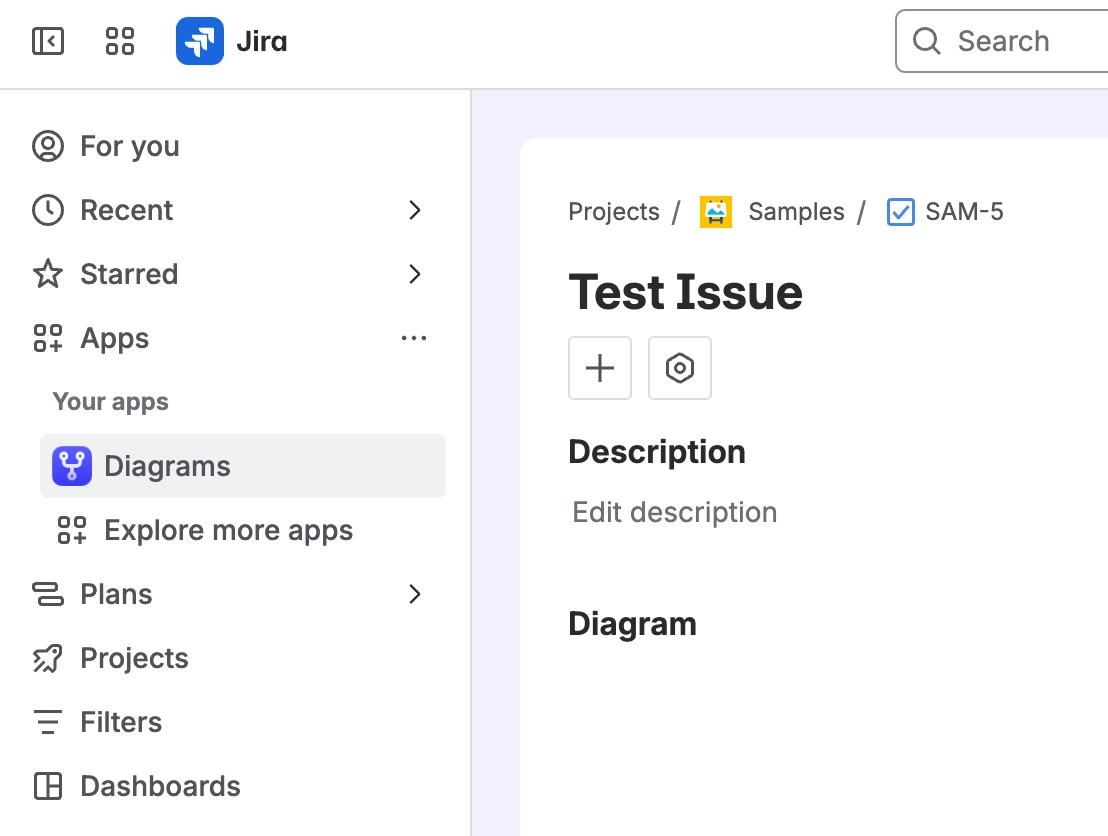
The app adds four places you can use it: a "Capable Diagrams" page under the Apps menu, a "Diagram" panel on the issue view, a "Diagrams" section in the issue details column with a count badge, and a "Capable Diagram" dashboard gadget.
Diagrams are saved as ordinary Jira issue attachments (.mermaid, .drawio, .excalidraw, .bpmn and so on), so they show up in the issue's Attachments field and travel with normal Jira attachment handling.
Text-based diagram types are turned into pictures by Capable's hosted rendering service; draw.io, Excalidraw, BPMN and DMN are drawn entirely in your browser.
There is no admin or project settings screen in the Jira edition, and nothing to set up.
#Start here
#Everything else
Written against the app as it behaves today.























