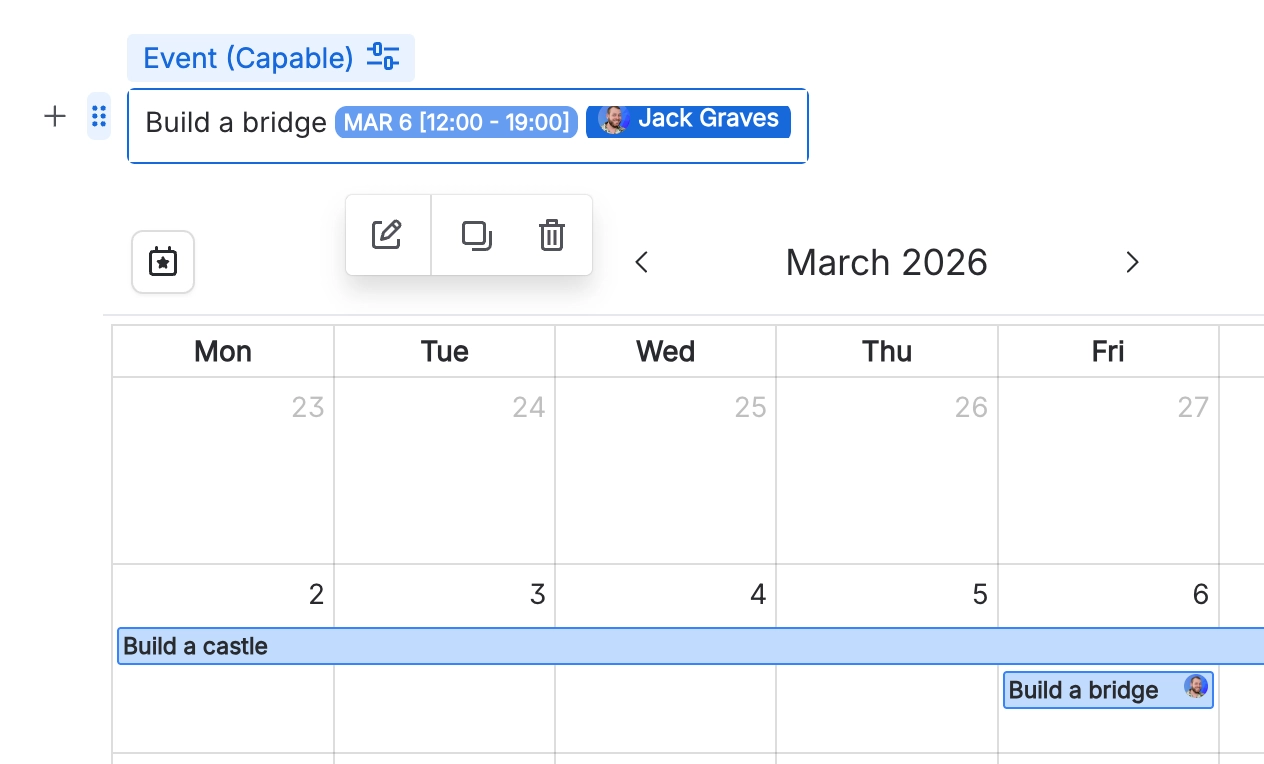
Using the event macro
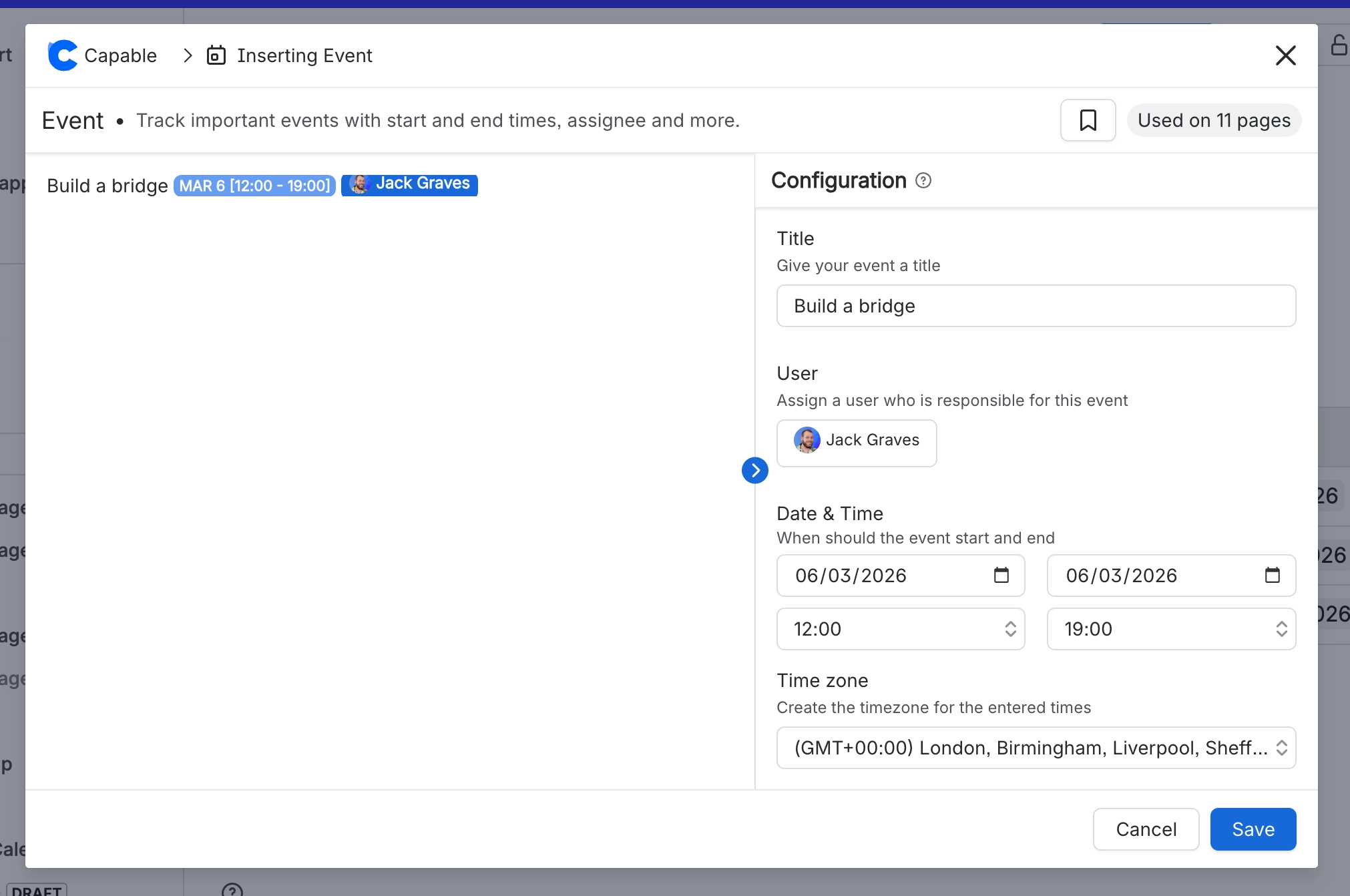
The Capable Event macro allows you to create events which span multiple days, have start/end times, assignees and time-zone support.
The Capable Event macro is a powerful tool within the Capable suite that allows users to create and manage events directly within Confluence pages.
This macro supports events that span multiple days, include start and end times, assign specific individuals, and accommodate various time zones.
By leveraging the Capable Event macro, teams can efficiently organize and track important dates and milestones, ensuring seamless collaboration and time management across different regions and schedules.
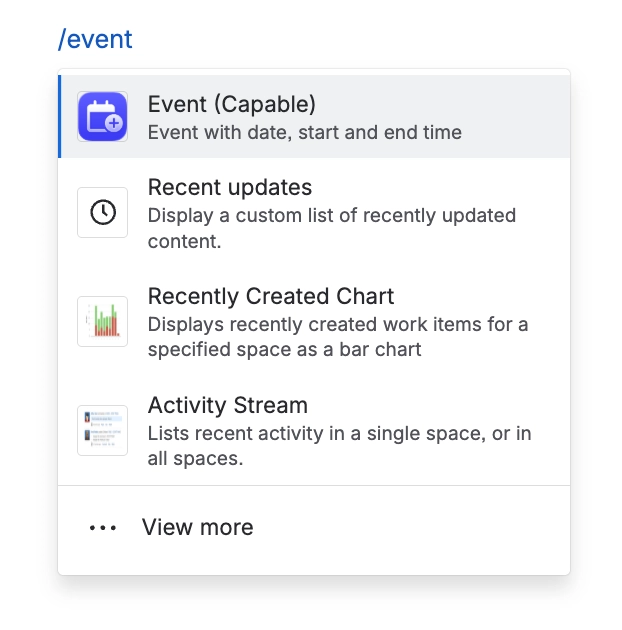
#1. Type /event and select Capable Event
From within the Confluence editor you can add the Capable Event Macro.
#2. Configure the event
#3. Your event will now be shown in the calendar
This event will show in any Calendar macros and the centralized calendar.