Import calendar events
Capable Calendar supports importing events from iCalendar files, which are commonly known as ICS files. This feature allows you to easily add multiple events to your calendar by using a standard file format that is widely supported across different calendar applications.
You can perform this import action directly from the '…' menu available on any calendar within the application. Simply access this menu to find the option to upload or import your ICS files, making it convenient to integrate external event data into your Capable Calendar.
#1. Open the destination Calendar
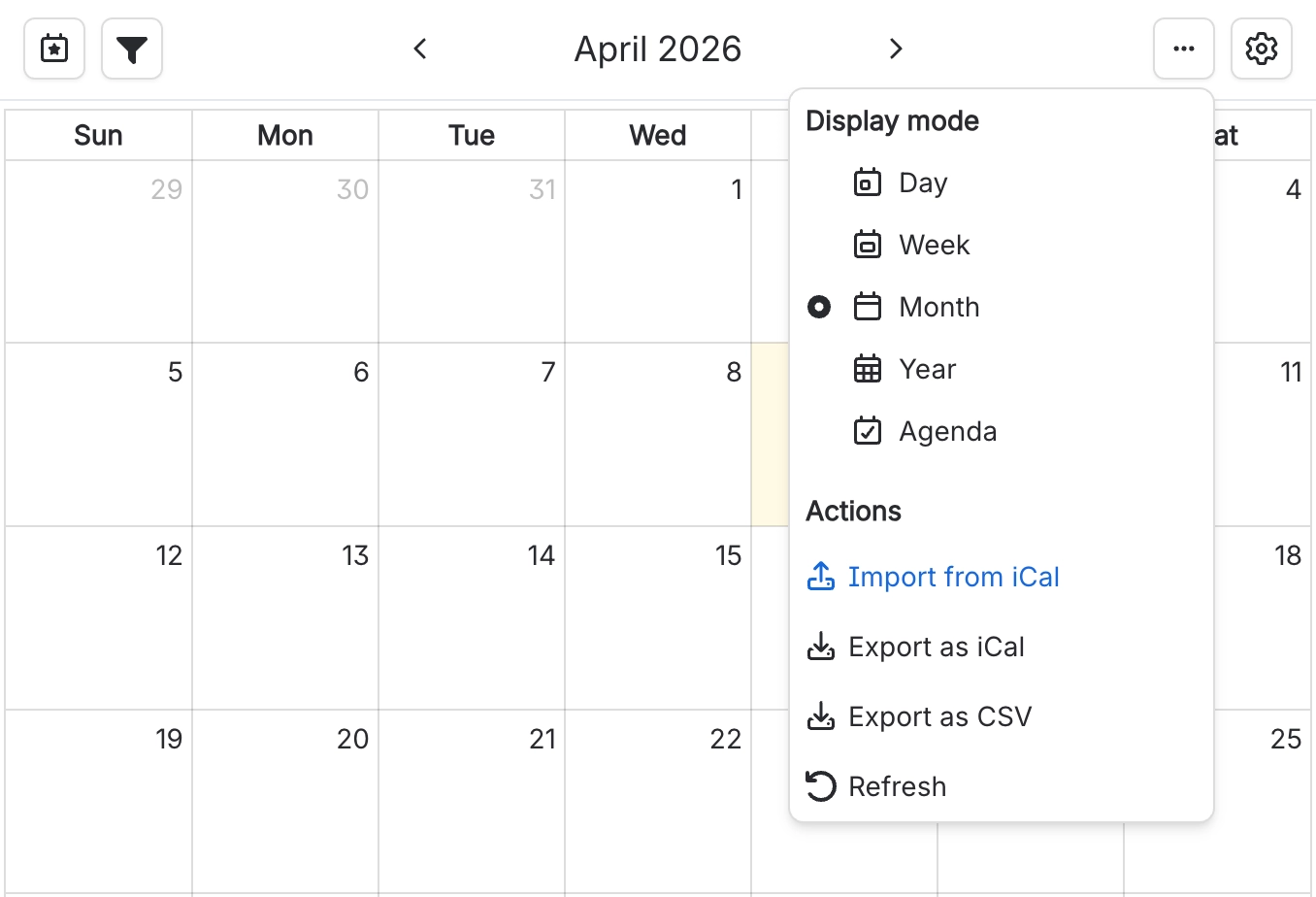
#2. Click on the '…' menu
#3. Click on ‘Import from iCal’
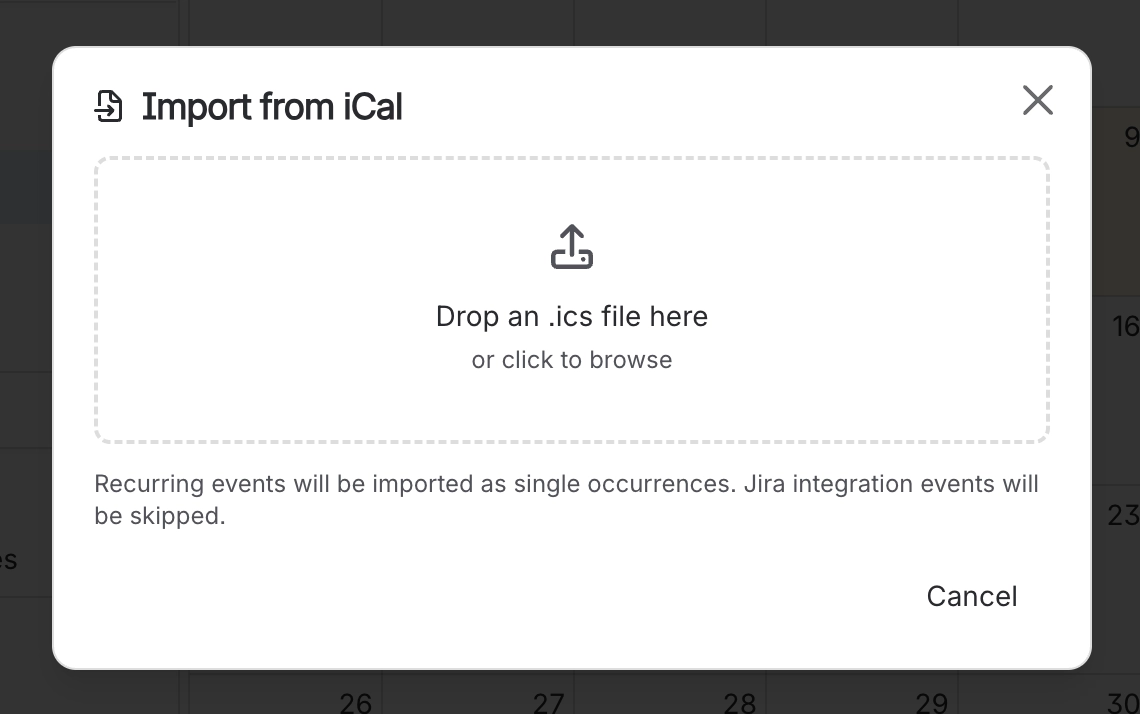
#4. Drag the ICS file onto the dropbox
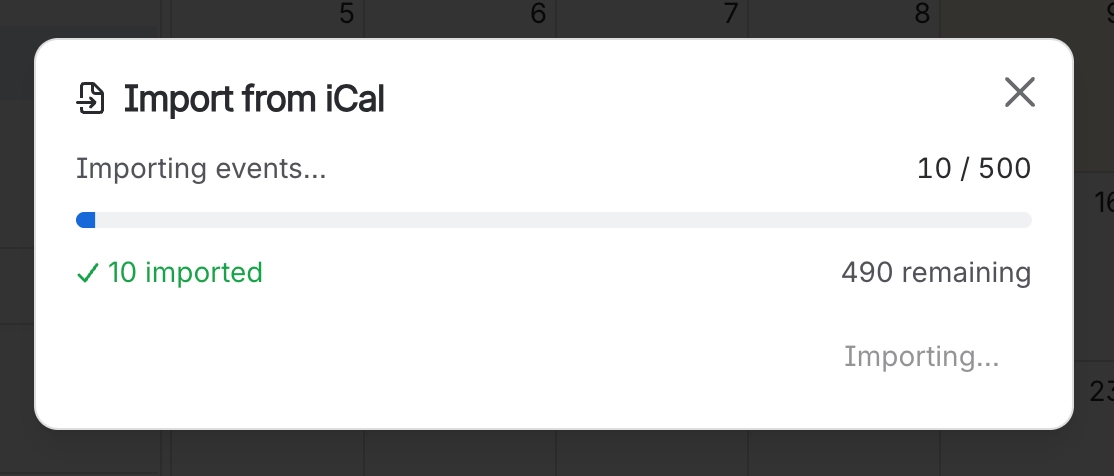
#5. Your events will be imported