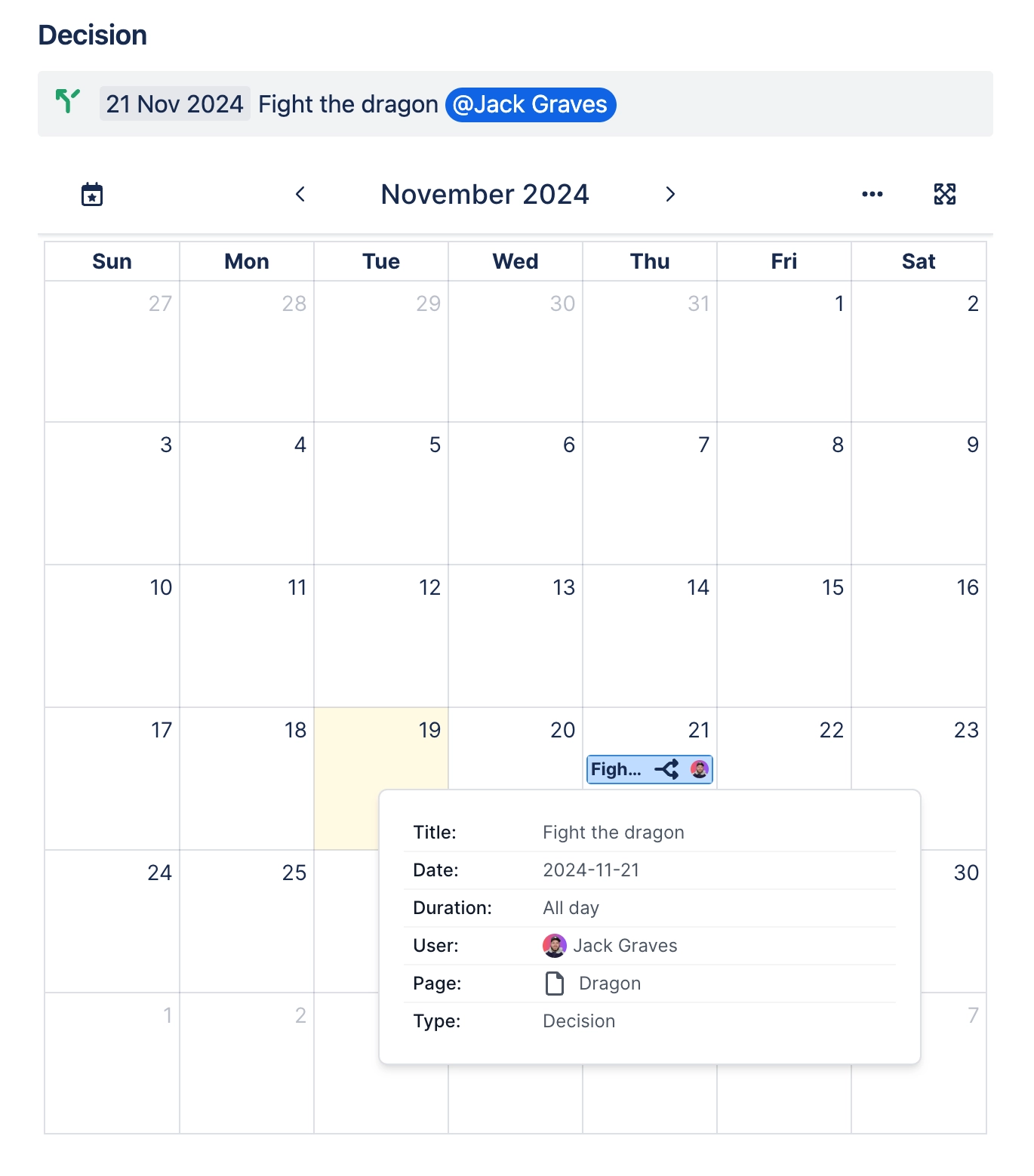
Add dates from Confluence pages
Learn how to add dates to Confluence pages for display in the Capable Calendar.
By following the steps outlined in this article, you'll be able to seamlessly integrate dates into your Confluence pages which are then shown in the centralized calendar.
#1. Create or edit a page
#2. Type // and then select a date
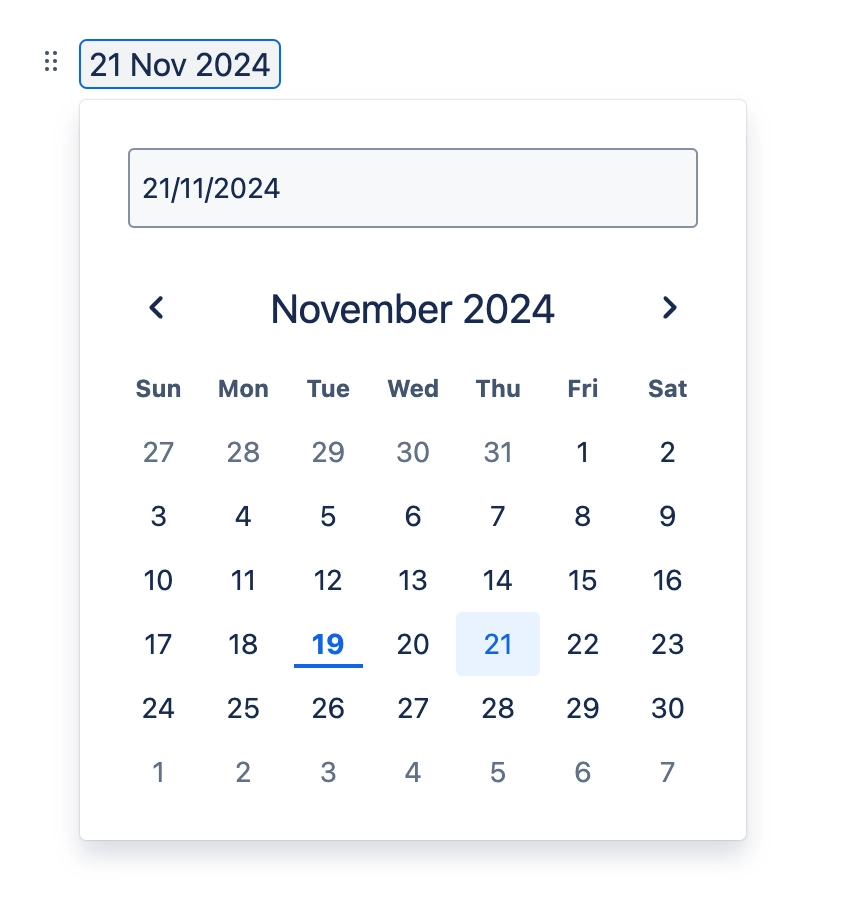
#3. Add a title

#4. Assign a user/assignee to the event (optional)

#5. Wrap the event in a task or decision (optional)

#6. View the event in a Calendar