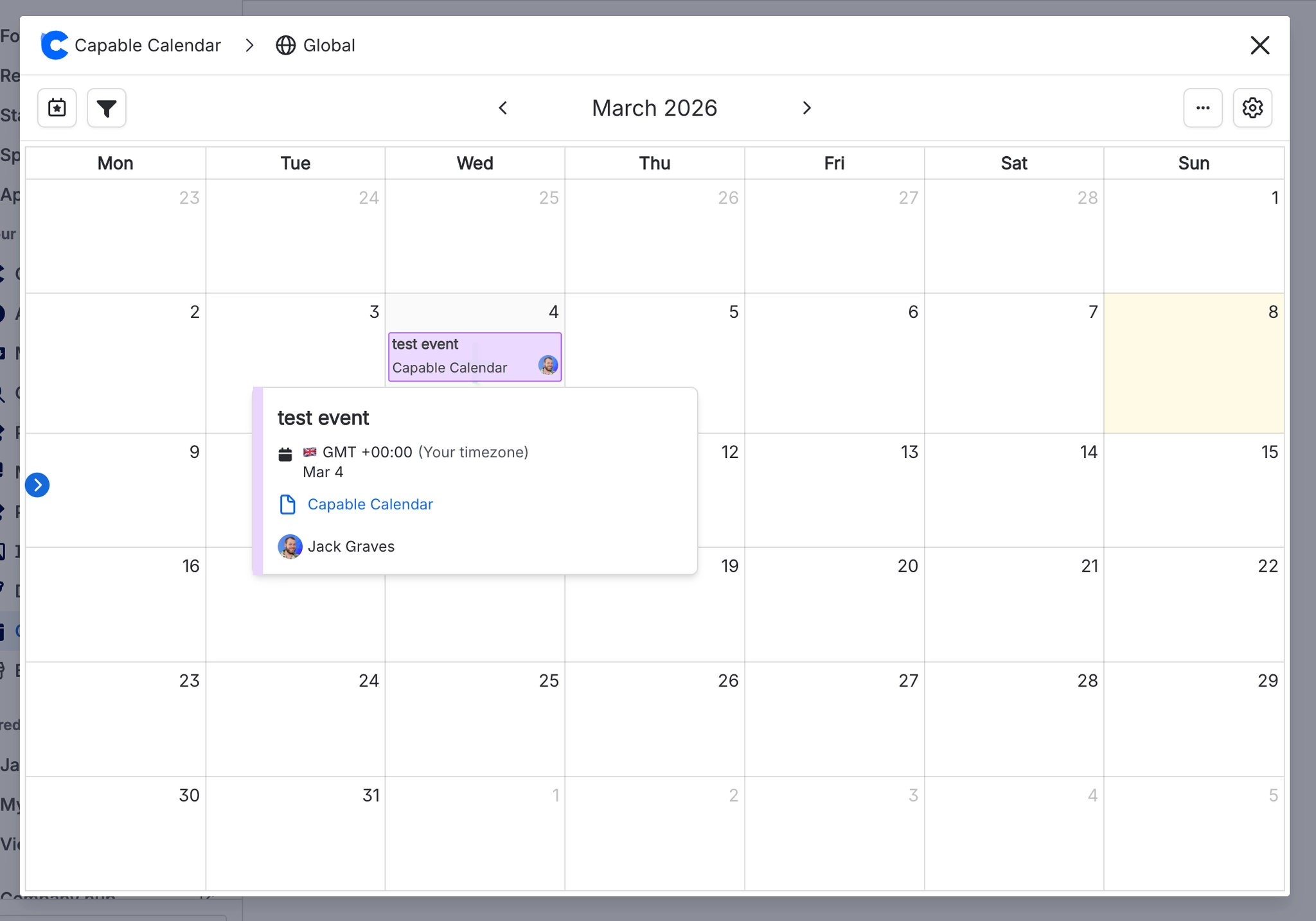
Show dates from Confluence pages
View events across your pages in one centralized calendar.
The Capable Calendar allows you to include dates/events from Confluence pages inside your centralized calendars.
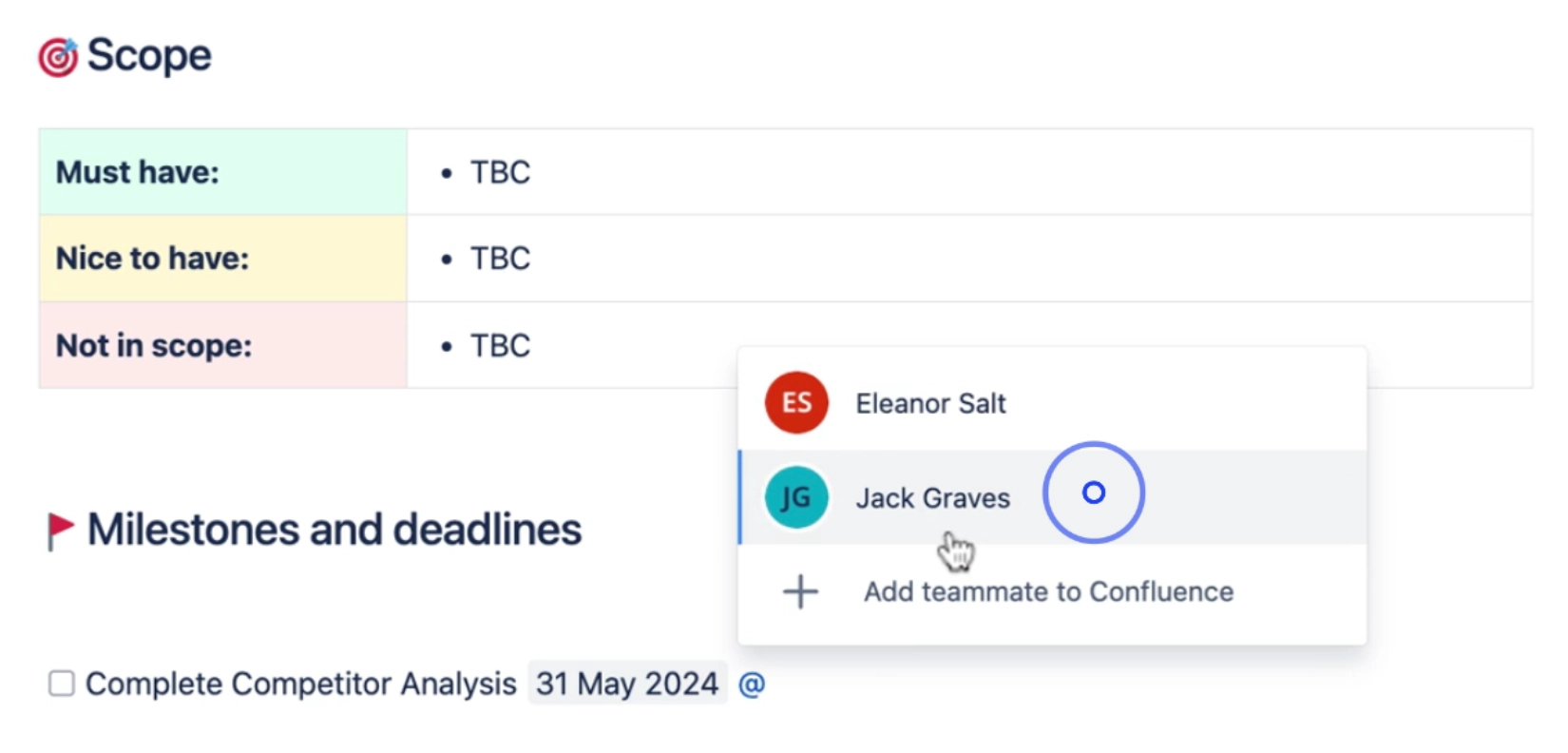
#1. Add Dates to Your Pages
The first step to using the calendar is to add dates to your pages. This can be done by simply typing // when creating or updating a page.
This will automatically add the date to the page and it will appear on the calendar.
#2. Configure the Calendar Scope
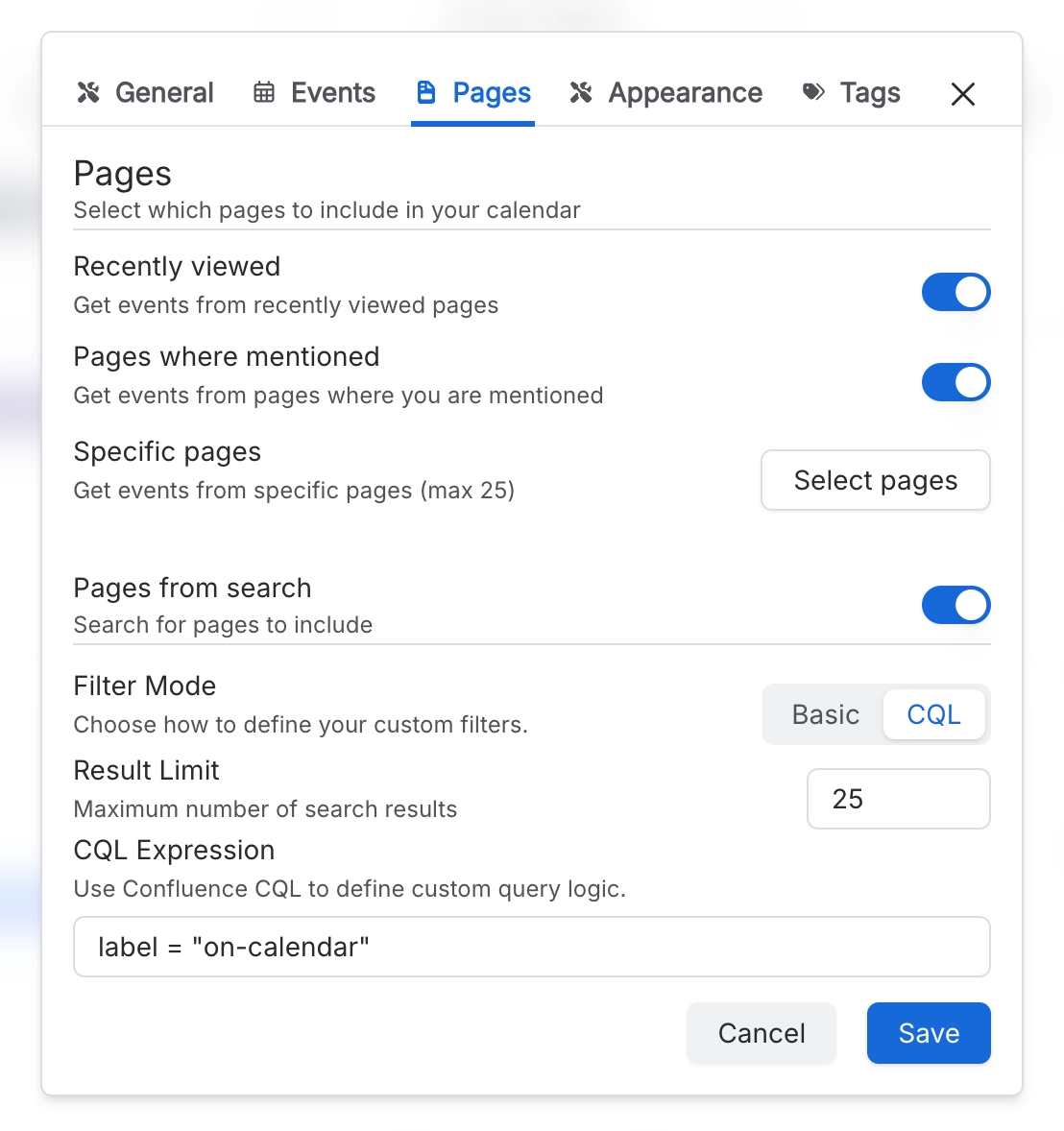
Once you have added dates to your pages, you can view them all on the calendar. This allows you to see all the important dates in one place and easily keep track of them. You first must set up the scope of page events to pull in - these could be recently viewed pages, pages where you are mentioned, specific pages, or any combination, including support for CQL.
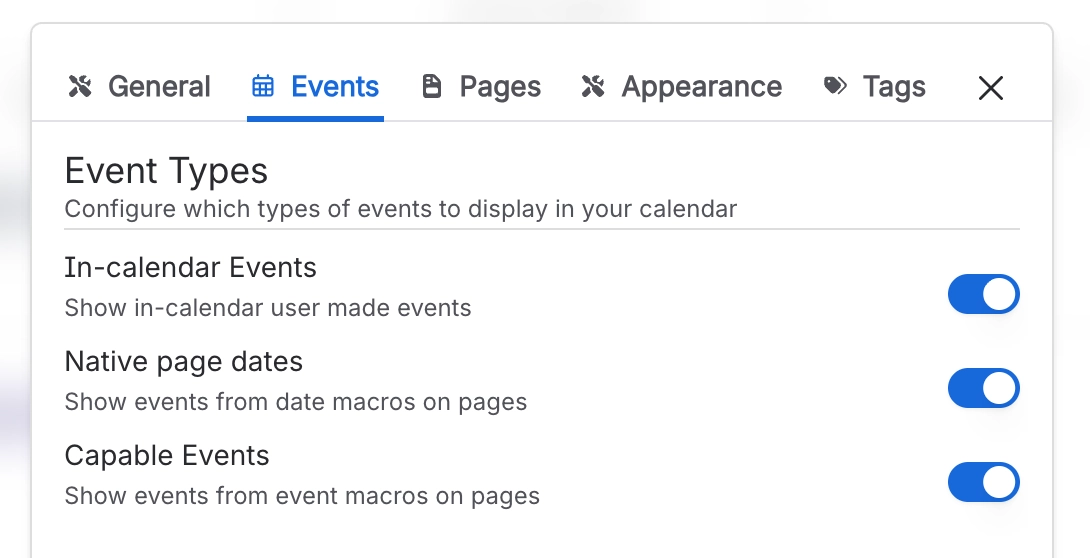
#3. See page events on the Calendar