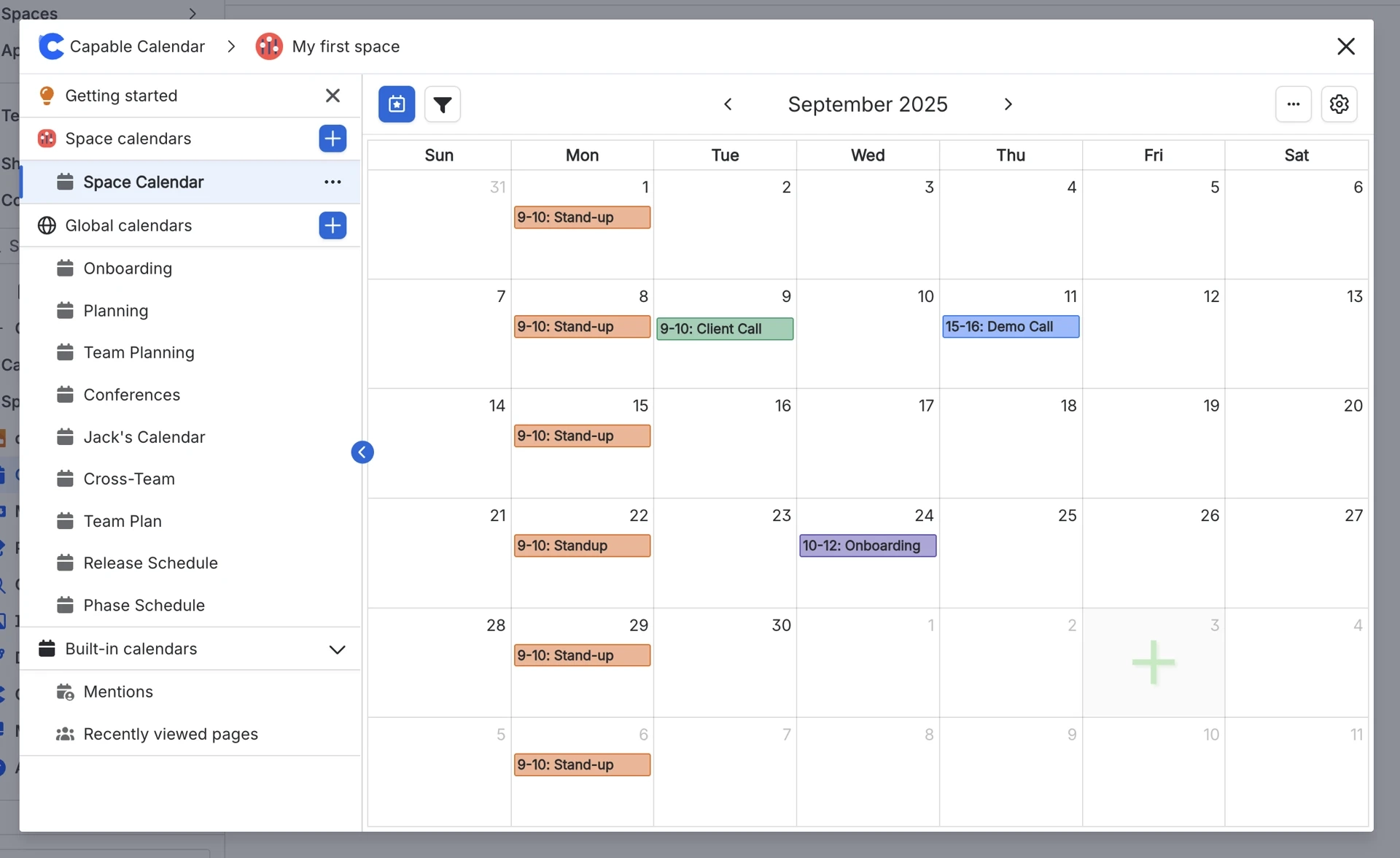
Create a calendar
Learn how to create a new Calendar in Capable Calendars.
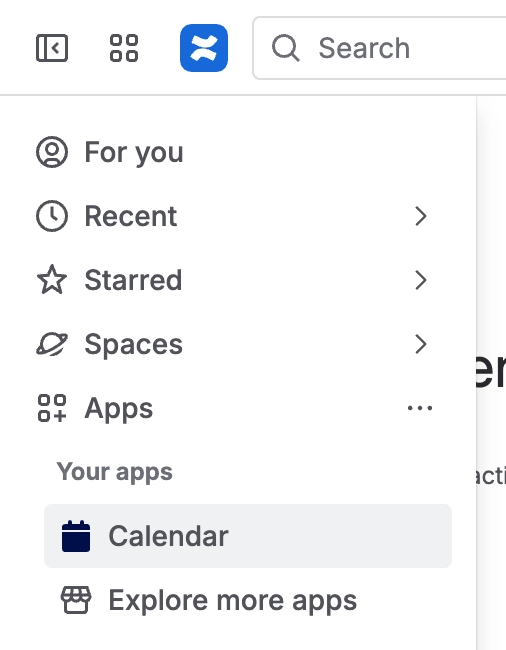
#1. Click on either ‘Capable' or 'Calendars’ in the Apps Menu
Different menu options will be available based on which app you installed.
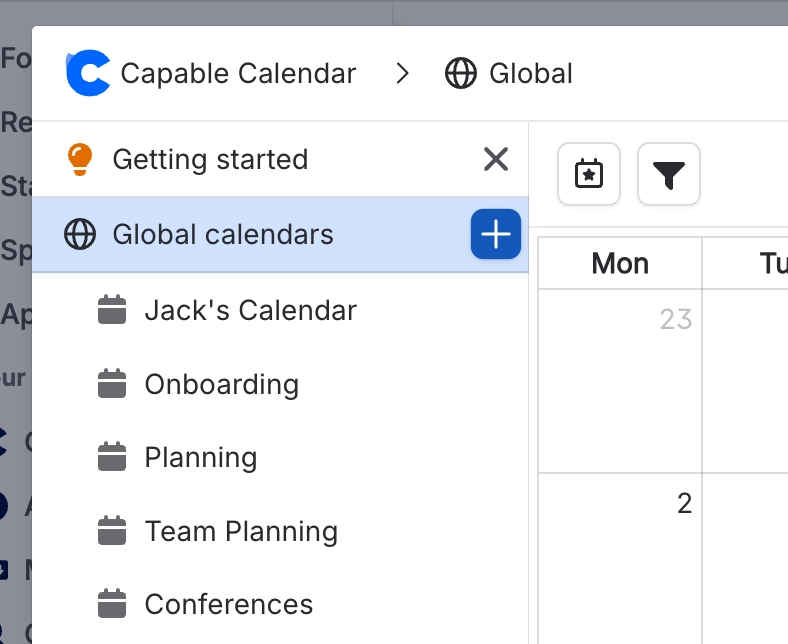
#2. Once in the Calendar page, click ‘Create’
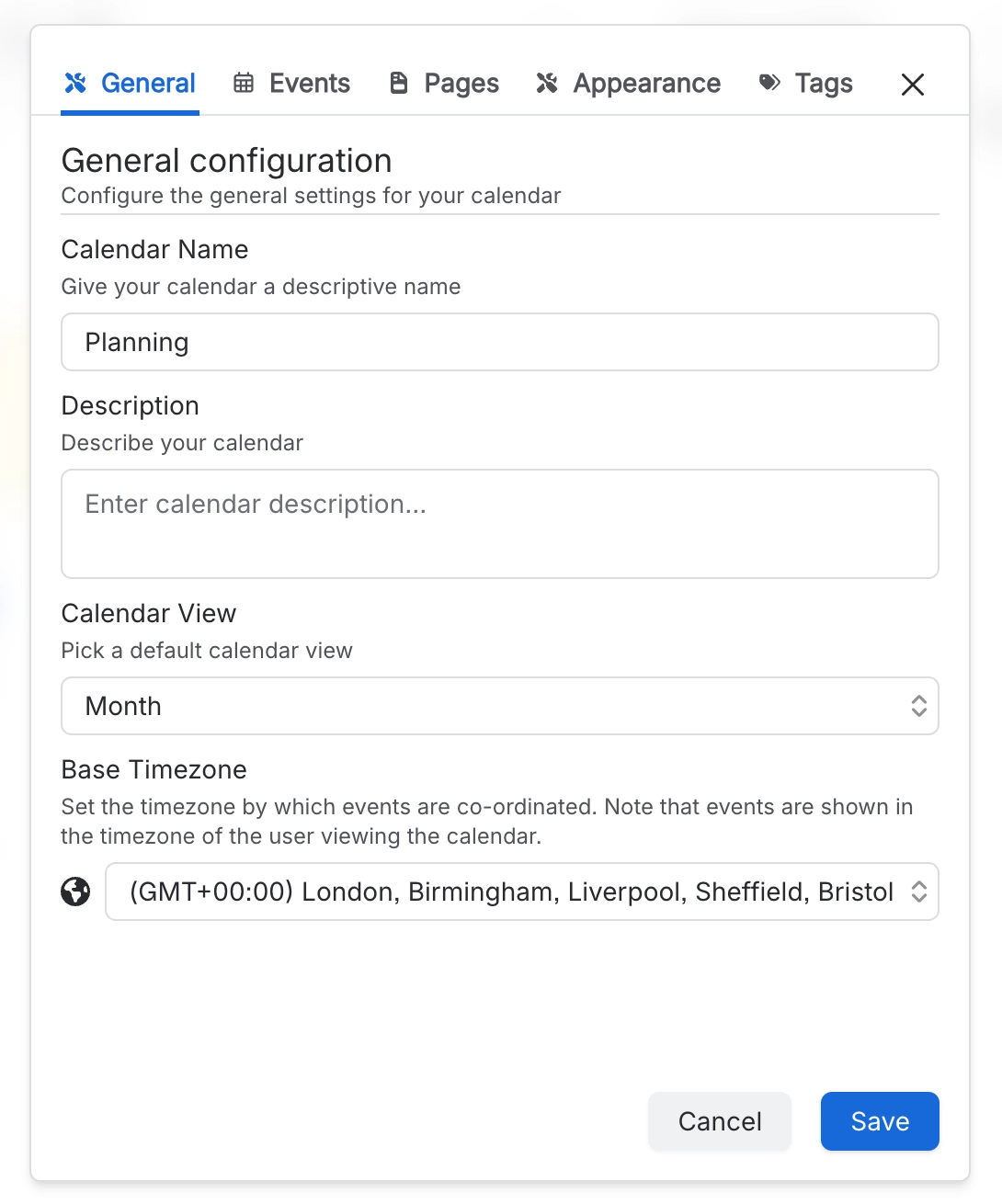
#3. Configure the Calendar options
#4. Your Calendar is now live!