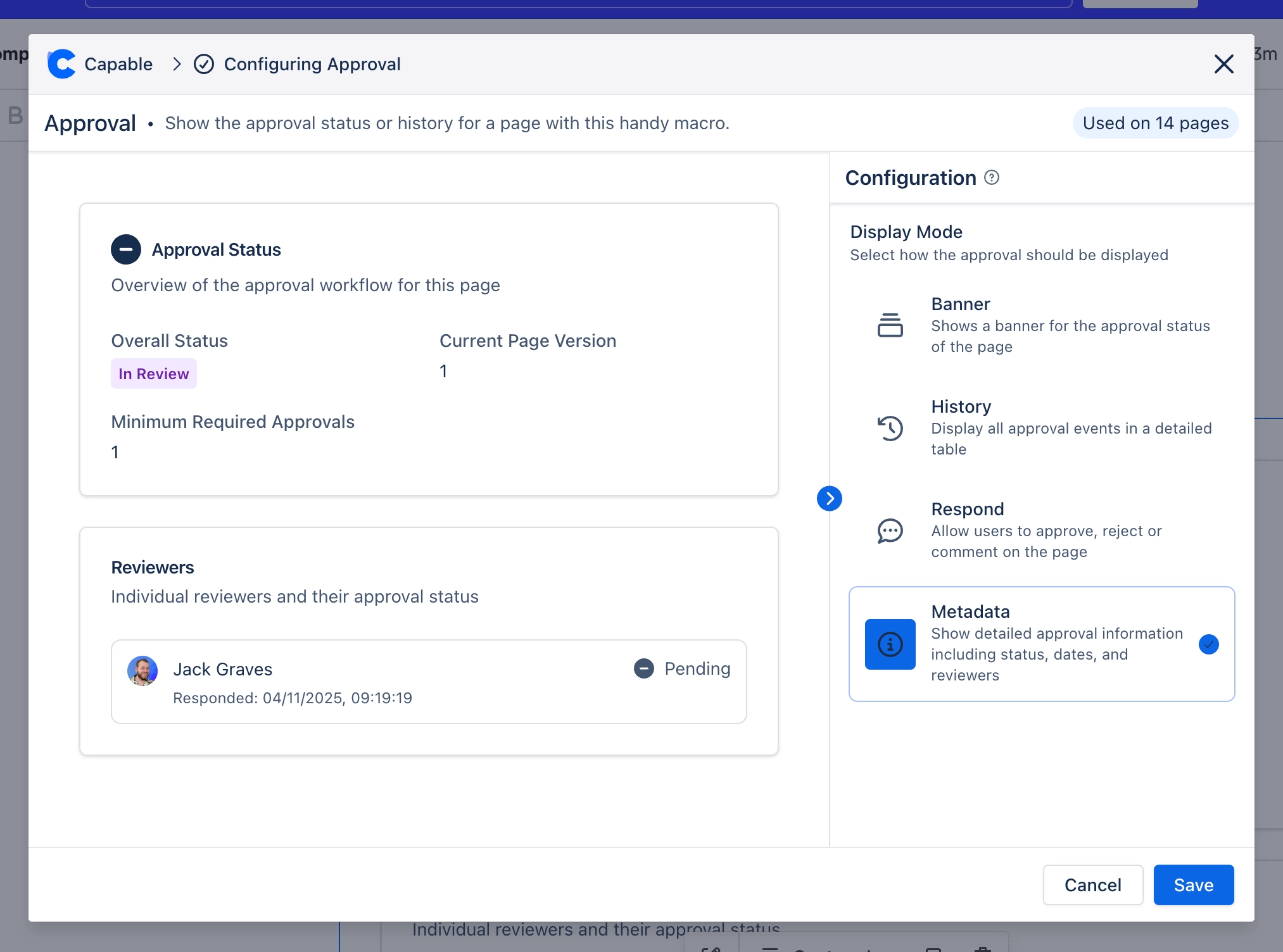
Embed approval info in pages
Show approval status, audit log and respond from within your page with the approval macro.
Show the status, audit log and add approval checkpoints directly within your pages, providing a streamlined way to manage and track approvals for your content.
Whether you’re coordinating project sign-offs, managing document reviews, or ensuring that key stakeholders provide their consent, the Approval Macro makes it straightforward and organised.
#1. Create or edit a page
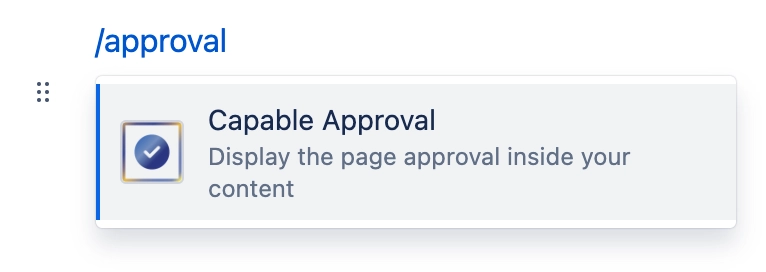
#2. Type /approval and press enter
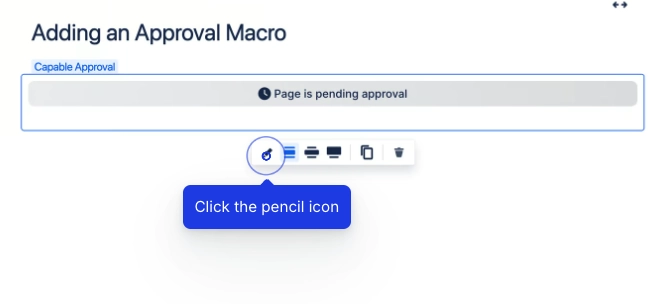
#3. Configure the macro
You can change the configuration of the macro.
#4. Choose View Mode
Take a look at the available view modes >