
Approve from Slack
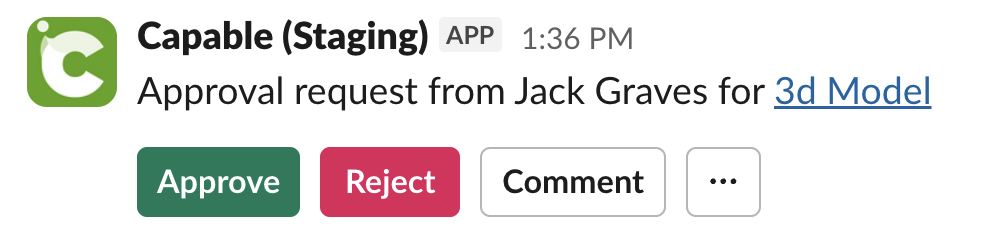
You can now approve, reject, or comment on approval requests directly from Slack. Once this feature is enabled, approvers can take action from their Slack direct messages without needing to open Confluence first.
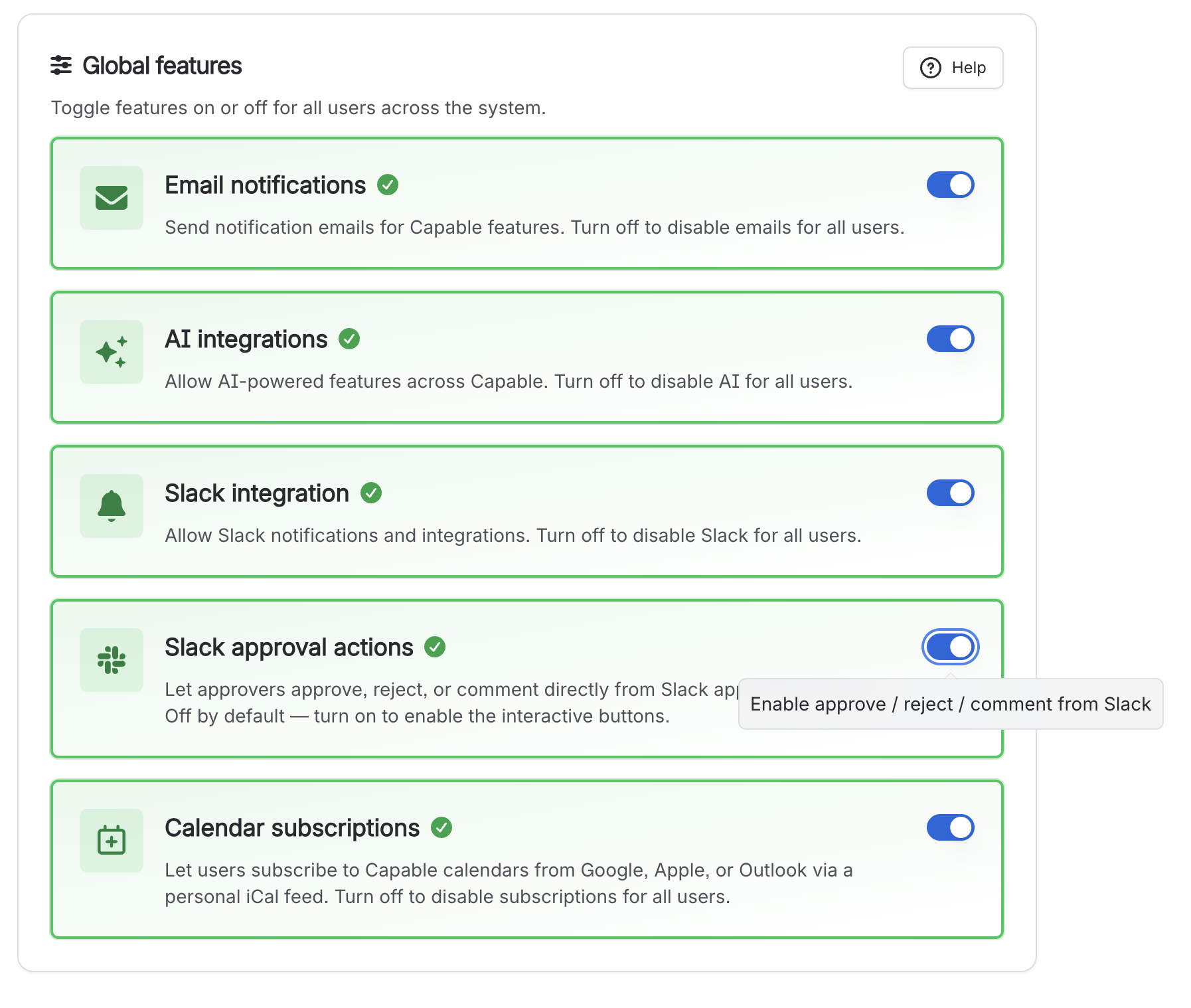
Go to Global settings → Features and turn on the Slack approvals feature.
#What this feature does
After activation, approval requests for Confluence pages can be handled inside Slack DM conversations. This helps reviewers respond faster and reduces context switching between tools.
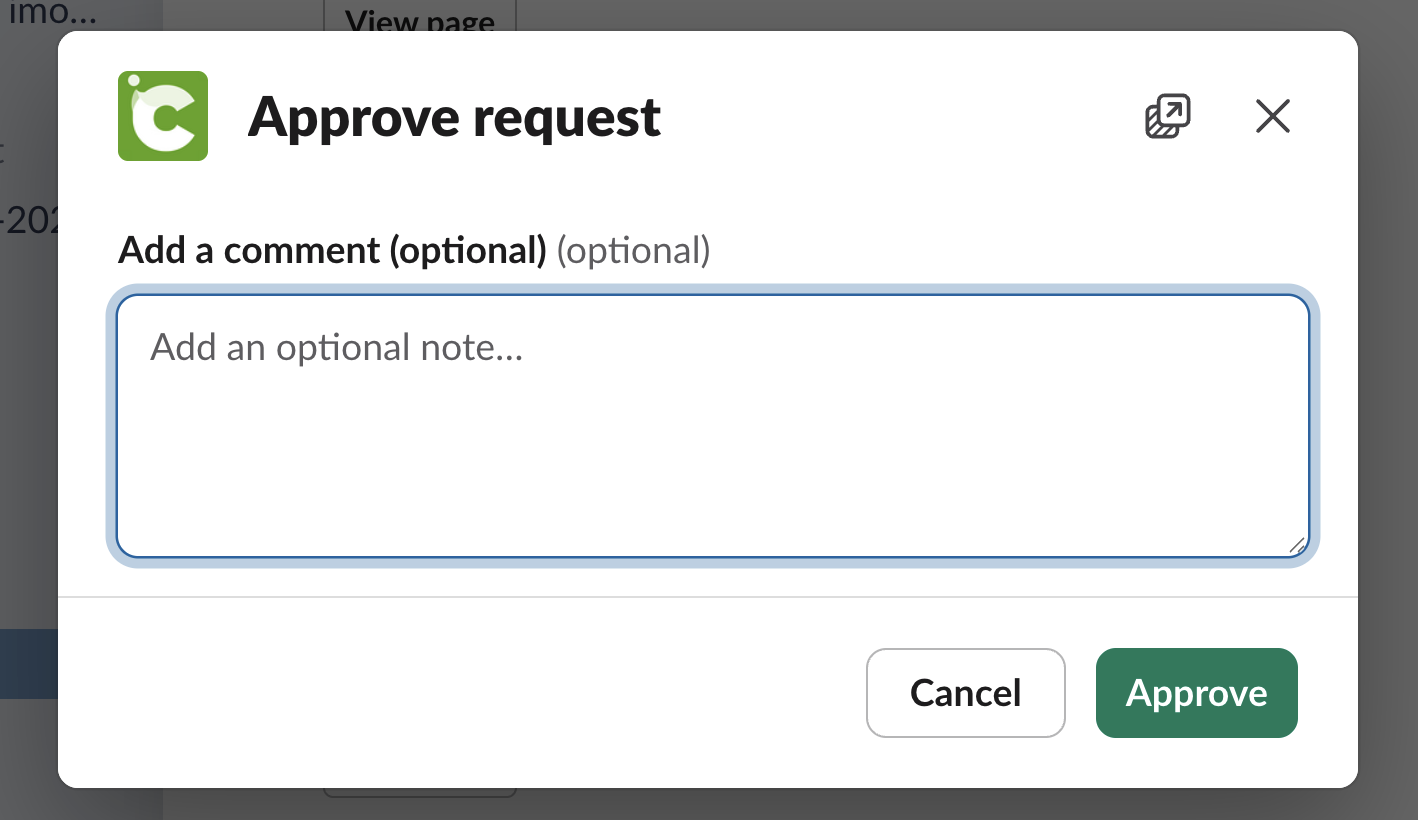
Approve a request from Slack
Reject a request from Slack
Comment on the approval request from Slack
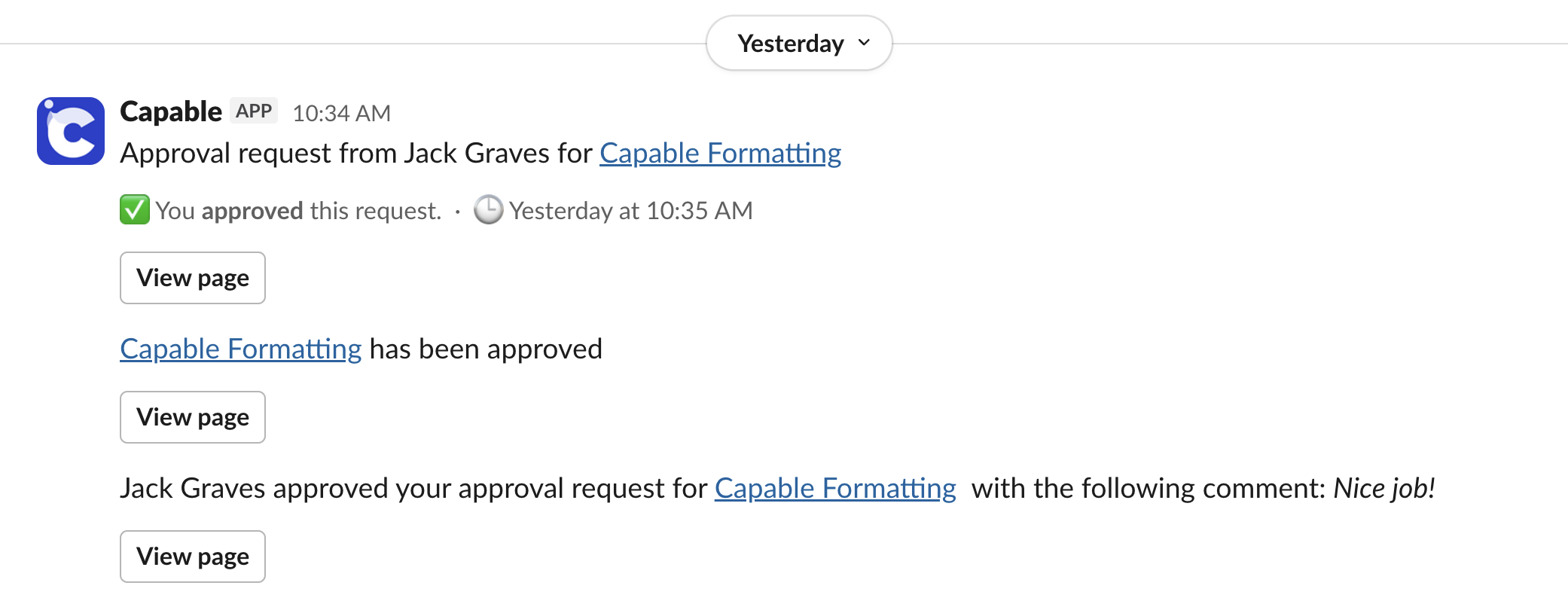
Receive approval activity in your Slack direct messages
#How to enable it
Open Global settings.
Select Features.
Find the Slack approval actions option.
Enable the feature.
#How it works for approvers
Once enabled, users who receive approval requests for Confluence pages can respond directly from their Slack DMs.
If the page is ready, they can approve it.
If changes are needed, they can reject it.
If clarification is required, they can leave a comment.
#Why it is useful
Faster reviews
Approvers can respond where they already work.
Less context switching
No need to jump back into Confluence for simple approval actions.
Better responsiveness
Direct message notifications make approval requests easier to spot.
Smoother workflows
Page approvals can move forward with less delay.





















