Confluence Live Docs
Live Docs use a different versioning model from standard Confluence pages.
Atlassian Confluence creates a new ‘effective version’ after a period of no edits (e.g. 5 minutes).
This can mean an approval request is tied to a version that is no longer current, which can prevent reviewers from responding reliably. This is caused by the way Live Docs versioning works in Confluence.
#Workaround
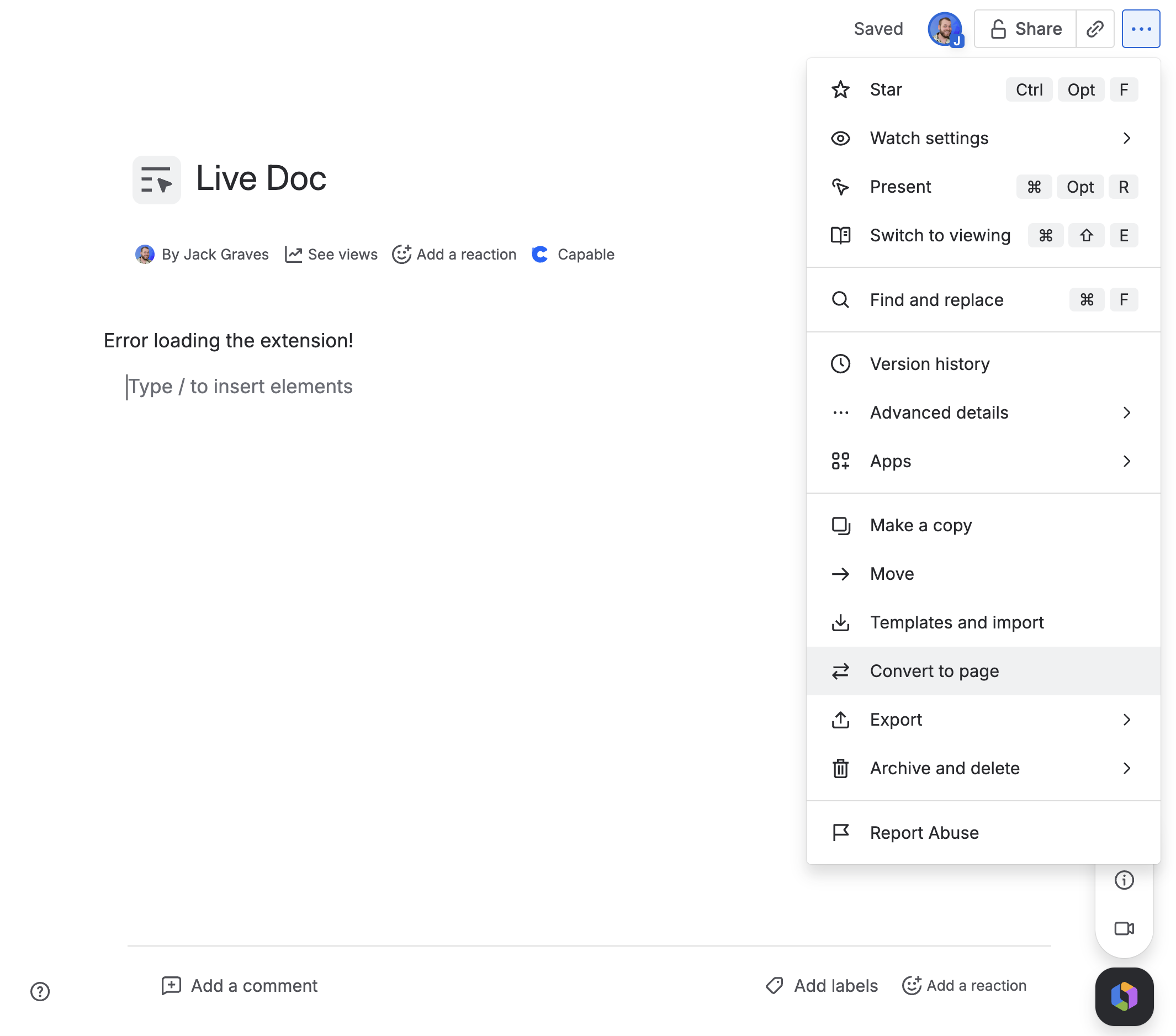
If a document needs formal approval, convert the Live Doc to a standard Confluence page first, then add or run the approval.
Use Live Docs for drafting and collaboration. Use standard pages for review, approval, and audit-sensitive content.
You can convert a Live Doc to a Page from the '…' menu: