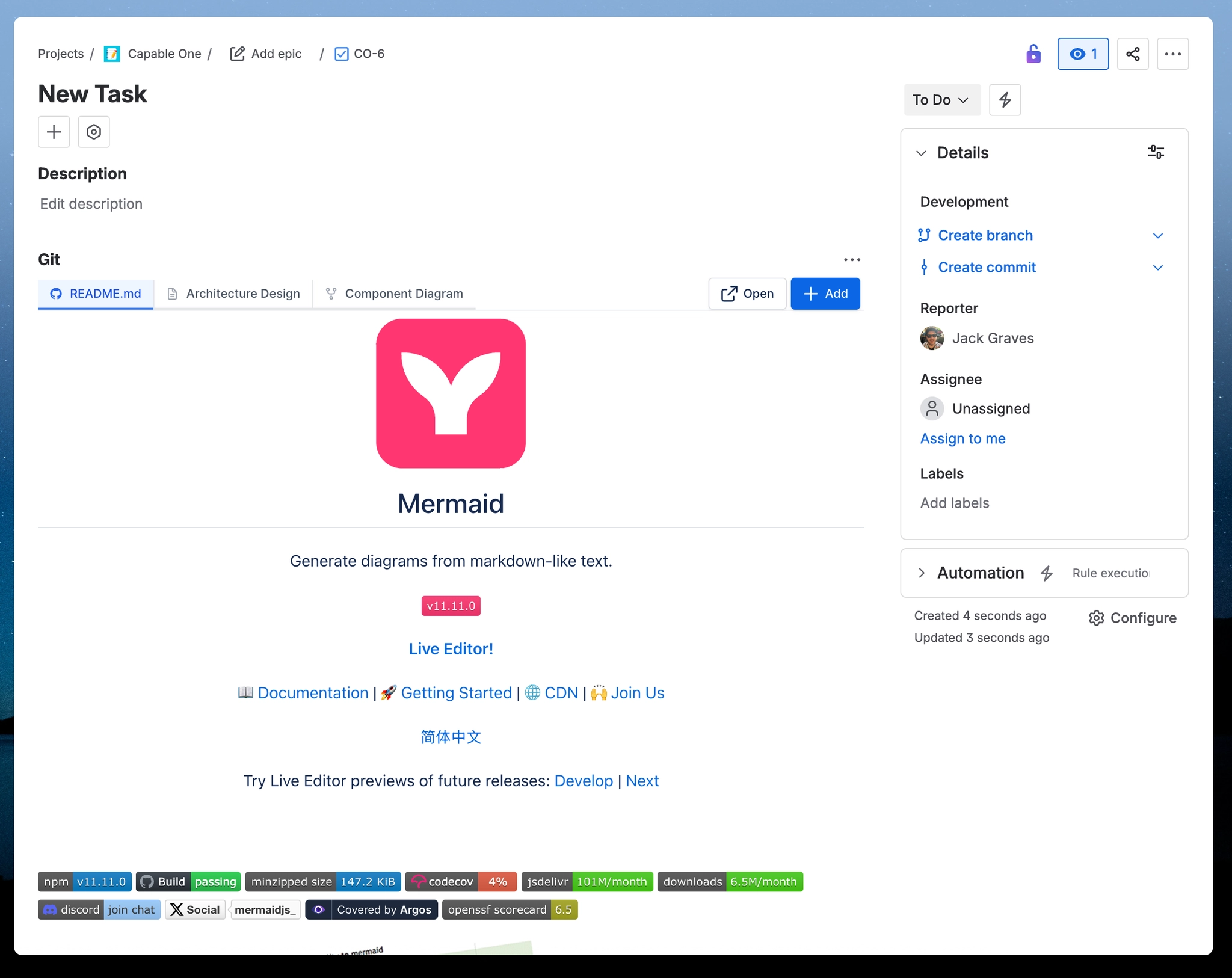
Add remote content
Learn how to insert remote content into Jira work items from Git.
#1. Open a work item in Jira
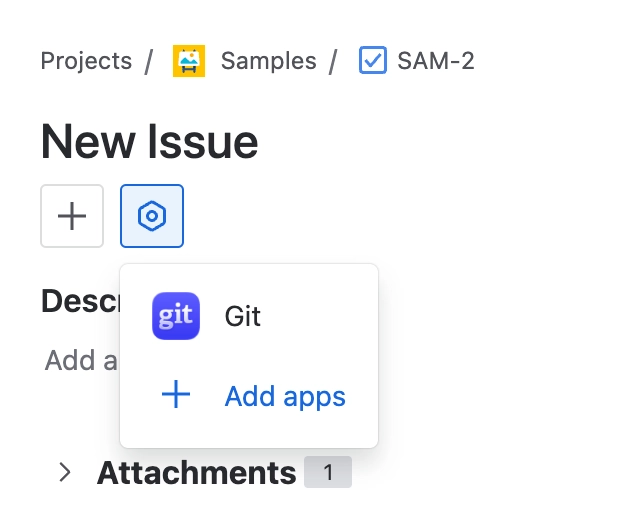
#2. Click on the Apps menu and select Git
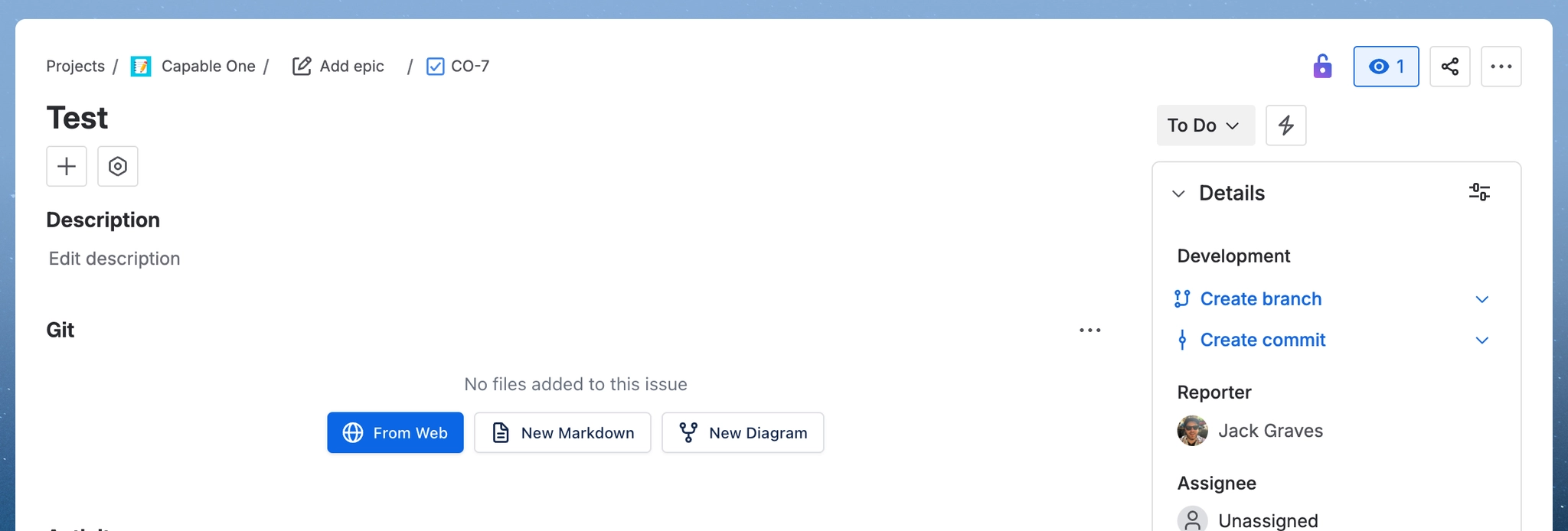
#3. Click ‘From Web’
#4. Connect to your Git Provider
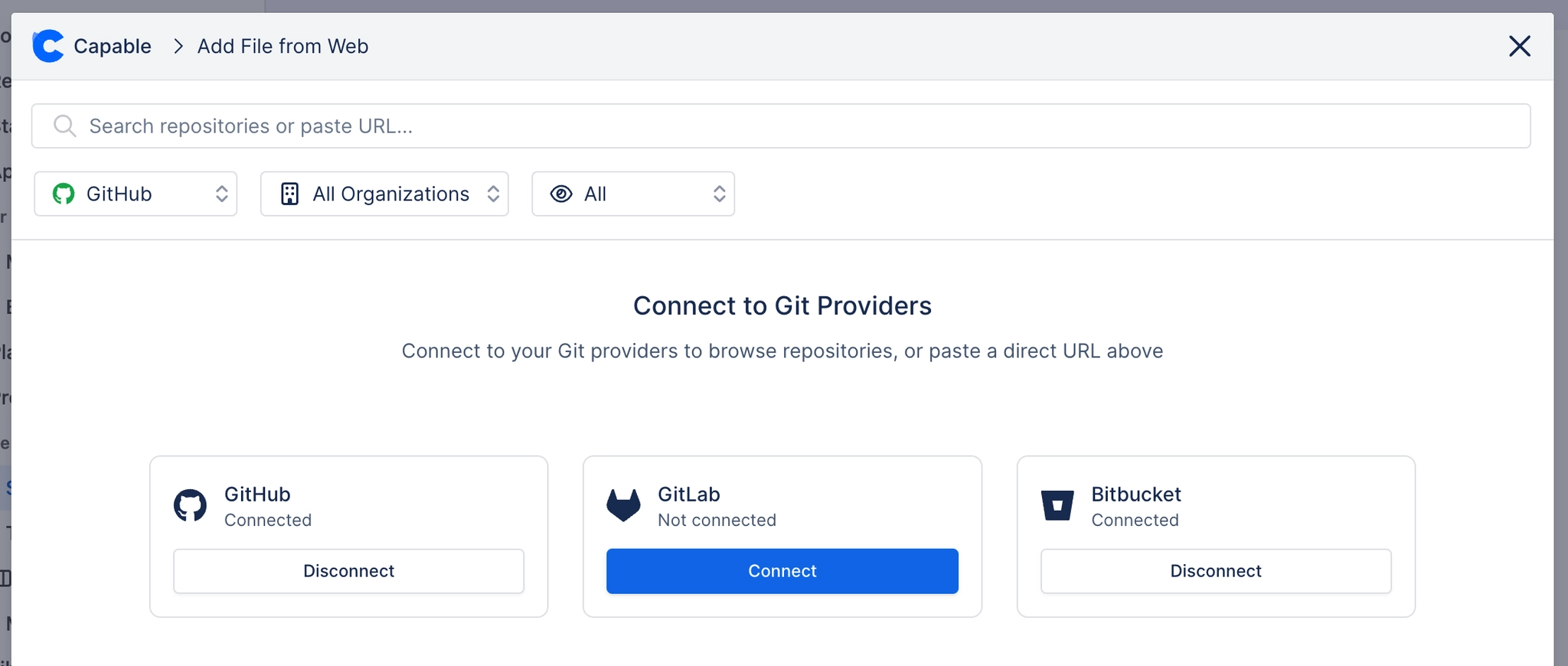
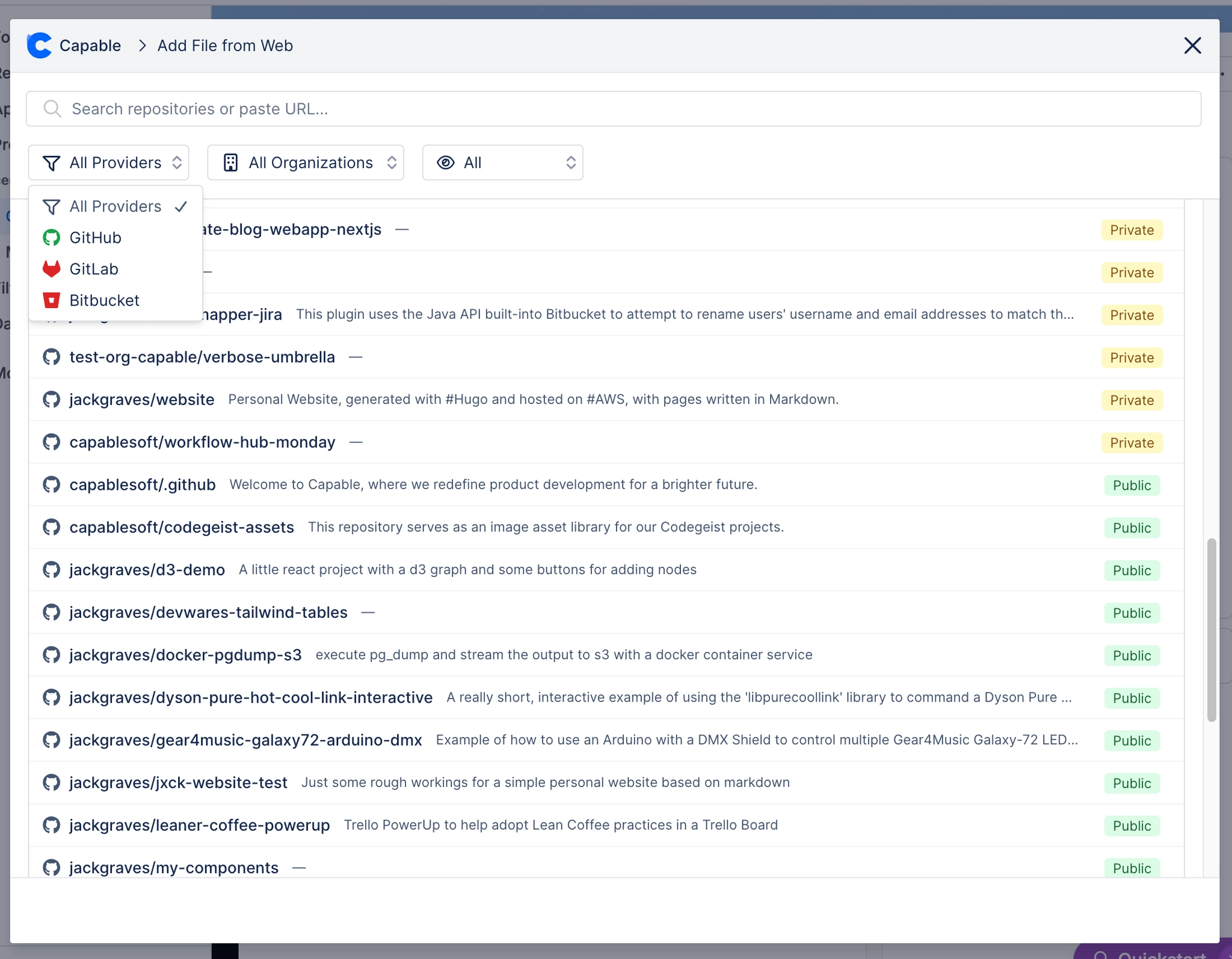
#5. Browse or search for repositories
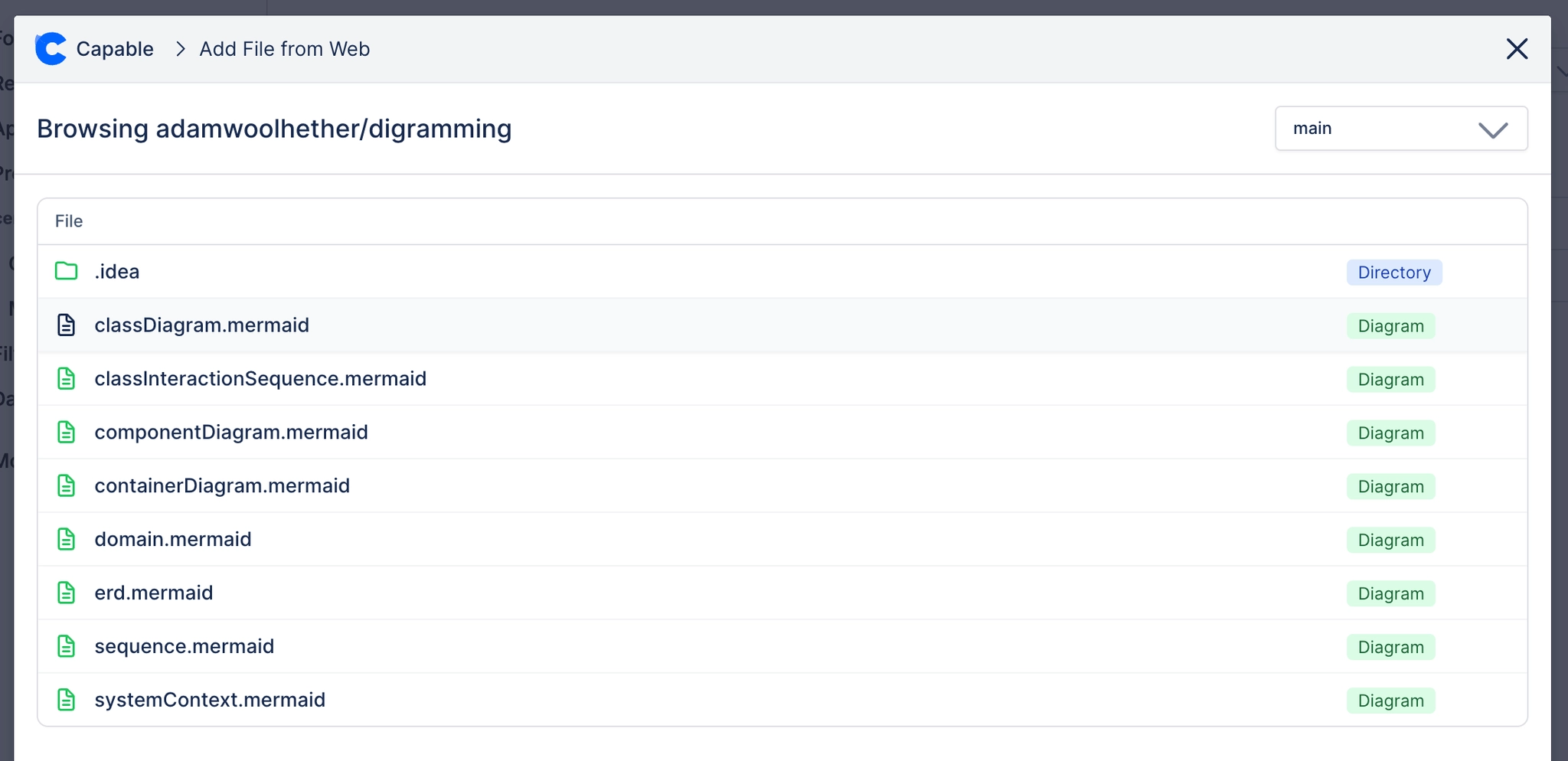
#6. Browse file tree to select file to link
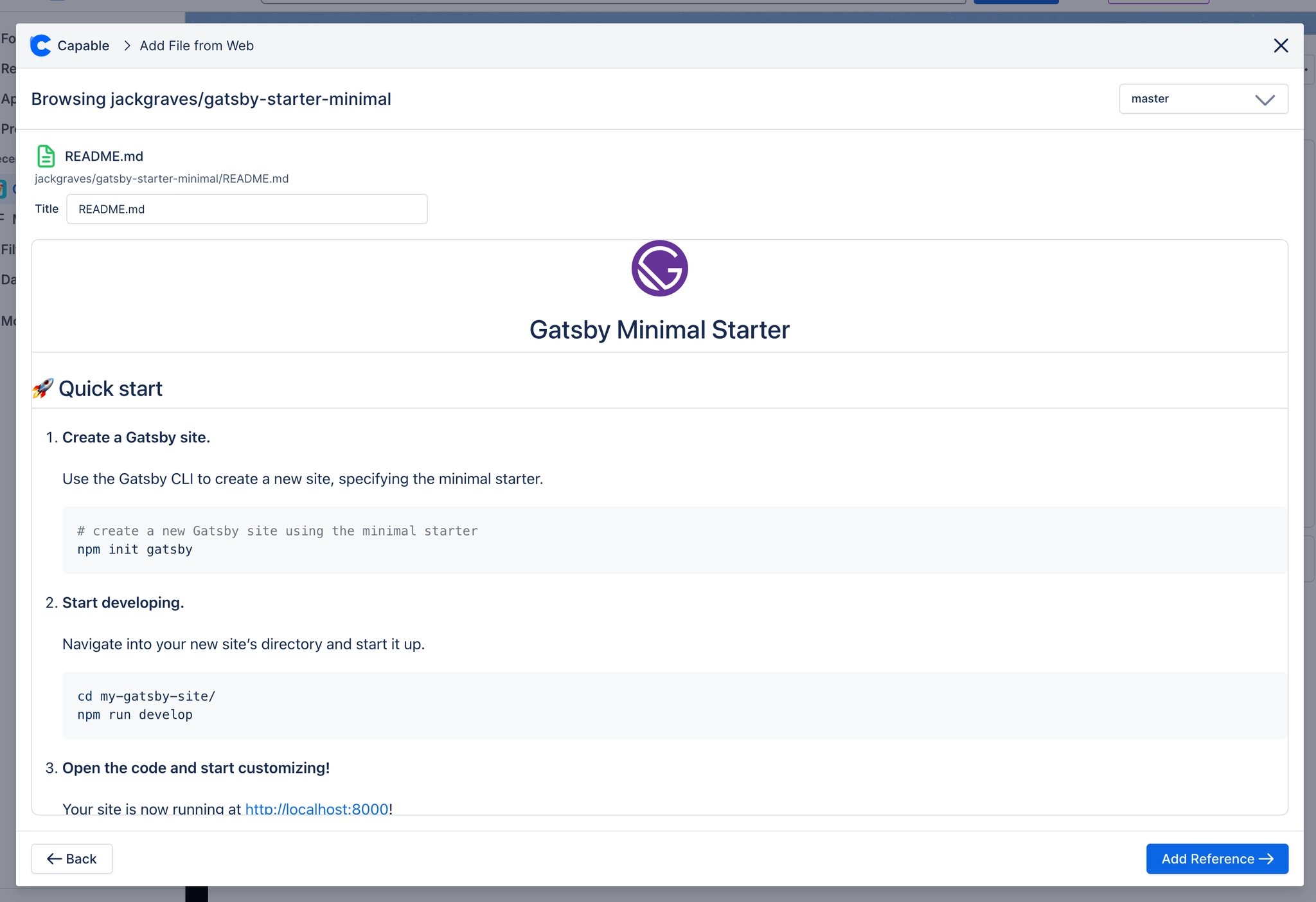
#7. View the preview and attach
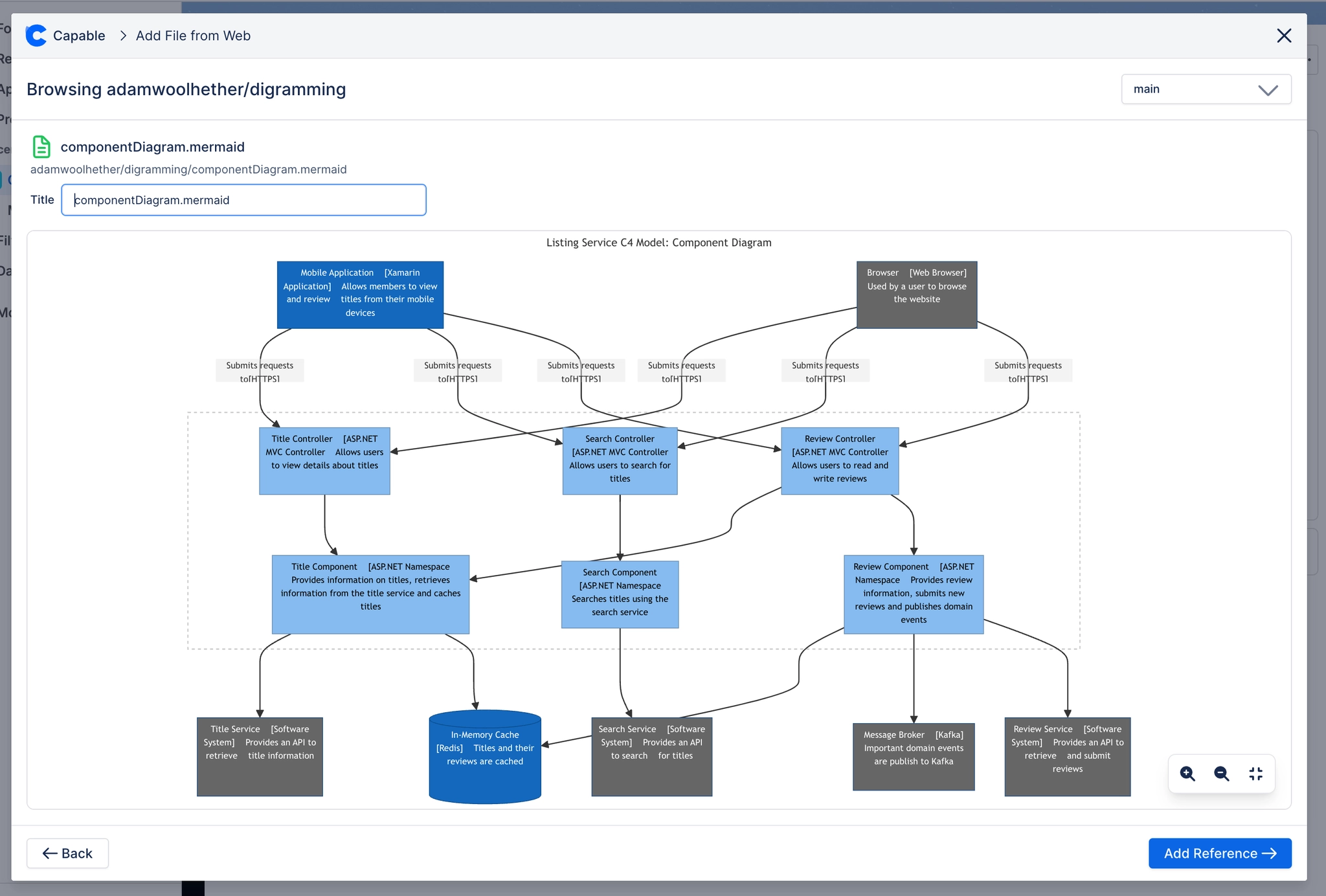
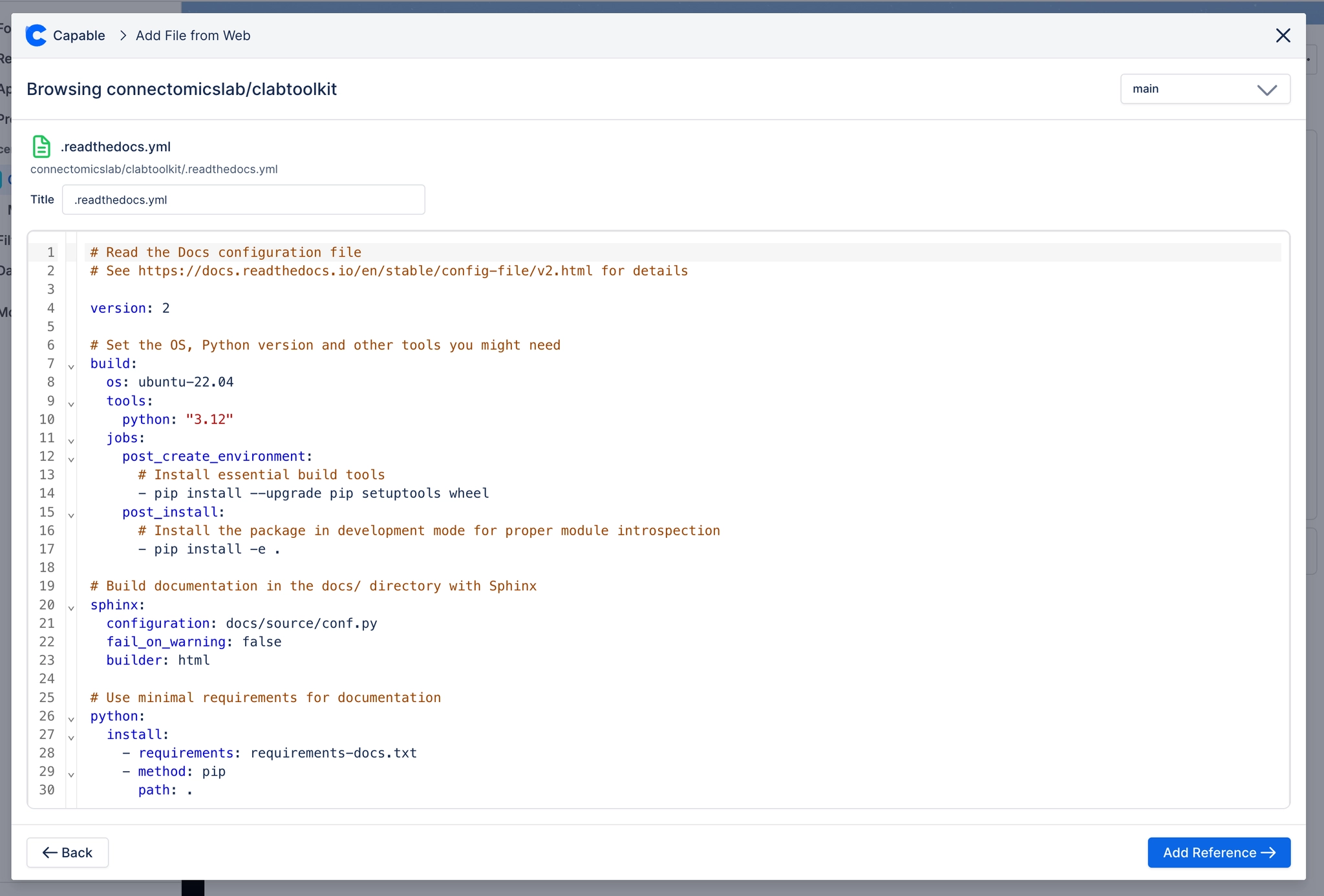
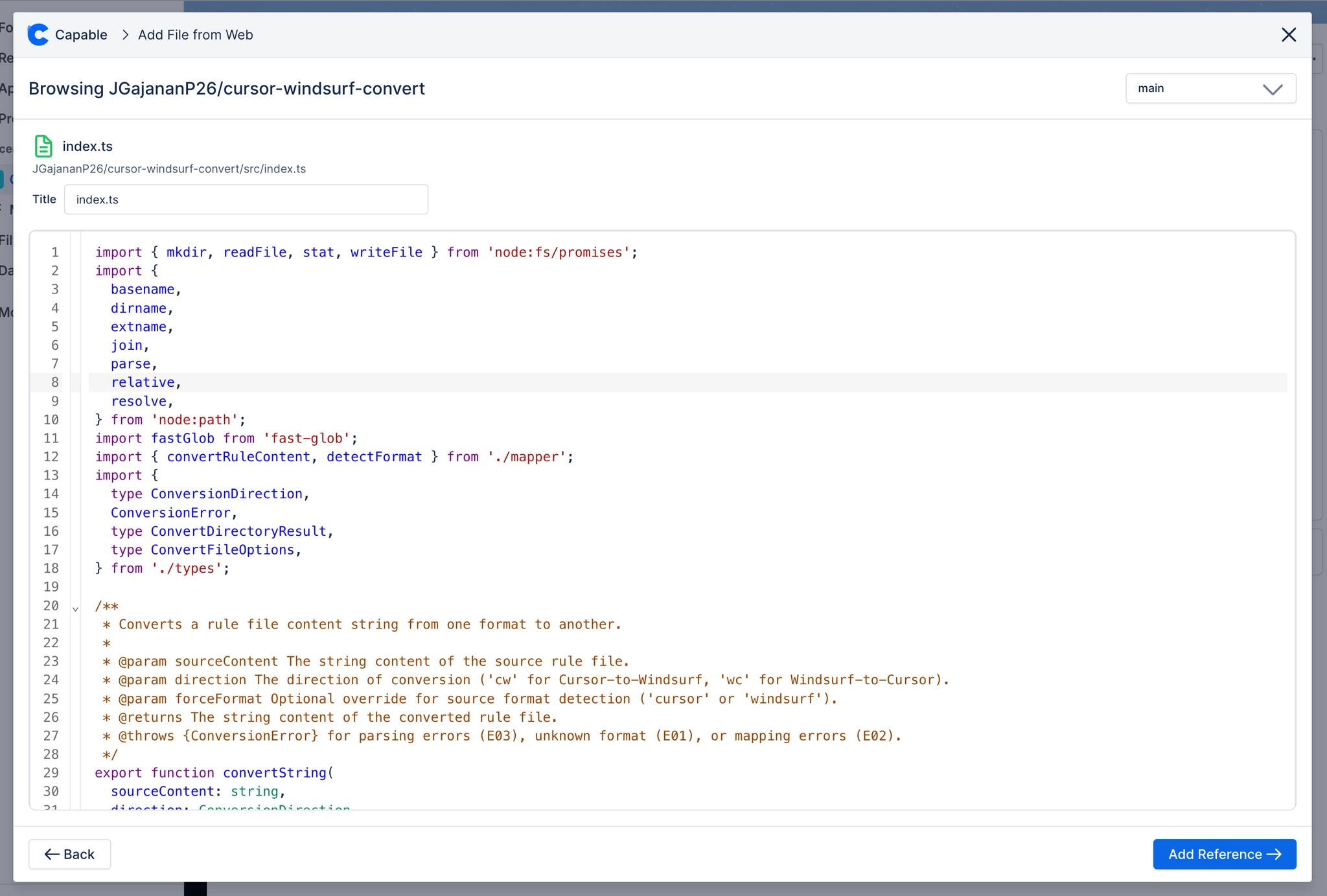
#8. Click ‘Insert reference’ and that’s it!