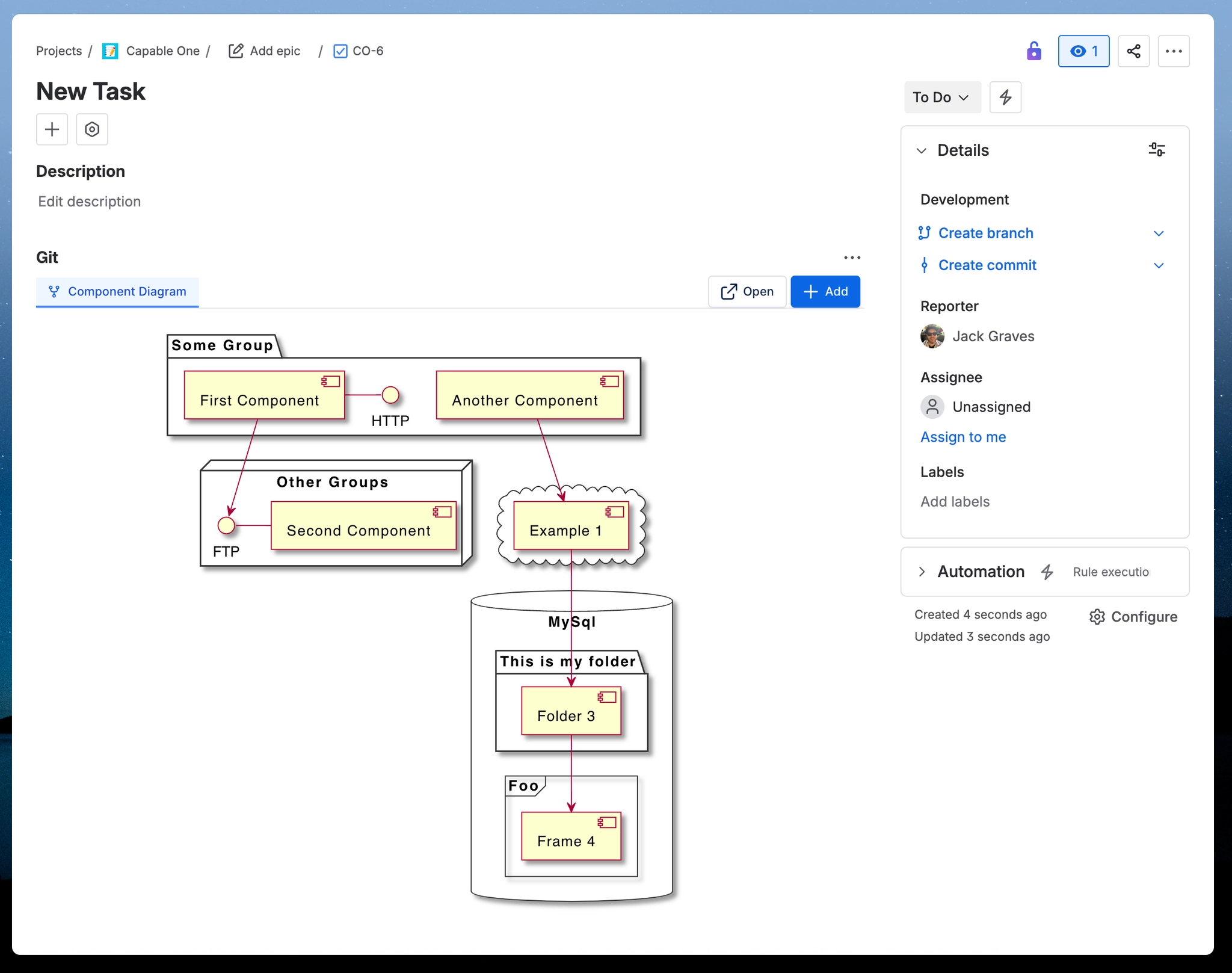
Add diagrams
Learn how to add diagrams on work items from scratch.
If you want to add diagrams from a repository then view https://innovator.atlassian.net/wiki/spaces/GFC/pages/816250936.
#1. Open a work item in Jira
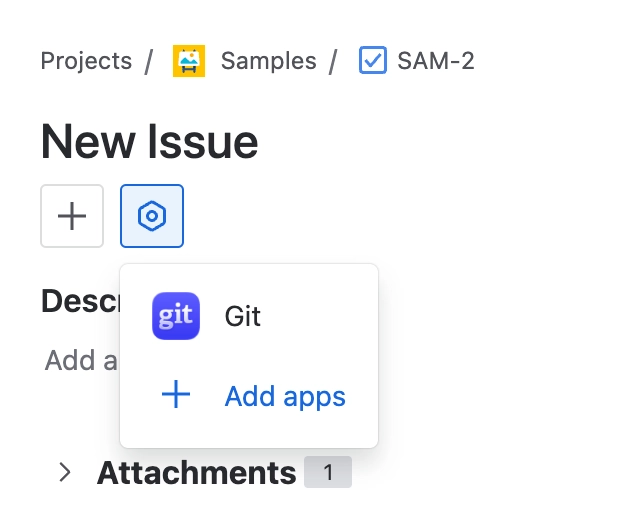
#2. Click on the Apps menu and select Git
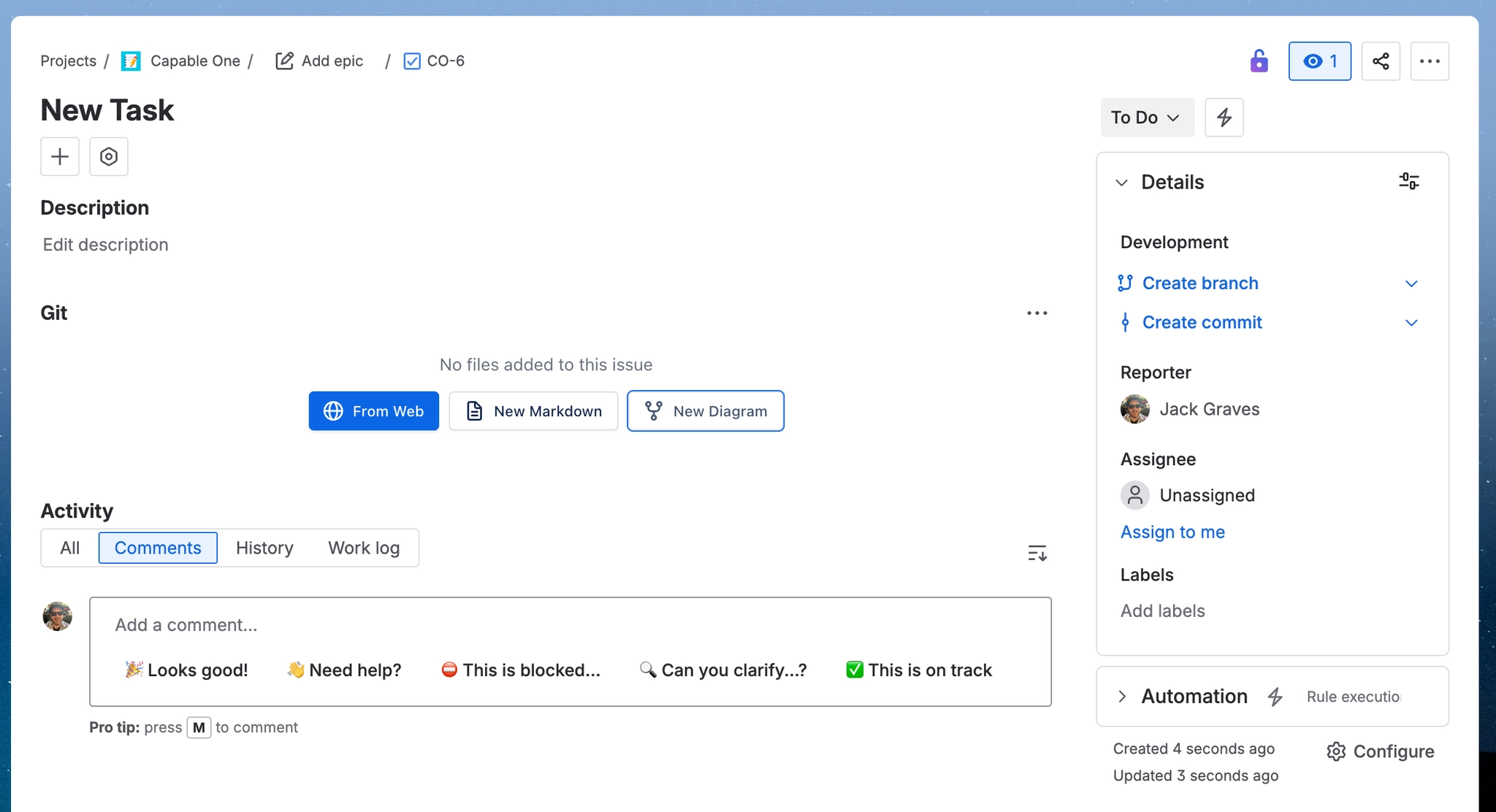
#3. Click ‘New Diagram’
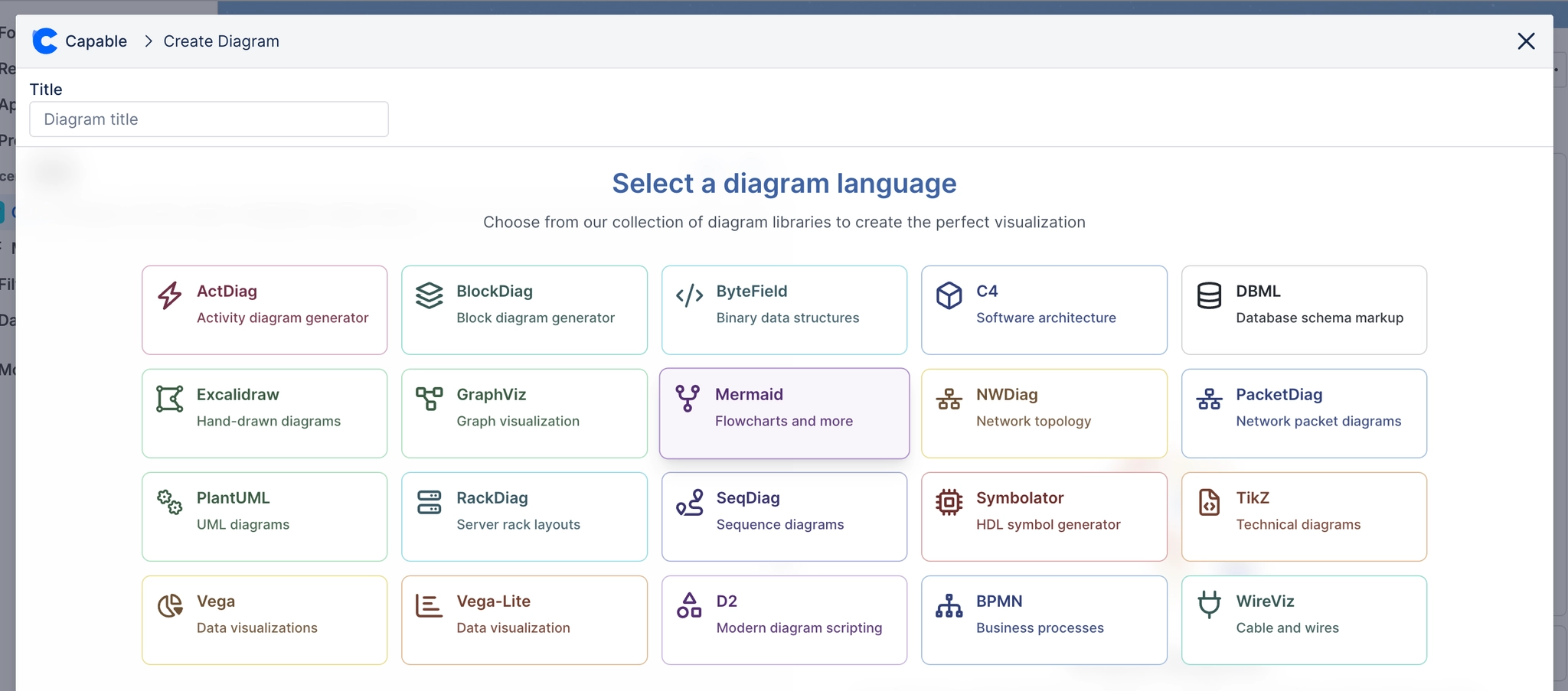
#4. Choose diagram language
#5. Choose from a template
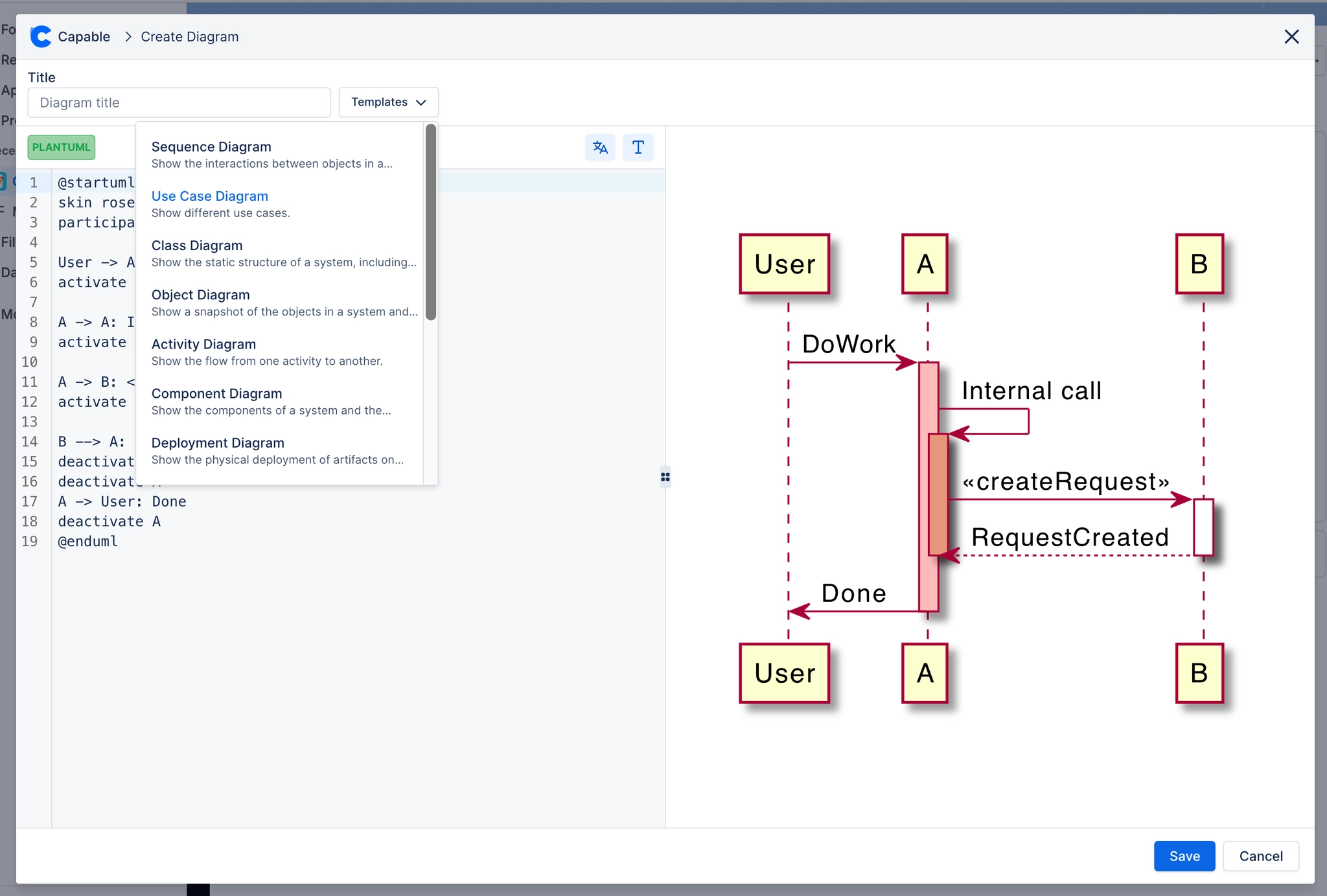
#6. Complete your diagram and click add