
Insert Diagrams from Git
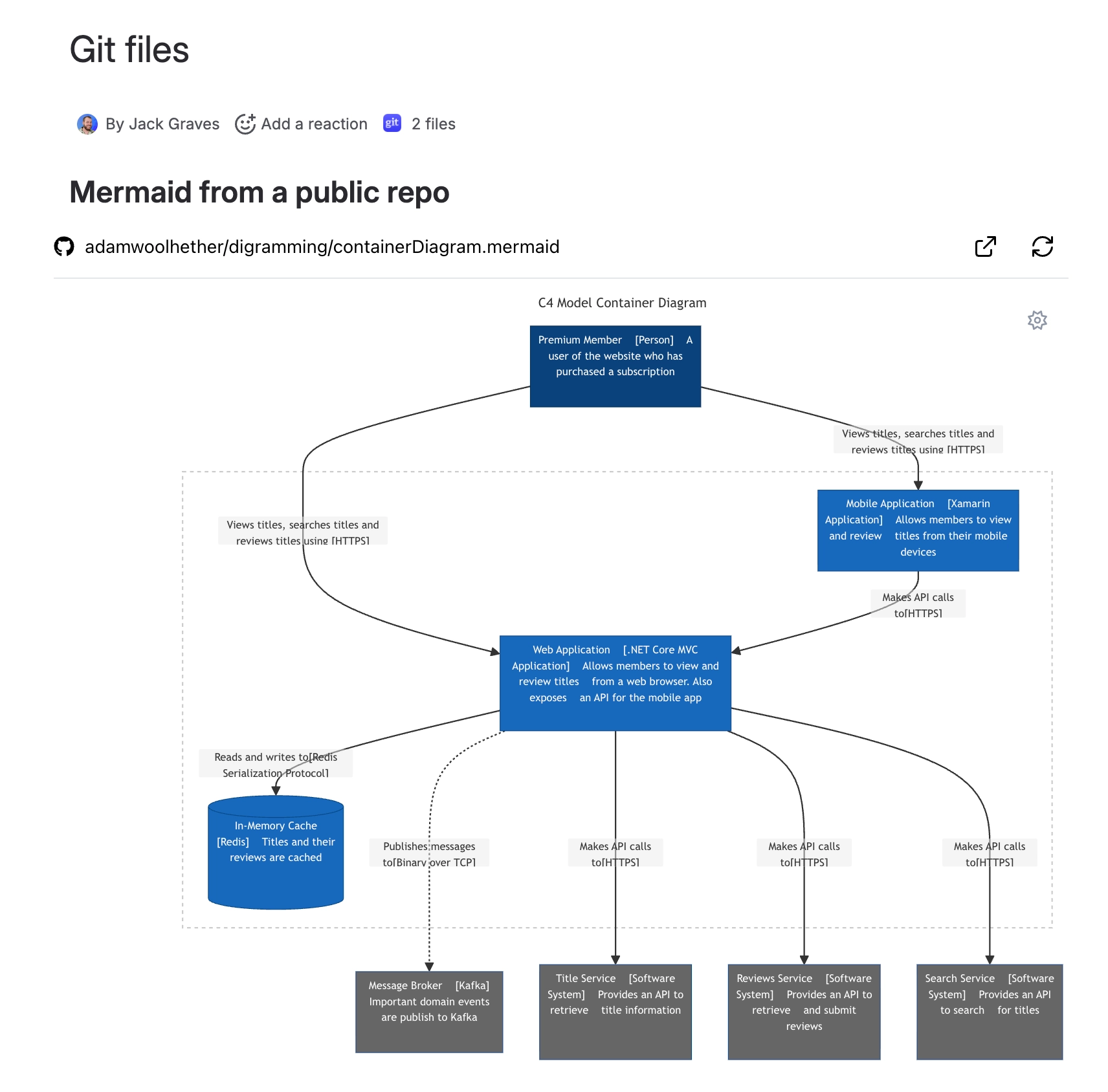
Render text-based diagrams stored in your repositories directly on a page or work item.
#Before you start
Connect your Git account and ensure you can access the target repository.
Confirm the diagram file contains valid syntax (e.g., Mermaid, PlantUML).
#Commonly supported formats
Mermaid:
.mermaid,.mmdPlantUML:
.plantuml,.pumlGraphviz/DOT:
.dot,.gvD2:
.d2, DBML:.dbml, Excalidraw:.excalidraw, BPMN:.bpmnBlockdiag family:
.blockdiag,.actdiag,.seqdiag,.packetdiag,.nwdiag,.rackdiagVega/Vega-Lite:
.vega.json,.vegalite.json
#Insert steps
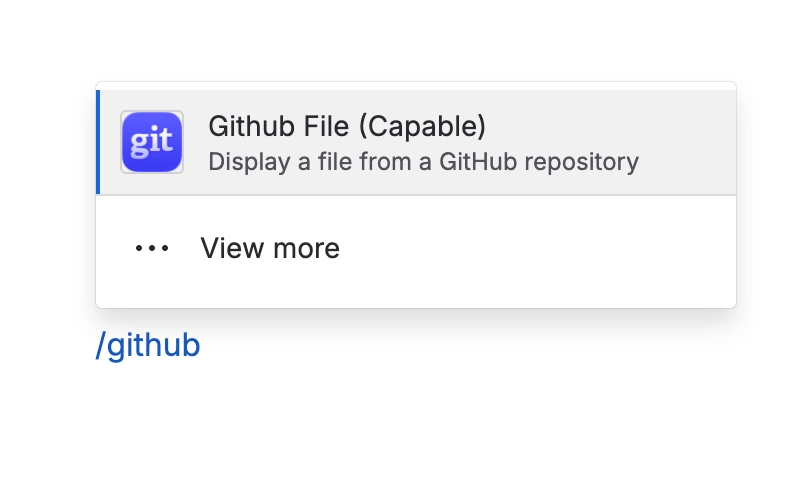
Insert the Github File macro
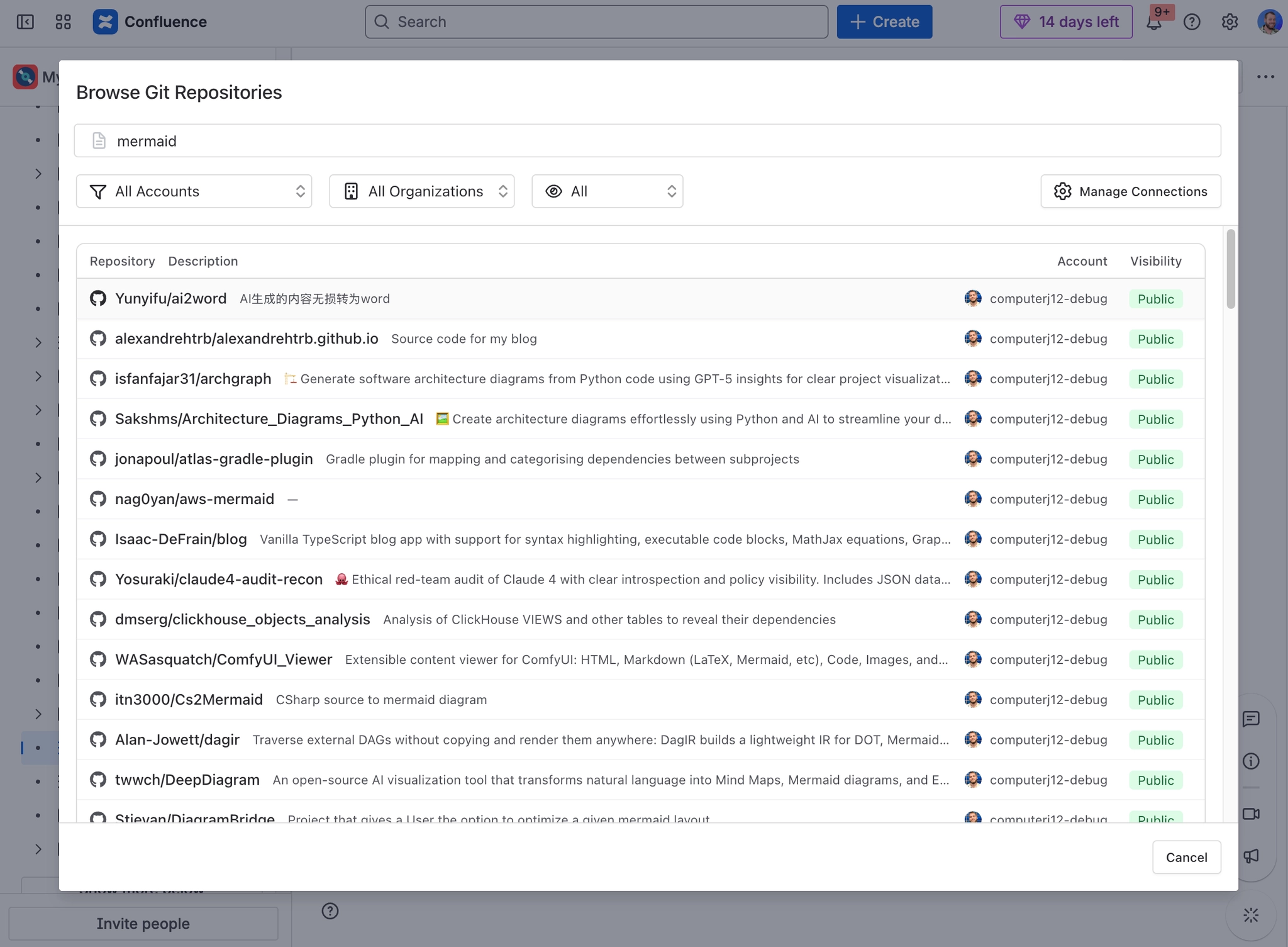
Connect/select your account and pick the repository and branch.
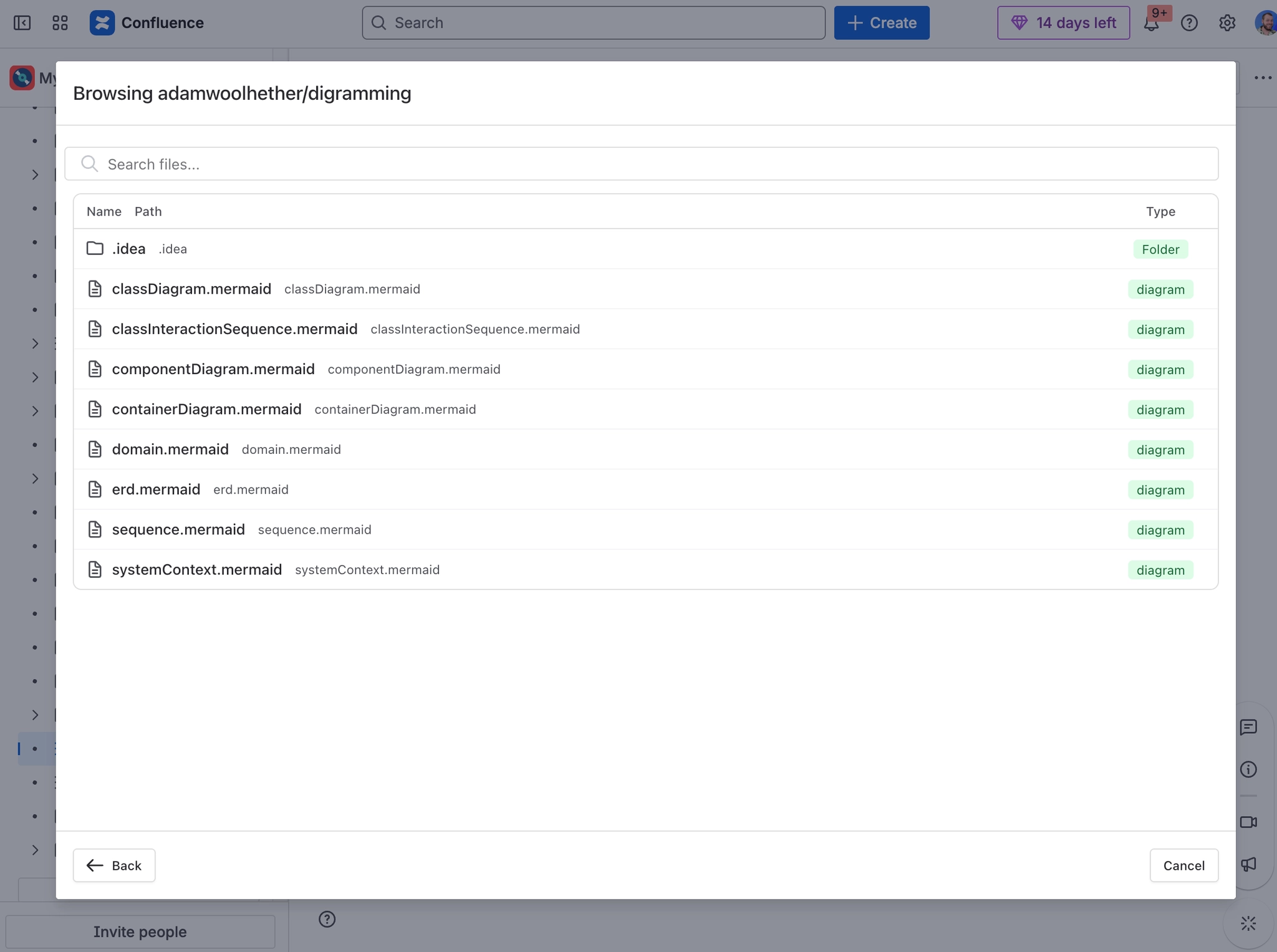
Browse to your diagram file and select it.
Preview and set the display title.
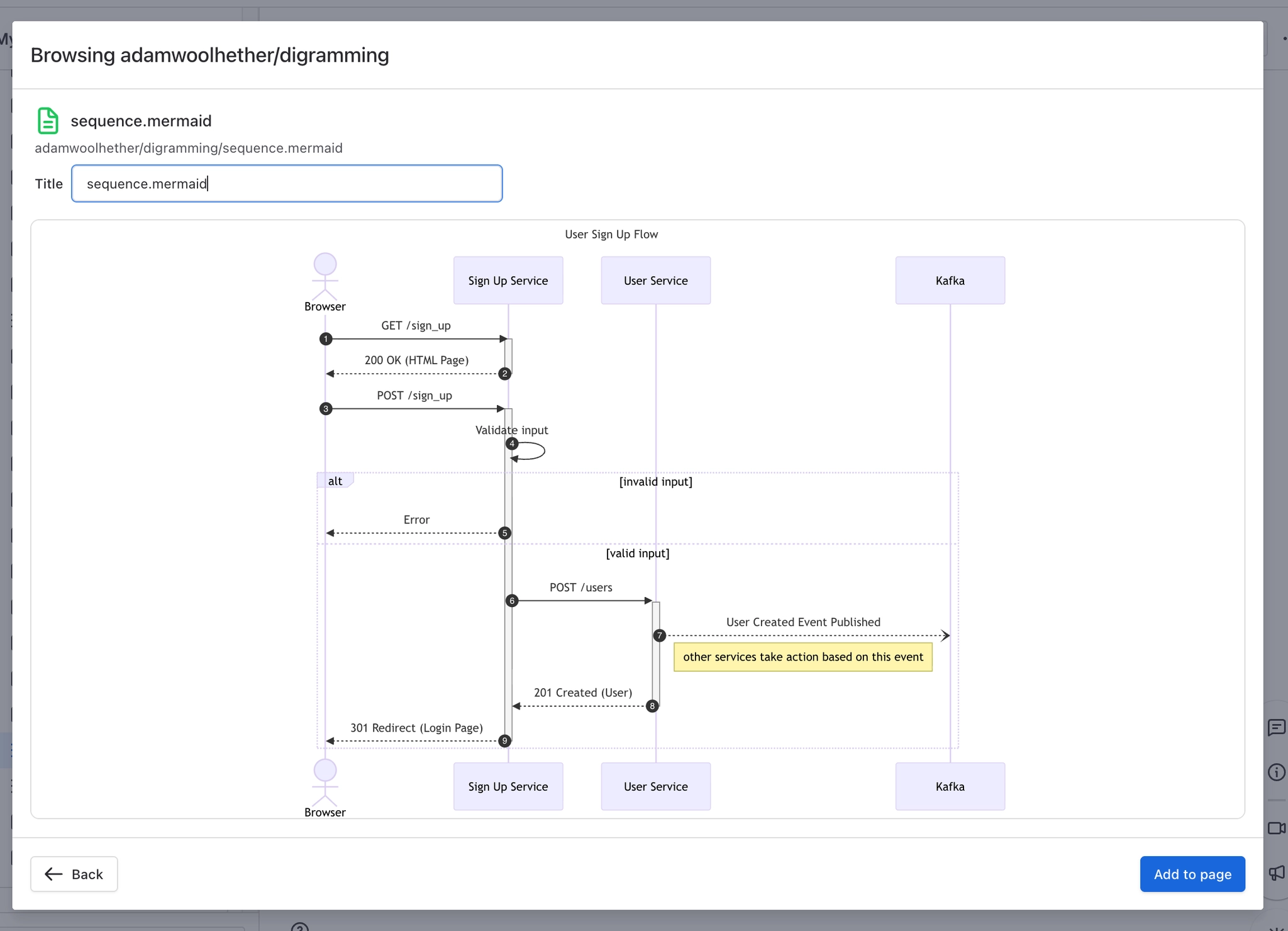
Insert to render the diagram.
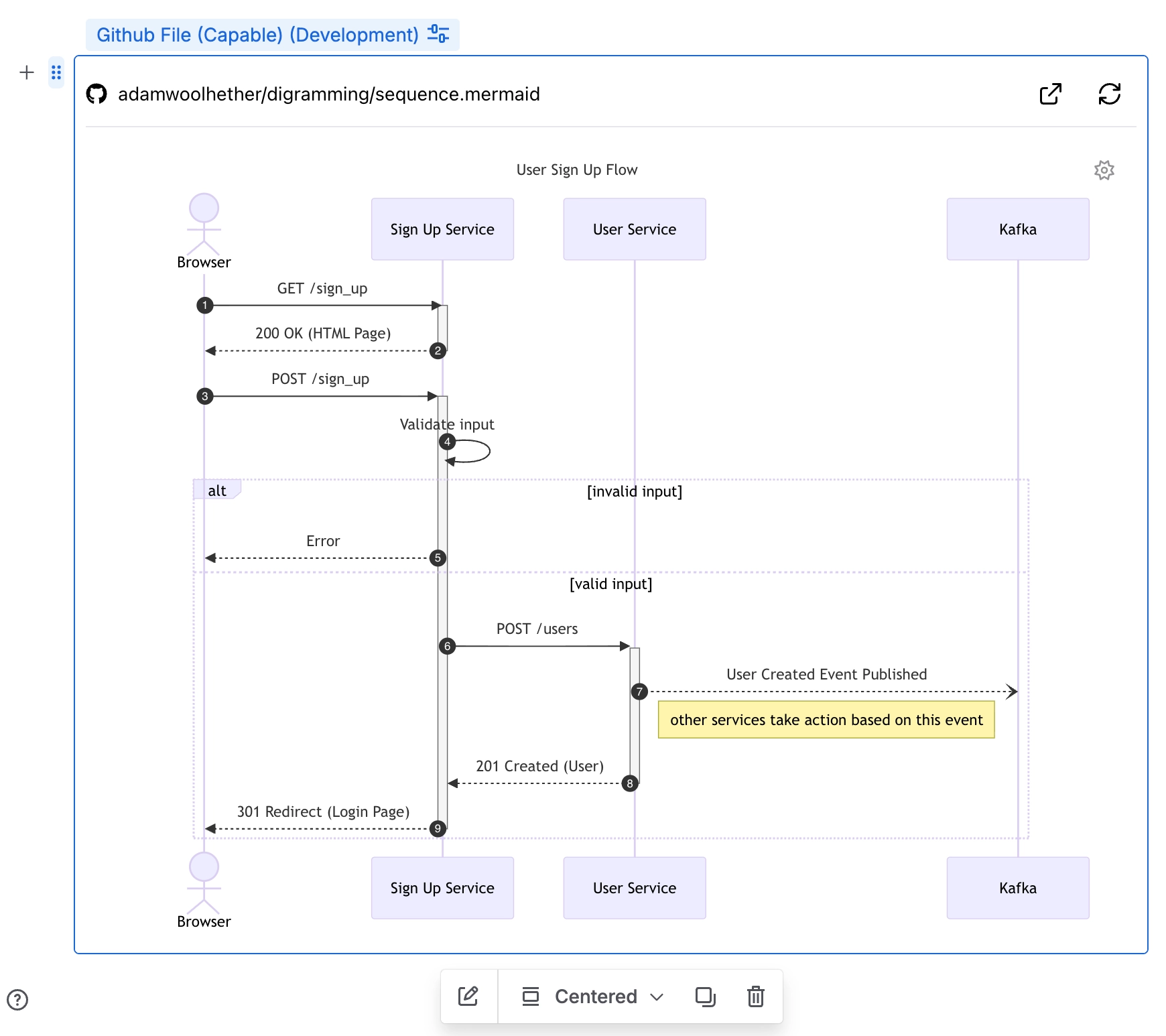
#Rendering tips
Ensure the file’s syntax is valid; invalid content may show as text or an error.
Large or complex diagrams may take longer to render.
#Permissions
Each viewer must have access to the repository to see the rendered diagram.
#Troubleshooting
Diagram won’t render: Validate syntax locally, then refresh.
File not found: Verify the selected branch and path.





















