
Migrate from PlantUML for Confluence (Stratus)
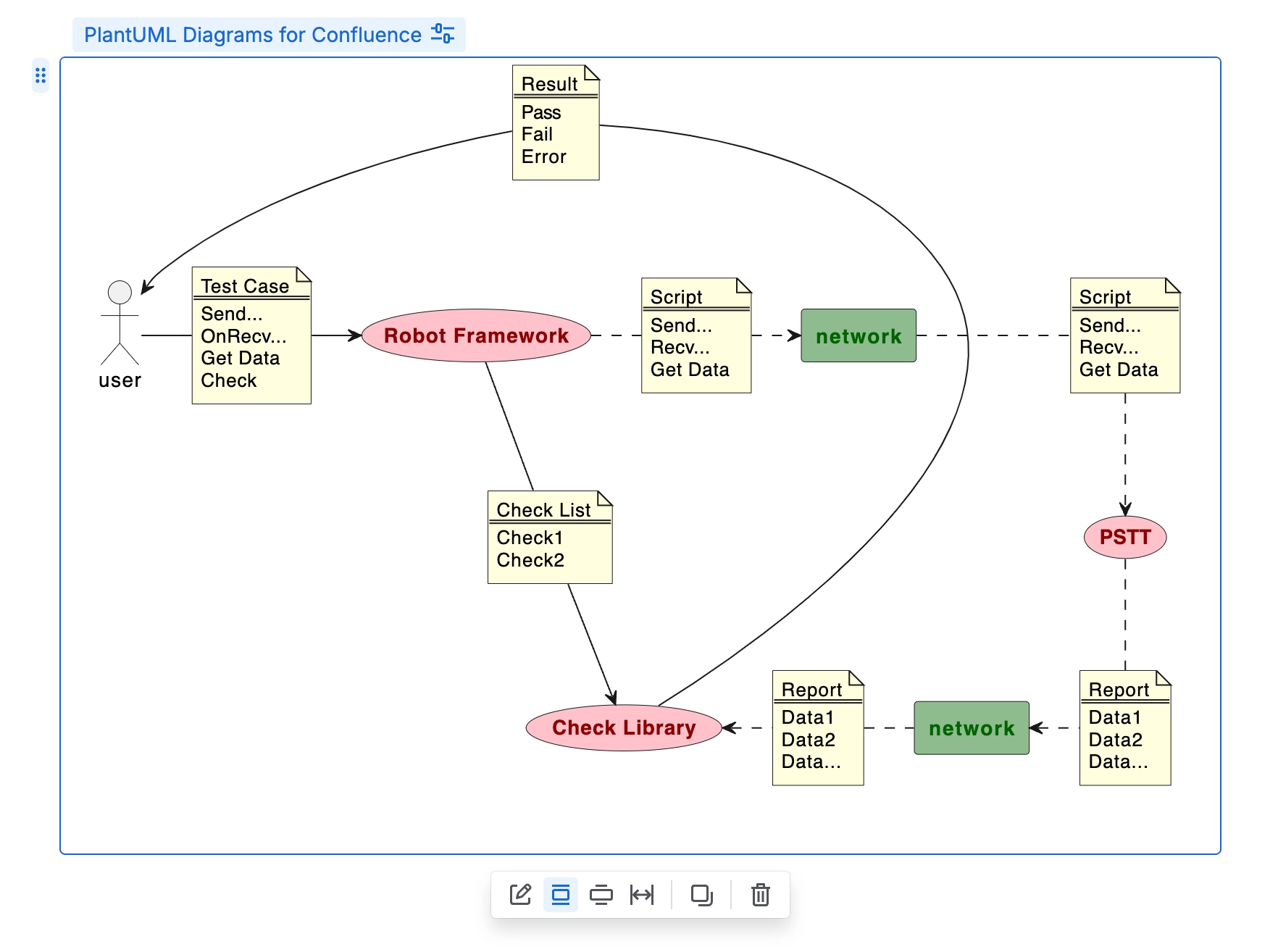
The ‘PlantUML Diagrams for Confluence’ macro is fully supported for migration!
Migrate ‘Stratus PlantUML Diagrams for Confluence’ app directly to Capable in either of these apps:
Capable for Confluence (All-in-one)
Diagrams for Confluence
#1. Open Confluence Settings

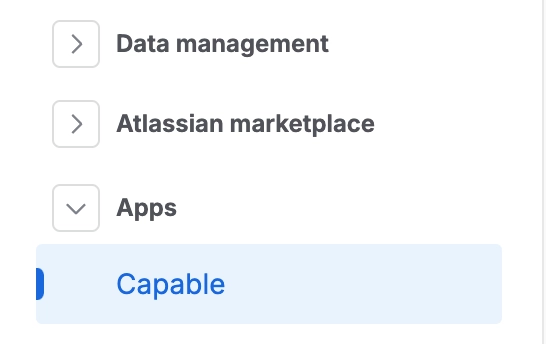
#2. Click on ‘Capable’ in the Apps menu
#3. Go to the ‘Migration’ tab and select what to migrate
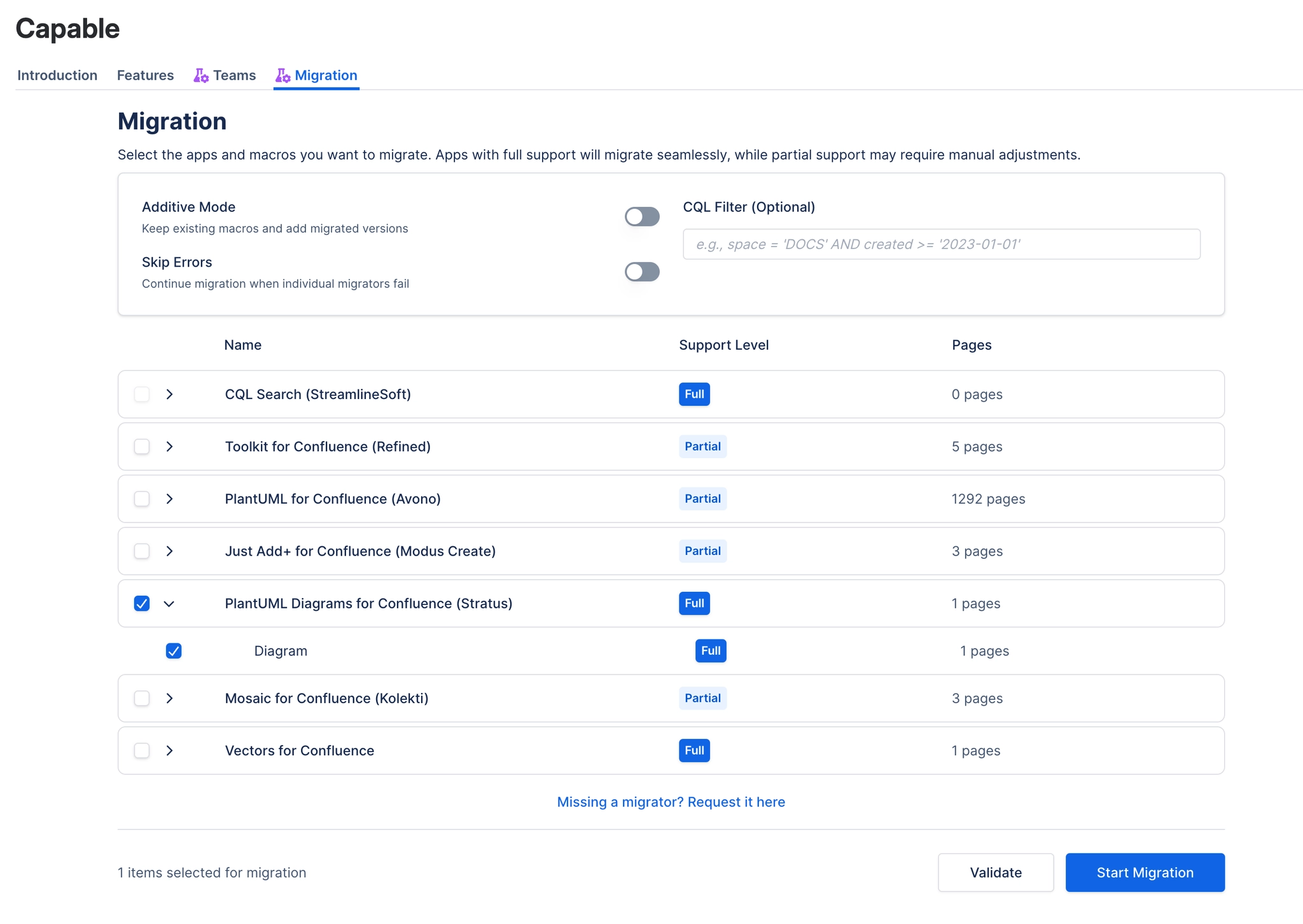
#4. Run a validation
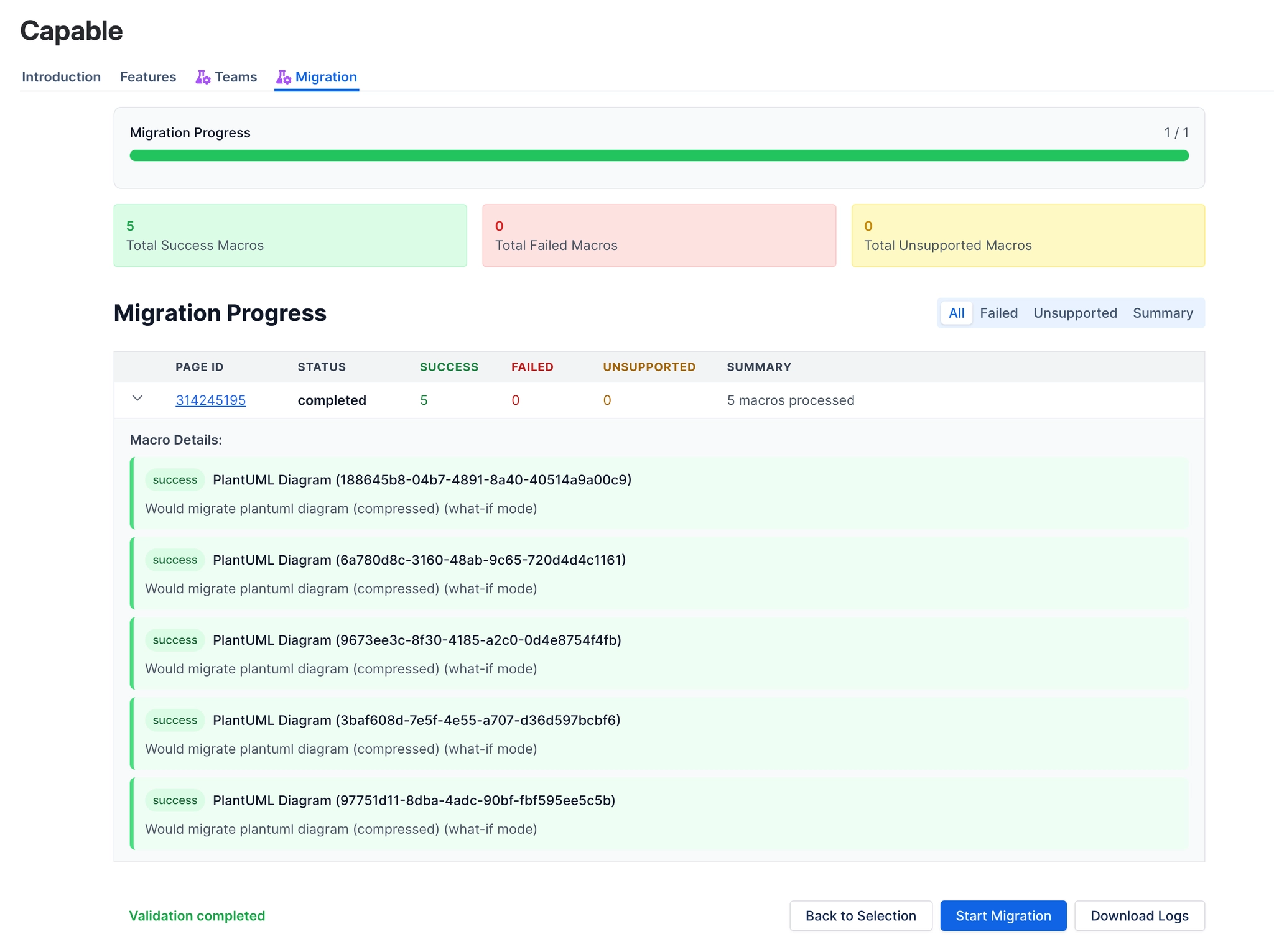
#5. Execute the migration
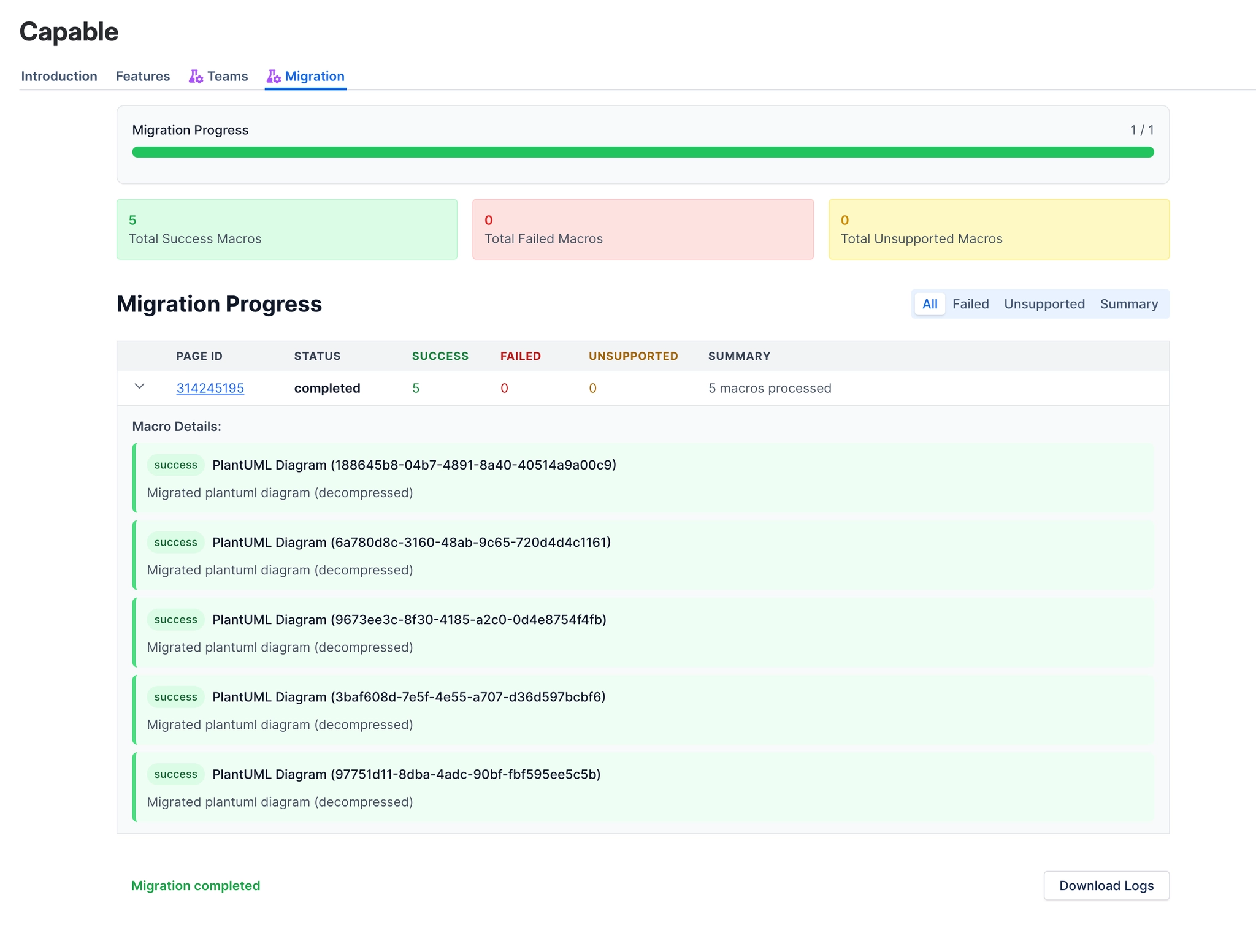
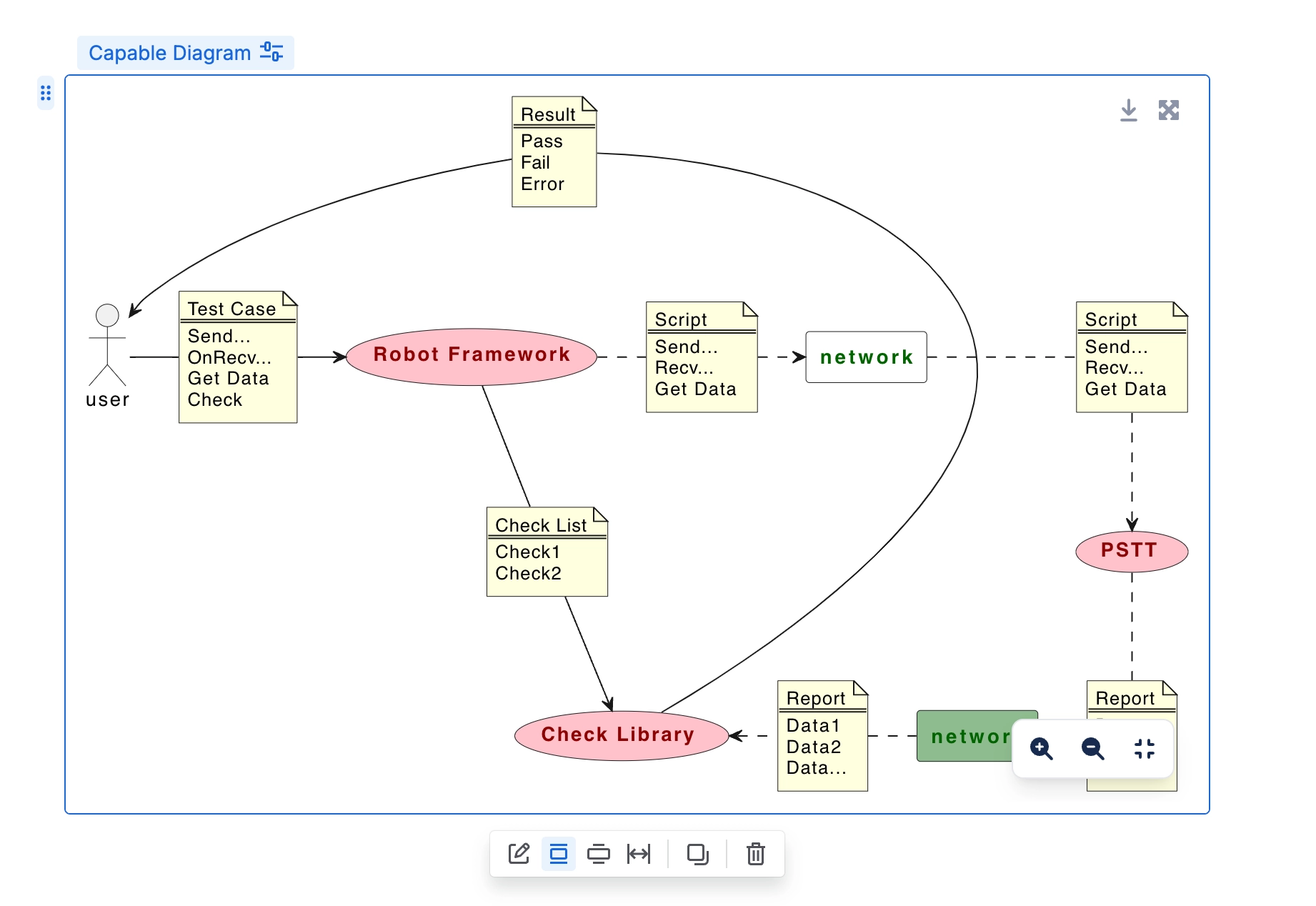
#6. Your diagrams will now be Capable Diagram Macros





















