
Migrate from draw.io Diagrams for Confluence
You can migrate from the draw.io Diagrams for Confluence app to Capable Diagrams.
#draw.io Diagram
The draw.io Diagram macro (drawio) is migrated to Capable Diagrams.
#What the migrator does
Fetches the diagram attachment content from the Confluence page.
Validates that the content is valid draw.io XML.
Creates a Capable Diagrams custom content asset with the diagram data
Replaces the draw.io macro with a Capable Diagrams macro
Preserves the diagram title (derived from the attachment name)
#Support level
The following elements from Draw.io are fully supported in Capable:
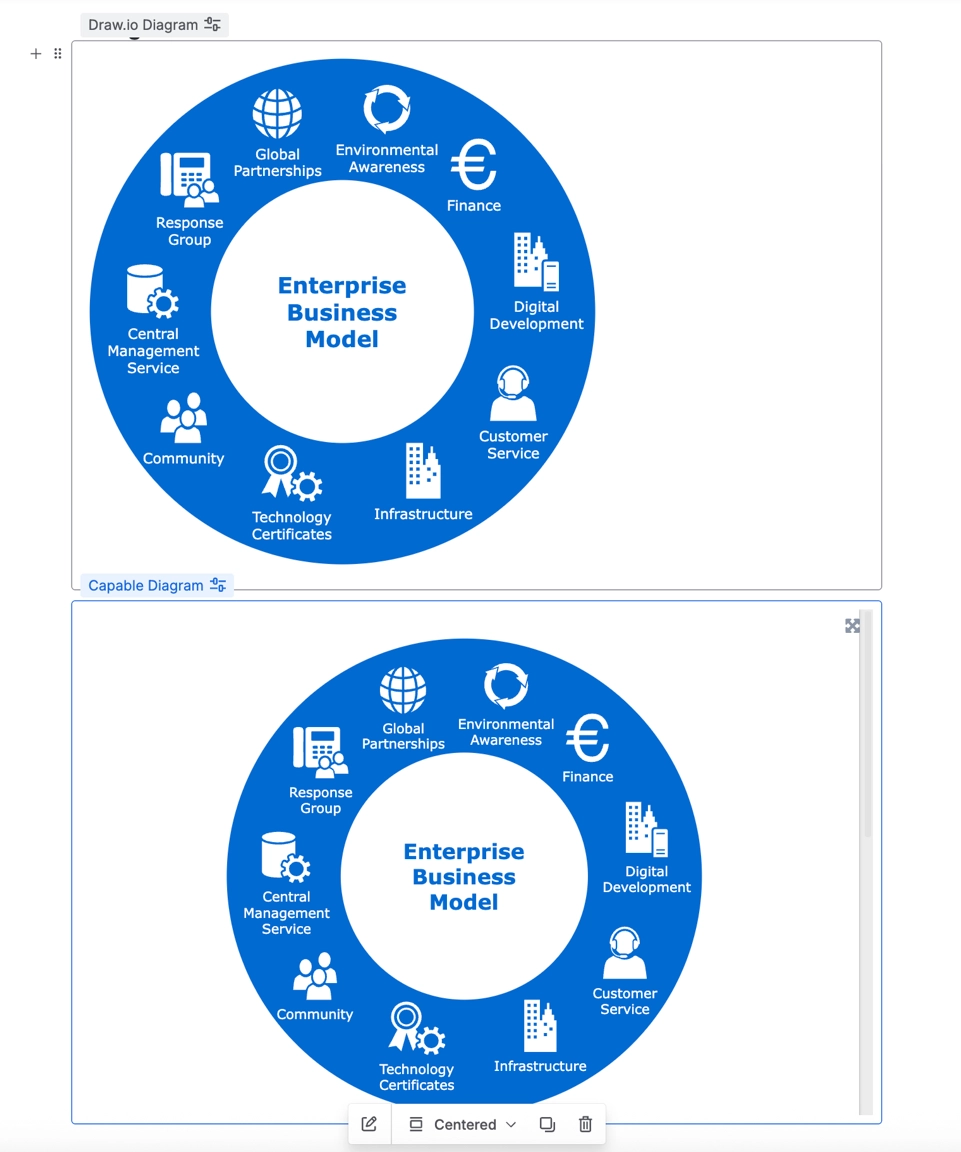
Diagrams and Flowcharts – All standard diagrams, flowcharts, and process maps will be preserved.
Shapes and Connectors – All shapes, lines, and connector styles will be maintained.
Text and Labels – All textual content, including font styles, sizes, and formatting, will be migrated accurately.
Layers and Grouping – Layer structures and grouped objects remain intact.
Images and Icons – Embedded images and icons will be retained in their original positions.
Styling and Formatting – Colors, fills, borders, and other visual styles will be preserved.
Feature | Support |
|---|---|
Diagram Macro | supported |
Board Macro | supported |
Embed Diagram Macro | supported (only Confluence-based diagrams) |
Diagram Templates | Not supported |
Follow the instructions on Using the migration assistant to run the migrator.
#Example
#Unsupported macros
The following draw.io macro is detected but cannot be migrated at this time. It will appear in the migration assistant with page counts for visibility:
Macro | Key | Notes |
|---|---|---|
Embed draw.io Diagrams |
| Embedded diagram references are not currently supported for migration |





















