Insert Markdown into a page
Enhance you Confluence pages with rich Markdown content, with support for advanced features, like images, links, diagrams and more.
Markdown is a lightweight markup language that allows you to add formatting elements to plain text, making it an essential tool for creating organized and visually appealing content.
In this article, we'll explore how to incorporate Markdown into your pages, including advanced features such as images, links, diagrams, and more.
Let's get started and unlock the full potential of your content!
#1. Open a Confluence Page in Edit Mode

#2. Insert the Markdown macro
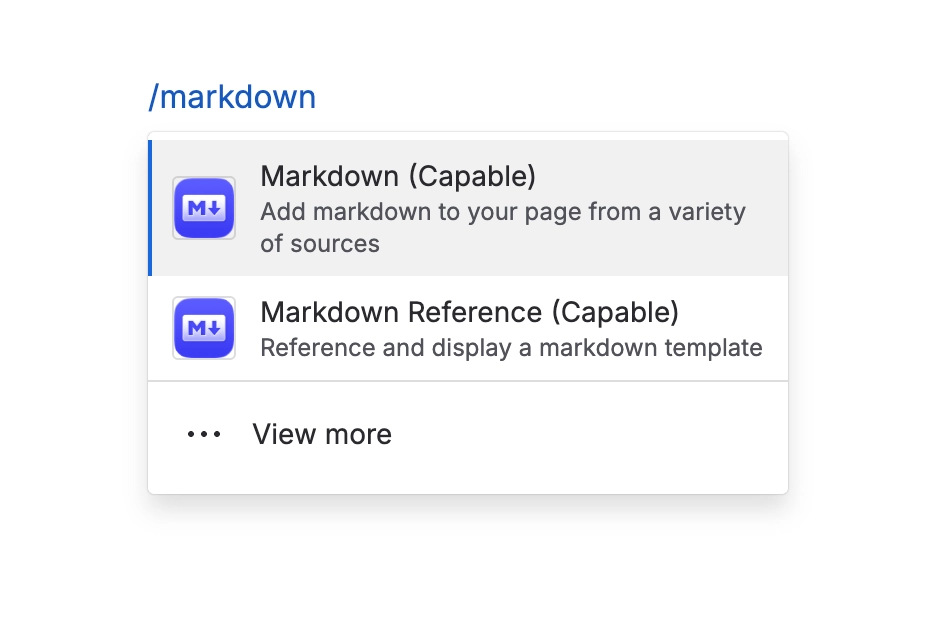
Choose where to insert the Markdown and then type /markdown and select ‘Capable Markdown’.
#3. Choose Markdown Source
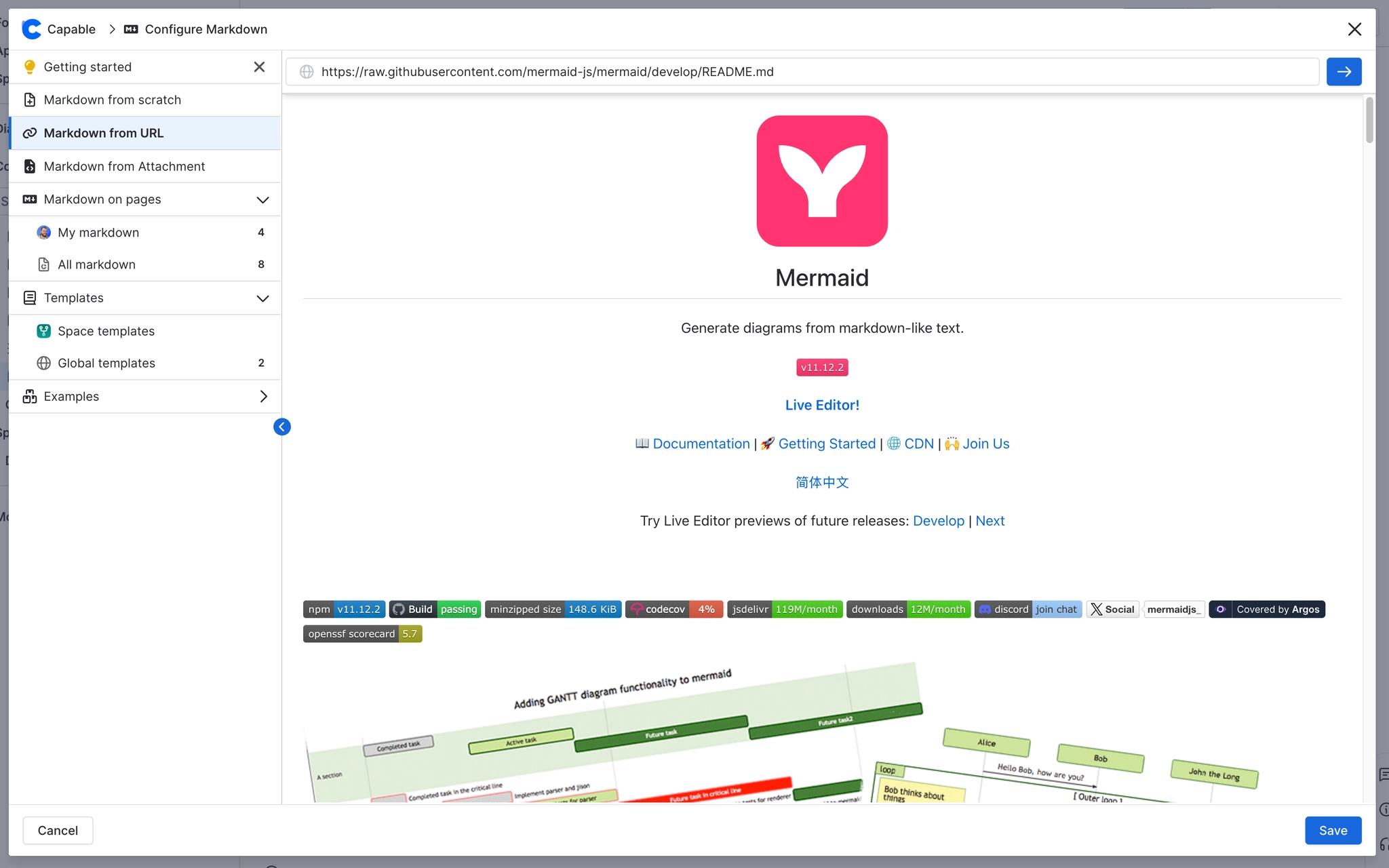
Here you can choose where to add the Markdown from:
from a URL
from attachment
from scratch
from a template