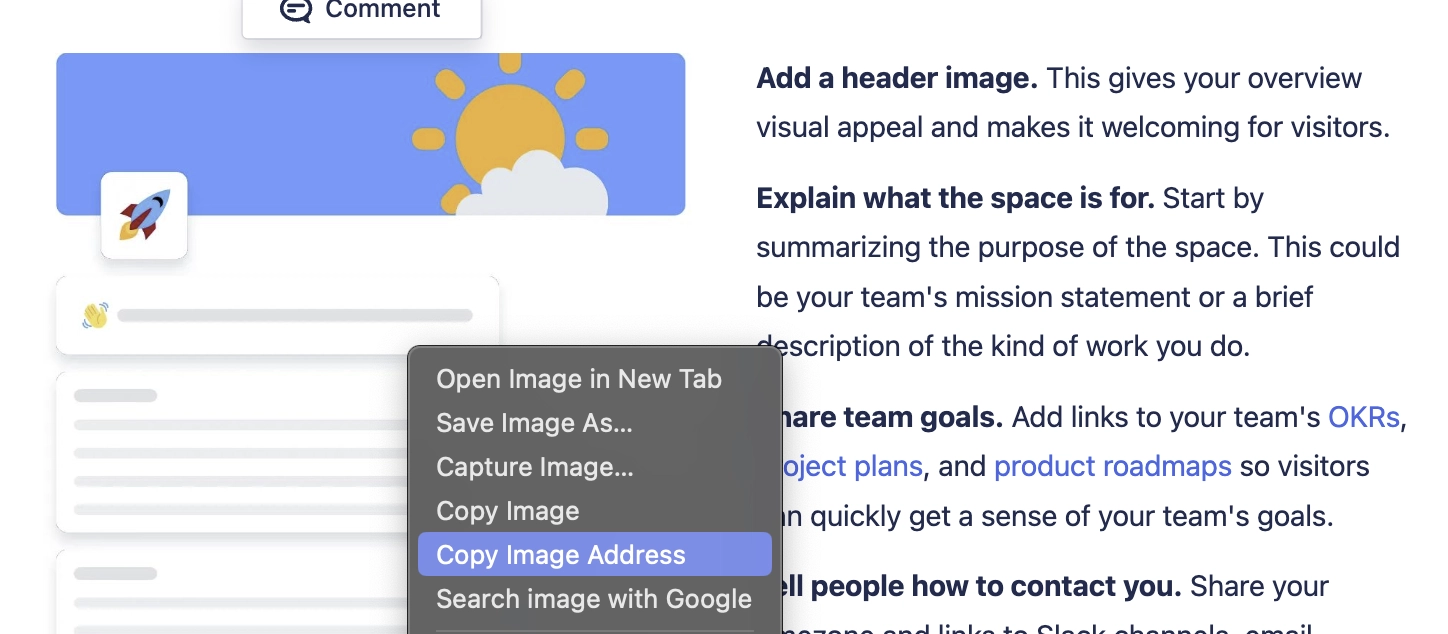
Add images from the web
Learn how to add images into your Markdown content from the web.
Capable Markdown supports images from remote websites and attachments to Confluence pages, you just need the URL of the image.
#Basic Syntax
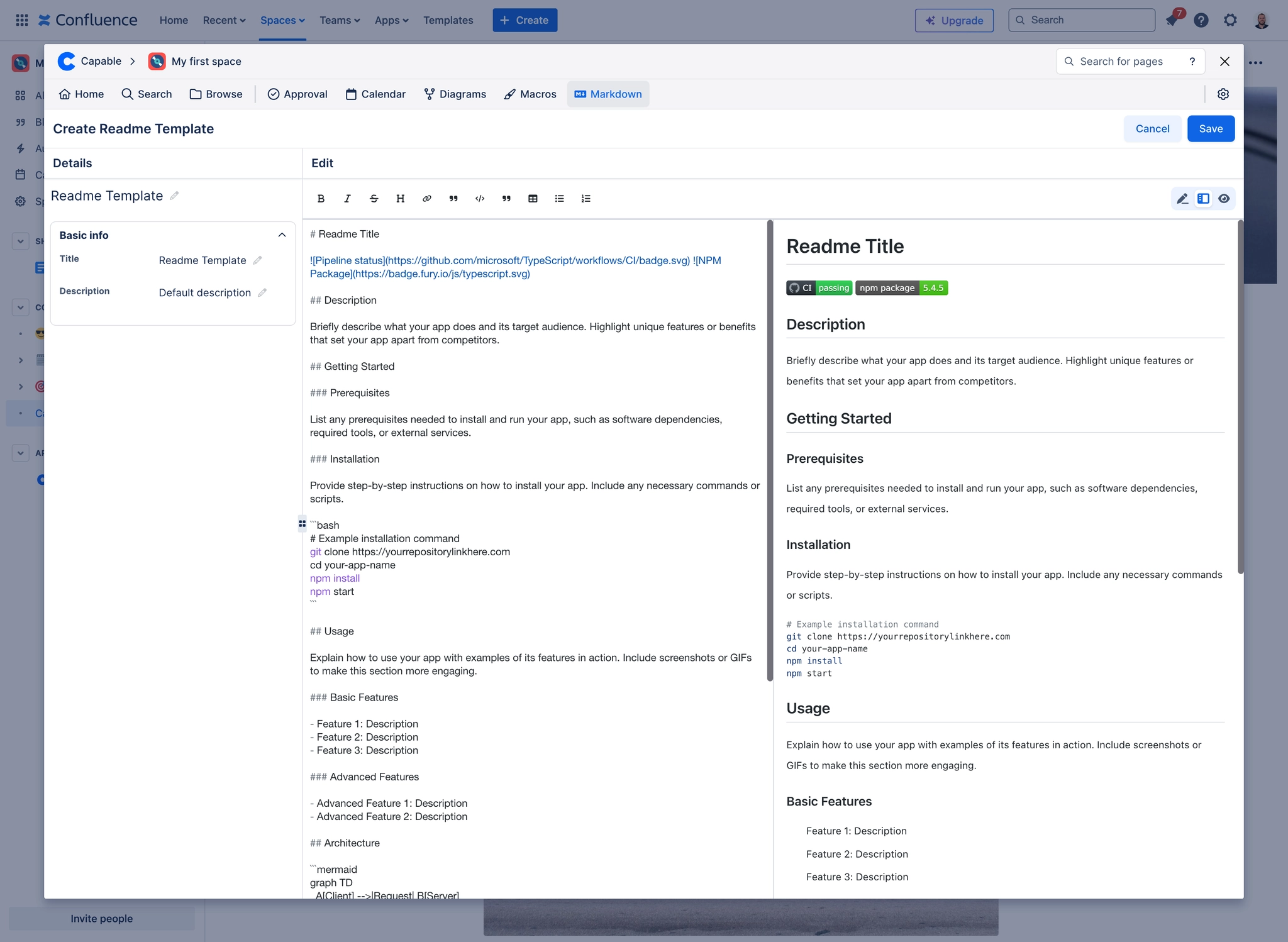
The basic syntax to insert an image in Markdown is:
![Alt text]- This is the alternative text for the image which describes what the image represents. It's very important for accessibility and SEO.(URL)- This is the direct link to the image. It can be a relative path to the file within your project or an absolute URL from a remote server.
#How to include attached images
Copy the URL of the image and paste it in using the syntax described above.