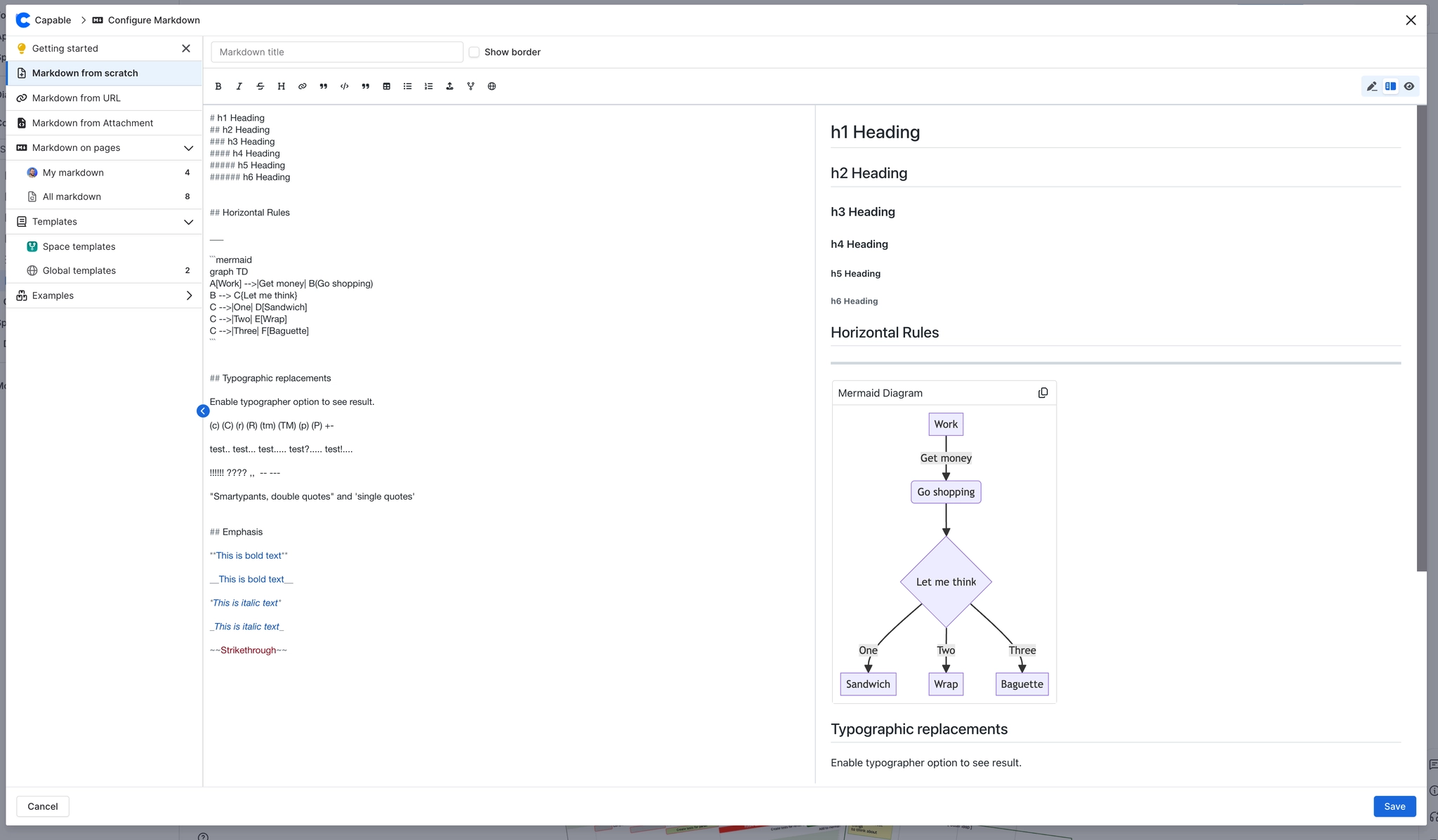
Insert Markdown from scratch
Inserting Markdown from scratch in Confluence is a straightforward process that empowers users to create rich, formatted content directly within their pages.
By leveraging the Markdown macro, you can easily add headings, lists, tables, and more, enhancing the readability and organization of your documentation.
This guide will walk you through the simple steps to start creating Markdown content from scratch, ensuring your Confluence pages are both dynamic and visually appealing.
#1. Open the Confluence Editor
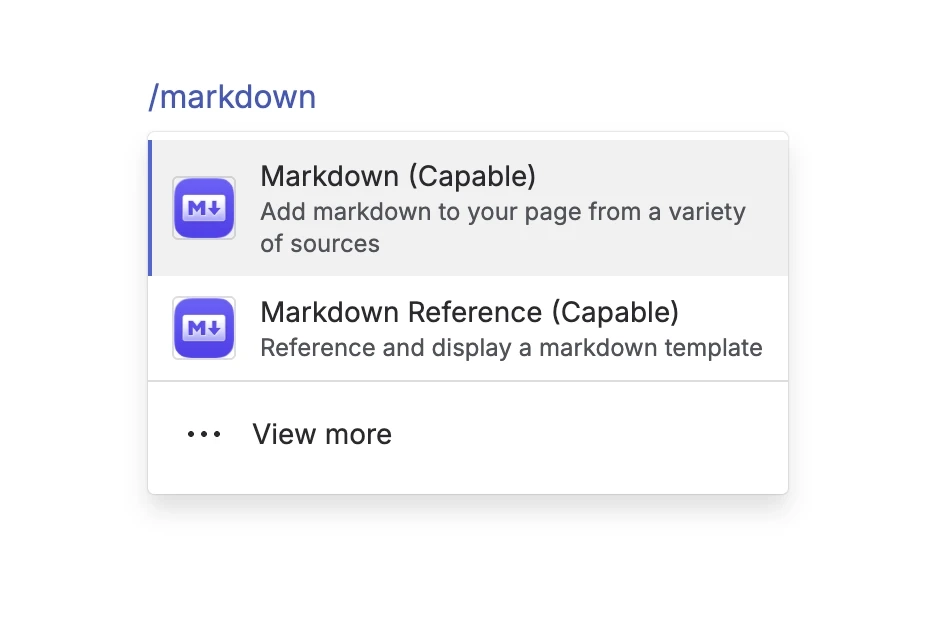
#2. Type /markdown and press Enter
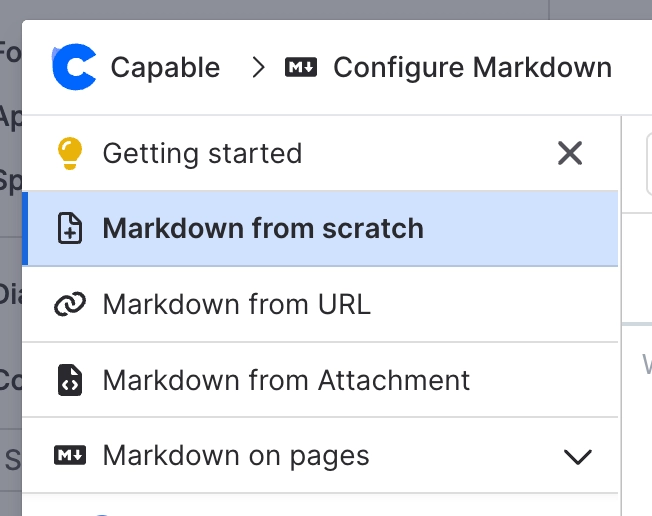
#3. Select ‘From Scratch’
#4. Create your Markdown with live editor