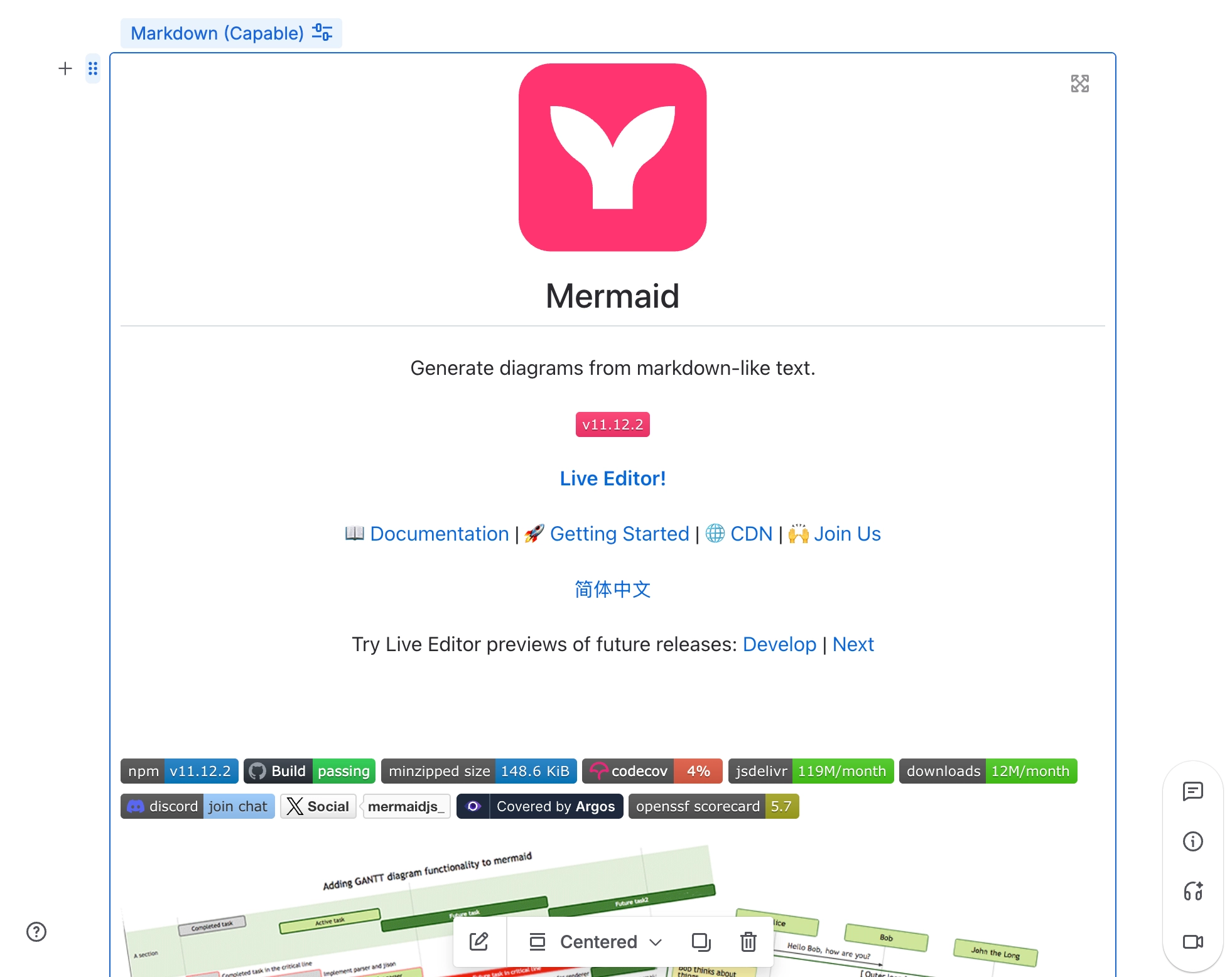
Insert Markdown from a URL
Embed Markdown from a URL inside your Confluence pages.
Enhance your Confluence pages by embedding Markdown content directly from a URL. This feature allows you to seamlessly integrate external Markdown files into your documentation, providing a flexible and efficient way to manage content.
Whether you're pulling Markdown from a repository or another source, this capability ensures that your Confluence pages are always up-to-date with the latest information. By embedding Markdown from a URL, you can maintain consistency across your documentation and streamline your content management process.
#1. Open the Confluence Editor
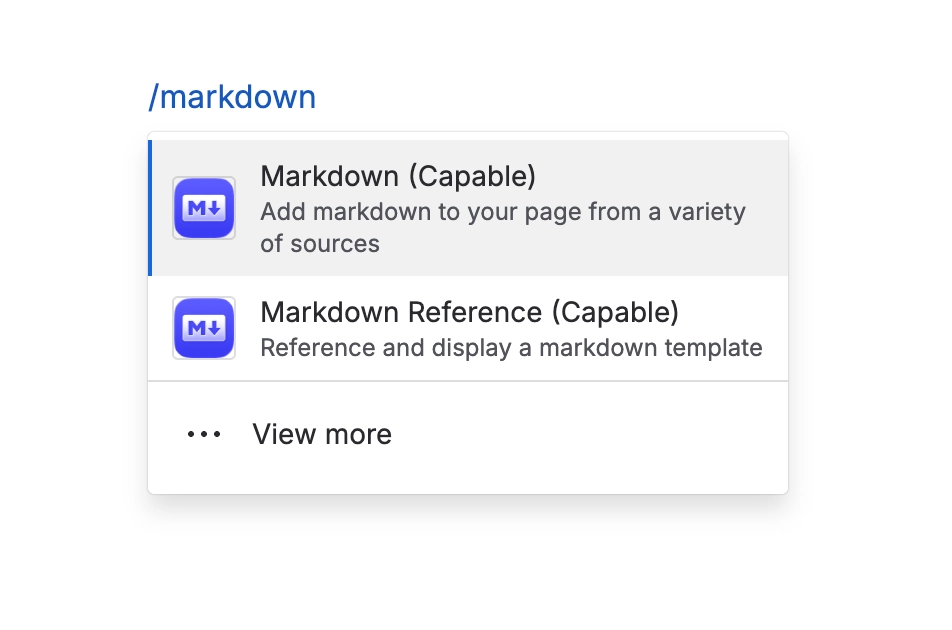
#2. Type /markdown and press Enter
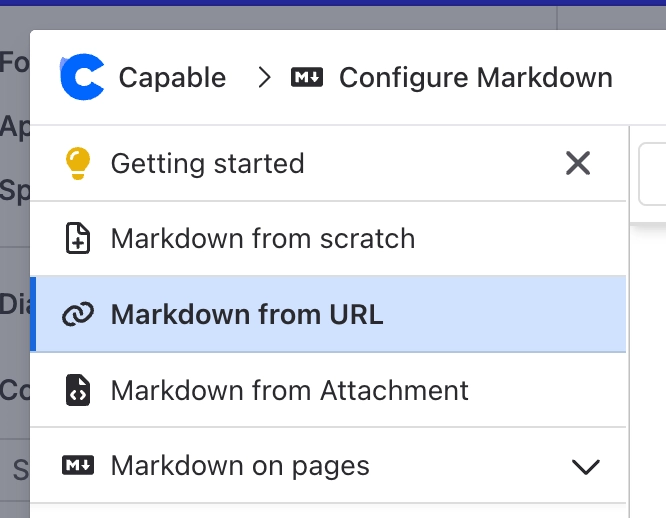
#3. Choose ‘From URL’
#4. Paste the URL of the Markdown you’d like to embed
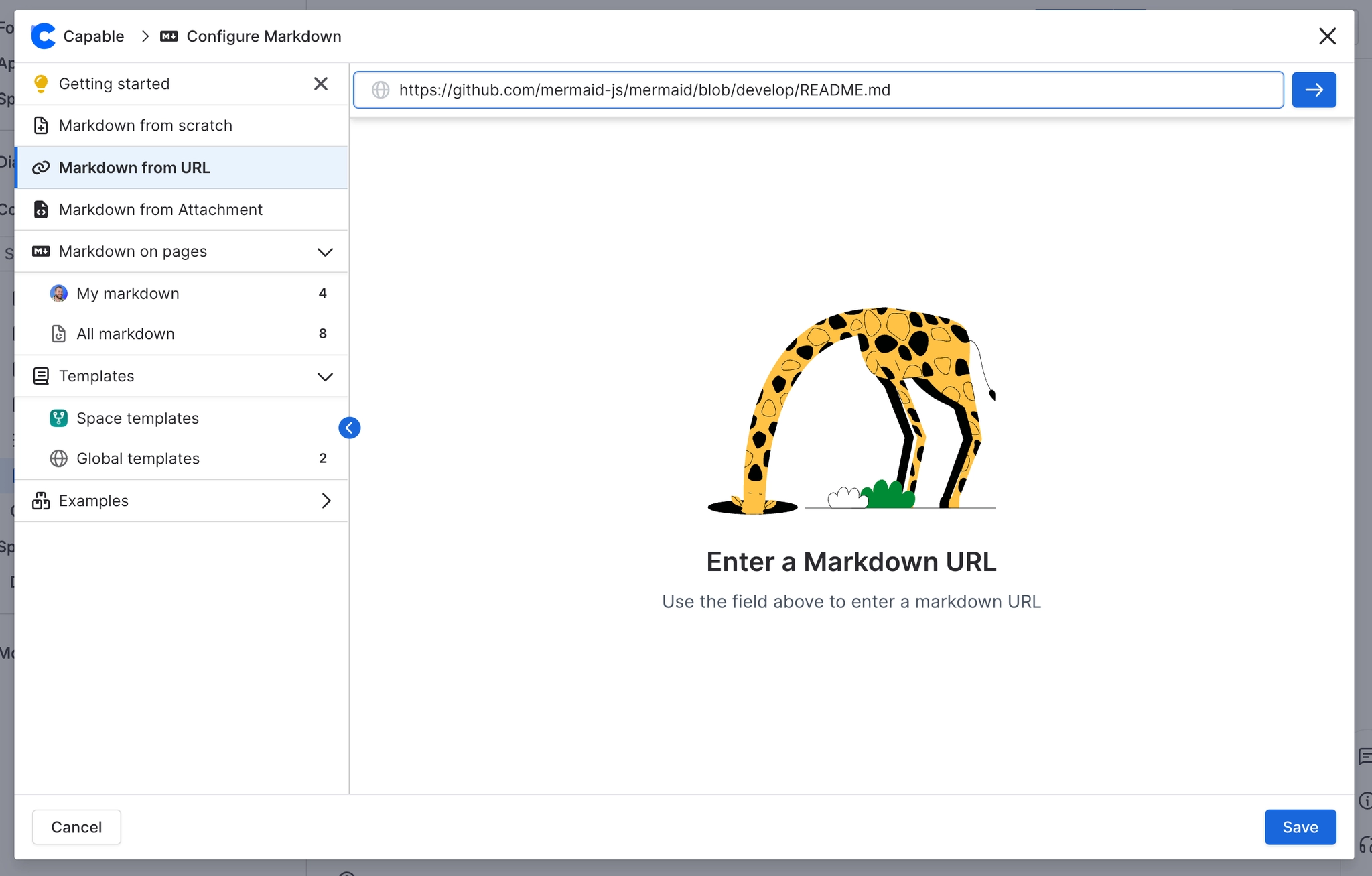
#5. Press Insert and you’re done!