
Using the page sidepanel
Find out how to use the search sidepanel in Capable Search.
Capable Search is a powerful feature in Capable for Confluence that allows you to interact with your pages just like Jira issues. With Capable Search, you can easily access information stored in your pages, such as tasks, dates, and links, without having to actually view the page itself.
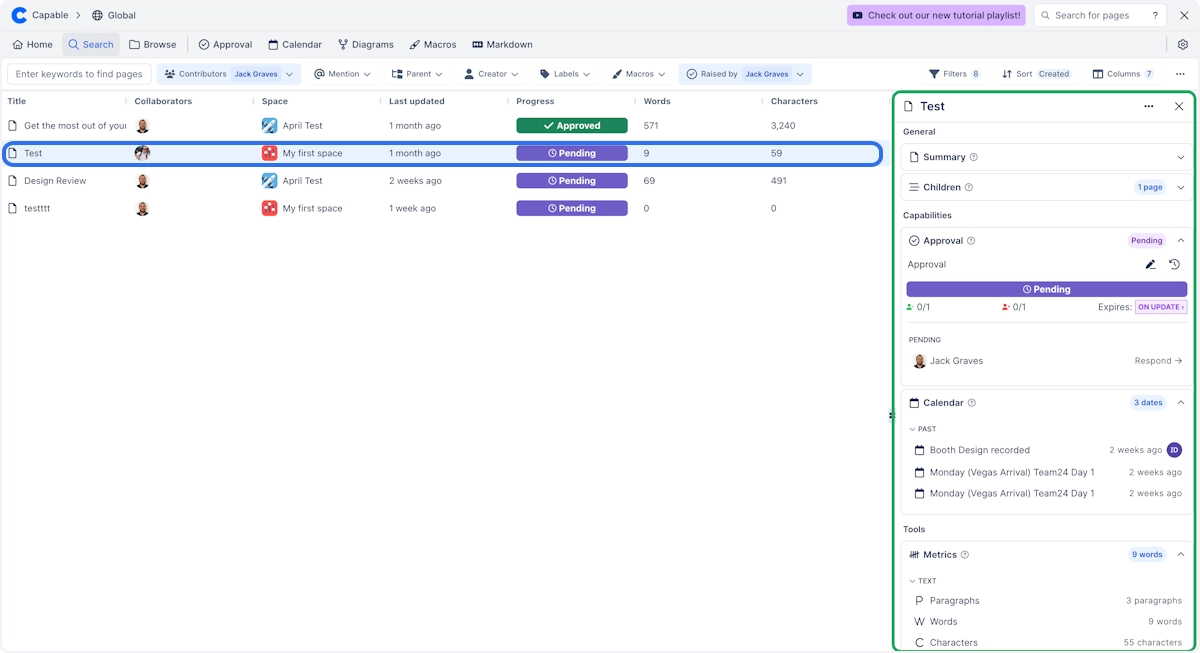
To use Capable Search, simply:
#1. Open Capable from the Apps Menu
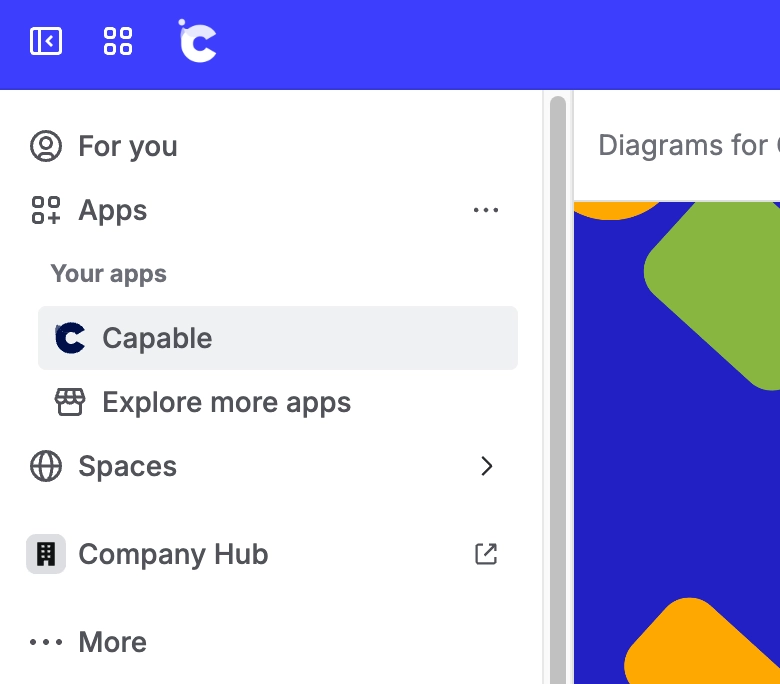
#2. Click on ‘Search’ in the Navigation Bar
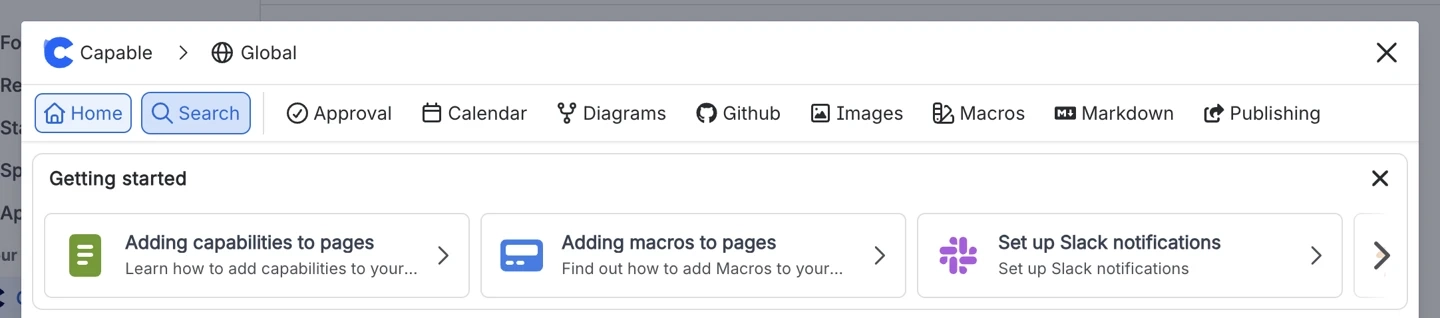
#3. Perform a search
Type in the keyword or phrase you are looking for or choose from the available filters like Labels, Contributors, Macros and more.
#4. Click on a page in the results
When you click on a page in the search results, the page sidepanel will appear on the right side of your screen.
This sidepanel contains information about the page you clicked on, including panels for tasks, dates, and links - this allows you to get a quick overview of the page without having to actually open it.
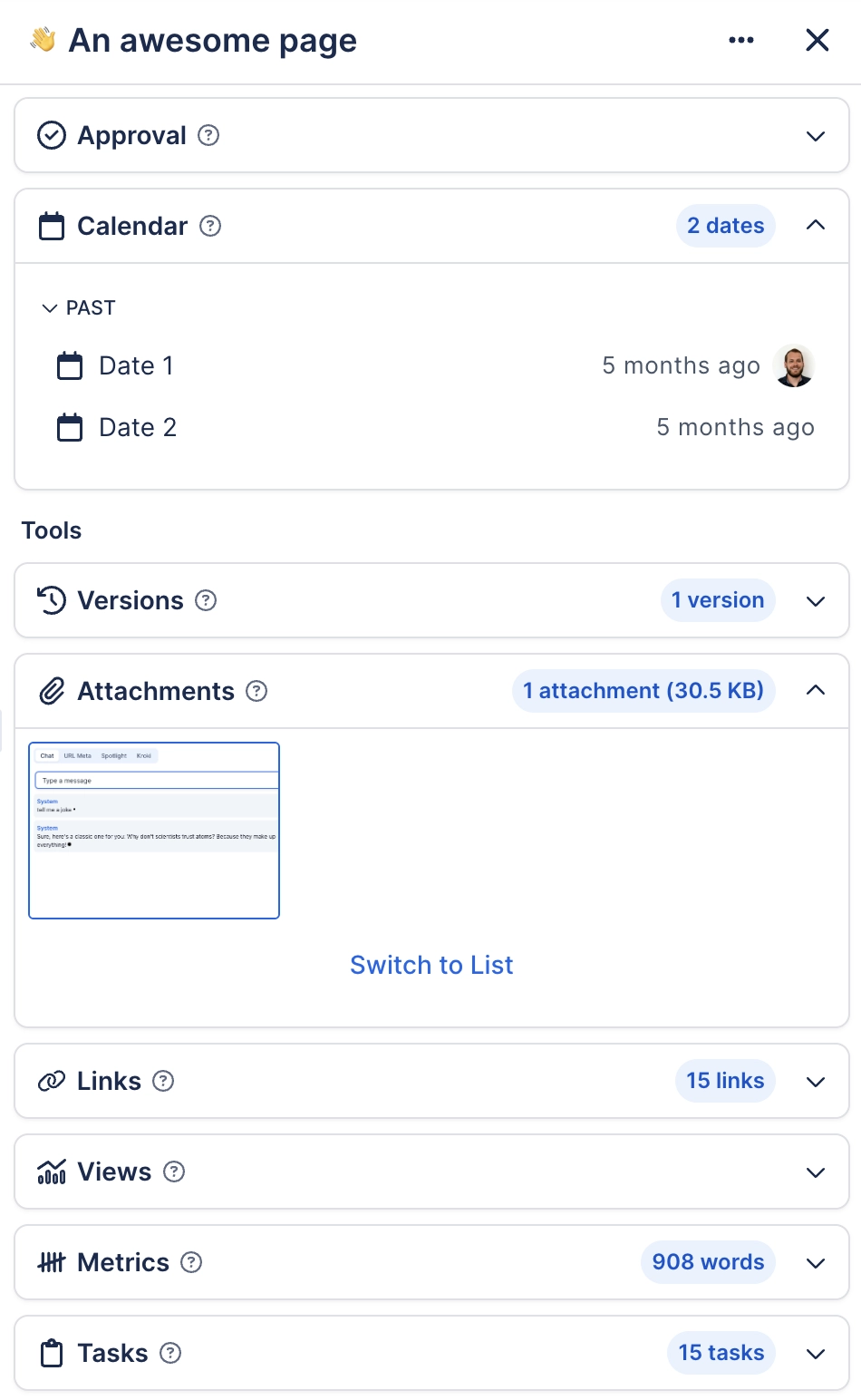
#Available panels
General
Summary
Child pages
Capabilities
Approval
Calendar
Diagrams
Markdown
Tools
Versions
Attachments
Links
Metrics
Tasks
#Expanding panels
The panels can be expanded by clicking on them.





















