
Installation
#Installing Embed Miro for Confluence
You must be a Confluence Cloud administrator to follow these instructions.
#Step 1. Find the app
Click the Settings cog in the top menu
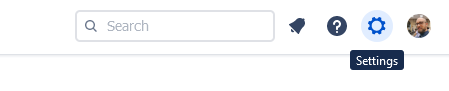
Click Find new apps in the Atlassian Marketplace section of the menu
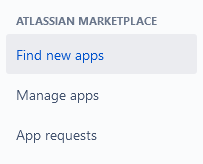
Look for Miro Embed for Confluence
#Step 2. Start your trial
Select it, then click the Try it free button
In the modal window, confirm your installation clicking on Start Free trial now
This will activate a 30-day trial.
#Step 3: Upgrade your trial
Upon termination, you will be automatically billed for the next monthly installment.
#Disabling Embed Miro for Confluence
To uninstall the app:
Navigate to Manage Apps in the configuration
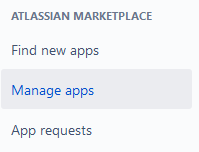
Select Miro embed for Confluence in the menu
Click the Uninstall button and follow the instructions
#Step 4: Testing the app with the sample board
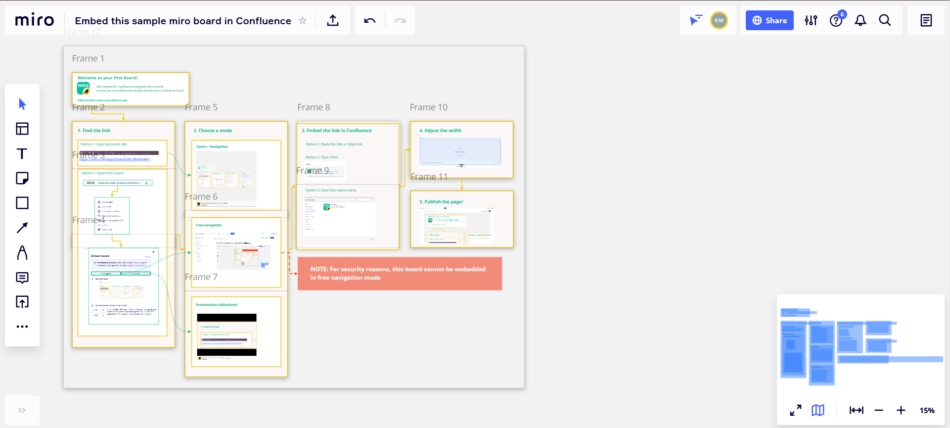
As a Confluence administrator, you might be interested in testing the app on behalf of your users.
To make this job easier, we have created a sample board that can be embedded without the need for an active Miro account.
Here are the links:
Board URL: https://miro.com/app/board/o9J_lV6xAmM=/
Presentation mode: <iframe width="768" height="432" src="https://miro.com/app/embed/o9J_lV6xAmM=/?pres=1&frameId=3074457354140961281" frameBorder="0" scrolling="no" allowFullScreen></iframe>
Note that the sharing settings have been restricted to protect the board content. As a consequence, the board is read-only and can't be embedded in free navigation mode.
You will need a Premium Miro account to share boards so that they can be edited from Confluence.





















