
Installation
You must be a Confluence Cloud administrator to follow these instructions.
#Step 1. Find the app
Click the Settings cog in the top menu
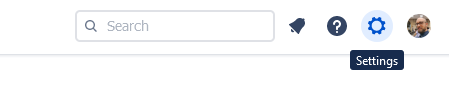
Click Find new apps in the Atlassian Marketplace section of the menu
As a search term, enter Smartsheet Integration for Confluence
#Step 2. Start your trial
Select it, then click the Try it free button
In the modal window, confirm your installation by clicking on Start Free trial now
This will activate a 30-day trial.





















