
Thumbnails are not showing
If thumbnails are not displaying in the Capable Images capability, use this guide to identify the most common browser-related causes and apply the recommended fixes.
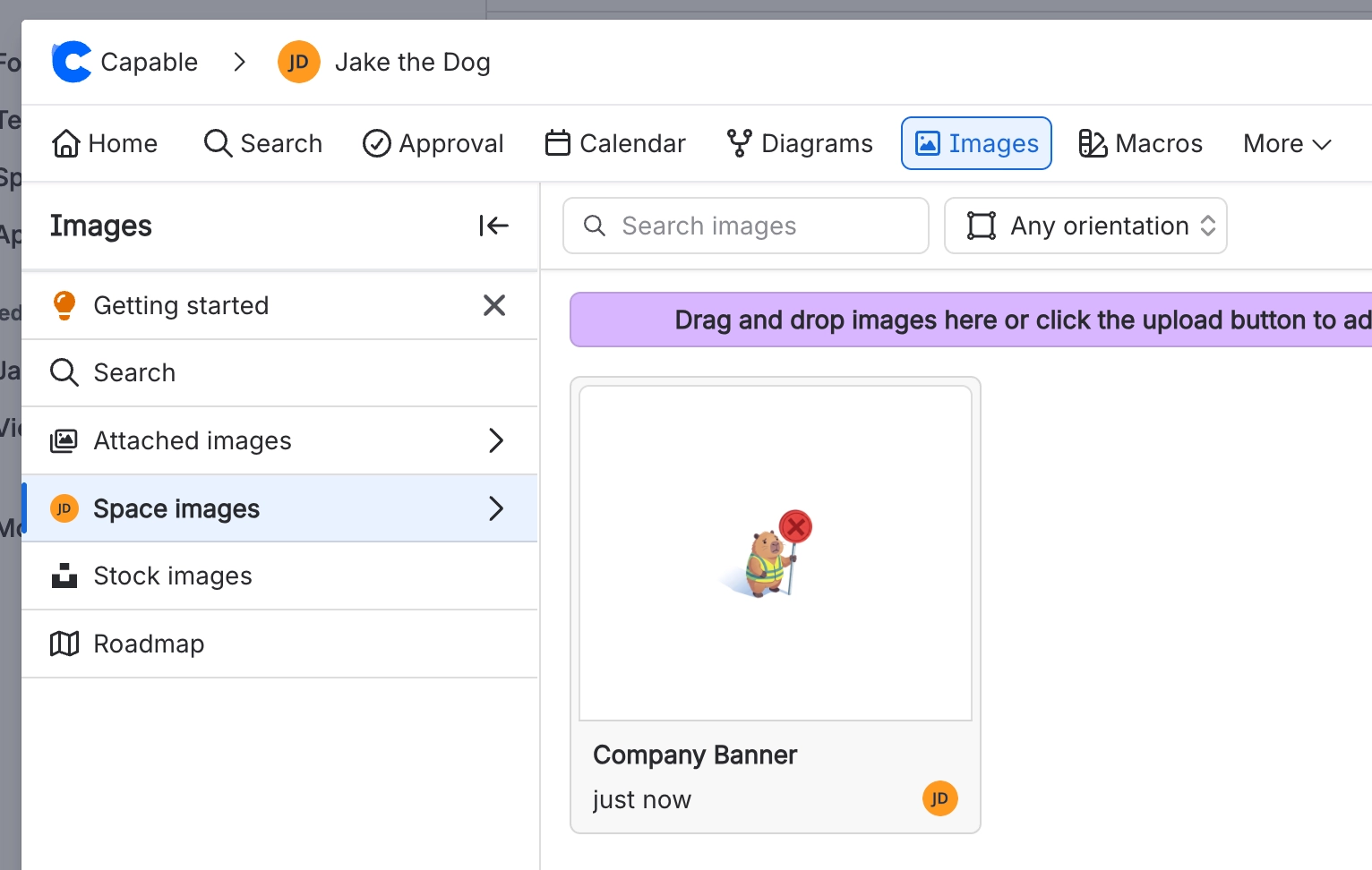
#Quick checks
Confirm that you are using a standard browser window, not incognito or private mode.
Check whether Firefox Enhanced Tracking Protection is blocking Confluence content.
Refresh the page after changing browser settings.
#Issue 1: Incognito or private browsing mode
Images shown in the Image browser may not load when the browser is running in incognito or private mode. These modes can restrict permissions and storage access that the application needs to retrieve and display thumbnails correctly.
#Recommended workaround
Open Confluence and Capable Images in a normal browser window.
Using the application outside incognito or private mode helps ensure that all image-related features work correctly and provides the best overall experience.
#Issue 2: Firefox Enhanced Tracking Protection
Firefox Enhanced Tracking Protection may prevent Confluence thumbnails from loading.
#Recommended fix
Add Confluence to the Firefox allow list, then reload the page to confirm that thumbnails appear correctly.
#If the issue continues
If thumbnails still do not appear after completing these checks, capture the browser, page URL, and any visible error message before escalating the issue.





















