# HTML macro
📝
Embed custom HTML and Tailwind CSS to create custom content with the HTML Macro.
| **Description** | Generate HTML to display on your Confluence pages with easy styling with Tailwind. |
| --------------- | ---------------------------------------------------------------------------------- |
| **Type** | Standard |
| **Guest** | :check\_mark: |
| **Anonymous** | 🕙 |
Display HTML code with Tailwind support directly within your Confluence page, providing a flexible and customizable way to enhance your content with HTML elements.
Whether you’re looking to embed custom scripts, add unique formatting, or integrate interactive elements, the HTML Macro makes it straightforward and versatile.
## [#](#showcase)Showcase
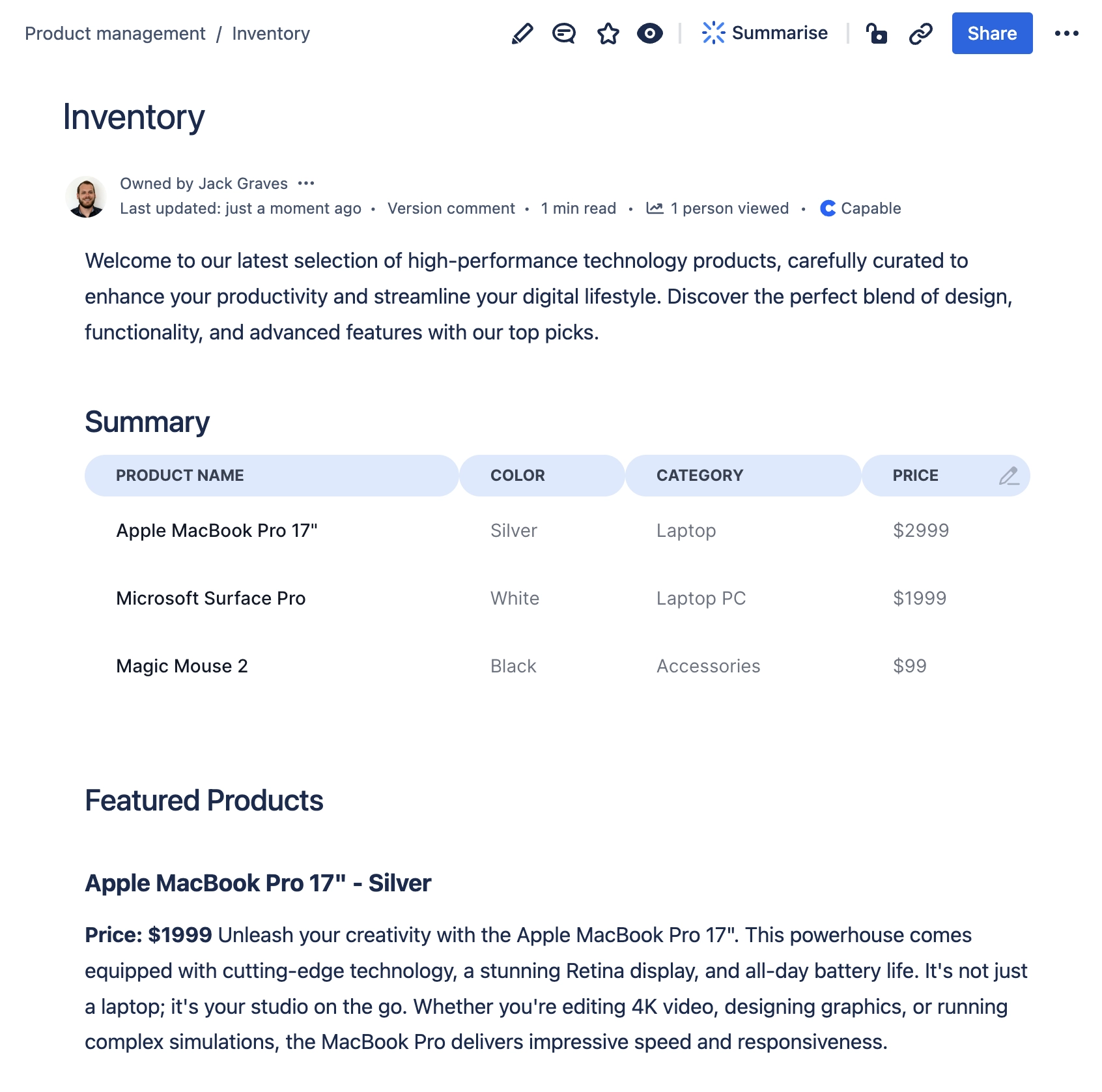
### [#](#custom-styled-tables)Custom Styled Tables
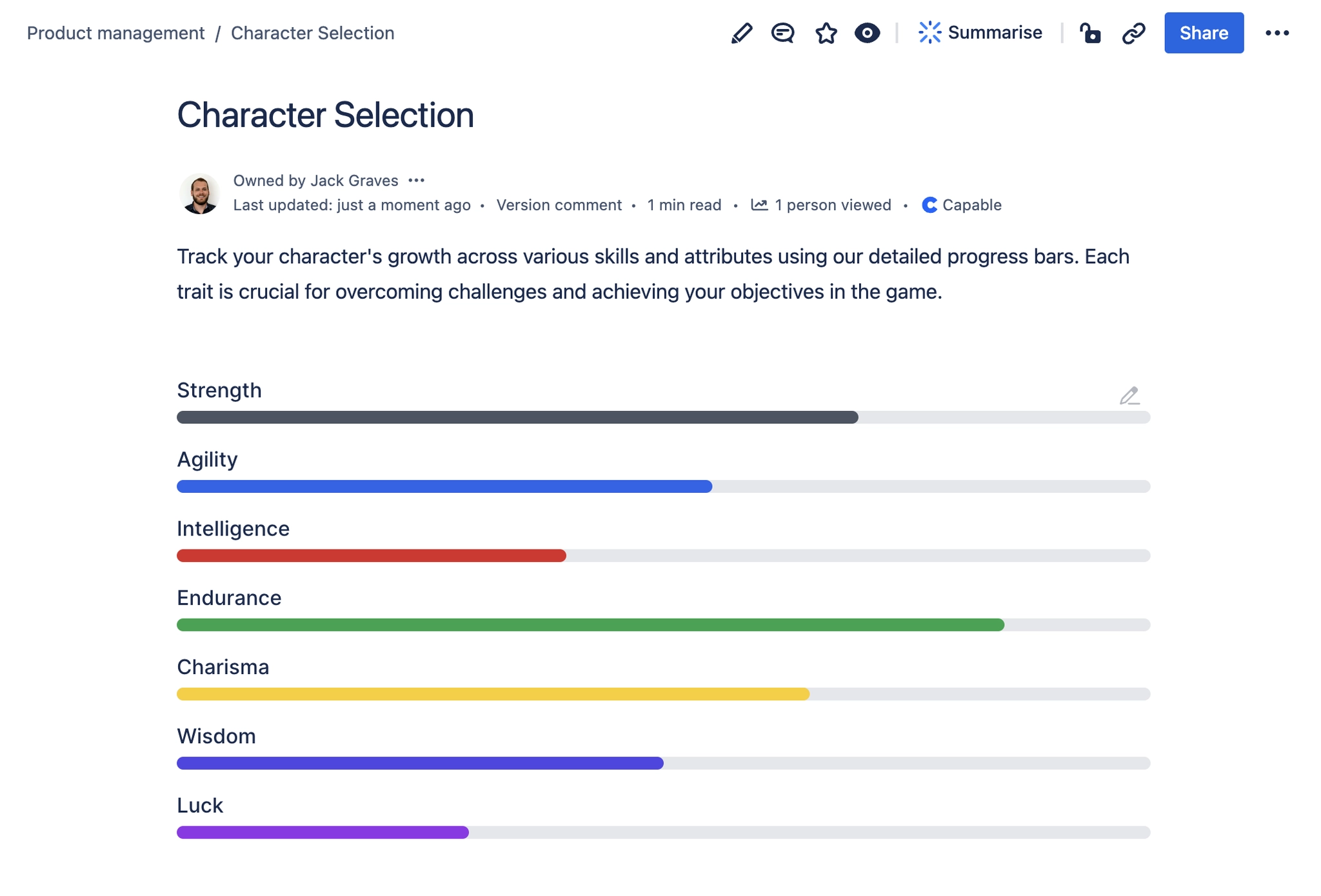
### [#](#comparison-progress-bars)Comparison/Progress bars
### [#](#showing-off-your-products)Showing off your products

### [#](#add-a-hero-or-jumbotron)Add a hero or Jumbotron

## [#](#step-by-step)Step-by-Step
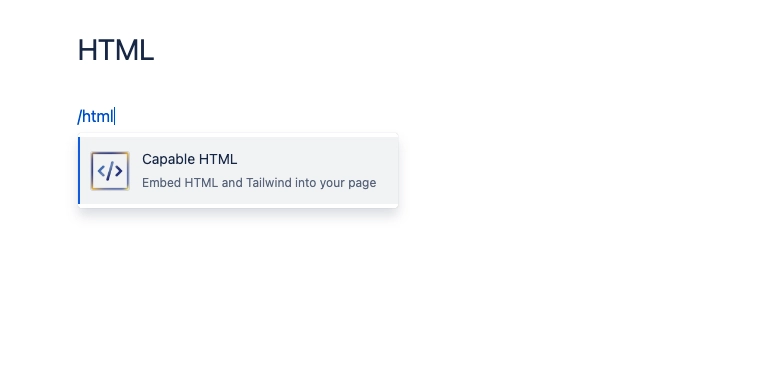
### [#](#1-open-the-editor-and-type-html-and-press-enter)1\. Open the editor and type `/html` and press Enter
### [#](#2-enter-some-html-and-css)2\. Enter some HTML and CSS
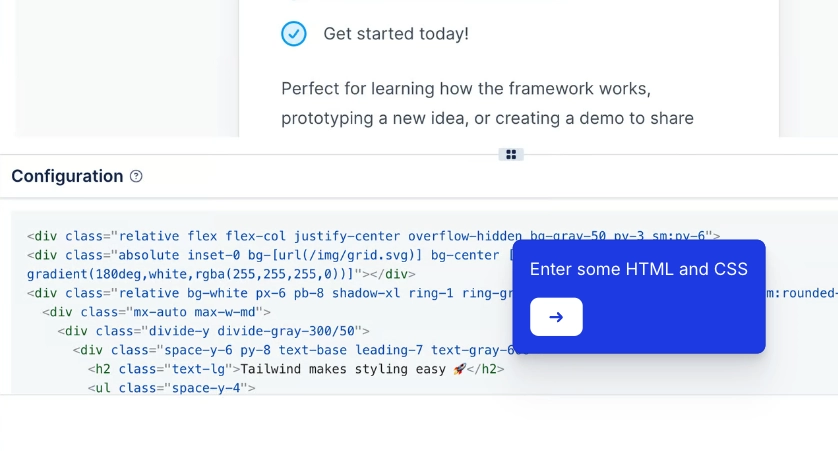
### [#](#3-once-happy-click-save-and-don-t-forget-to-update-your-page)3\. Once happy, click save and don't forget to update your page!

# [#](#templates)Templates
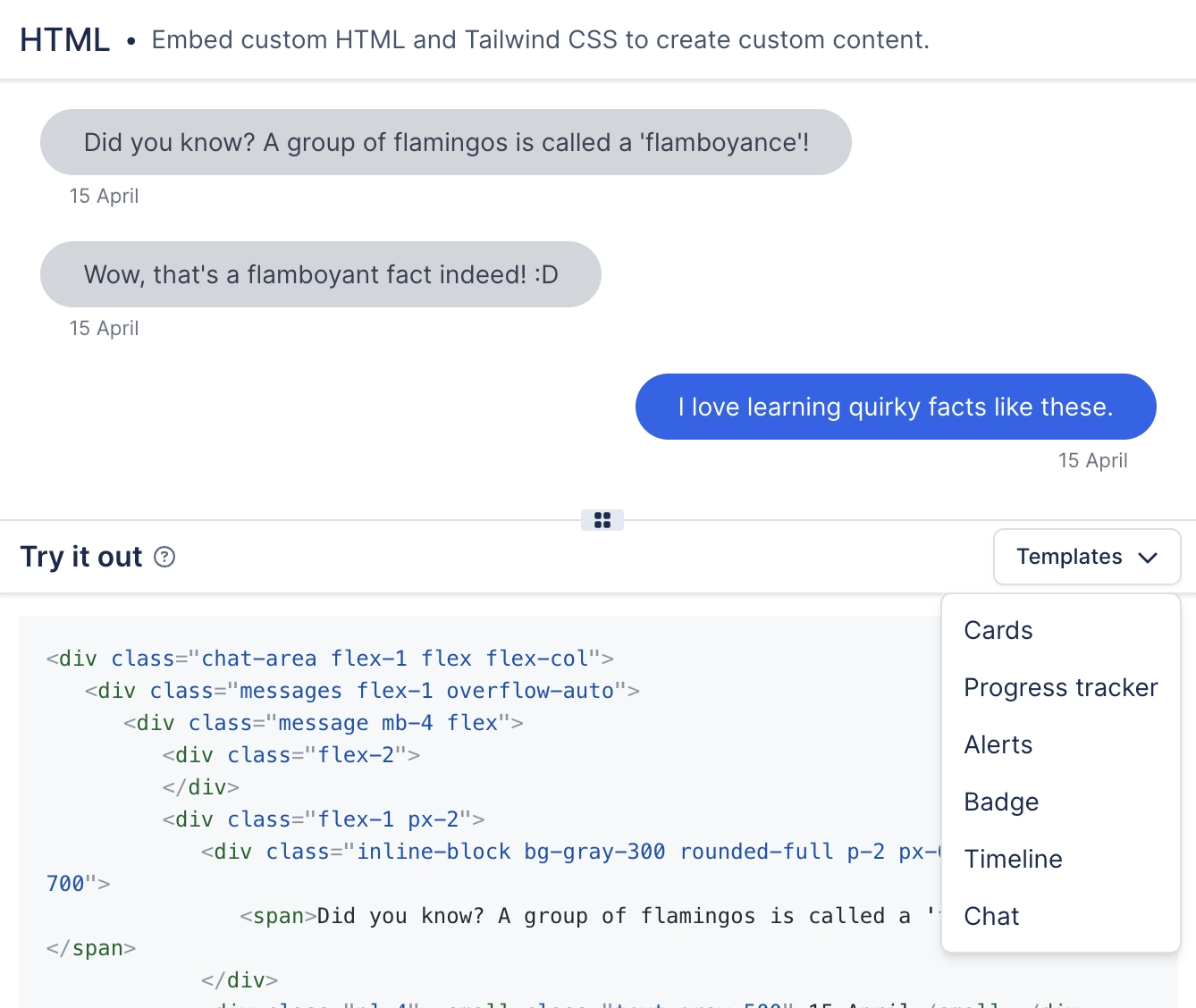
We provide a variety of built-in templates for the HTML Macro:
* Cards
* Progress tracker
* Alerts
* Badges
* Timeline
* Chat
You can access them from the dropdown in the top-right of the configuration screen: