# Exporting the HTML Macro
You can export HTML embedded into pages using the ‘Export to PDF’ or ‘Export to Word’ options in the '…' menu.
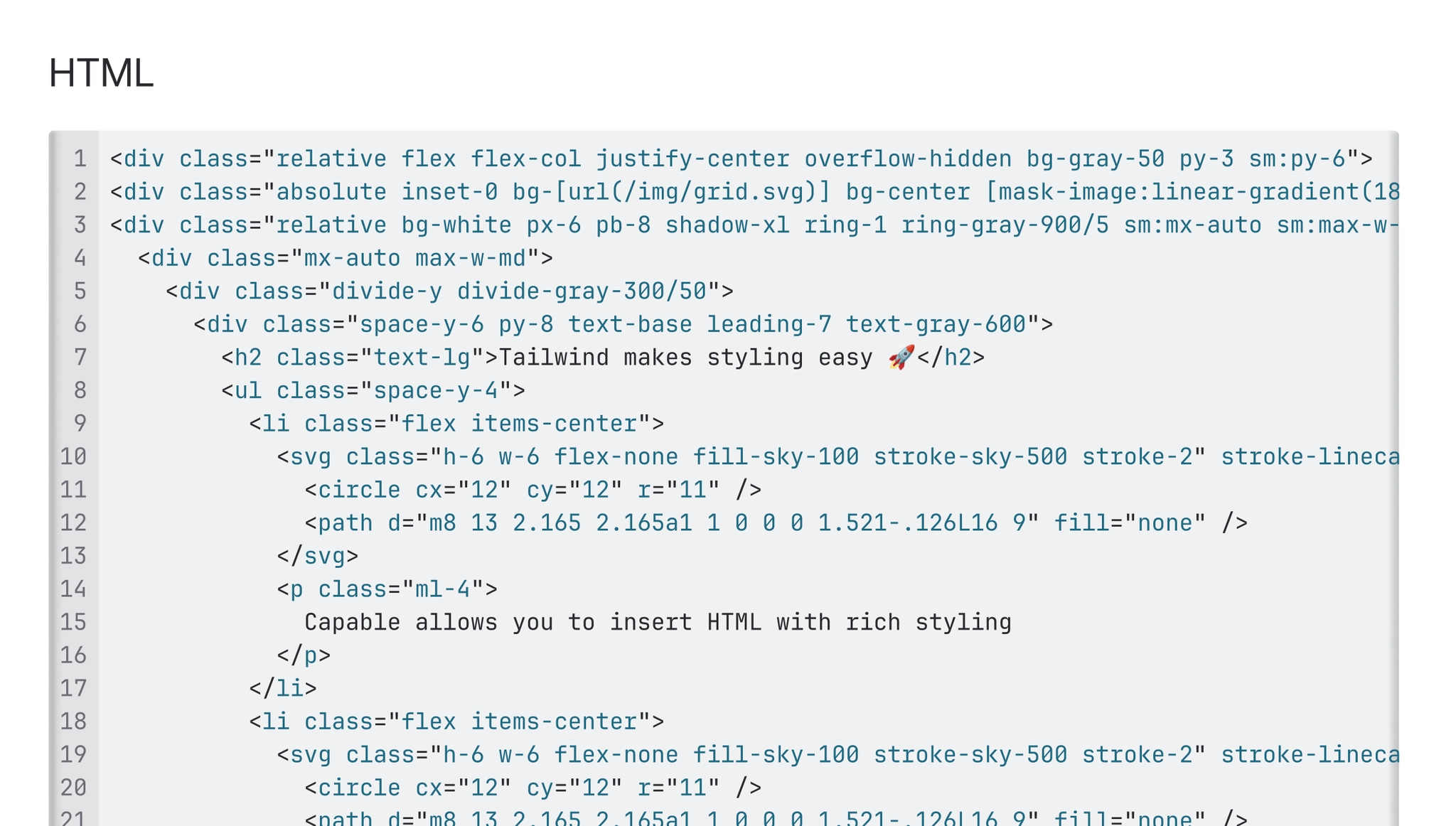
An example of the export is available below:
