.png)
How to update Capable

By following these steps, you can successfully update marketplace apps in your Atlassian Confluence Cloud instance.
To update marketplace apps in Atlassian Confluence Cloud, follow the steps outlined below:
1. Log In with Admin Privileges
Start by logging into your Confluence Cloud instance with an account that has admin privileges.
2. Access App Administration
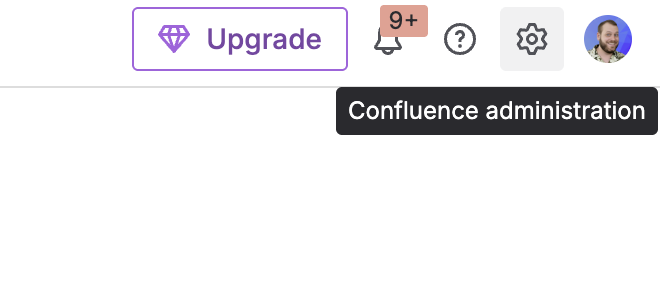
Click on the settings icon (gear icon) in the top bar.
3. Navigate to Manage Apps
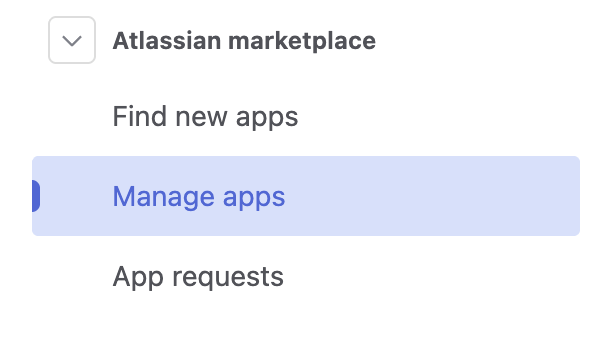
In the Apps administration page, click on ‘Manage apps’.
This will display a list of all installed apps from the Atlassian Marketplace.
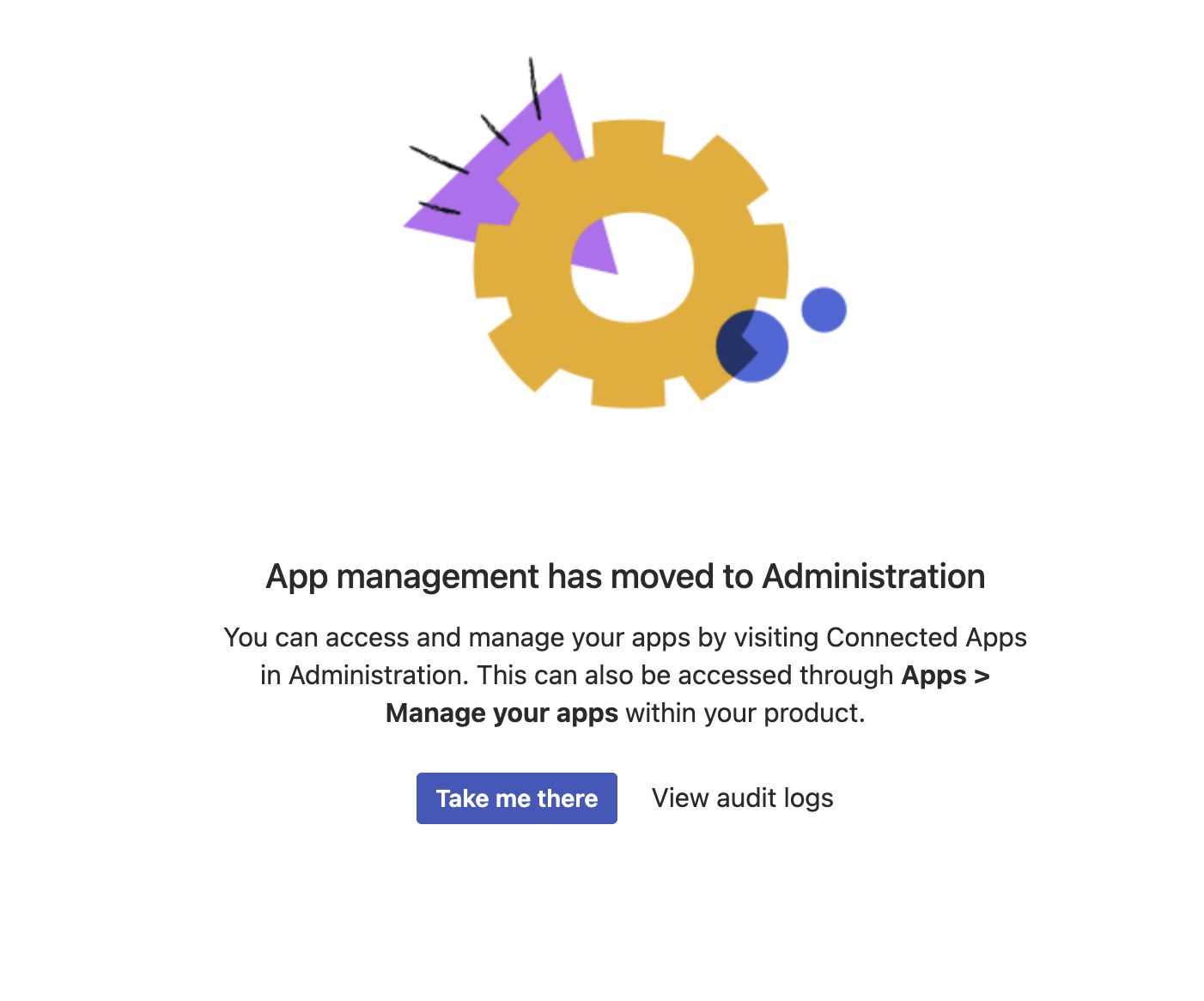
4. Click on ‘Take me there’
Atlassian have moved this screen.
4. Identify Available Updates
Here, you will see a list of apps that have available updates.
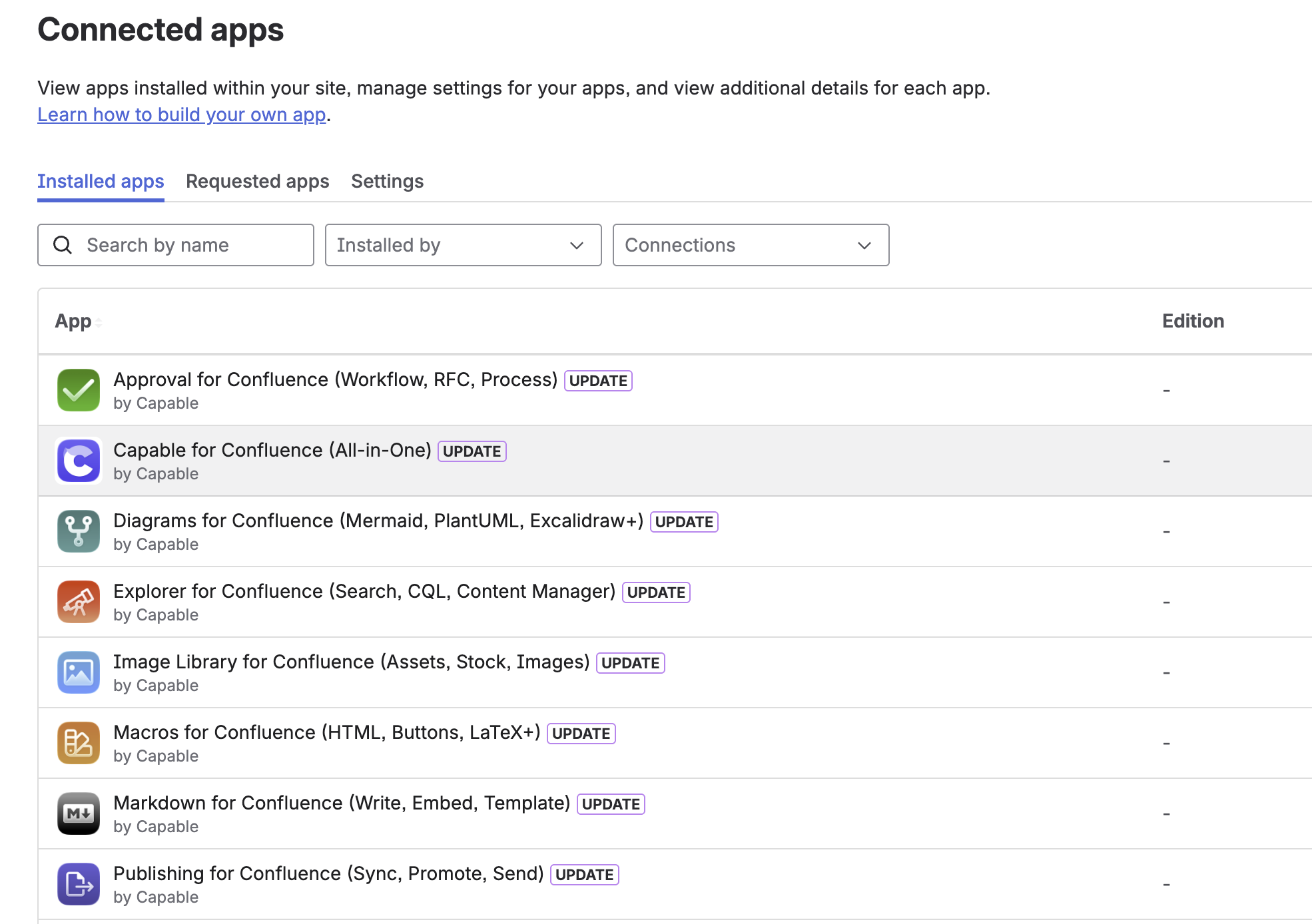
5. Perform the Update
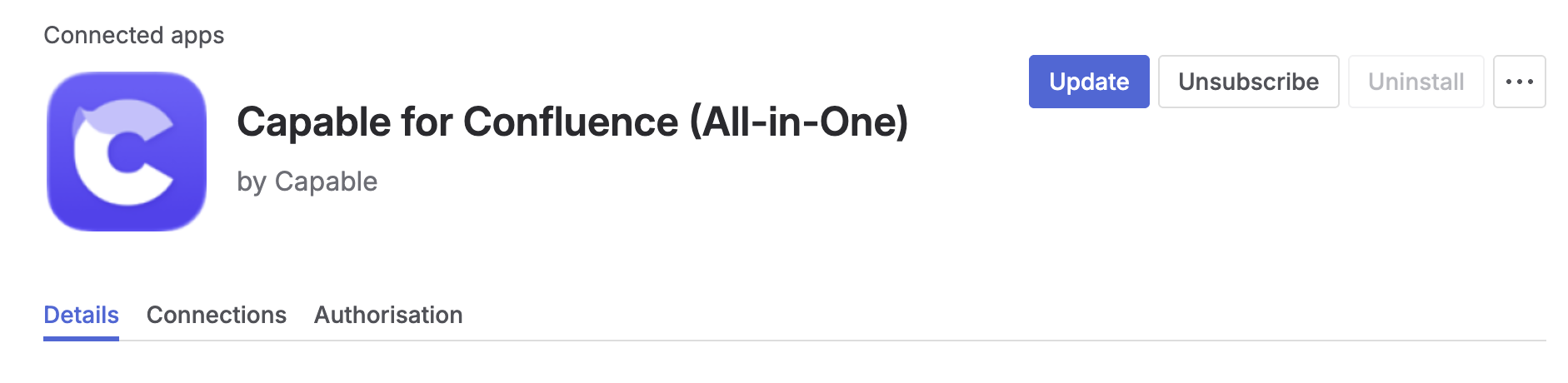
Click on ‘View app details’ and then ‘update’ in the top right corner.